

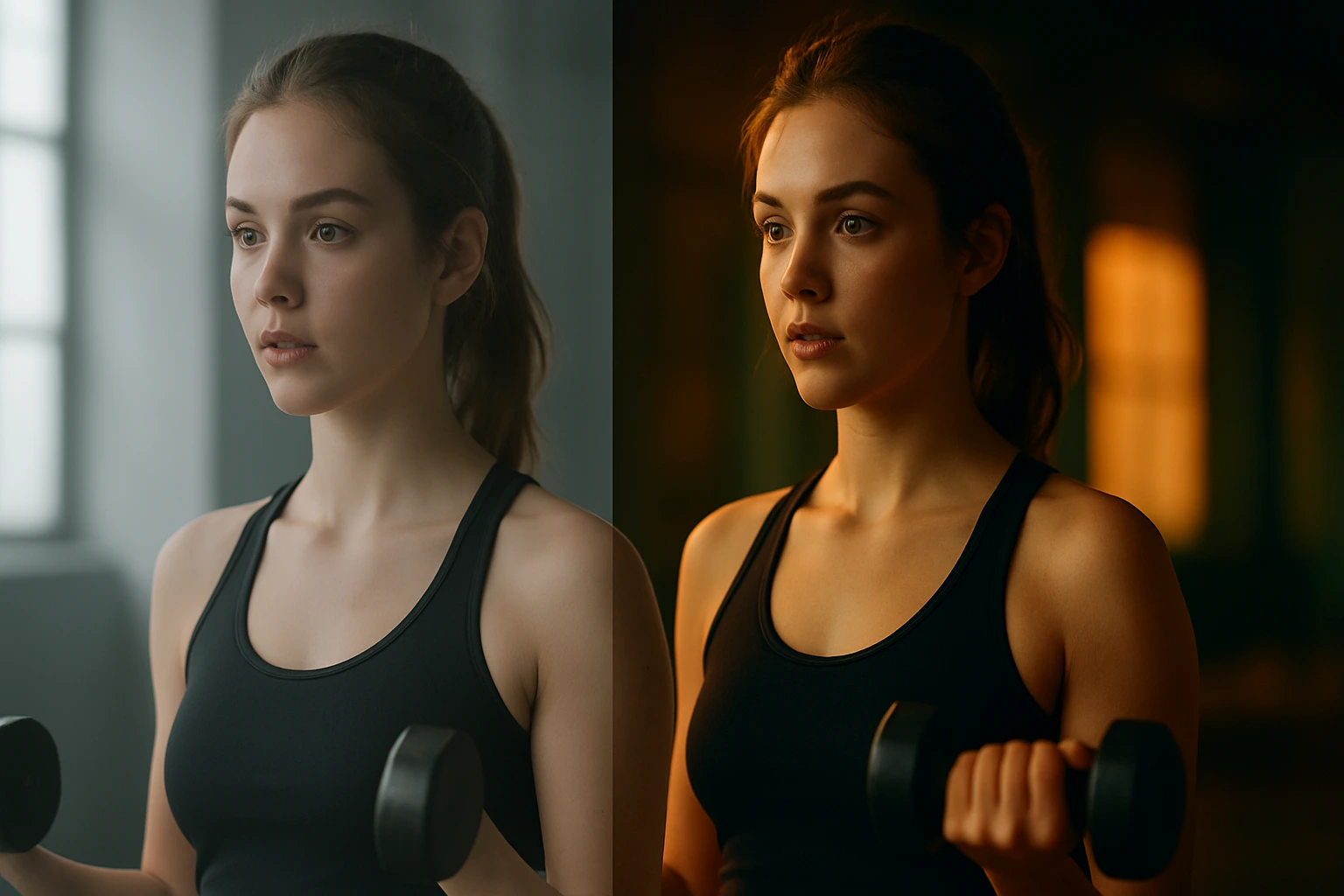
Breathing Life into Videos with AI-Powered Color Grading
Have you tried AI color grading to instantly transform your videos? It has surely happened to you that you watch a raw video that looks dull and ordinary, but once its color and lighting are fixed, it suddenly turns into something professional and eye-catching! 🎬
That’s where AI color grading and video editing show their importance. Colors not only improve the visual appearance but can also change the mood of a scene; for example, a simple shot can turn into a joyful, sad, or even cinematic atmosphere with just a color change.
The good news is that we no longer need to do everything manually and tediously. With the arrival of Artificial Intelligence (AI) like AI color grading, many of these tasks can now be done with just a few clicks—faster, more accurately, and smarter.
In this article, we’ll explore some exciting tools that make our work much easier.
🤖 Why is AI important in color correction and video editing?
In the past, if you wanted to properly edit a video, you had to spend a lot of time: adjusting colors shot by shot, removing noise, or creating separate color profiles for each camera. In short, it was difficult and time-consuming, and only professionals could handle it.
But now the story has changed. AI has stepped in and handles many of those tedious tasks by itself. For example:
- Matches colors across different shots.
- Makes skin tones look more natural.
- Removes noise and shakes.
- Can even bring old videos back to life and dramatically improve their quality.
This means it’s no longer just professional filmmakers who can produce cinematic videos; anyone with a laptop and some AI tools can create results that truly look professional. 🚀
🎨 Review of AI Software and Tools
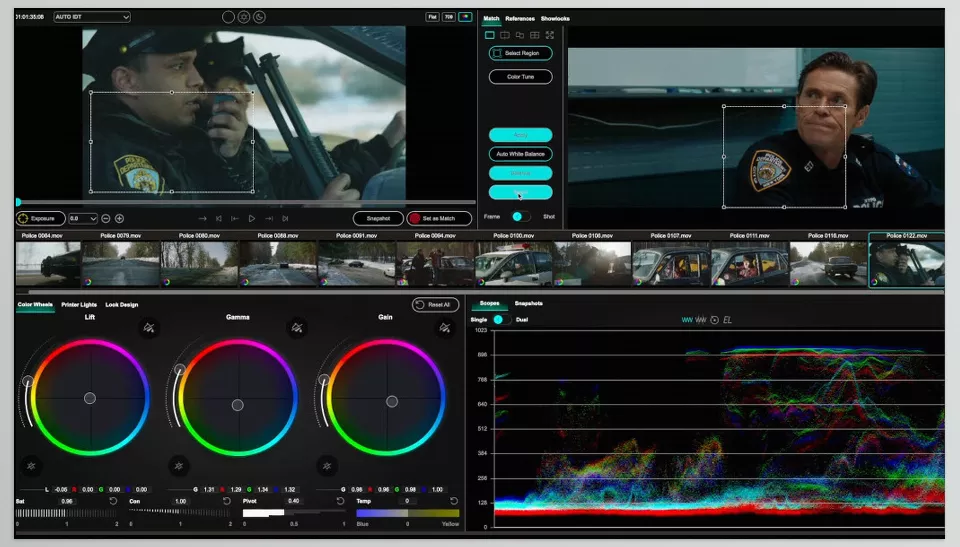
🔹 ColorLab AI
ColorLab AI is an advanced tool for color correction and creating cinematic styles, powered by AI. It specializes in AI color grading, ensuring professional results with minimal effort.
- Features and Capabilities:
- Automatic Color Match → Matches colors across different shots without manual adjustment.
- Look Transfer → Transfers color and style from a reference film or shot to the user’s video.
- AI Skin Tone → Automatically corrects skin tones for more natural faces.
- Smart LUTs → Creates custom LUTs based on the image and existing lighting.
- Integration → Works independently or as a plugin inside DaVinci Resolve and Premiere Pro.
- Main Use: Creating cinematic styles, matching different shots, saving time for colorists and editors.
🔹 AutoColor (Media.io)
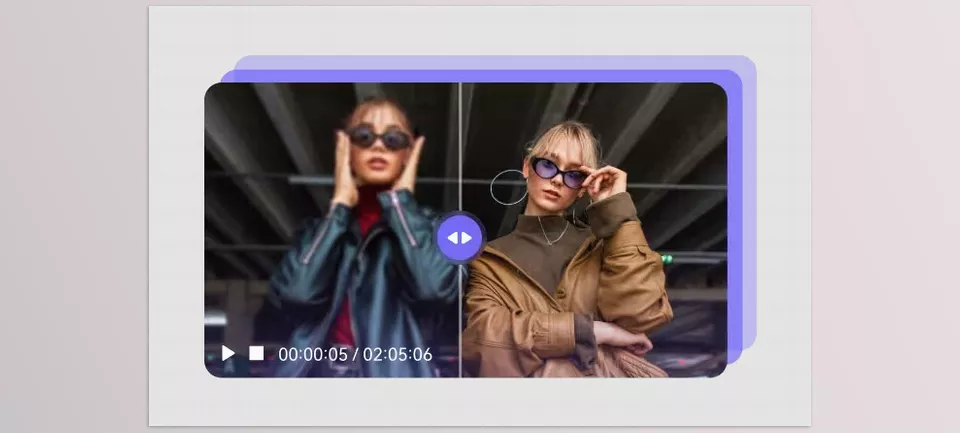
AutoColor by Media.io is a free AI-powered tool for instant photo and video color correction. It simplifies the process of balancing exposure, contrast, and tones with just one click, making colors look natural and vibrant.
Features and Capabilities:
- Automatic Color Correction → Adjusts exposure, white balance, saturation, temperature, and contrast instantly.
- AI Enhancement → Improves color vibrancy and overall look without manual editing.
- Multi-format Support → Works with JPG, PNG, WebP, BMP for images, and MP4, MOV for videos.
- One-Click Workflow → Upload, process, preview, and download with no watermark.
- Web & Desktop Access → Available online and via downloadable software for more flexibility.
Main Use: Quick and effortless correction of photos and videos, ideal for users who need fast, polished results without advanced editing skills.
🔹 Vmake AI – Smart AI Color Correction Upscaler
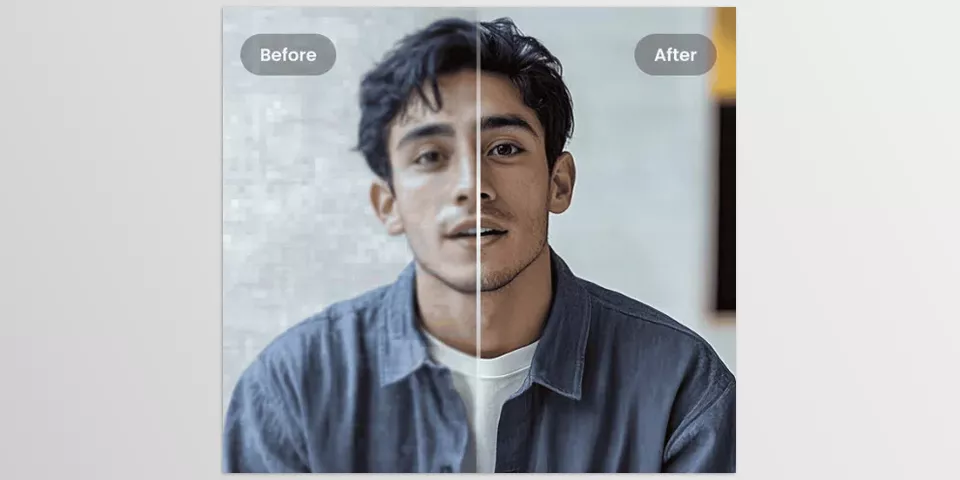
Vmake AI offers an advanced AI tool that combines color correction and video upscaling. It enhances low-quality or poorly lit footage by improving tones, contrast, and colors while simultaneously increasing resolution.
Features and Capabilities:
- AI Color Correction + Upscaler → Automatically fixes exposure, color balance, and saturation while upscaling videos up to 1080p, 2K, or 4K.
- Frame-Level Enhancement → Processes each frame while preserving aspect ratio and original format.
- Quality Boost for Old Footage → Revives old, blurry, or dark videos like travel memories, events, or family clips.
- Simple Workflow → Upload a video (up to 200MB), choose resolution, and get enhanced output in minutes.
Main Use: Restoring and upgrading videos to modern quality standards quickly and effortlessly, without advanced editing skills.
🔹 Pixop
Pixop is an online AI-powered platform designed for restoring and enhancing old and archival videos.
- Features and Capabilities:
- AI Upscaling → Enhances video quality up to 4K or even 8K.
- Smart Denoising → Removes digital and old film noise.
- Deinterlacing → Converts old interlaced videos into modern progressive format.
- Color Restoration → Restores faded or damaged colors.
- Stabilization → Fixes shaky footage.
- Online Platform → No need to install software; everything runs on the web.
- Main Use: Restoring and upgrading old and archival videos, perfect for filmmakers, documentarians, and owners of historical content.
Comparison Table
Below is a comparison of top AI tools for videos and photos, showcasing their capabilities in AI color grading, color correction, quality enhancement, and cinematic styling.
| Product | Main Use | Key Features | Output / Integration | Ideal For |
|---|---|---|---|---|
| ColorLab AI | Creating cinematic styles, matching different shots | Automatic Color Match, Look Transfer, AI Skin Tone, Smart LUTs | Standalone or plugin for DaVinci Resolve & Premiere Pro | Colorists, video editors, filmmakers |
| AutoColor (Media.io) | Quick photo & video color correction | Automatic Color Correction, AI Enhancement, Multi-format support, One-Click Workflow, Web & Desktop Access | JPG, PNG, WebP, BMP for images; MP4, MOV for videos | Beginners, content creators, users seeking fast polished results |
| Vmake AI – Smart AI Color Correction Upscaler | Restoring & upgrading video quality | AI Color Correction + Upscaler, Frame-Level Enhancement, Quality Boost for Old Footage, Simple Workflow | Videos up to 4K, processed online | Users needing enhanced low-quality or old videos without advanced editing |
| Pixop | Restoring & enhancing old/archival videos | AI Upscaling (4K/8K), Smart Denoising, Deinterlacing, Color Restoration, Stabilization, Online Platform | Online video processing, up to 8K | Filmmakers, documentarians, historical video owners |
🏁 Conclusion
As we’ve seen, today AI tools have made color correction and video editing much easier and faster. Each of these tools has its own focus and specialty.
In the end, the best choice depends on your needs:
- If you want style and color matching → ColorLab AI.
- If you want quick and effortless photo or video correction → AutoColor (Media.io).
- If you want to restore, upscale, and enhance old or low-quality videos → Vmake AI – Smart AI Color Correction Upscaler.
- If you want to restore and enhance old videos → Pixop.
With these tools, even without professional knowledge, you can create outputs that look completely professional and cinematic to the audience. Mastering AI color grading ensures your videos reach that next level of cinematic quality.🚀
Not sure what color grading does or how LUTs help? Our guide about LUTs breaks it down in a simple way.

