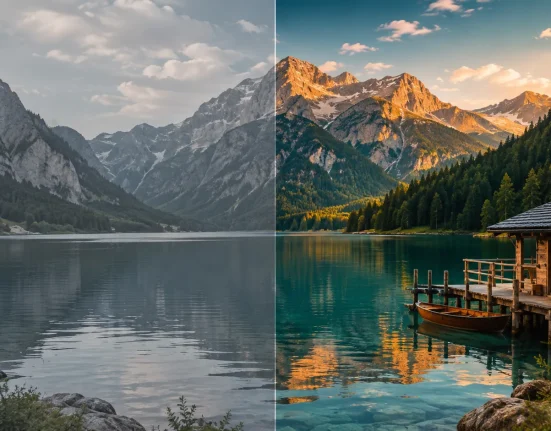

🌊 What’s Really Happening Behind a Calm-Looking Video?
Are you experienced in using the Motion Extractor Plugin? If you’ve worked with video editing, you’ve probably encountered scenes that look extremely simple or even ordinary at first glance—such as a peaceful landscape, a flowing river, or an almost static image. But the reality is that no video is ever truly static. There are always subtle changes happening within it, even if we don’t consciously notice them.
These tiny changes are what give an image its sense of life. For example, if there are moving leaves in the image, movement in the water’s reflection, or changes from one frame to the next, all of these elements contribute to the image’s life. However, most of these changes go unseen by the viewer.
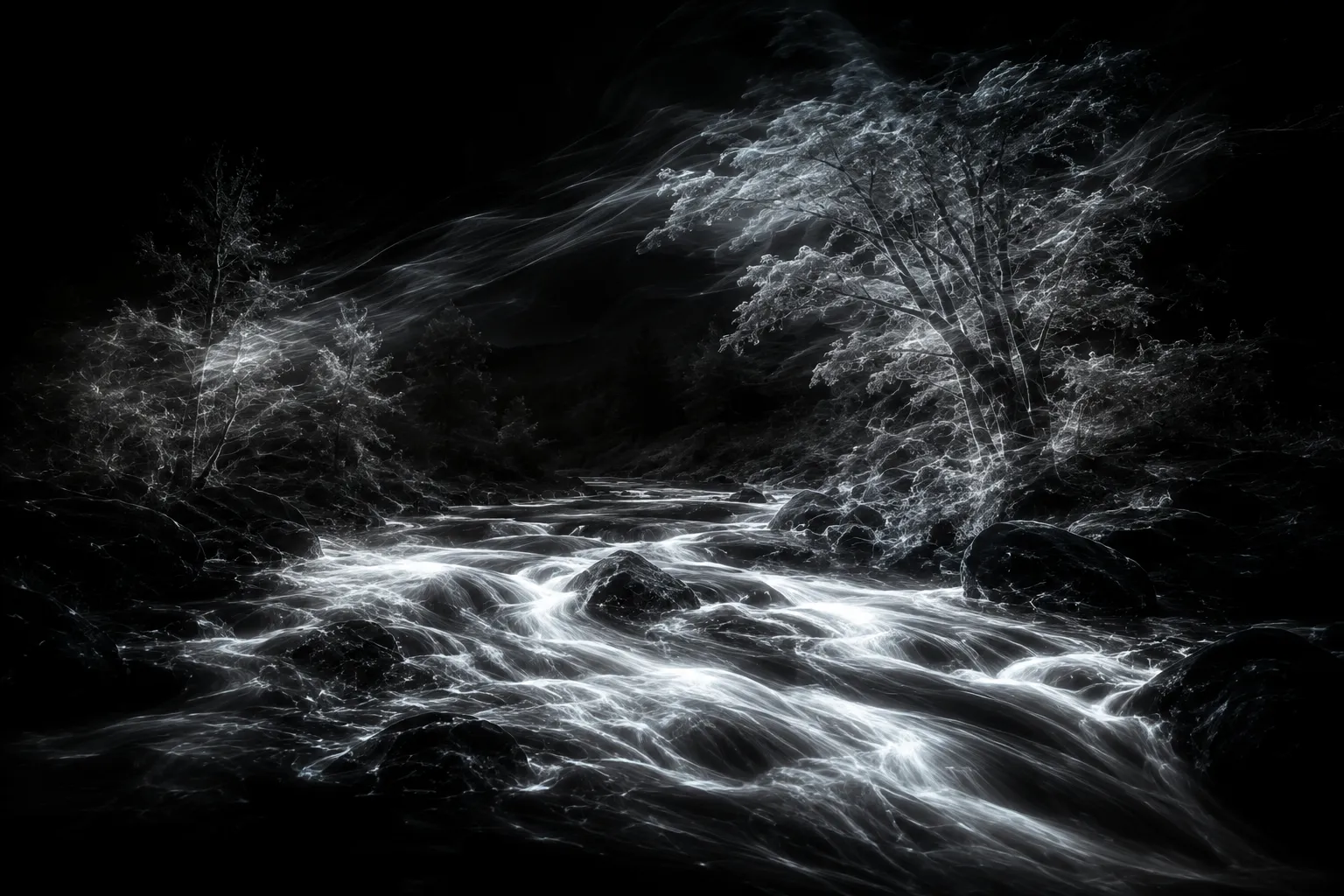
This is where an interesting idea comes into play: what if you could isolate motion within an image? Not the entire image, not the colors, and not the subjects—just the subtle changes occurring between frames.

🛠️ Traditional Methods for Detecting Motion in Video
Before specialized tools existed, editors had to rely on built-in features within editing and motion graphics software to analyze or visualize motion in videos. In applications such as Adobe After Effects—or even at a simpler level in Adobe Premiere Pro—this was typically done manually by combining multiple effects rather than using a dedicated, ready-made tool.
Some of the most common methods included:
- Comparing frames using the difference mode to identify changes
- Using Echo to create motion trails in an image
- Using Optical Flow to analyze movement between frames
- Combining multiple layers to simulate temporal changes
⚠️ Limitations of These Methods
Each of these techniques can help editors simulate and visualize motion in videos, but each method has inherent limitations. For instance, many of these methods introduce noise into the resulting video or image. Additionally, it is not uncommon for editors to require multiple attempts to find the correct combination of features in editing software to produce an acceptable result for their project.
🚀 What Does Motion Extractor Actually Do?
This is where Motion Extractor truly comes into play, changing the way you look at video. The core idea is simple: instead of showing you the entire image, it isolates and displays only the motion itself.
What does that mean? Instead of forcing you to recreate the effect with multiple layers and effects, it directly analyzes the frames and retains only the areas that genuinely change. The result isn’t just another output—it’s an entirely new way of seeing the same video. 🎬
✨ What Does It Offer?
What makes it interesting is that it’s not just a simple effect—it comes with a set of practical capabilities:
- You can separate motion from the image and view only the changes
- It helps reveal extremely subtle details, such as light flicker or wind movement
- Its outputs can be used as layers in compositing workflows
- It’s great for creating creative and unconventional visual effects 😄
- It works with editing software such as Adobe After Effects and Adobe Premiere Pro
🎬 Where Can You Use It?
Its biggest advantage is its ease of integration into real-world projects. Imagine a simple nature video—using this tool, you can make visible only the movement of water, wind, or other subtle changes, while everything else becomes less prominent.
It’s commonly used for:
- Creating artistic and creative effects
- Highlighting subtle movements such as water, smoke, or wind
- Supporting VFX projects and layer compositing
- Transforming a simple video into something far more dynamic and engaging
🎯 Why Is It So Appealing?
Because instead of adding something to a video, it helps you see what’s already there more clearly. In a way, it gives you a new perspective on the same footage. That’s exactly why its results often feel both unique and creative. ✨
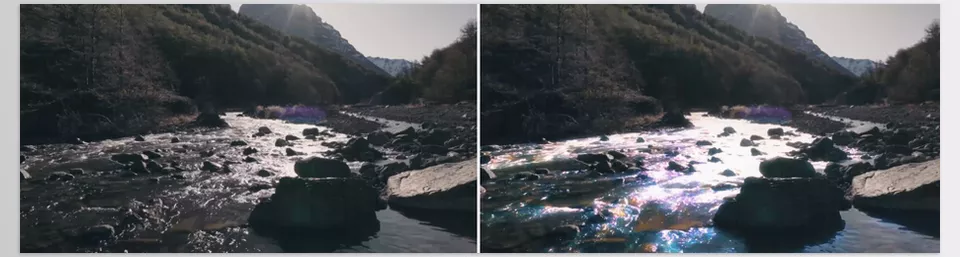

🎯 A Few Tips for Better Results
To get the best possible output from Motion Extractor, there are a few simple but important considerations that can significantly impact the final result. These are more practical guidelines than strict rules, but following them can noticeably improve your work.
- Choose the Right Footage 🎥
It’s best to use videos with clearly visible motion, such as flowing water, smoke, or leaves moving in the wind. The more natural and distinguishable the motion is, the more compelling the result will be. - Keep the Scene Simple 🌿
Busy scenes often produce cluttered and chaotic outputs. Simpler compositions help keep the focus entirely on the motion itself. - Combine It with Subtle Effects ✨
Using effects such as Glow or Blur can create a more visually appealing and cinematic look, especially when you’re aiming for a softer result. - Don’t Overdo It ⚠️
Adding too many effects or aggressive settings can make the result look messy and difficult to control. Always try to maintain a balance. - Think Artistically 🎨
This tool is more about atmosphere and artistic expression than complete realism. When used with that mindset, the results tend to become far more creative.
Overall, this tool performs best when treated as a creative instrument rather than a simple filter. The more thoughtfully and subtly you use it, the more impressive the results will be. 👍
🎬 Why Is This Tool Different?
🌟 The Motion Extractor Plugin is not just another plugin that can be downloaded and used by designers who work with video. This tool is a different way of looking at video. Instead of showing the video as it appears to the user, this lets them focus on the aspect of the video that most people tend to ignore: motion. This leads to numerous possibilities in how videos can be edited and designed.
When working in editing or motion graphics, you’re often searching for something that makes your work stand out—something that sets it apart from everything else. Motion Extractor is exactly the kind of tool that can transform an ordinary video into something creative and distinctive without forcing you to spend hours combining complex effects or relying on time-consuming manual techniques.
The most fascinating part is that it doesn’t actually add anything new. Instead, it helps you see more clearly. Once you learn to view motion separately from the image itself, an entirely new world of ideas begins to emerge—ideas that may have gone completely unnoticed before. That’s why, for anyone who works with video, a tool like this feels like more than just an option—it becomes a creative necessity.
If this article helped you and you use After Effects and want to get more confident with it, have a look at our article on After Effects Tools, where we explain how each one works and where it’s useful.