

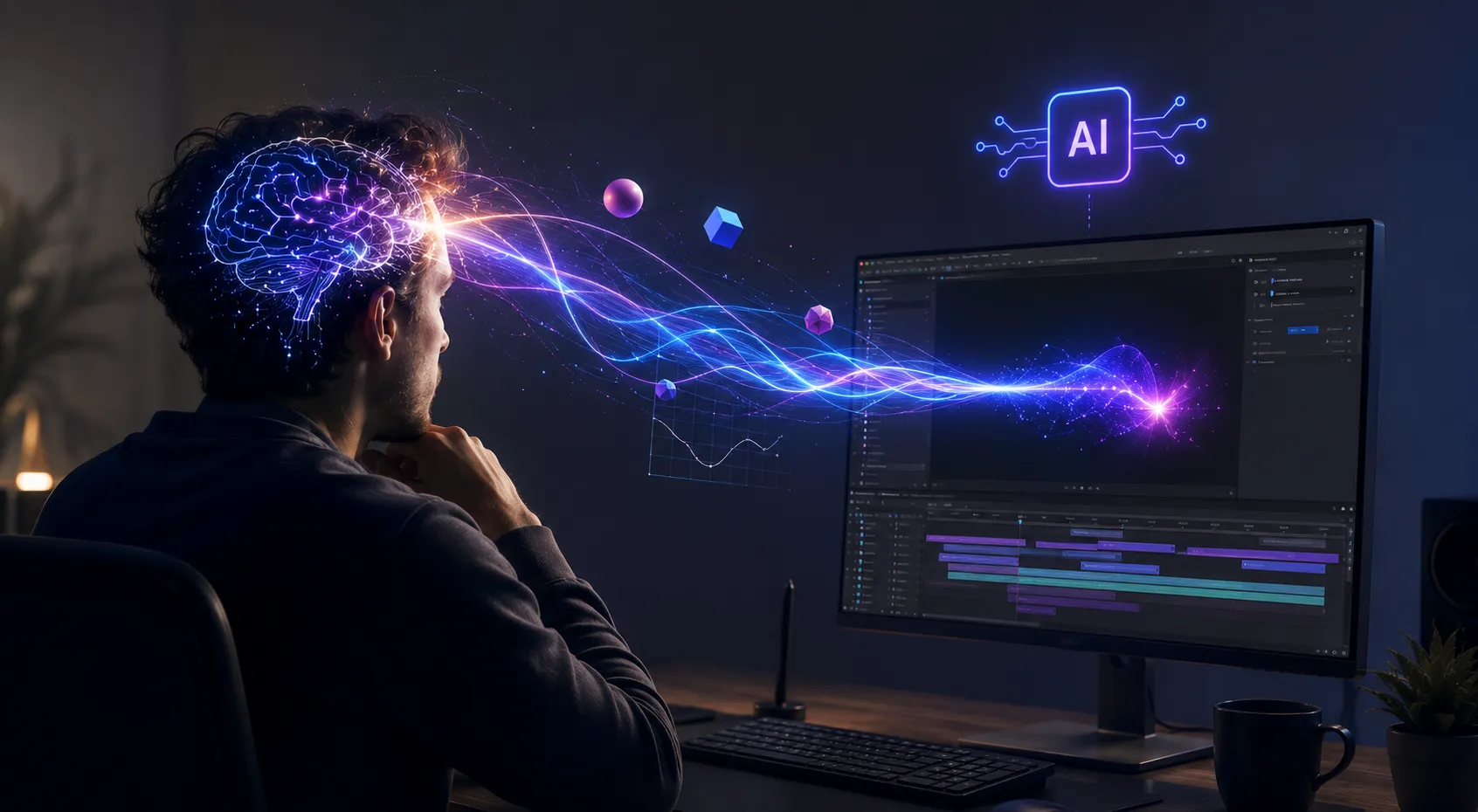
Got an Idea, but the Execution Feels Like a Headache? 🤔
Have you ever looked into the Sandbox Plugin by aescripts? If you work in motion graphics or video editing, chances are you’ve had brilliant ideas pop into your head in the middle of a project more times than you can count. Maybe you want to create an eye-catching 3D animation, design a unique typography effect, or turn a simple chart into a professional motion graphic. The idea is crystal clear in your mind, but when it comes time to execute it, things get a little different!
Usually, once you start working, you’re faced with countless settings, keyframes, effects, and sometimes even coding. No matter how experienced you are, some ideas come with so many details that it can take hours just to get close to the result you originally imagined.
The truth is, the problem often isn’t a lack of creativity. In fact, there are plenty of ideas—more than you might think! What makes the process difficult is the time and energy required to turn those ideas into a real output. That’s why tools that can shorten this process have become incredibly popular among motion designers and content creators these days. 🚀

What Does AI Animation Mean? 🎨🤖
These days, artificial intelligence is everywhere, and the world of motion graphics is no exception. The core idea is actually very simple: instead of building everything manually piece by piece, you simply describe what you have in mind in plain language, and the system handles a large part of the animation creation process for you.
For example, imagine simply typing, “Create a sales chart where the numbers gradually increase,” or “Have a piece of text enter the scene with a modern typography effect,” and then seeing a large portion of the work automatically generated for you—without dealing with endless settings, keyframes, and technical details.
This way of working is especially useful for projects such as promotional motion graphics, Instagram videos, animated infographics, 3D animations, and even educational content. It allows you to spend far less time on execution and focus more on brainstorming and creativity. ⏳
How Do We Create These Things Without These Tools? 🛠️
To be honest, before AI-powered tools came along, everything was done entirely by hand. If you wanted to create even a simple movement or a professional animation, you had to design and control every step yourself. Software like After Effects is incredibly powerful, but using it requires a great deal of precision and patience.
Typically, animation was created using methods such as:
- Creating multiple keyframes to control motion
- Using expressions for more complex behaviors
- Designing shape layers to build graphic elements
- Writing scripts for advanced tasks
- Installing and using various plugins
- Using code-based animation engines
The Challenges and Difficulties of These Methods 😅
The main issue is that the more complex a project becomes, the harder and more time-consuming it is to manage all these details. Often, creating just a few seconds of clean, polished animation requires hours of tweaking settings, testing, and refining details.
Sometimes, even a small change can disrupt your entire workflow, forcing you to reconfigure a large portion of the project from scratch. This is exactly why advanced projects such as 3D or interactive animations often require extensive experience and significant time for both learning and execution.
Sandbox: When AI Enters After Effects 🚀
Sandbox is essentially a plugin for After Effects and Premiere Pro that aims to accomplish something important: reducing the gap between “what’s in your mind” and “what actually gets created” as much as possible. Instead of building everything from scratch, you simply describe what you want, and the tool handles a large portion of the execution process for you.
Creating Animations Just by Writing a Prompt ✍️
One of Sandbox’s most exciting features is that you can create different types of animations simply by writing a basic description. Instead of diving into complex timeline details, keyframes, and technical settings, you just describe the result you have in mind, and the tool attempts to turn it into a real output.
🎯 2D Animations: You can create simple or even complex 2D scenes that include element movements, entrances, exits, and visual effects without manually adjusting every individual motion.
🎯 3D Animations: It can also help with building 3D scenes, from camera movements and object rotations to creating simple or complex environments.
🎯 Motion Typography: Text can enter scenes in different ways, transform itself, or move with a specific rhythm, without requiring you to manually build all those behaviors.
🎯 Physics Effects and Motion Simulations: Things like falling, collisions, or natural object movement—which are usually time-consuming to create—can be generated much faster here.
🎯 Interactive Animations: You can create behaviors that respond to user input or mouse movement, giving your projects a more dynamic and alive feeling.
🎯 Data Visualization: You can even transform raw data into engaging and easy-to-understand animations, such as visualizing sales growth or statistical changes through motion graphics.
This means that instead of spending a large portion of your time on repetitive technical work, you can focus more on ideation and shaping your creativity.
Support for Professional Behind-the-Scenes Tools ⚙️
Sandbox’s appeal goes beyond simply making animation easier. What happens behind the scenes is equally important. This plugin uses powerful engines well-known in real-world web development and motion graphics, ensuring the outputs are far more than simple previews.
Tools such as Three.js, GSAP, PixiJS, p5.js, and HTML5 Canvas serve as the core pillars of the system. This means that when you’re creating an animation, you’re leveraging technologies used in professional, large-scale projects. As a result, the outputs offer sufficient quality and flexibility, allowing you to edit them later or use them in more serious productions.
Creating Animated Charts from Real Data Files 📊
One of Sandbox’s most practical features is its ability to work with data. If you’ve worked with files such as CSV, JSON, or TXT, you know that turning this data into charts or motion graphics usually takes a lot of time and requires manual design work.
Here, however, the process is different. You simply import the data file, and the tool analyzes the information and converts it into charts or animated visuals. For example, you can quickly transform sales growth, statistical changes, or various trends into visual outputs. This capability is especially useful for creating video reports, educational content, or corporate presentations because it eliminates a significant portion of the manual design work.
Rigging SVG Characters Easier Than Ever 🦴
Sandbox also offers an interesting feature focused on SVG files. You can define different parts of a character—such as the head, arms, or body—individually so the system better understands each section’s role and how it should behave.
After this step, controlling the character becomes much simpler. For example, you can issue a simple command such as “wave the hand” or “rotate the head,” and the system will automatically apply the movement to the character’s structure. This eliminates the need for complex and time-consuming rigging workflows and helps you achieve usable results much faster.
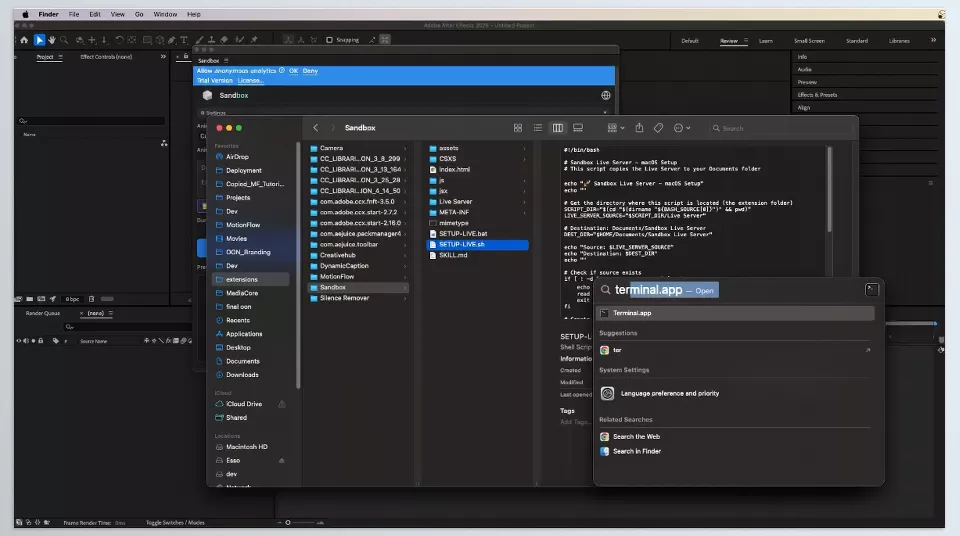

A Few Tips for Getting Better Results 🎯
Before diving into the details, keep these tips in mind because they can genuinely improve the quality of your outputs by several levels.
Be Precise and Detailed
The more specific your prompt is, the closer the result will be to what you have in mind.
Avoid Vague Descriptions
Instead of using general statements, always specify the motion style, timing, and visual direction in your prompt.
Think and Write Like a Scenario, Not a Dry Command
Rather than giving a simple instruction, imagine the entire scene as a scenario and write it that way.
Instead of Saying “Create an Animation,” Specify Exactly What You Want
For example, say: “A text should enter from the left over 2 seconds and have a soft bounce effect.”
Treat the First Output as a Starting Point
Don’t consider the initial result final; make sure to refine and adjust it.
Personalize It with Your Own Taste
Adjust the colors, motion speed, and overall feel of the animation to match your style.
Don’t Leave Everything to AI
AI helps, but the final creative decisions should remain in your hands.
Keep Your Director’s Role
You should guide the project, not simply accept whatever output is generated.
These tips may seem simple, but once you apply them, your outputs can reach an entirely more professional level 🚀
Bring Your Ideas to Life Faster! 🎬🔥
Sandbox was built specifically to minimize the distance between “a great idea” and “a usable output.” Many tasks that normally require a significant amount of time and effort in After Effects become much faster and simpler here, making your workflow smoother and reducing long interruptions.
For motion designers, editors, and content creators, the result is something valuable: more free time to focus on ideas, visual compositions, and creative decisions. Instead of getting stuck in repetitive details, you can spend more time refining the final look and feel of your project.
Ultimately, what remains is a faster, more comfortable workflow—one where the ideas in your mind are transformed into visuals and animations with far less friction. This speed of execution not only helps projects move forward in a more organized way, but also gives you more opportunities to experiment with new styles 🚀✨
Take your After Effects skills further by exploring our After Effects Tools article, where every feature is explained in detail with practical examples.