

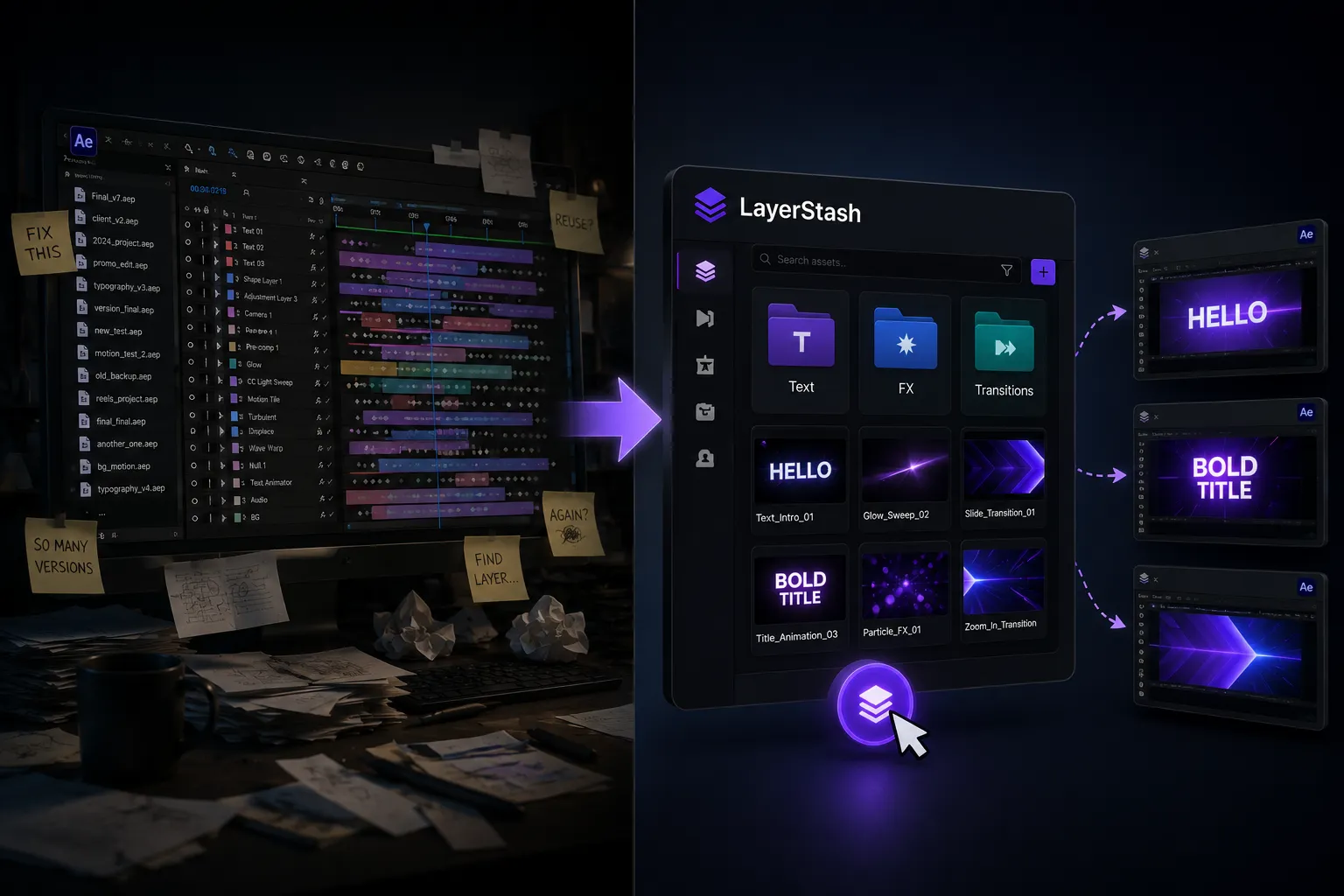
✨ That Moment When Everything Starts Feeling Repetitive…
Are you familiar with the LayerStash Plugin by aescripts? If you’ve worked with motion graphics, this scenario is very familiar to you. You create an animation with a lot of precision and attention to detail—from the smallest keyframes to effect settings and timing adjustments—carefully building everything so the final result turns out exactly the way you imagined it. The moment you see the final output and everything works perfectly, it feels great because you know how much time and effort went into every frame.
But the story usually doesn’t end there. A few days or a few weeks later, in a completely different project, you find yourself needing that same style of movement, the same type of transition, or even the same text animation again. At first, it might seem simple because you’ve already done it once. But once you get into the project, you realize that nothing is ready to use, and you have to go through the entire process from scratch.
That’s when the frustrating feeling of repetition starts to show itself. It’s not that doing it is difficult, but a question inevitably arises: why should something that has already been built need to be rebuilt from the ground up? Especially when you know the final result will be almost identical to something you’ve already created before.

🎬 An Idea That’s Extremely Simple, Yet a Lifesaver
In the world of motion graphics, many things look different on the surface, but if you look more closely, a large portion of them are repetitive. Text animations, transitions, lighting effects, and even complex structures inside precomps are constantly being recreated across different projects.
That’s where a very simple but important idea emerges: the ability to save a layer exactly as it is, with all its details, and reuse it at any time with a single click. No rebuilding. No reconfiguring. No starting over.
🧱 What Happened Before You Had This Tool?
Adobe After Effects provides a few built-in ways to reuse work you’ve already created, but none of them are really what most people wish for. Usually, you have to jump between different methods just to make things work.
For example, people typically do things like:
- Copy layers and paste them into a new project
- Keep a project as a template for future use
- Separate reusable sections using precomps
- Manually save certain effects for later use
- Create separate animation files and import them when needed
On the surface, all of these methods work. But the reality is that as projects become more serious and complex, even these simple approaches start to create problems.
⚠️ When “Convenient” Turns Into “Frustrating.”
The issue is that these methods aren’t particularly reliable for professional workflows and large-scale projects. Very often, when you move a layer into another project, expressions stop working correctly or break entirely. Sometimes the links between precomps and layers get lost, and suddenly you’re forced to figure out what was connected to what.
On top of that, the more projects you create, the harder it becomes to find a specific animation among countless files and different versions. Eventually, instead of working faster, you end up spending more time rebuilding things you’ve already created or recreating them from scratch.
🧠 What Exactly Does LayerStash Do?
This is where LayerStash truly shows its value. The concept is incredibly simple on the surface, but in practice, it can completely transform a motion designer’s workflow. It allows you to save any layer in Adobe After Effects with all its details intact and restore it to any project later with a single click.
And when we say “all details,” we genuinely mean everything. Nothing is removed or simplified. It’s simply stored exactly as it is.
📦 What Exactly Gets Saved?
- Text and typography settings
- Shape layers
- Effects and their exact configurations
- Keyframes and animation timing
- Expressions (including complex ones)
- Nested precomps and complete layer structures
In other words, it creates a complete snapshot of a layer, not a simplified one.
🔁 Returning to Something You’ve Already Created
The most appealing part is that this tool isn’t designed just for saving—it is designed for reusing without friction. When you load a layer again, there’s no need to fix or reconfigure anything. The same animation, the same movement, the same feel… everything comes back exactly as it was.
Imagine this: you create a text animation for an advertising video. You fine-tune the timing, perfect the easing, and finalize everything. The next time you need it, instead of starting from scratch, you simply grab that layer from your library and drop it into a new project.
⚡ Real-World Use Cases
This isn’t just a storage tool. It’s more like a personal library of everything you’ve already built. Its value becomes especially obvious when dealing with repetitive work.
For example:
- Transitions frequently used in Instagram projects
- Text animations for commercials and promotional videos
- Lighting effects, glitch effects, or reusable motion presets
- Complex compositions containing multiple nested precomps
Each of these elements tends to reappear across different projects. But instead of rebuilding them, you simply select and reuse them.
🗂️ From Scattered Projects to a Real Library
One of the most significant changes LayerStash brings is organization. Your work is no longer scattered across different projects. Animations don’t get lost inside old files or remain trapped in a single project forever.
You can easily create your own categories, such as:
- 🎬 Text Animations
- ⚡ Transitions
- ✨ Effects & FX
- 👤 Client-Specific Projects
Over time, this helps you build a personal system that not only speeds up your workflow but also gives you much greater control over your creative style.
Ultimately, instead of every project feeling like a completely new beginning, it becomes a combination of things you’ve already created—and that’s exactly where speed and creativity come together.
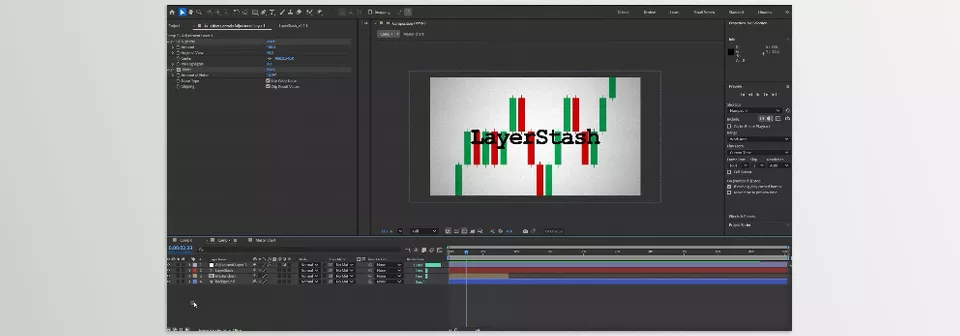
🛠️ Pro Tips and Techniques for Getting the Most Out of LayerStash
Here are some key tips to help you use LayerStash like a professional tool, not just a simple layer storage system:
🧩 Clean Up Layers Before Saving
Remove extra layers, unused null values, and ambiguous names. What you save should be “understandable” and tidy, since you’ll reuse it many times later.
🏷️ Maintain a Consistent Naming System
Always follow a pattern, for example:
Text_Intro_FastFX_Glow_Soft
This helps you avoid getting lost in your library later.
📂 Organize by Category, Not by Project
Instead of “Project 1, Project 2,” organize your library based on the type of work:
- Text Animations
- Transitions
- FX / Effects
- UI Motion
🎯 Don’t Save Highly Dependent Layers Separately
If an animation heavily depends on multiple layers or precomps, it’s better to save the entire structure at once, not in pieces.
⚡ Create Multiple Versions of the Same Animation
Don’t save a great motion just once; make light/heavy/fast versions so you have flexibility across different projects.
🧠 Turn Frequently Used Elements into Personal Presets
Anything you use more than 2–3 times should go into LayerStash. Otherwise, you’re just repeating the same work.
📦 Create a Separate Library for Each Client
This prevents style confusion and keeps each brand’s identity intact.
🔁 Quickly Save the Best Elements After Each Project
Don’t wait thinking, “I’ll save it later.” The best layers are usually the ones you need to save immediately.
In the end, these tips help LayerStash evolve from a simple storage tool into a serious part of your workflow that boosts both speed and organization.
🎯Build Less, Create More
If you want to look at it simply, LayerStash isn’t just an extra tool—it’s more like a mindset shift. It ensures that the work you’ve already created doesn’t sit forgotten in project corners or get lost among different files. Instead, it becomes something truly reusable. In a way, it makes the effort you’ve already put in actually “work” for you.
The problem many motion designers face is constantly rebuilding the same elements without realizing how much time is wasted. Once a good animation is made, it doesn’t make sense to go from scratch each time. That’s when having a real library of layers and animations becomes a necessity, not an optional extra.
Ultimately, the outcome is clearer than it seems: the less you spend on repetition and rebuilding, the more time you have to think, design, and improve your work. And this is exactly where LayerStash stops being just a tool—it becomes something that helps your workflow move faster, lighter, and more creatively.
If you liked this article and use After Effects and want to improve your skills, I suggest reading our guide to After Effects tools, where we go over different tools and what each is useful for.