🎬Have You Ever Spent More Time Editing a Short Video Than You Originally Expected?
Have you ever looked into the ViralREELS Plugin by Chris Boustedt? These days, creating an engaging short video isn’t just about having a great idea. Recording a video may only take a few minutes, but once you enter the editing stage, the real work begins. Choosing the right cuts, adjusting the pacing, adding movement to the visuals, and creating an engaging flow that keeps viewers watching are all details that significantly impact the final result.
On the other hand, when content creation becomes a regular part of your work, repeating all of these steps from scratch for every single video can be very time-consuming. This is especially true for creators who consistently publish Reels, Shorts, or other short-form videos, for whom editing speed is extremely important. They need to produce high-quality results while also maintaining a consistent publishing schedule.
This is where having ready-made tools, presets, and templates can make the workflow much easier. Instead of spending time recreating the same effects, captions, or animations for every project, you can rely on an established workflow and focus more on your ideas and creativity.

What Does a Professional Short Video Need? ✨
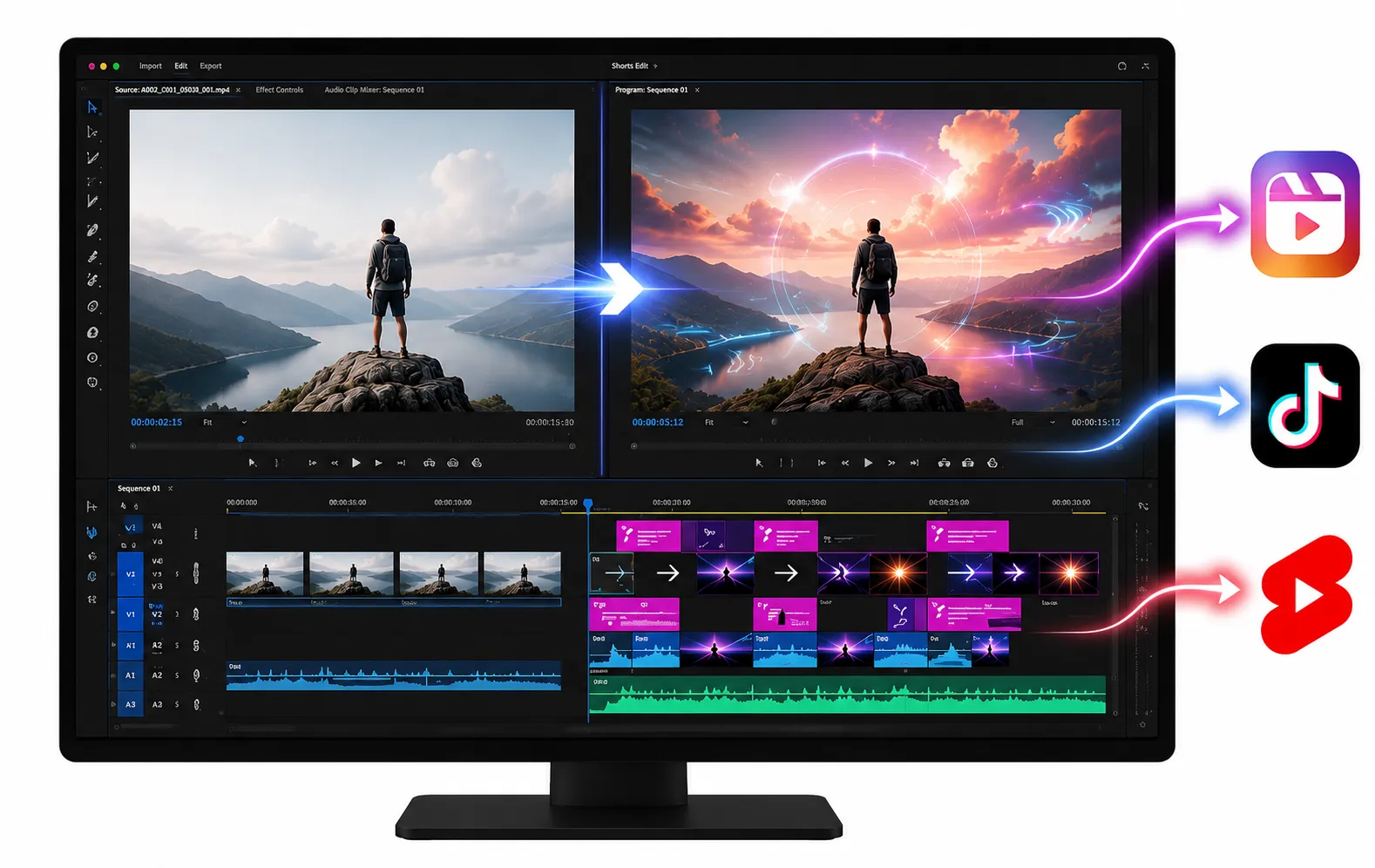
When it comes to short-form content like Reels, TikTok, or YouTube Shorts, having good footage alone isn’t enough. This type of content needs to capture the viewer’s attention within the first few seconds and maintain a strong rhythm that keeps them watching until the end.
Several key elements are essential for creating this type of video:
🎞 Fast and Engaging Pacing
Short videos usually have a much faster pace than traditional videos. Changing camera angles, adding smooth zooms, introducing movement, and making well-timed cuts all help create a more energetic viewing experience.
For example, in an educational video, you can use a simple zoom or resize animation to emphasize an important point and prevent the audience from feeling that the video is repetitive.
💬 Captions That Are More Than Just Subtitles
Many social media users watch videos without sound. That’s why on-screen text plays an important role.
A well-designed caption isn’t just there to display dialogue—it can also become part of the video’s visual design, helping make the content more engaging.
⚡ The Right Effects and Transitions
When used correctly, effects can give a video a much more professional feel. However, finding or creating those effects from scratch for every project is always time-consuming.
Traditional Methods of Creating Short Videos in Premiere Pro 🎛
Premiere Pro offers editors many tools for creating engaging short-form videos, and it’s entirely possible to build them from scratch without relying on third-party resources.
For example, using the software’s built-in features, you can:
- Use keyframes to create movement, zooms, scaling, and simple animations.
- Design captions and animated text using the built-in text tools.
- Enhance videos with default effects and transitions.
- Create your own templates for recurring projects and reuse them later.
This approach can be a great option for smaller projects or whenever you want complete control over every detail. Many editors begin their journey this way, developing their own editing style using Premiere Pro’s native tools.
When Content Creation Speed Becomes Important, the Challenges Begin ⏳
The real challenge arises when the number of projects increases. Editing several short videos every day means recreating the same text animation, adjusting similar transitions, or designing repetitive effects. Gradually, these repetitive tasks consume a significant amount of time and energy.
That’s why many editors turn to presets and ready-made templates. Instead of getting stuck repeating the same workflow, they can dedicate more time to brainstorming ideas, telling better stories, and improving the overall quality of their content.
ViralREELS — A Ready-to-Use Workflow for Creating Short-Form Content 🚀
When it comes to creating short-form content for social media, having just a few attractive effects or editing quickly isn’t enough. What many editors really need is a faster, more organized workflow—a complete collection of tools that simplifies every stage of content creation, from the initial edit to the final finishing touches.
ViralREELS All Access Bundle was built with exactly this goal in mind. It is a complete toolkit for Premiere Pro users that helps make creating short-form videos like Reels, TikTok, and YouTube Shorts faster and more professional.
ViralREELS combines several components, including ready-made effects, transitions, editing templates, caption presets, design templates, and even a complete training course that explains how to use the entire system. Instead of spending hours building everything from scratch for each project, you can use a ready-made workflow and focus more on your ideas, storytelling, and the overall quality of your content.
⚡ ViralFX — Effects That Make Videos More Engaging
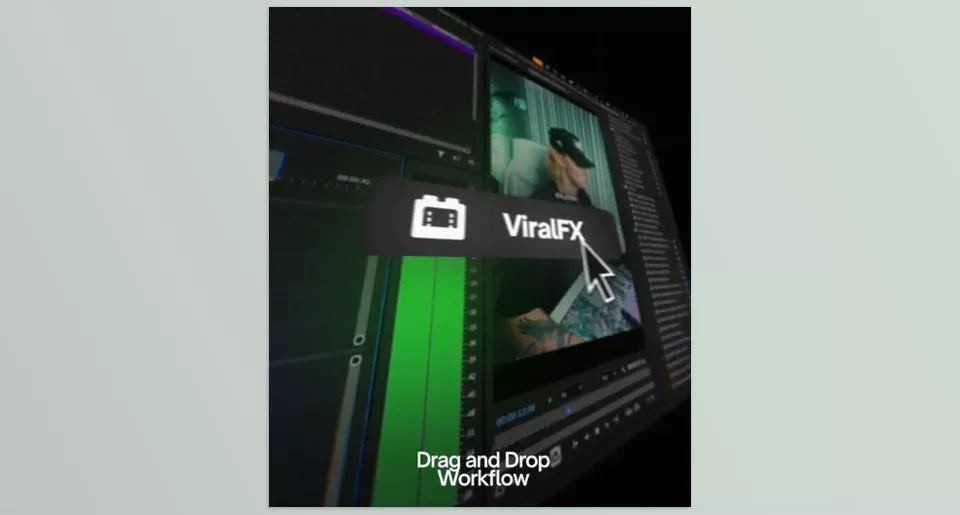
One of the main parts of ViralREELS bundle is ViralFX, a collection of more than 80 ready-made effects, transitions, and overlays specifically designed for short-form videos.
In short-form content, the first few seconds matter the most. Viewers decide very quickly whether they’ll continue watching or scroll away, so using movement and visual effects effectively can help create a stronger rhythm throughout the video.
With ViralFX, you can create impressive results without building every effect from scratch:
- Add more engaging movement to images and video clips.
- Create smoother, more professional transitions between sections.
- Give simple videos a more dynamic, modern look.
- Use ready-made overlays to add extra visual details.
For example, imagine you’re editing a product showcase or an educational video. Instead of designing a new transition for every scene change or spending a long time making the visuals more engaging, you can simply use ready-made effects and reach your final result much faster.
Of course, it’s important to remember that these effects aren’t meant to replace good editing. Instead, they help you give videos that already have a solid editing structure a professionally polished look.
🎞 ViralEDITS — Faster Editing with Ready-Made Templates
One of the most time-consuming parts of creating short-form content is developing a solid editing structure and then recreating that same style across different projects.
Many successful social media videos follow a recognizable pattern: a strong opening, well-timed cuts, highlighted key points using text, changes in pacing, and carefully placed motion graphics.
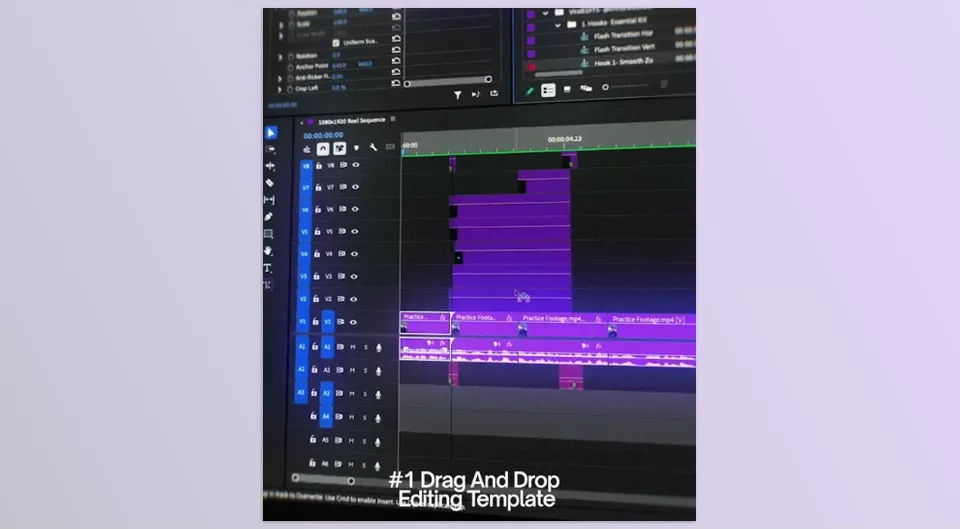
ViralEDITS was designed specifically for this purpose by providing ready-made templates for common short-form editing styles—especially Talking Head videos, which have become extremely popular among content creators, educators, YouTubers, and personal brands.
With this section, you don’t have to begin every project with an empty timeline. You can start from an existing structure, replace the footage with your own content, and customize every section to fit your needs.
This becomes especially valuable when working on multiple projects, because instead of rebuilding the same editing style each time, you already have a strong foundation that only needs to be personalized.
💬 ViralCaptions — Create Professional Captions More Easily
Today, captions and on-screen text are no longer just supporting elements. In many short-form videos, they have become one of the primary design components.
Since many viewers watch videos without sound, the appearance, animation, and positioning of text can have a major impact on both engagement and clarity.
ViralCaptions helps you create more professional captions without spending a large amount of time designing them for every project.
Instead of separately:
- Choosing fonts,
- Designing text animations,
- Adjusting animation timing,
- Building caption styles from scratch,
You can use ready-made presets and simply customize them to match your own content style.
For example, you can adjust colors, text, sizing, or other visual details so the final result matches your personal style rather than looking like a generic template.
📱 ViralCarousel — For Carousel Content
Content creation isn’t limited to video alone. Many brands and creators use carousel posts alongside Reels to teach, introduce services, or present information.
ViralCarousel is part of the bundle designed specifically to create carousel content more efficiently.
Using its ready-made templates, you can:
- Create multi-slide educational posts.
- Design a product or service that showcases more quickly.
- Work with ready-made layouts for social media publishing.
This section helps ensure that if you’re producing multiple types of content, you won’t have to start every format from scratch.
🎓 ViralEDITOR — More Than Just Ready-Made Files
One of the biggest differences between ViralREELS and many other ready-made packages is that it doesn’t simply provide presets and effects—it also includes a complete training course.
This training helps you become more than just someone who uses the tools. It teaches you when to use each component and how to apply them effectively to create better content.
Throughout the course, you’ll learn:
- How to install and use ViralFX and ViralEDITS.
- What each effect is designed for and when it’s best to use it.
- How to edit Talking Head videos more professionally.
- How to build a better workflow from the initial idea through to publishing a short-form video.
Ultimately, this training gives you much more than a collection of ready-made files—it provides a complete workflow for creating short-form content faster and more professionally.
💡 A Few Tips for Getting Better Results with ViralREELS
Having ready-made tools like ViralREELS can significantly speed up your editing workflow, but the final result becomes much more professional when you know how to use these features effectively. A few simple tips can help make your videos feel more natural, engaging, and consistent with your own style:
- Don’t use effects just to make your videos look busy.
Professional editing doesn’t always mean using more effects. Every movement, transition, or visual change should have a clear purpose and contribute to improving the video’s storytelling. - Customize the ready-made templates.
Templates are designed to save time, but that doesn’t mean you have to use them exactly as they are. By changing colors, fonts, text, and small design details, you can make the final result better match your personal style. - Focus on the video’s pacing and storytelling.
Even the best presets and effects can’t replace a strong idea and good editing. Before adding visual details, make sure the overall structure of your video is engaging and easy to follow. - Build a consistent visual style.
If you regularly create content, maintaining a recognizable visual identity makes it easier for your audience to recognize your work or personal brand. Consistently using the same colors, fonts, and editing style can help create a stronger visual identity.
Ultimately, the best results come from treating ready-made tools as a way to speed up your workflow—not as a replacement for creativity. Use ViralREELS to free up more time for the parts that truly make a difference: your ideas and storytelling.
When Creating Short Videos Takes Less Time 🎯
Creating a professional Reel requires more than just good footage. Editing speed and having an organized workflow are equally important. When you don’t have to recreate effects, captions, and animations from scratch every time, you have more time to improve your ideas and the overall quality of your content.
ViralREELS All Access Bundle was created for Premiere Pro users who want to make the short-form content creation process faster and easier. The combination of effects, ready-made templates, and training materials provides a complete system for producing Reels and Shorts more efficiently.
If a large part of your work involves creating videos for social media, having tools like these can help you spend less time on repetitive tasks and more time focusing on what truly helps your content grow—your ideas, creativity, and stronger connections with your audience.
If you’re also a Premiere Pro user and you’re looking for ways to make your editing workflow faster, smoother, and more professional, we strongly recommend checking out our detailed article on the best Premiere Pro tools and features you shouldn’t miss.