Why Do We Need Professional Transitions and Effects?
Film Impact might be the secret! Have you ever felt like something is missing in the middle of editing? I mean, when you place two clips back-to-back, the cuts may seem stiff and lifeless, and you wish you could add a smooth and engaging transition to make it easier for the viewer to connect with the visuals. Or when you want to make a scene more exciting, you wish that with a few simple visual and color effects, everything could feel livelier and more professional. These are exactly the moments when we truly need the right Video Transitions and Video Effects.
Honestly, all of us have felt this way many times. You might have even spent hours searching online for presets or tried to create everything from scratch in After Effects. The result? You spent a lot of time, got tangled in messy layers and complex keyframes, and in the end, what you had in mind didn’t come out exactly as you envisioned.

✨ Professional Transitions and Effects, Hassle-Free
So, what’s the solution? The truth is, to have smooth, professional transitions and ready-to-use, appealing effects, you don’t need to spend hours in After Effects or Premiere creating every layer and keyframe manually. An intelligent and integrated tool can make all of this easy for you.
With such tools, you can:
- Add transitions and effects with one click, without worrying about complex layers or tedious settings.
- Achieve professional, cinematic results in the shortest time, even if you are a beginner.
- Have full control over details; you can adjust speed, angle, intensity, and colors exactly according to your idea.
- Save your time and energy and focus on creativity and storytelling instead of getting lost in technical details.
This tool acts like a professional assistant that handles tedious tasks for you without limiting your creativity or taking up too much of your time.

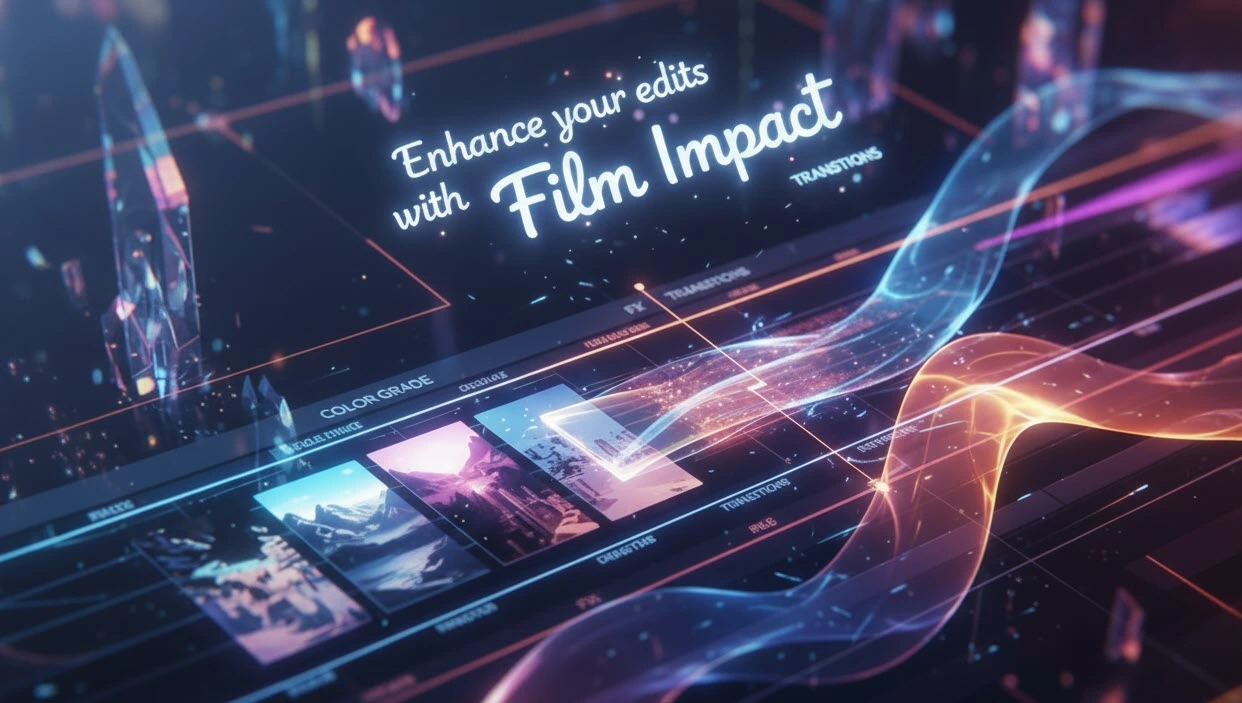
And now, the solution we’ve been talking about is none other than the amazing Film Impact plugin! This collection provides professional Video Transitions and Video Effects fully integrated within Adobe Premiere Pro, making your editing faster, more creative, and more professional.
Film Impact is a tool for editors and motion graphic artists that quickly and effortlessly enhances the quality and appeal of videos. Its primary use is creating cinematic, smooth transitions between clips without requiring users to spend hours on manual keyframes and animations. These transitions not only make the video look professional but also improve the rhythm and visual flow of the project, making it easier for the viewer to engage with the content.
In addition to transitions, Film Impact includes ready-made video and motion effects that can enhance color, lighting, movement, and even text in a fully professional way. These effects are adjustable and customizable, allowing editors to control every detail exactly as they want—for example, effect intensity, movement angle, blur amount, or speed of changes.
With this tool, users can prepare various projects—such as promotional videos, motion graphics, teasers, YouTube videos, or even TV productions—quickly and with high quality, without getting bogged down in the complexities of editing software. In fact, Film Impact acts as a professional accelerator for creating effects and transitions, so the final result is both faster to achieve and has a professional, cinematic look.
Key Features of Film Impact:
- Ready-made, cinematic transitions: Includes Slide, Zoom, Wipe, 3D Flip, and more, which you can add to your video with just a few clicks.
- Professional video effects: From Color Effects and Text Animator to motion effects that make the visuals more lively and engaging.
- Full control over settings: Speed, angle, intensity, and other parameters can be changed to match your exact vision.
- Seamless integration with Premiere Pro: From version 25.5 onward, no separate installation is required, and everything is accessible within the software.
- Supports high resolutions and HDR: From standard to 16K, with fast rendering and GPU optimization.
- Helper tools and presets: Drag & Drop capability, animation control, and ready-to-use presets to speed up projects.
With Film Impact, everything that usually takes hours of time and energy is done in seconds, allowing you to focus entirely on creativity and storytelling.
Small Details, Big Impact: Why You Can’t Ignore Them
In any video project, small details can change everything. A smooth transition, a precise effect, or a subtle movement in the frame can make the difference between an ordinary video and a professional, impactful piece. Without the right tool, achieving this level of quality is not only time-consuming and complex but can also drain your creative energy.
Having a simple and fast way to add these details is no longer a choice—it’s a real necessity for anyone who wants their videos to be professional, engaging, and impactful. When this capability is available, you can bring any project closer to what you envision in your mind, and your creativity flows without limits. In fact, these small details are exactly what differentiate an ordinary editor from a professional, ensuring that every video, story, and emotion is conveyed in the best possible way.
Discover which tool—After Effects or Premiere Pro—is optimal for different editing tasks in our in-depth guide: After Effects or Premiere Pro.