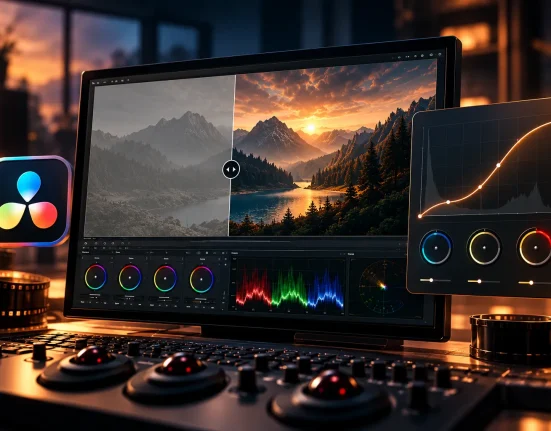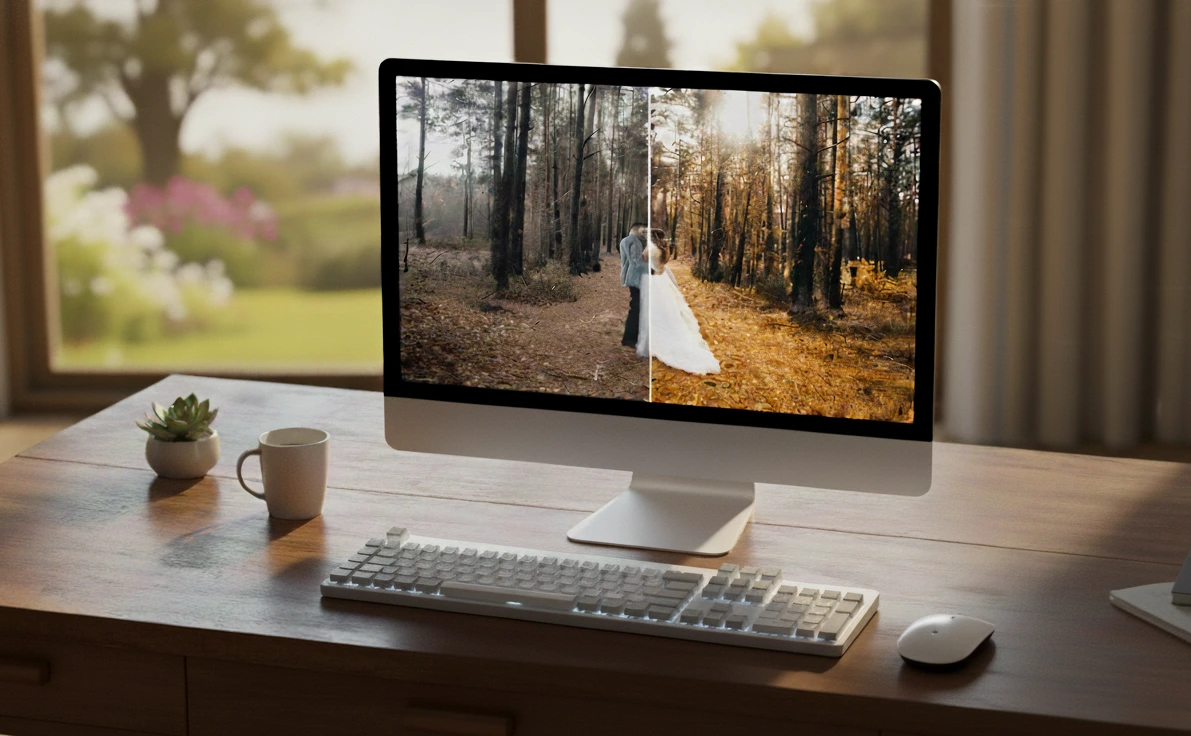
When Photo Editing Becomes Tiring
Are you experienced with the Preset Power? Every photographer knows how time-consuming and exhausting it can be to achieve a professional and consistent style for a photo collection. Sometimes, you spend hours at the computer, adjusting the light, color, and contrast of each photo individually, yet in the end, it still feels like something is missing.
You might have experienced this: you take a fantastic portrait or landscape, but when placed next to other photos, there’s no harmony between them. Or you try to give a particular mood to a photo, but the final result isn’t as captivating as you expected.
Do you know the problem? When you struggle with all these complex and time-consuming adjustments, you sometimes waste your time and energy without discovering your unique style.
Now imagine achieving a professional, striking look for your photos with just one click. Not only faster, but with a style that makes all your photos cohesive and visually appealing.

Traditional Methods and Their Limitations
If you want to professionally edit your photos without presets, you have to go through each step manually. This means analyzing and correcting every photo from scratch:
Light and Exposure
First, you need to assess the overall lighting of the photo and adjust exposure, highlights, and shadows. This is very delicate work, as a small change can ruin colors or details in the image.
Contrast and Tones
Next, adjust the contrast and color tones to make the photo appear lively and dynamic. This step often involves trial and error; sometimes, you have to move sliders multiple times to achieve the desired result.
Colors and Saturation
Then comes the color correction. You need to adjust colors for each part of the photo, set saturation levels, and ensure that skin tones, skies, nature, or the main subject look natural and attractive.
Details and Sharpness
Pay attention to small details like eyes, textures, or key lines. All of this contributes to achieving a professional look, but it’s time-consuming.
Cohesion Between Photos
After editing each photo individually, the real challenge begins: how do you make all the photos consistent? You need to compare colors and tones again; otherwise, the collection will lack unity.
In short, without presets, photo editing becomes a labor-intensive workshop: each photo requires separate attention, every minor decision can alter the overall look, and finding a unique, consistent style for a collection is almost an adventure filled with trial and error.
Preset Power: Professional Editing with One Click
Imagine all those hours spent adjusting colors, exposure, contrast, and details now reduced to one click. That’s exactly what Preset Power does! Preset Power is a professional preset package with over 200 ready-to-use settings that help photographers and designers make their photos attractive and professional quickly, without spending excessive time on manual adjustments.
Key Features and Applications
- Fast and Easy Editing
All complex settings for light, color, contrast, highlights, and shadows are pre-configured. With a single click, your photos reach a professional level. - Create a Personal and Consistent Style
These presets allow you to present entire photo collections or projects with a cohesive and unique visual identity. - 14 Specialized Categories for Different Types of Photos
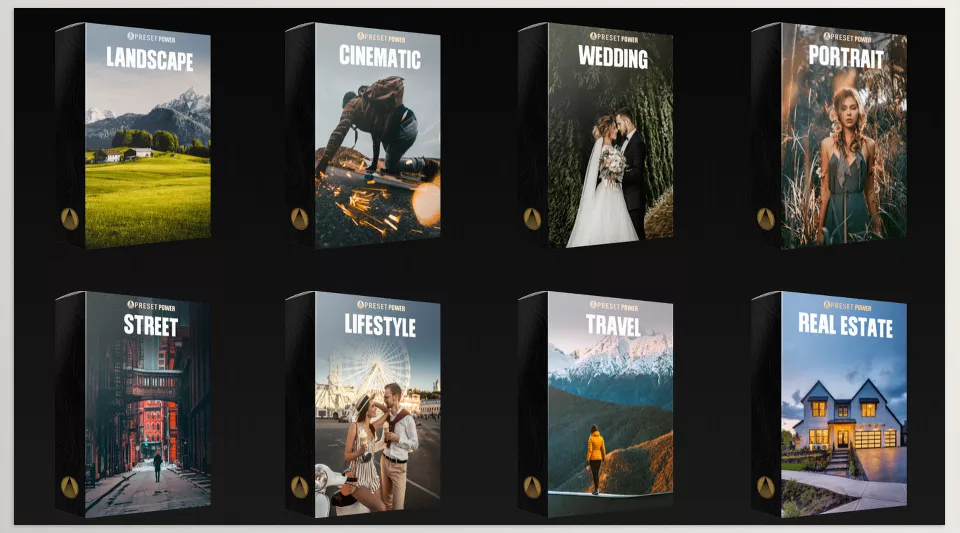
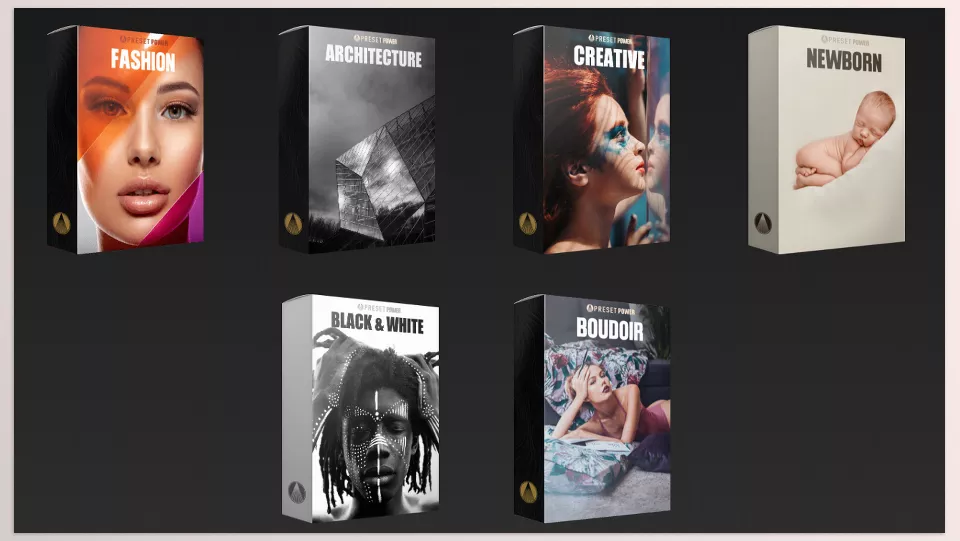
Each type of photo requires a specific approach: Portrait, Wedding, Landscape, Street, Fashion, Travel, Cinematic, Architecture, Lifestyle, Newborn, Black & White, Boudoir, and Real Estate. These categories make it easy to find the best preset for any situation. - Multiple Presets and Styles in Each Category
Each category includes several professional presets that can be combined or adjusted in intensity. - Full Compatibility Across Platforms
Presets can be used on Adobe Lightroom Classic, Lightroom, Camera Raw, and Photoshop—on Mac, Windows, and even mobile devices. - Instant One-Click Use
Quick installation and use without complex knowledge. Tutorials and installation guides for all software and versions are included. - Supports Multiple Formats
Presets are available in XMP and DNG formats and can even be used for video editing in Adobe Premiere or as LUTs. - Save Time and Boost Efficiency
Preset Power can make your photo editing up to 10 times faster, delivering more striking results. - Adjustable Preset Intensity
You can strengthen or reduce any preset based on your photo to achieve a natural and desired result. - Professional and Realistic Presets
Every preset is the result of research, testing, and continuous optimization to create a specific mood and strong visual impact.
With Preset Power, a simple portrait can gain warm lighting, precise shadows, and vibrant colors in seconds. A landscape can capture the feeling of sunrise, morning mist, or a cinematic atmosphere without hours of slider adjustments.
This package is designed for every photographer and designer who wants to work quickly, professionally, and with a unique style, covering all features, categories, and settings needed for various projects.
Professional Tips for Better Use
Using presets is simple, but following a few professional tips can make your results ten times better and more natural:
- Choose the Right Preset for Each Category
Always check which category your photo belongs to: Portrait, Landscape, Wedding, Fashion, Street, etc. Choosing the right preset is half the battle. For example, use the Landscape preset for nature and scenery and Portrait preset for portraits. - Adjust Preset Intensity
No preset fits every photo perfectly. You can reduce or increase its intensity to ensure natural and cohesive results. This is especially important for photos with different lighting or colors. - Combine Presets with Manual Adjustments
Sometimes the best results come from combining presets or making slight manual tweaks, like adjusting colors or contrast to match the desired mood. - Preview Before and After
Always check the photo before and after applying the preset. This helps you see its real impact and ensures everything is cohesive and natural. - Pay Attention to Details
Focus on skin tones, skies, shadows, and lighting. Some presets are sensitive to certain details and may require minor manual adjustments to look professional. - Build Your Own Personal Style
Presets are a great foundation, but by combining and tweaking them, you can create a unique personal style that viewers instantly recognize. - Use Categories Wisely
Each category has several professional presets. Test a few options to see which gives the best mood. This is especially useful when handling many photos, maintaining harmony across the collection. - Consider the Overall Project Mood
Before selecting a preset, consider the overall mood and color palette of the project. Some presets are cinematic, some warm and natural, and others cold and modern. The right choice ensures your entire collection looks consistent and professional.
Why Preset Power Is Worth Trying
With Preset Power, photo editing is no longer tiring or time-consuming. With just a few clicks, your photos become attractive and professional, eliminating hours of manual adjustments. This gives you more time to focus on creativity and new ideas.
Using these presets, you can establish a personal and consistent style for all your projects. Photos look cohesive, and viewers or clients immediately recognize your style—an immense professional advantage for photographers and designers.
Moreover, project quality improves significantly. Even simple photos can look cinematic with the right color grading, lighting, and mood. Preset Power not only saves time but also helps you complete projects faster and more professionally.
If you’re looking for a clear and complete explanation of color grading, we’ve assembled a detailed article that simplifies the entire workflow. I really recommend giving it a read—you’ll gain knowledge that makes a real difference.