

When You Want Water to Look Real… 💧
Do you have experience with the Aquon Plugin by aescripts? Have you ever wanted to fill a logo with water or make a liquid move inside a container? On paper, everything seems pretty simple: we have a shape, we pour some liquid into it, and that’s it! But once you get into the execution phase, you realize that making liquid motion look natural isn’t quite that easy. 🤔
Water has a unique behavior. It can collide with the walls of its container, change the shape of the container that it is within, move from one area of the container to another, and even overflow from the container altogether. These types of details help people determine whether the water appears to be behaving naturally.
That’s why creating liquid effects has always been one of the most exciting—and at the same time, challenging—areas of motion graphics. The more natural the liquid movement looks, the more professional and visually impressive the final result becomes. ✨

What Exactly Is Fluid Simulation? 🌊
Fluid Simulation means allowing the software to automatically calculate the natural behavior of a liquid, just as it does in the real world.
Instead of creating countless keyframes and manually adjusting every movement, the simulation system determines how the liquid should move, where it should collide, and what shape it should take.
This capability is extremely useful in a wide range of projects:
✅ Filling logos with water or colored liquids
✅ Creating water overflow effects
✅ Showing liquid flow inside pipes and different pathways
✅ Advertising motion graphics for beverages
✅ Creating creative and unique transitions
✅ Educational and scientific projects
In short, whenever you need a natural and dynamic liquid effect, fluid simulation can be incredibly useful.
Traditional Methods for Creating Liquid Effects 🛠️
The good news is that you don’t always need specialized plugins to create liquid effects. After Effects itself provides various tools that, with a bit of creativity, can produce quite convincing results. Many motion designers have been using these techniques for years to create logo fill effects, liquid flows, and water-like movements.
Some of the most common tools and techniques include:
- Mask and Track Matte for creating shape and logo fill effects
- Shape Layer and Trim Paths for controlling liquid movement paths
- Turbulent displacement for creating waves and irregularities on the liquid surface
- Wave Warp for simulating smooth and fluid motion
- Liquify for reshaping elements and creating a fluid feel
- CC Particle World for creating droplets, splashes, and liquid particles
By combining these tools, you can create impressive effects, and for many simple projects, the results can be completely satisfactory.
The Challenges That Gradually Appear 😅
The problem starts when you want the liquid to behave more naturally. Most of the methods above only simulate the appearance of a liquid and don’t perform actual fluid calculations.
As a result, if you want water to collide with walls, flow through a complex path, gather in corners, or overflow from a container, you’ll usually need to spend a lot of time adjusting keyframes, refining movements, and combining multiple effects. As projects become more complex, managing all these details becomes increasingly difficult, and achieving a natural, professional result requires even more time. 🚧💧
What Exactly Does Aquon Do? 🚀
Now that we’ve explored different methods for creating liquid effects in After Effects, it’s time to see what Aquon brings to the process.
Aquon is essentially a 2D fluid simulation system for After Effects. Instead of faking the appearance of water, it dynamically simulates liquid behavior.
The result is that instead of spending countless hours setting up dozens of keyframes and combining multiple effects, you can focus on scene design and creative concepts. Aquon is specifically designed for creating fill effects, liquid flows, water overflows, and fluid-based animations, providing a variety of tools for complete control over the process.
Design Walls Using Masks 🧱
One of Aquon’s most important features is its Mask-Based Simulation system.
With this approach, you can use regular After Effects masks as simulation boundaries and walls.
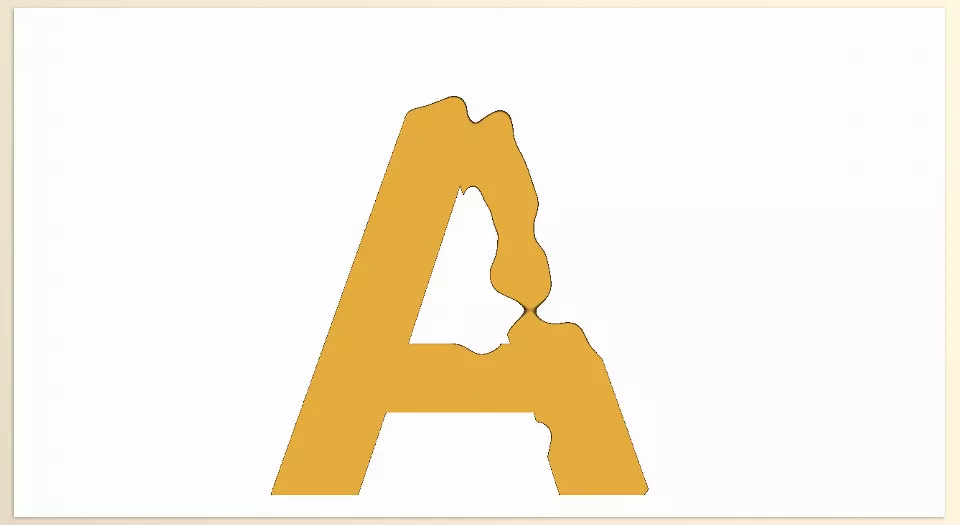
This means any shape you create can become an environment for liquid movement—from a simple glass to complex pipe systems, industrial tanks, logos, and even custom typography.
For example, you can:
- Design a logo and allow liquid to collect inside it.
- Create complex pathways for water movement.
- Design a custom container and show how it fills up.
- Build channels and pipes that allow liquid to flow between them.
This feature allows you to design the simulation environment directly inside After Effects without requiring complex 3D modeling.
Complete Control Over Liquid Input 💦
Aquon doesn’t just allow you to place liquid into a scene—it lets you precisely control how the liquid enters the environment.
For each Inlet, you can control:
- Liquid entry position
- Inlet opening size
- Flow direction
- Entry speed
- Liquid amount and volume
These controls are extremely useful for creating different scenarios.
For example, you can simulate water flowing from a faucet, pouring from the top of a tank, or entering the scene from multiple points simultaneously.
Liquid Fill and Overflow Effects 🌊
One of Aquon’s most exciting features is its ability to create Fill and Overflow effects.
Using this feature, you can show:
- A container is gradually filling up
- The liquid level is rising
- The liquid volume is increasing
- Liquid overflows after the container becomes full
This functionality is particularly useful for beverage advertisements, educational motion graphics, creative intros, and even industrial process visualizations.
Customize Gravity Any Way You Want 🌍
In the real world, liquids always move downward due to gravity.
However, in motion graphics, we don’t always need to follow real-world physics.
Aquon gives users complete control over gravity. You can:
- Increase or decrease gravity strength
- Change the gravity direction
- Push liquids toward the left or right
- Create fantasy and non-realistic behaviors
This feature is extremely useful for creating creative scenes and unique visual styles.
Customize the Liquid’s Appearance 🎨
Not every project requires crystal-clear water.
Sometimes, a thick, gelatinous, or even cartoon-style liquid can create a more appealing result.
Aquon provides a collection of rendering and display controls that allow the final appearance to perfectly match your project’s needs.
With these settings, you can create styles such as:
- Clear water
- Thick liquids
- Gel-like appearances
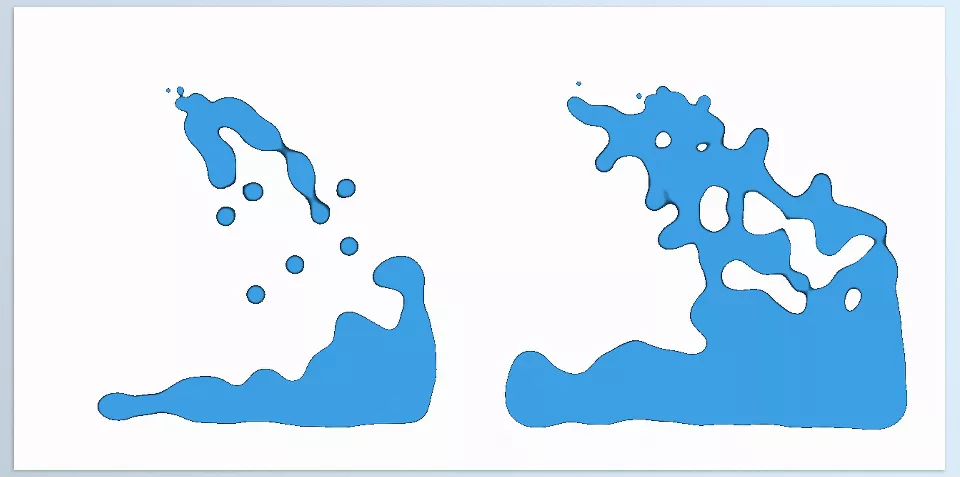
- Metaball effects
- Fantasy liquids
- Cartoon styles
This flexibility makes the plugin useful for much more than water simulation, extending its usefulness to advertising, fantasy, and creative motion graphics projects.
Advanced Simulation Controls ⚙️
In addition to its core settings, Aquon includes a collection of advanced controls for managing liquid behavior more effectively.
These controls allow users to adjust how the liquid behaves, control simulation stability, and fine-tune overall flow behavior to meet project requirements.
As a result, designers gain enough flexibility for both simple effects and more complex scenes.
Faster Performance with GPU Power ⚡
One of Aquon’s strengths is its use of GPU processing for simulation calculations.
Fluid simulation typically requires significant computational power. If all calculations are handled by the CPU, performance can noticeably decrease.
Aquon offloads much of this processing to the graphics card, allowing simulations to run faster and more smoothly.
This becomes especially important when working on heavier projects or higher resolutions, where reducing preview and render wait times can significantly improve workflow efficiency.
What Types of Projects Is Aquon Useful For? 🎬
The combination of all these features makes Aquon suitable for a wide variety of projects:
✅ Filling logos and text with liquid
✅ Beverage and food product advertisements
✅ Creative intros and transitions
✅ Visualizing liquid flow inside pipes and tanks
✅ Scientific and educational motion graphics
✅ Gel and metaball effects
✅ Fantasy and cartoon-style projects
✅ Simulating liquid overflow and accumulation
For this reason, Aquon is much more than just a water simulation plugin—it is a complete tool for designing and simulating a wide range of liquid effects in 2D After Effects. 💧✨
A Few Tips for More Professional Results ✨
Aquon makes fluid simulation much easier, but following a few simple guidelines can help make your results look more natural and professional.
Keep Gravity Balanced 🌍
Extremely strong gravity settings often make liquid movement look unnatural. More moderate values generally produce better results.
Start with Simple Paths 🧱
Before building complex pathways, test your simulations on simple shapes to gain better control over liquid behavior.
Use Overflow Effects 🌊
Allowing liquids to overflow can dramatically enhance a scene’s realism and make the final result more visually appealing.
Choose the Right Visual Style 🎨
Your liquid doesn’t always have to look like real water. Sometimes gel-like or fantasy styles can create a stronger visual impact.
Don’t Forget Motion Blur ⚡
Motion Blur helps liquid movement appear smoother and more natural, especially in fast-moving scenes.
Add Slight Variations to Liquid Input 💦
Small changes in flow speed or liquid volume can add a greater sense of dynamism to the simulation.
With just these simple tips, you can achieve more professional results with Aquon and create even more compelling liquid effects. 🚀💧
Who Is Aquon Best Suited For? 🤝
If you only occasionally need a simple fill effect or liquid motion, you can probably achieve acceptable results using After Effects’ built-in tools. However, as projects become more professional and require natural, fluid flows, liquid spills, or interactions between liquids and their environment, creating these effects with traditional methods can be time-consuming and exhausting. ⏳
Aquon was specifically created for projects of this nature. Its 2D fluid simulation simplifies and speeds up many of the processes required to create these visual effects in After Effects. Thus, it can be a valuable tool for motion graphics designers, advertising agencies, and anyone else involved in creating visual effects that feature liquids. 🚀
The main value of Aquon is transforming the process of creating liquid motion within a container from a time-consuming task into a smoother one. Aquon, then, is one of the tools an individual can use to create more natural, professional, and quick-to-create liquid motion within a project. 💧✨
For a detailed and structured exploration of After Effects and the auxiliary tools that optimize its performance, our comprehensive After Effects Tools guide is highly recommended.