

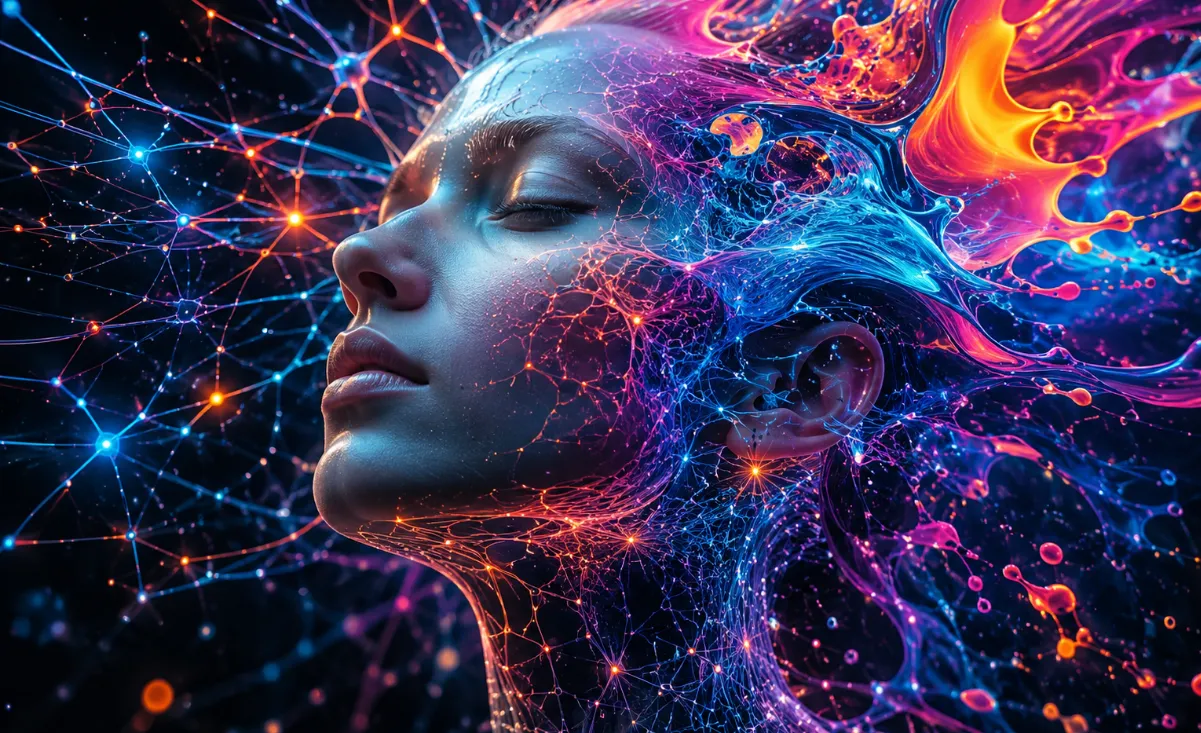
🌀 When All Effects Start to Look the Same…
Have you ever created anything using the I Ate Mushrooms Plugin by aescripts? For many motion designers, this happens over time; no matter how many different effects you combine, the outputs still feel too familiar and repetitive. You add a few Distortion effects, play around with Fractal Noise, or apply a few Glitch effects to the image, but in the end, that special feeling you had in mind still does not come to life.
This problem is more evident in projects like music videos, digital artworks, and experimental works. Because in these types of projects, the goal is usually not just to create a beautiful image; you want to create something strange, unexpected, and different. Something that stops the audience and makes them stare at the video for a few more seconds.
Achieving these kinds of visuals with traditional methods usually takes a lot of time and involves extensive trial and error. Sometimes you have to combine several effects and techniques just to achieve the result you want. But now AI-based tools have opened a new path, making the creation of these visuals faster and more creative.

🎨 What Does Creating Surreal Images Mean?
Surreal or abstract images are visuals that do not necessarily follow the real world. In this style, you may encounter scenes that do not exist in reality; for example, a face that slowly turns into a flower, objects that melt into each other, or spaces that feel more like dreams than the real world.
This unusual and unpredictable nature has made the use of surreal visuals much more common in recent years. These types of images easily attract the audience’s attention and can give a project a different mood and feeling, which is very important in creative work.
Today, this style is used in different projects, such as:
- Creating artistic and psychedelic music videos
- Designing visualizers for music
- Producing animated backgrounds and loops
- Creating digital works and experimental art
- Designing special textures and graphic elements
- Creating unusual transitions and effects
The main appeal of surreal images is that they have almost no limitations. Any idea, even the strangest ones, can turn into a unique visual output; outputs that usually either take a lot of time with traditional methods or are not easy to create at all.
⚙️ Can You Create These Kinds of Outputs Without Plugins?
If you want to reach abstract and surreal outputs without using any plugins, After Effects still gives you plenty of tools at hand. Many motion designers start exactly with these tools and try to reach strange and creative results by combining a few simple effects.
For example, these effects are among the most basic tools for this type of work:
- Fractal Noise for creating textures and random movements
- Turbulent Displace for disrupting forms and creating an organic feeling
- Displacement Map for deforming the image based on other layers
- Liquify for stretching and creating soft and strange shape changes
- Echo for creating motion trails and a dreamy feeling
- Mesh Warp for controlled form changes
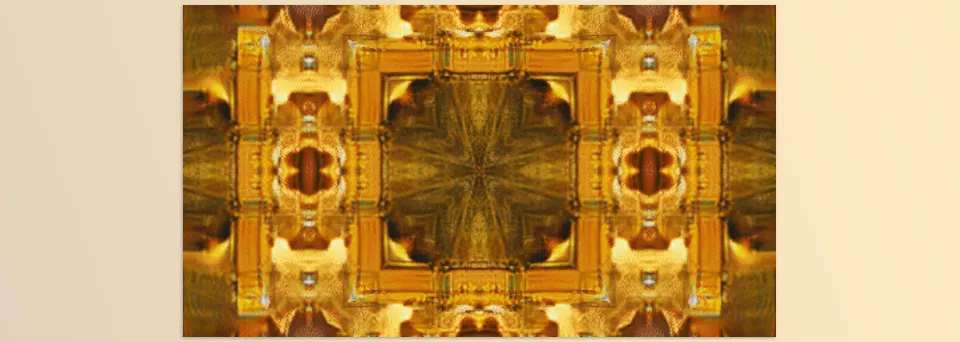
- CC Kaleida for creating geometric and psychedelic patterns
Alongside After Effects, many people use tools like Blender or TouchDesigner to achieve more complex outputs because they provide greater control over form, motion, and pattern behavior.
⚠️ The Main Challenge of These Methods
The main problem is that reaching a truly different output with these methods is usually very time-consuming. You have to constantly combine effects, adjust parameters, check the result, and start over from the beginning until something finally comes out that feels right to you.
Even when you reach a good output, sometimes you still feel that the “surprise” or unpredictable quality you are looking for in surreal work has not fully formed. In other words, the result is controllable, but it is less likely to feel truly unexpected and shocking.
🚀 How Does I Ate Mushrooms Make This Easier?
I Ate Mushrooms is a plugin for After Effects and Premiere Pro, focused on creating surreal, abstract, and so-called “unpredictable” images and animations. In other words, exactly the same things that you usually have to spend a lot of time on with normal methods.
What makes it different from regular effects is that here you are not just changing the image; the plugin can create a new visual output or change the existing image so much that it practically becomes something completely different. In a way, instead of editing, it feels like you are experiencing “creation.”
🖼️ Creating Images from Text (Text-to-Image)
One of its attractive features is the Text-to-Image section. This means that instead of manually starting to build a scene, you just write a sentence or a few words, and the plugin generates an image for you.
For example, you can try things like:
- Digital Neuron
- Abstract Liquid
- Psychedelic Flower
After that, you get an output that looks more like a living texture or a dreamlike image than a normal photo.
This section is mostly useful for things like:
- Creating special backgrounds for motion graphics
- Quickly ideating for projects
- Producing strange and non-repetitive textures
- Creating visual elements for artistic videos
🔄 Creating Strange and Creative Transitions
Another very important feature is its AI-based transitions. This means it can create a completely smooth yet strange transformation between two images or two videos.
For example, it can slowly turn a face into a wolf, or a flower, or even a completely abstract form. Something that does not come out this naturally and “alive” with normal After Effects transitions.
For music videos or experimental works, this section can be a strong point because its output usually has an unexpected, cinematic feel.
🧠 More Than 1000 Categories for Playing With Ideas
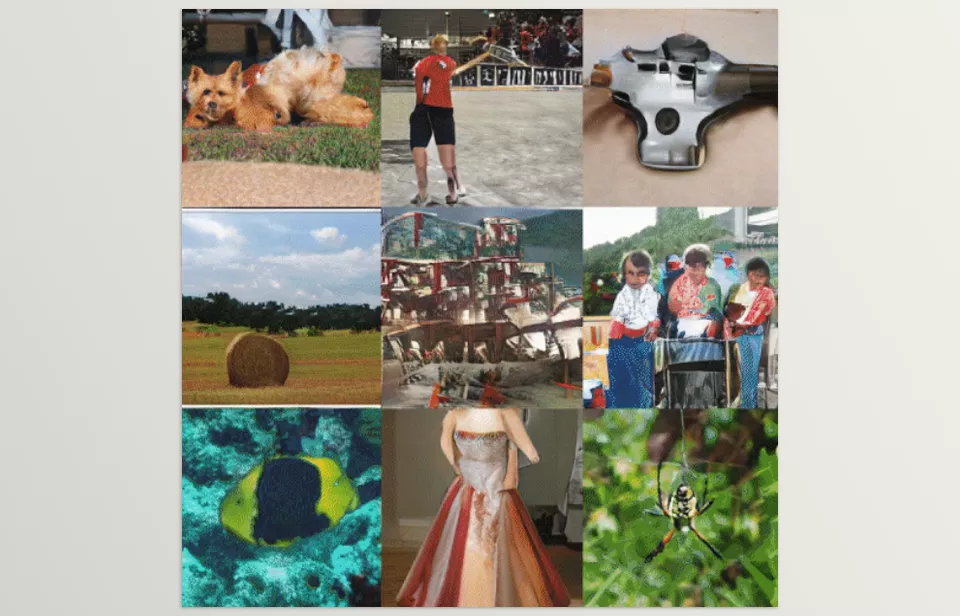
Inside the plugin, there is a large database with more than 1,000 categories of objects, animals, and creatures.
This means you can very easily move between completely different things and create combinations that maybe would never come to your mind under normal circumstances. This is exactly what makes the outputs feel new and unpredictable every time.
♾️ Creating Loop Animations Without Trouble
Almost all the outputs you get can be looped. This means you can create an animation that repeats endlessly without its start and end points being noticeable.
This feature is very useful for things like:
- Music visualizers
- LED backgrounds
- Repeating motion graphics
- Social media videos
And it practically saves you a lot of time.
🎛️ It Is Not Only for Surreal Work; It Is Also a Powerful Texture Generator
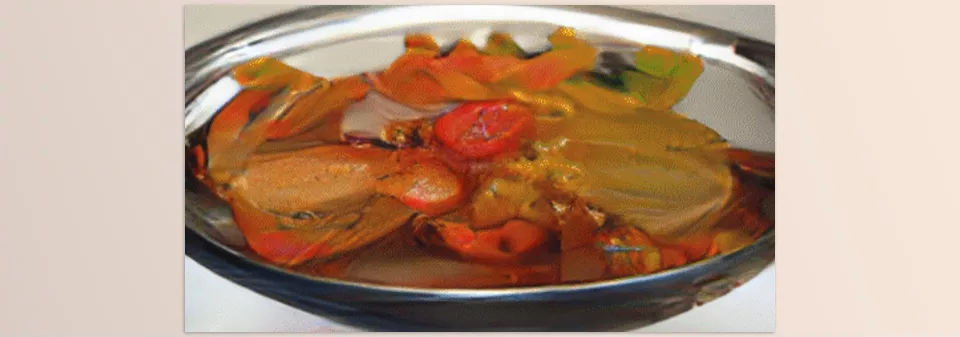
Even if you are not looking for very strange or surreal work, I Ate Mushrooms can still serve as a professional texture and noise generator.
You can take its outputs and then combine them with other effects inside After Effects to reach a completely personal and professional result. In fact, most of the time, I Ate Mushrooms serves as a “creative base,” not just a ready-made effect.
💡 A Few Tips for Getting Better Results
When you work with I Ate Mushrooms, a few simple tips will take your output to the next level. At first glance, they may not seem very important, but they really affect the final result.
🔗 Combine It With Other Effects
Do not rely only on the raw AI output. Usually, when you combine the plugin’s output with other effects, the result becomes much more attractive and alive.
🧪 Do Not Be Afraid of Strange Combinations
Do not be afraid of combining unrelated subjects. Often, the strangest combinations are exactly what create the best surreal results.
🎨 The Importance of Color Grading
Spend time on color correction. Proper color grading can completely change the mood and feeling of the output and make the work look more professional.
♾️ Using Loop for Visualizers
Use the Loop feature to create visualizers. This feature can save you a lot of time and streamline repetitive work.
💭 Getting Ideas With Text-to-Image
Do not use Text-to-Image only for the final output. Even if you do not use the image itself, it can be a valuable source of ideas.
In the end, what makes I Ate Mushrooms more attractive is that, more than being a ready-made effect, it works like an “idea-making machine”; every time you work with it, you may reach a completely new visual direction.
🎯 When AI Starts to Surprise You
I Ate Mushrooms is not one of those tools that you use in every project or always want to keep fixed in your workflow. But if you enter the world of music videos, artistic works, or experimental projects, you will quickly understand why I Ate Mushrooms has made so much noise. Because it gives you something that many regular effects do not: the feeling of unpredictability.
The truth is that in creative work, the problem is often not a lack of ideas; it’s that ideas have become too similar. This is where this plugin can give you a kind of creative shock. Every time you get an output, you may see an image or movement that you were not expecting at all, and right at that moment, a new idea sparks in your mind.
That is why it quickly becomes not an ordinary “effect” tool, but a kind of idea-generation engine. If you are looking to move your work away from a repetitive space and give it a distinct visual signature, I Ate Mushrooms is exactly what you need to take you to the next level.
The easiest way to improve in After Effects is by learning tools that actually make your workflow smoother. That’s why our guide explains everything in a simple and easy-to-understand format without unnecessary complexity. Check out the After Effects Tools guide now and start editing with more confidence and speed.



