How to Give Your Footage a Nostalgic Look Without Long Color Grading Sessions? 🎞️
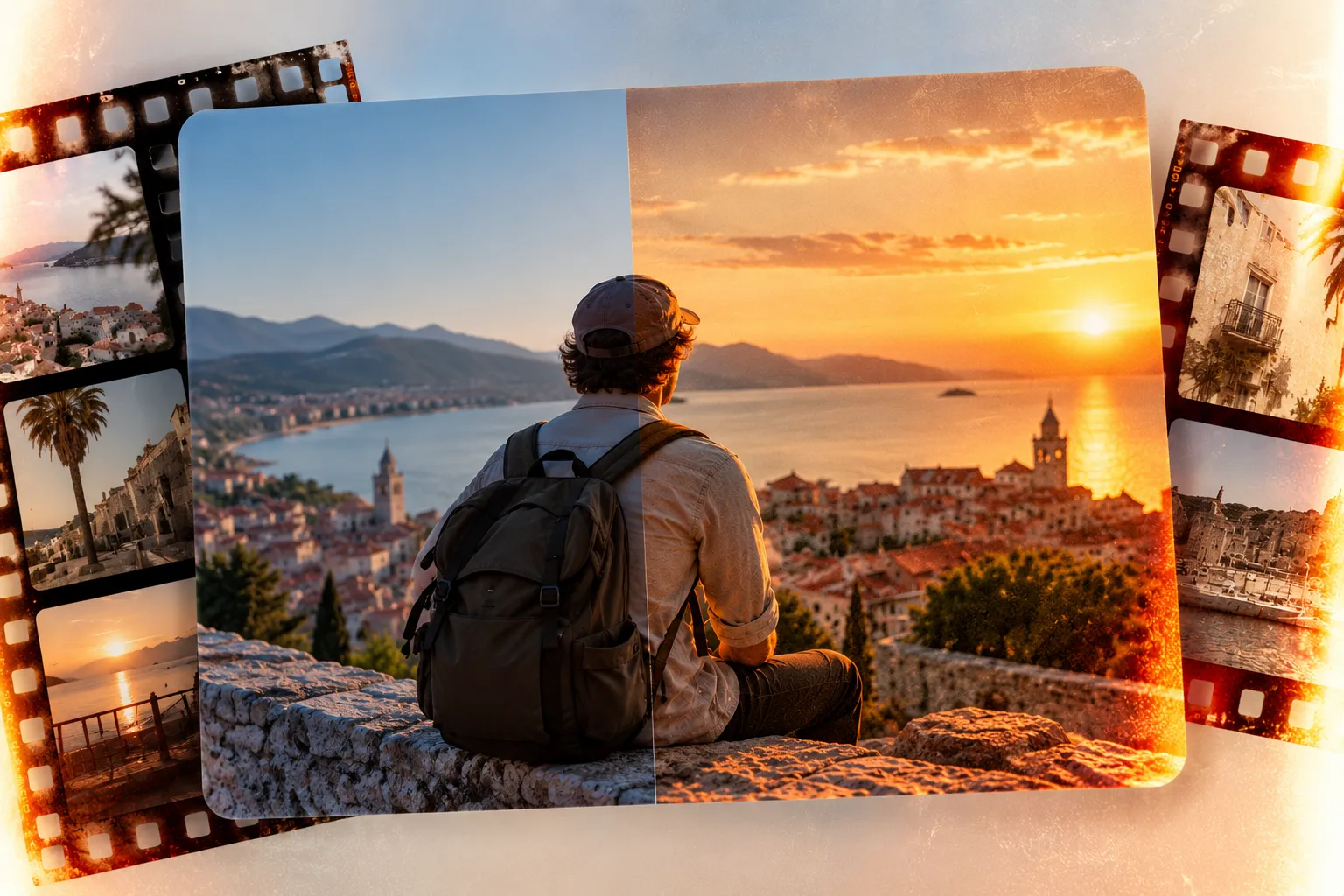
Are you aware of what the Nostalgia LUT Pack by Julian Papis does? Have you ever had simple footage from a Sony camera, iPhone, or DJI Osmo Pocket, but wanted its colors to look warmer, more cinematic, and more memorable? Especially for Travel Films and personal videos, sometimes it’s this change in color that gives the image a completely different feeling.
Getting this look takes more than just making the image warmer or adding more saturation. You need to find the right balance between color, contrast, and the overall feel of the shot.
It can get even trickier when your footage comes from different cameras or was shot in different lighting. In that case, keeping the same look across every shot can take some extra work.
If you have to build this look from scratch for every project, you’ll spend a lot of time finding the right combination of settings. Having a ready-to-use, adjustable Look for different types of footage gives you a much faster starting point, especially when your goal is to give your video a clear, warm, nostalgic mood.

How Does Color Grading Change the Mood of a Video? 🎨
Color Grading means adjusting and changing the color appearance of an image to achieve a specific feeling or style. By changing the color temperature, contrast, color intensity, and different tones, you can make ordinary footage look warmer, cooler, more cinematic, or even more nostalgic.
For example, imagine you filmed a family trip. The footage itself might look completely ordinary, but with warmer colors, controlled contrast, and suitable tones, you can give it a more memorable feeling. The same idea works for Travel Films, personal videos, everyday content, and cinematic projects.
One fast way to achieve this result is to use a LUT. A LUT is basically a set of ready-made color transformations that can bring the look of your footage closer to a specific style in just a few steps. This means that instead of starting with a completely raw image, you have a ready starting point for Grading.
If you’re new to color grading, Our color grading guide will give you the foundation you need before using LUTs.
Creating the Look with the Software’s Built-In Tools 🎨
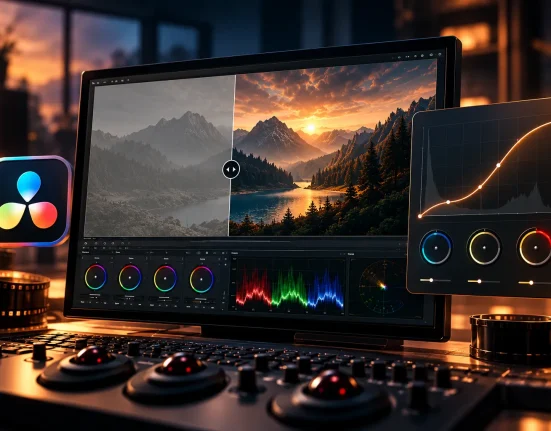
If you don’t want to use a ready-made LUT, that’s completely fine; you can create the same warm and nostalgic look using the software’s built-in tools. For example, in DaVinci Resolve, you can first organize the exposure and contrast, and then gradually change the color and mood of the image using different tools. The tools that can be especially useful are:
- Color Wheels: You can use them to adjust Shadow, Midtone, and Highlight separately and change the color temperature of the image.
- Curves: Useful when you want more precise control over contrast and color tones.
- Color Temperature: If you want the image to feel warmer and more intimate, this is one of your main settings.
- Contrast and Saturation: For controlling the depth of the image and the intensity of the colors.
- Lumetri Color in Premiere Pro: If you work with Premiere, you can handle most of the main Color Grading adjustments from this section.
The Problem Starts When You Have to Build Everything from Scratch ⏳
On paper, it sounds simple, but when you want to achieve a specific warm, nostalgic Look, things get a little different. You have to keep trying different settings until you find the right combination of color, contrast, and Saturation. On top of that, one setting might look great on one shot, but produce a completely different result on the next shot if its lighting or Exposure is different. As the number of shots increases, matching them all takes more time, and you end up spending a lot of time repeating the same adjustments.
Nostalgia: A Shortcut for Creating a Warm and Nostalgic Look 🎞️
Nostalgia Powergrade & LUT Pack is a ready-made Color Grading pack focused on creating a warm, cinematic, nostalgic, and character-filled look for videos. Instead of starting Colour Grading from scratch every time you want to achieve this mood, you get a ready look you can quickly apply to your footage and adjust with your own settings if needed.
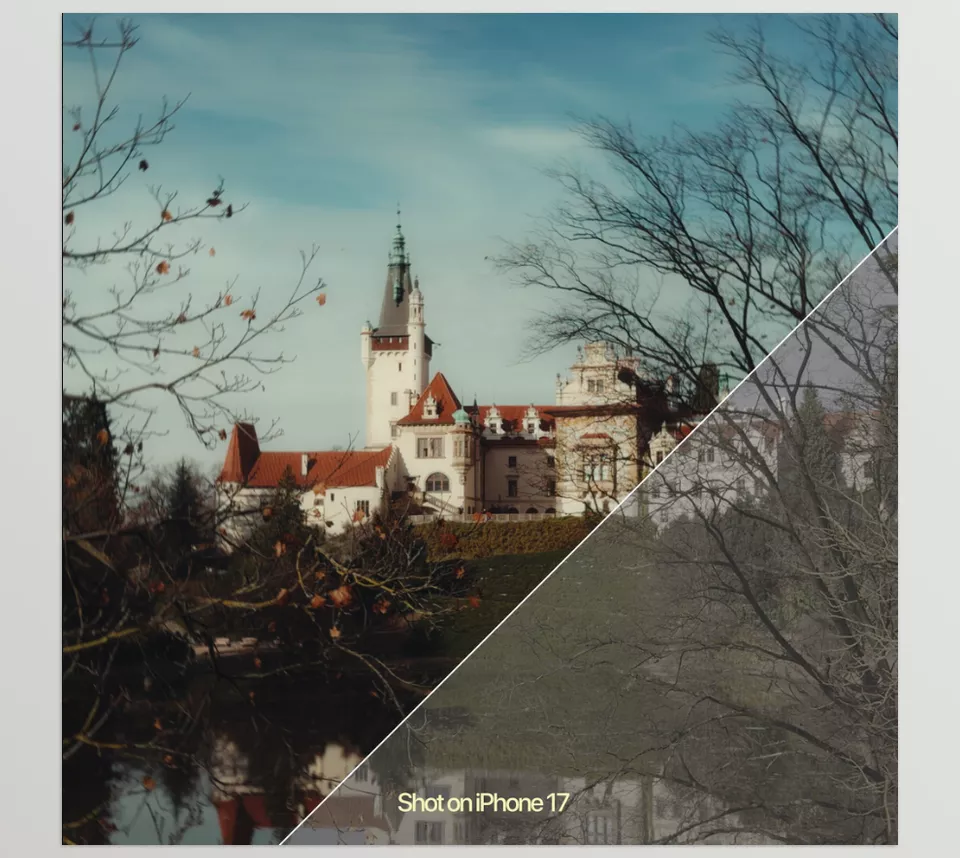
This pack is also designed for different Workflows, and whether you work with Rec.709 or have Log footage, you can use its Looks. This means it isn’t limited to one type of footage or a specific camera, and according to the creator’s description, it also works with footage from cameras such as Sony, iPhone, and DJI Osmo Pocket.
Nostalgia LUTs: Quickly Achieving a Warm and Cinematic Look 🎨
The main part of this pack includes Nostalgia LUTs. LUTs allow you to apply a ready-made Look to your footage and quickly change the overall feel of the image without having to manually build all the color settings from scratch.
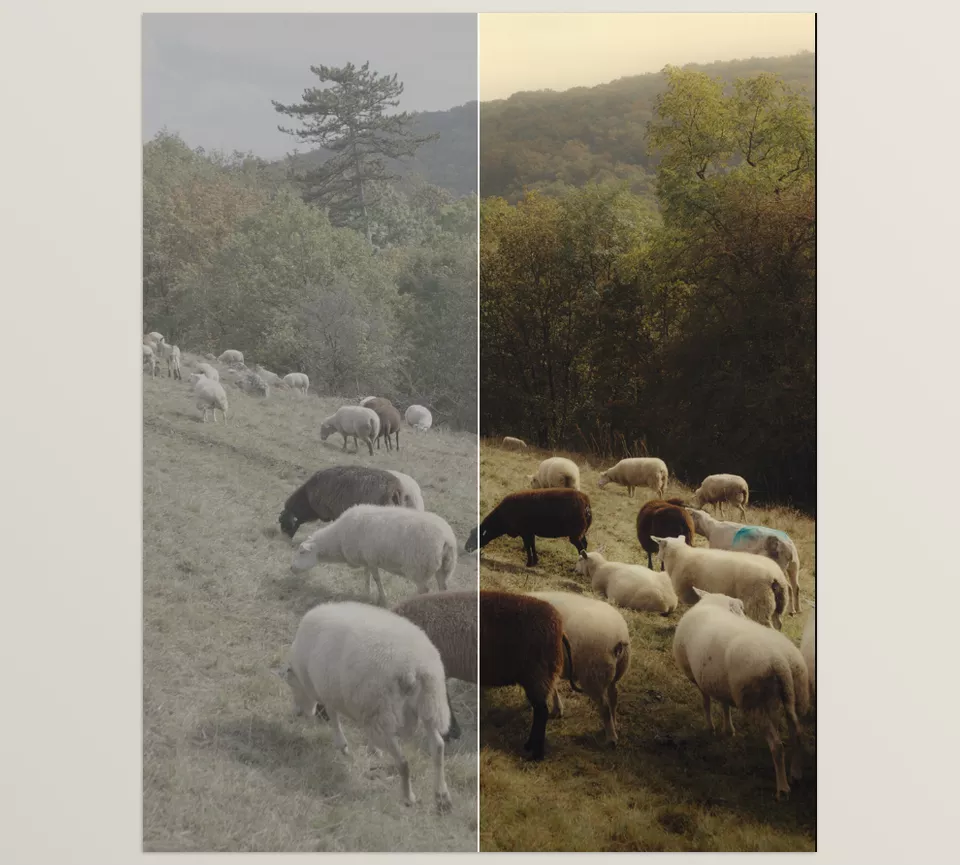
The goal of these Looks is to create a Warm, Cinematic, and Nostalgic appearance; meaning the image can feel warmer, more memorable, and have more visual character. This is especially useful for travel footage, personal videos, and content where you want to create more mood and atmosphere.
An important advantage of a LUT is that you can use it as a starting point for Grading. This means the final result doesn’t have to be exactly what the LUT gives you; after applying it, you can continue with the color settings and adjust the Look according to your own footage.
Nostalgia PowerGrade: The Adjustable Version for DaVinci Resolve 🎬
If you use DaVinci Resolve, this pack also gives you a Nostalgia PowerGrade in addition to the LUT. This section is useful for those who want more control over Grading after applying the Look and want to match the result to their own project.
PowerGrade can act as a ready-made foundation for Color Grading; instead of rebuilding the combination of settings you need from scratch every time, you can bring the ready Look into your Workflow and then make the necessary changes to it.
This feature is especially useful when the lighting, skin tones, Exposure, or shooting conditions are slightly different from what the Look was designed for. In these situations, you can match the Grading to your footage while keeping the core foundation of the nostalgic Look.
For Rec.709 and Log Footage 📹
One important point about this pack is that it isn’t designed for just one type of footage. According to the creator’s description, the Looks are made for Rec.709 and Log footage and can be used in different Workflows.
This means that if, for example, part of your project was recorded with a professional camera in Log and another part was shot with a simpler device such as an iPhone, you can still use this collection to achieve a shared color atmosphere.
Of course, like any other LUT, the final result also depends on the lighting, Exposure, White Balance, and conditions of the footage, and you may need to make some adjustments after applying the Look.
Compatible with Different Cameras and Types of Footage 📷
This pack isn’t limited to a specific camera, and the creator specifically mentions support for footage from Sony, iPhone, and DJI Osmo Pocket. So you can use it for projects with different filming styles.
For example, if you shot a travel video on an iPhone, filmed a cinematic project on Sony, or created everyday content with the DJI Osmo Pocket, you can use the Nostalgia Looks as a shared foundation for Colour Grading.
Not Just for DaVinci Resolve 💻
One practical point about this pack is that the LUTs aren’t limited to DaVinci Resolve. According to the product description, Final Cut Pro, Premiere Pro, and CapCut Desktop also support the LUTs in this collection; in fact, any software that lets you import LUTs will work with this pack.
As a result, if your main Workflow is in Premiere Pro or Final Cut Pro, you can still use the Nostalgia Looks and don’t need to change your software just to use the LUTs.
What Types of Projects Is It Suitable For? 🎥
The use of this Look isn’t limited to one specific video style. The creator designed this pack for different situations, including:
- Travel Film: To give travel footage a warmer, more memorable feel.
- Cinematic Projects: When you want your footage to have a more distinctive color character and a clearer cinematic atmosphere.
- Everyday Content: To help everyday videos move away from a raw, ordinary look.
- Personal Videos: For personal videos and memories where you want a stronger nostalgic feel.
What Exactly Do You Get in the Pack? 📦
By getting the Nostalgia PowerGrade & LUT Pack, you receive three main sections:
- Nostalgia LUTs: Quickly apply a nostalgic Look to your footage.
- Nostalgia PowerGrade for DaVinci Resolve: For using the same color atmosphere in a more adjustable Workflow inside Resolve.
- Quick Guide: A quick guide to help you understand how to use the LUTs and PowerGrade without confusion.
Overall, this pack helps you avoid building a Warm, Cinematic, nostalgic look from scratch every time. You have a ready-made foundation; you can try it on different types of footage, and then further customize the result according to the conditions of your project.
Important Tips for a More Natural Result with Nostalgia LUT and PowerGrade 🎨
Think of a LUT as a starting point for Grading, not something you apply to all footage without checking it. A few simple tips can help you achieve a more natural and professional final result:
- Fix the Lighting and Exposure First: Before applying the Look, make sure your footage has a suitable exposure level. A LUT usually won’t produce a good result on an unbalanced image.
- Control the Look Intensity: If the nostalgic appearance becomes too strong, reduce the LUT intensity so the colors remain more natural.
- Pay Attention to Skin Tones: In videos with people, skin tones are one of the most important references for determining whether the Grading looks natural.
- Match the Shots Together: If you have several shots from the same project, adjust the Look so that the color differences between the shots aren’t noticeable.
- Don’t Mix Up Log and Rec.709: Before using the LUT, make sure it’s suitable for your type of footage, because a LUT may be designed for a specific color space.
- You Still Have Control After the LUT: If you’re using a PowerGrade or LUT as a starting point, you can adjust Temperature, Contrast, Saturation, and other settings according to the project if needed.
In the end, the goal isn’t for every shot to have exactly the same color; what matters is that the entire video has a consistent feeling and visual identity.
A Faster Way to Create a Nostalgic Atmosphere 🎯
If you want to build the warm and nostalgic look completely manually, you’ll have to spend a significant amount of time finding the right combination of color, contrast, and image tones. This becomes even more noticeable when the number of shots increases.
Nostalgia Powergrade & LUT Pack speeds this stage up by giving you a ready-made look you can start with right away. As a result, instead of building everything from scratch every time you want a similar feel, you have a ready foundation and only need to match it to your footage.
On the other hand, support for LUTs in several different software applications means that this Workflow isn’t limited to one program. Whether you’re working on a Travel Film, a personal video, or everyday content, you can use the same ready-made Look as a starting point and adjust the grading to your preference.