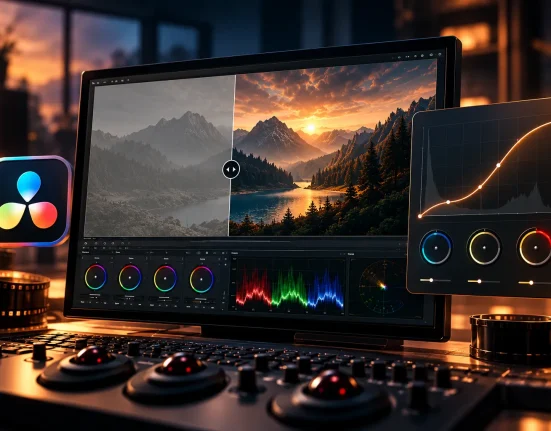
Turn an Ordinary Photo into a Professional Masterpiece
Do you have any experience using the Benj BUNDLE OMNIBUS? Sometimes, a photo or video, in terms of lighting, color, or mood, isn’t exactly what we imagined. Maybe we captured a raw image, the ambient light wasn’t ideal, or the colors lack depth… These small details can make the final result less than expected—less cinematic, less captivating.
That’s when the importance of proper color grading becomes clear. The right color correction can transform an ordinary photo into something that grabs attention, holds the viewer, and even conveys emotion. But finding that perfect look is not always easy. Working with light, tone, contrast, shadows, and highlights can take hours—and sometimes still doesn’t yield the desired result.
Now imagine if this entire long process could be done in just a few clicks. No tedious trial and error, no getting stuck among dozens of sliders and complex settings. One simple choice, and suddenly your photo or video has that professional vibe—something you usually only see in the work of expert photographers.
Professional color grading is no longer just for specialists—if you have the right tools, any project can shine.

When You Don’t Have Professional Tools
If you want to achieve the same effects and attractive color grading without presets or LUTs, you have to spend hours struggling with Lightroom or Premiere settings:
- Adjusting light and contrast manually, over and over, hoping to get something close to what you envisioned.
- Combining multiple filters and masks, and hoping the result looks right.
- Enduring endless trial and error to finally find the right color, yet still risking that the cinematic feel doesn’t come through.
These methods are really time-consuming and sometimes exhausting, especially when you have many photos or video frames. With videos, it’s even harder because you have to check frame by frame to ensure the color and light are correct without ruining the movement or mood of the footage.
In short, without the right tools, achieving a professional result can feel like running a long, obstacle-filled race… and frankly, no one has the patience for that!
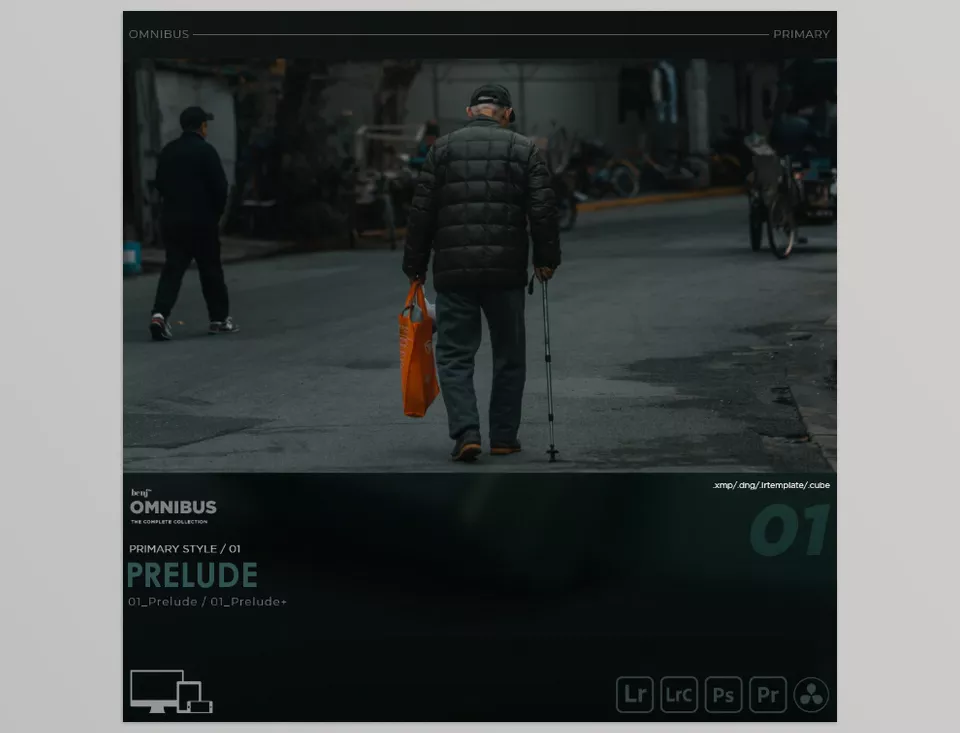
When You Have Professional Tools, Everything Becomes Easier
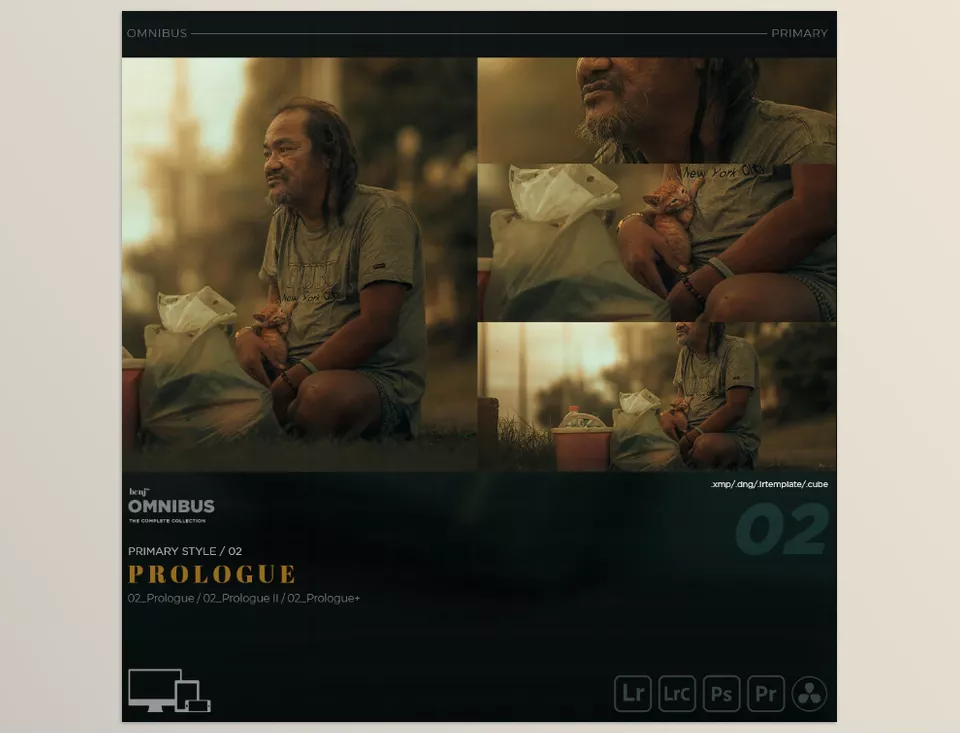
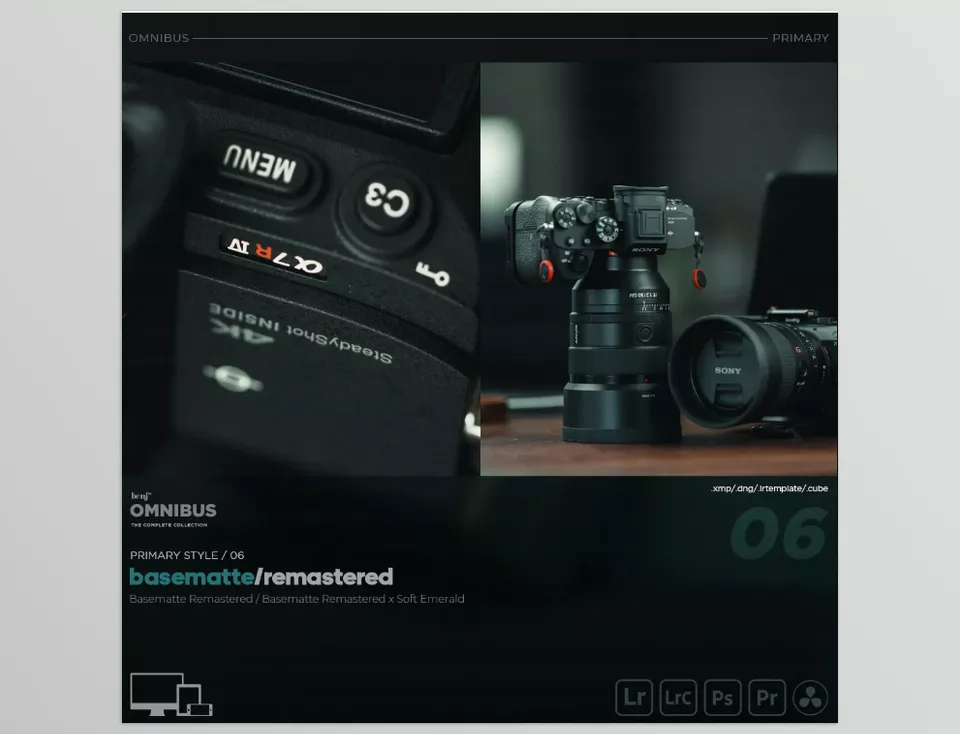
Imagine having a complete pack at your fingertips that can elevate both photos and videos. benj BUNDLE OMNIBUS includes over 100 Lightroom presets and 31 video LUTs, all created by a professional—the same tools they use in photography, filmmaking, and motion graphics.
What Can You Do With It?
- Professional Color and Lighting for Photos: No more spending hours adjusting light, shadow, highlights, and tone. One click and your photo looks like it came out of a professional studio.
- Create Cinematic and Video Mood: LUTs allow you to color correct videos, give them the cinematic feel of a film, and easily keep colors consistent.
- Change Styles and Atmospheres: Presets and LUTs are designed so you can go from bright and cheerful to dark and dramatic using the same pack.
- Save Time: No more checking colors frame by frame or trying settings over and over. Apply a preset or LUT and achieve results that hours of manual work can’t guarantee.
- Consistency Between Photos and Videos: No need to create a new style for each medium. Use this pack to maintain a unified style and mood across all your content.
- Comprehensive PDF Guide: A friendly, practical guide comes with the pack, showing you how to use the tools, which preset or LUT works best in each situation, and how to achieve more natural and professional results.
Why This Pack is Different and Worth It
- A combination of real professional experience, not just a random set of filters.
- High variety for any type of project: photo, video, cinematic, dramatic, bright, or cheerful.
- All tools are ready to use—fast and simple, with no extra complexity.
With benj BUNDLE OMNIBUS, you no longer need to waste hours finding the perfect color and light. Just select a preset or LUT, and your project instantly becomes more appealing, lively, and professional—like having a personal assistant adjusting your colors and lighting without tiring you out or confusing you.
Pro Tips for Better Results
If you want your output to look natural and professional with the Benj BUNDLE OMNIBUS, these tips can help:
- Play With Effect Strength: Always adjust the intensity of presets or LUTs to keep a natural look. Sometimes, only half the effect is enough. Remember: subtle but precise is always better than overdone.
- Layering and Masking for Videos: Apply LUTs layer by layer with masks in videos. This gives you control over which parts of the image are more or less affected, making the result look more professional and natural.
- Presets as a Starting Point, Not the Finish: Think of presets as the starting point, not the final result. After applying them, manually adjust light, shadows, and colors to get exactly what you imagined.
- Always Check From the Viewer’s Perspective: A photo or video that looks good on one screen may differ on another monitor or print. Check from different angles and devices to ensure your output always looks natural.
- Smart Combination of Presets and LUTs: You can mix multiple presets or LUTs to create your personal style. Just don’t overdo it—maintain color harmony.
- Patience and Practice: Using presets and LUTs professionally is a skill. The first few projects may take time, but with practice, you’ll be able to achieve the exact color and lighting you want quickly.
Following these tips, your projects will not only look professional but also natural and real, hiding the fact that a preset or LUT was used. That’s when your work truly shines!
Why It’s Worth Trying
With Benj BUNDLE OMNIBUS, working with the color and light of your photos and videos becomes effortless. No more hunting for the right settings or checking frame by frame. A few clicks, and your photos and videos instantly become vivid, captivating, and eye-catching—the results you’ve always wanted.
Even if you’re a beginner, don’t worry. Presets and LUTs in Benj BUNDLE OMNIBUS help your projects feel professional quickly, making the colors and lighting look like a specialist did it. Without spending hours learning or practicing, you can achieve a cinematic-like result.
The best part? You have complete freedom. Adjust the effect intensity, mix them together, and create your personal style. Trying it has no downside, and your projects instantly look more appealing, lively, and truly professional—the exact result you’ve always wanted.
If you’re serious about taking your Color Grading skills further, we’ve assembled a complete, practical article that makes the entire workflow approachable. I strongly recommend reading it—you’ll come across insights that instantly enhance your work.