


When Post Layouts Frustrate You…
Are you someone who uses the GridTrend Plugin? Have you ever prepared a collection of photos, videos, or digital projects for publication and wanted everything to look neat and professional, but when arranging the layers one by one, you felt like your time was slipping away?
Resizing, aligning items, adding lines or backgrounds, and ensuring everything matches can be truly tedious and time-consuming.
Now imagine preparing the same collection for social media platforms like Instagram or for your portfolio: it’s not just about being organized, visual appeal must also be maintained. Every time you add a photo or video or rearrange items, you have to align everything again… and this cycle can consume hours and lead to fatigue.
For many designers and motion graphic artists, this is a real obstacle to creativity. When your focus is on organizing elements, the time and energy needed for true design and ideation are lost.

Without Professional Tools, It Gets Hard
If you try to create a professional grid directly in After Effects, be ready to spend hours. You have to move each layer individually, adjust sizes, and find a balanced composition. Even the smallest change in the number of rows or columns can disrupt the entire layout and force you to start over.
You can use Expressions or scripts, but this method:
- Requires technical and programming knowledge.
- Takes a lot of time to write and test Expressions.
- Even after setup, managing changes or adding new items remains challenging.
Additionally, adding strokes or dividing lines, adjusting their color and thickness, and matching them with the background usually involves multiple complex and time-consuming steps.
In fact, the larger the project, the more exhausting managing these details becomes, and your focus shifts from creativity to technique.
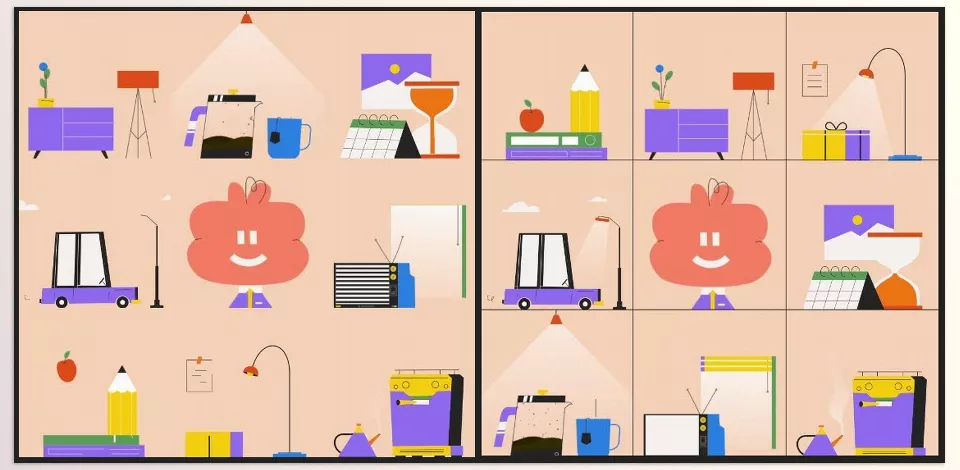
GridTrend: Designers’ New Friend
Imagine a project full of photos, videos, and digital content, and you want everything organized, professional, and ready for publication. Without the right tool, hours are spent moving layers, adjusting sizes, and arranging compositions.
This is where GridTrend Plugin, a smart After Effects plugin, comes in to handle all of this quickly and accurately.
Key Features and Capabilities:
Automatic Grid Creation:
With GridTrend Plugin, you can specify the number of rows and columns, and the plugin automatically arranges all media into a neat grid. No need to move layers manually. Even with a large number of items, GridTrend effortlessly creates a professional, coordinated grid.
Centering Profile Pictures or Logos:
Many designers need a specific image (like a profile picture or brand logo) in the center of a grid for social media. GridTrend Plugin does this automatically, arranging the surrounding media symmetrically and precisely.
Customizable Strokes (Color & Thickness):
Divider lines or strokes are crucial for a professional grid. With GridTrend, you can set the color and thickness exactly to match your brand or style. This ensures the grid is not only organized but visually appealing.
Shuffle & Quick Media Rearrangement:
Sometimes, the best layout requires trial and error. GridTrend allows you to shuffle or rearrange media with a single click, finding the optimal layout without rebuilding everything from scratch.
Automatic Project Organization:
Large projects can quickly become messy and unmanageable. GridTrend organizes all compositions, layers, and folders neatly. Even after adding new items, your project remains organized and manageable.
Save & Load Settings:
If you like a particular layout or style, you can save your preferred settings and reuse them in future projects. This is especially useful for consistent branding across multiple projects.
Create Empty Grids for Future Use:
You can create an empty grid ready for future media. This is perfect for templates and repetitive projects, allowing you to prepare the grid structure before final content is ready.
Add Backgrounds, Masks & Guides:
GridTrend Plugin also offers advanced features: add a suitable background, create masks for custom shapes, and use guides for precise media alignment. These tools make the grid look professional and polished, ensuring even small details are accurate and orderly.
Real-Life Example:
With a single click, a collection of portfolio photos and videos can turn into an Instagram-ready grid. Everything is not only neatly aligned, but divider lines and background look professional. Result? Maximum visual impact in minimal time, without wasting creative energy on manual, repetitive tasks.
Why GridTrend is Essential
- Speeds up your workflow multiple times.
- Makes your projects look professional and visually appealing.
- Keeps large projects fully organized.
- Saving and reusing settings ensures a consistent workflow and professional branding.
With GridTrend Plugin, there’s no need to spend hours arranging layers and compositions; everything is ready in seconds, letting you focus on real creativity and ideation.
Be Professional, but Effortless
Using GridTrend Plugin is simple, yet a few professional techniques can make your results even more impressive and efficient:
Use the Shuffle Option:
If you’re unsure about the best layout, shuffle the media with one click. This helps you find the fastest and most visually appealing arrangement without wasting hours.
Match Strokes with Your Brand Color:
Divider lines or strokes are small but impactful details. Matching their color and thickness to your brand identity or project style ensures a consistent and professional grid.
Create Empty Grids for Future Projects:
You can always create an empty grid and add media later. This technique is very useful for repetitive templates, allowing you to start new projects without hassle.
Save Your Favorite Settings:
When you like a particular layout, stroke color, or row and column sizes, save them. This ensures you don’t waste time on future projects and maintain a consistent workflow.
Compare Before & After:
Before finalizing the grid, take a quick look at before and after results. This guarantees quality and helps you learn successful styles and layouts to repeat in future projects.
By following these tips, even if you’re new to GridTrend, you can create professional and visually striking results without experiencing the headaches of manual layout or complex After Effects setups.
Build Your Projects Faster and More Professionally
With GridTrend Plugin, you no longer need to spend hours manually arranging photos and videos. Professional layouts, precise divider lines, backgrounds, and visually appealing compositions are ready in seconds.
This tool allows you to spend your time on real creativity and ideation instead of repetitive, tedious tasks. Even for large projects or social media content, GridTrend ensures everything looks organized, neat, and professional.
Additionally, smart features like Shuffle, saving settings, empty grids for future projects, and automatic folder organization let you maintain a consistent workflow and strong branding.
If you want speed, precision, and professionalism, GridTrend Plugin is truly a valuable companion. Try it and see the difference: you save time, and your projects look more polished and attractive.
If you’re looking to learn more about After Effects and its related tools, our comprehensive article about After Effects Tools has you covered.



