

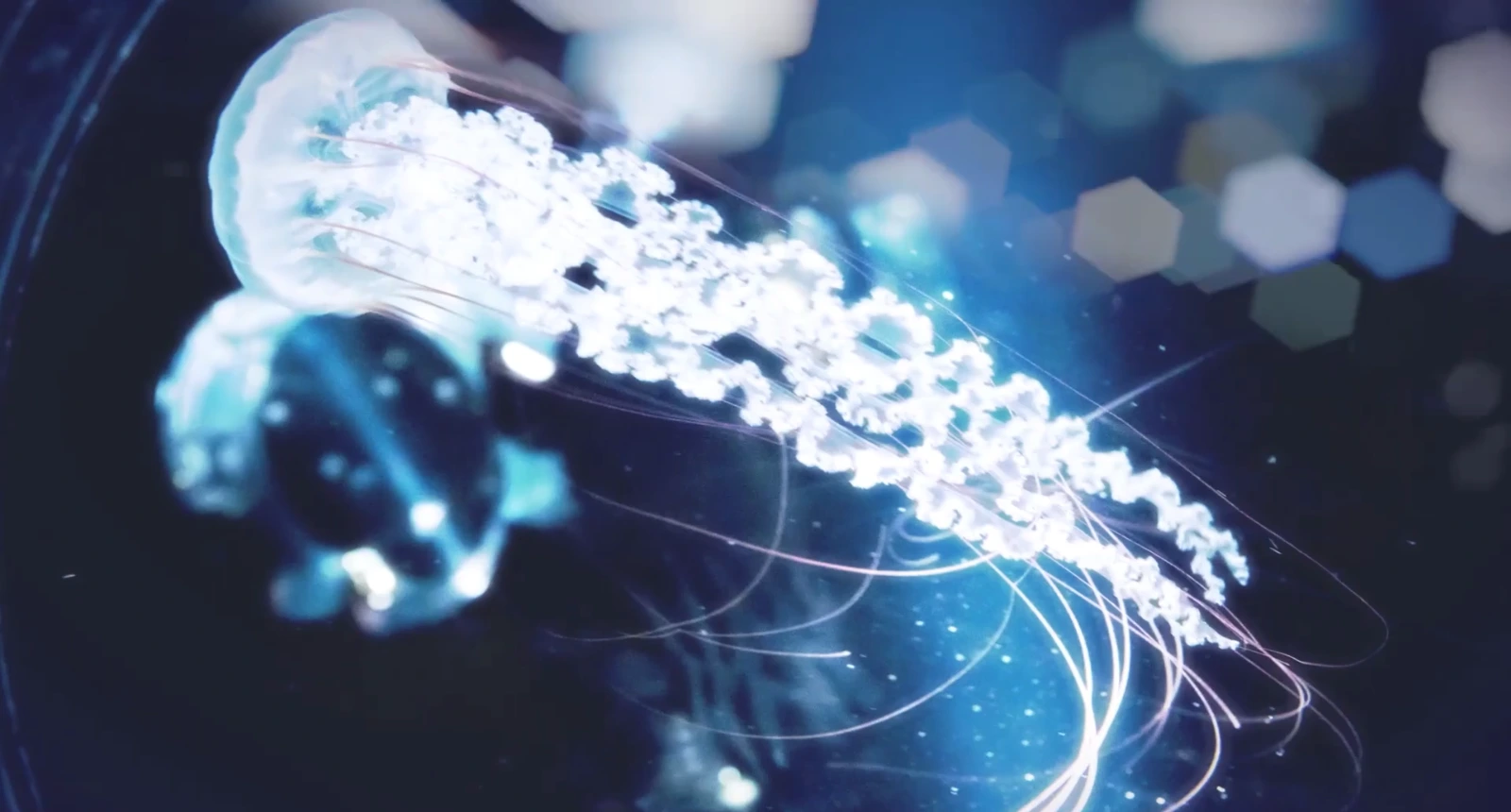
When Blur Creates the Mood of a Scene
Are you familiar with how the Fast Camera Lens Blur Plugin works? You’d be surprised how much a blur can do for an edit or motion graphics to make something feel more cinematic, more humanized. As if the camera lens is really moving in space, looking at things through the perspective of the lens, all it takes is a couple of extra pixels of blur to transform an entire frame.
But creating a real lens blur—the beautiful bokeh and out-of-focus lights we see in professional films—is never easy. Default effects are often slow or produce artificial results, leaving you feeling like you can’t achieve that “realistic and cinematic” look. And in the end, long renders and complicated settings become incredibly frustrating.
And then you think, “Isn’t there a faster, prettier option?” Something that can achieve real bokeh and not complications; something that won’t bog down your computer but makes blurring so much fun that it’s not an annoying part of production, but something pretty cool and meaningful. Something that can transform blurring from just another feature to a performance unto itself.

Simple Definition and Uses of Lens Blur
Camera Lens Blur is a visual effect that simulates image blur exactly like a real camera lens. This means that when a light or subject goes out of focus, it turns into those beautifully polygonal bokeh and soft glowing lights that give a deep and natural feeling to the image. The end result is a realistic, cinematic depth of field that makes even simple scenes feel professionally shot.
Main Uses:
- Transforming an ordinary scene into a cinematic and captivating image with a realistic depth of field that draws viewers in.
- Enhancing streetlights, LED signs, backlights, and nighttime scenes, which often appear flat without blur.
- Guiding the viewer’s attention and focusing on the main subject using smart focus and blur.
- Creating glow and shine effects without needing multiple complex blur layers or overloading the system.
Why Are These Features Important?
These small details make the output more professional, warm, and visually appealing. The image is no longer just a simple frame; it conveys mood, tells a story, and engages the audience. Even without realizing why, viewers instinctively sense that the image is “right and cinematic.” This is where lens blur evolves from a purely technical effect into a tool for visual storytelling.
Traditional Methods – When After Effects Stands Alone
If you don’t have any plugins and only want to create lens blur using default After Effects or Premiere Pro tools, there are a few options. The most common ones are:
- AE’s Built-in Camera Lens Blur: The main effect is high quality, but slow and heavy.
- Gaussian Blur: Fast and simple, but the blur doesn’t feel natural or create real bokeh.
- Premiere’s Box Blur: Quick, but the result looks artificial and “flat.”
- Multiple Glow + Blur Layers: An old method for creating artificial bokeh, requiring patience and cluttering the timeline.
Problems with These Tools:
- They are slow, especially AE’s main Camera Lens Blur, which can take minutes per frame.
- To achieve acceptable bokeh or glow, you need multiple layers, which is hard and time-consuming to manage.
- Even after all this effort, bokeh often appears limited and unnatural, failing to mimic real camera behavior.
- They make the timeline heavy andthe previews sluggish.
The Result: Users often have to choose between quality and rendering speed: either a beautiful, realistic image with long waits, or a faster workflow, sacrificing cinematic feeling. This is where a professional, optimized solution proves its worth.
Full Introduction to Fast Camera Lens Blur Plugin
When working with motion graphics or video editing projects, one of the biggest challenges is creating real lens blur—the beautiful bokeh and out-of-focus lights that give a cinematic feel. Without the right tool, you either wait hours for renders or sacrifice quality for speed. This is where Fast Camera Lens Blur Plugin comes in, making everything simple and fast.
This plugin does exactly what its name suggests: real lens blur with incredible speed and natural output. No matter how heavy your project or crowded your timeline is, you can see the effects directly in Premiere Pro or After Effects without system lag or multiple layers. It’s even optimized for Apple Silicon Macs with outstanding performance.
Why Has the Fast Camera Lens Blur Plugin Become So Popular?
- Incredible Speed: Apply effects without long waits or slowing down your system.
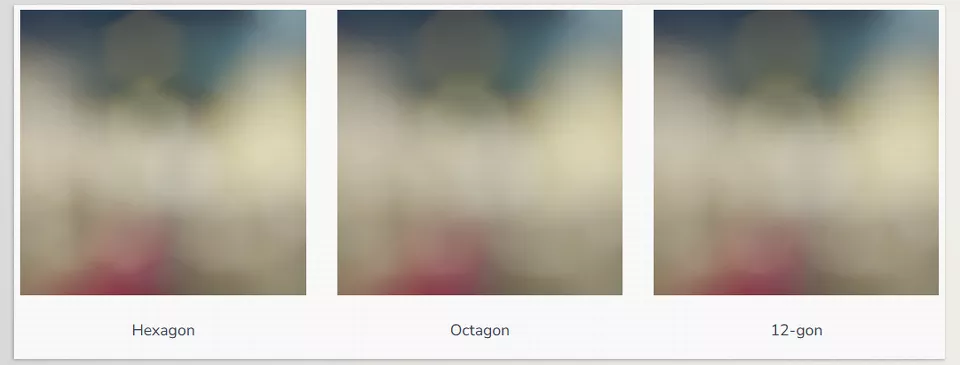
- Realistic and Diverse Bokeh: Choose from Hexagon, Octagon, 12-gon, and 16-gon shapes for full creative freedom.
- Built-in Glow Without Hassle: Create soft glowing lights without multiple layers or system strain.
- Precise Depth of Field Control: Fully adjust blur amount, focus distance, and effect strength to achieve natural, cinematic depth of field.
- Effect Animation: Animate blur and bokeh changes over time—perfect for motion graphics and music videos.
- Live Preview: See changes directly on the timeline without final rendering.
- Compatible with Other Effects: Combine with color correction, glow, or other effects without ruining the output.
Real Project Applications
- City Night Scenes: Sharp lights turn into soft, cinematic bokeh, adding realism and depth.
- Wedding Videos: Romantic lights, pleasant depth of field, and intimate atmosphere.
- Music Videos: Dreamy, glowing effects that energize and enhance the visual appeal.
- Motion Graphics: Accurate and professional depth of field without slowing the timeline.
- Ads and Commercials: Direct viewer focus to the product or main subject with smart bokeh and blur.
With Fast Camera Lens Blur Plugin, blur is no longer just a technical effect—it becomes a storytelling tool. Projects are completed faster and look professional without hours of rendering or multiple complex layers. The final output is not only beautiful and natural but also warm, engaging, and cinematic—the professional look you’ve always wanted.
Professional Tips – Optimal Use of Fast Camera Lens Blur Plugin
Now that you’re working with the Fast Camera Lens Blur Plugin, here are some professional tips for fully cinematic and natural results. These tips help you maximize the plugin’s potential without wasting time on trial-and-error settings.
- Control Blur and Bokeh:
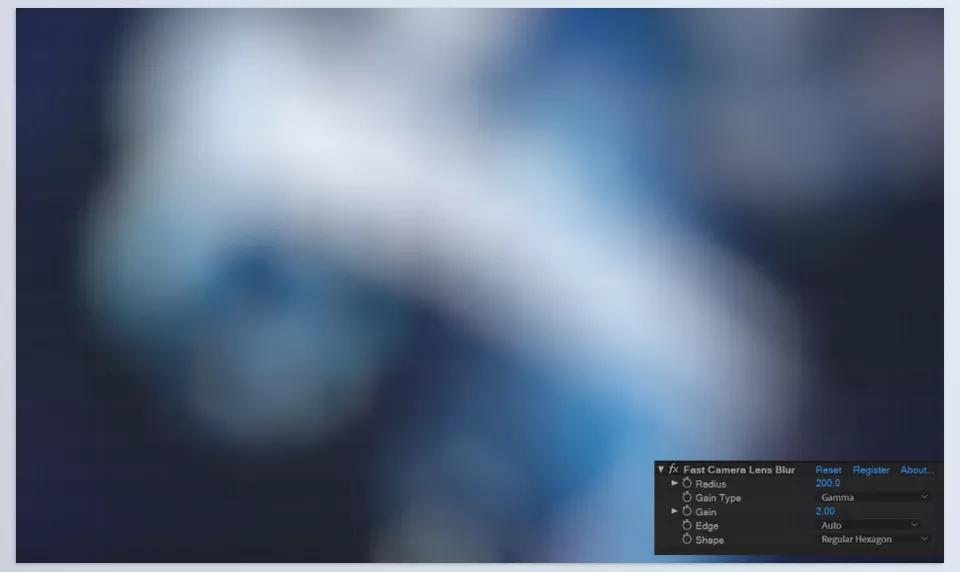
Increase the Blur Radius enough to create a realistic depth of field, but don’t overdo Highlight Boost to avoid artificial-looking bokeh. The right balance gives a cinematic yet natural feel. - Use Adjustment Layers in Premiere:
Apply blur and glow on an adjustment layer for complete control over the entire scene. This simplifies managing changes and avoids applying effects to individual clips. - Night Scenes and Bright Lights:
Increase Shutter Highlights to make lights soft and glowing, conveying real bokeh light effects. - Quality Settings in Premiere:
Go to Sequence Settings → Maximum Bit Depth for optimal results, ensuring smooth, noise-free colors and effects. - Adjust Softness for Bokeh:
If bokeh appears too sharp or artificial, slightly increase Softness to make lights appear more natural and edges softer. - Animate Blur and Depth of Field:
For motion graphics or music videos, animate blur and bokeh to enhance movement and scene depth. Gradually increase Blur Radius as subjects go out of focus, keeping Highlight Boost moderate for smooth, natural transitions. - Combine with Other Effects:
Fast Camera Lens Blur works well with glow, color correction, or vignette. Layer effects to make images warmer and more visually appealing without system slowdown or output degradation.
Following these tips makes your images and videos cinematic and appealing while making effect management easier and faster. Fast Camera Lens Blur becomes a powerful tool for creating professional and natural cinematic effects without extra hassle.
Why the Fast Camera Lens Blur Plugin Is Worth Using
Fast Camera Lens Blur Plugin is exactly what editors and motion graphic artists have been looking for: a combination of real quality and incredible speed. You no longer need to choose between cinematic output and smooth timeline performance; this plugin allows you to create real lens blur effects and attractive bokeh quickly.
The main advantage of this tool is that your image communicates and conveys emotion. Without relying on simple or artificial effects, multiple layers, or hours of rendering, you can create effects that fully mimic a real camera. Lights appear soft and glowing, the depth of field is natural, and the viewer is subconsciously drawn into the scene.
Ultimately, if you want an easy, high-performance, and professional plug-in for depth, bokeh, and cinematic glow effects, then the Fast Camera Lens Blur Plugin is a worthy contender. It simplifies the process of your edit while simultaneously increasing the quality of your output to achieve the professional standard you always wanted for your projects.
Discover how After Effects Tools can transform your workflow into a powerhouse of creativity with our detailed guide to plugins, presets, and professional techniques.



