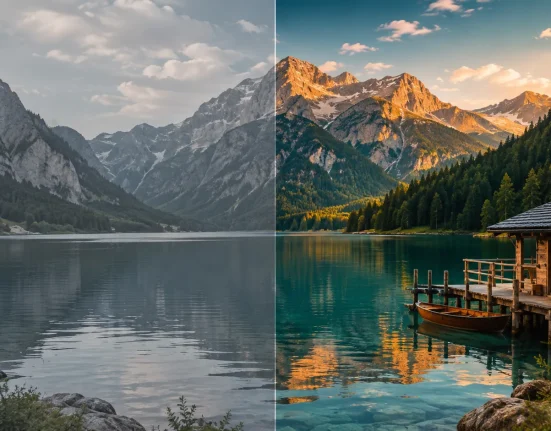

🎬 When Your Video Colors Aren’t What You Want
Are you someone who has used the Jacob Nordin Sony LUTs before? If you’ve ever shot with Sony cameras—especially using the S-Log3 profile—you’ve probably noticed that your raw footage doesn’t have the appeal you expected. The image usually looks very flat, desaturated, and even lifeless, and at first glance, you might feel like something went wrong during filming.
In reality, this is completely normal. Profiles like S-Log3 are designed to capture the maximum amount of detail in highlights and shadows, not to produce a beautiful, eye-catching image straight out of the camera. That’s why the raw output of this type of footage is more like a base for further processing rather than a ready-to-publish video.
However, this same feature can cause confusion during editing. When the initial image looks this flat and dull, finding the path to a cinematic, professional result isn’t simple and usually requires additional tools or knowledge.

🎨 What Is a LUT and What Does It Do?
Simply put, a LUT is a preset for video color and lighting that helps you quickly make your footage look better and more professional. Instead of starting from scratch and adjusting everything manually, you just apply a LUT to your video and instantly get a styled look. The difference compared to regular filters is that LUTs are more precisely designed and deliver more natural results.
They’re especially useful when working with S-Log3, where your footage looks very flat and colorless. With a LUT, you can quickly bring it back to a natural look or even give it a specific mood—like warm, cool, or cinematic.
More importantly, LUTs help maintain consistency across your entire project. If you have multiple shots, they’ll match in color, making your work look more professional.
Old Methods for Color Correction
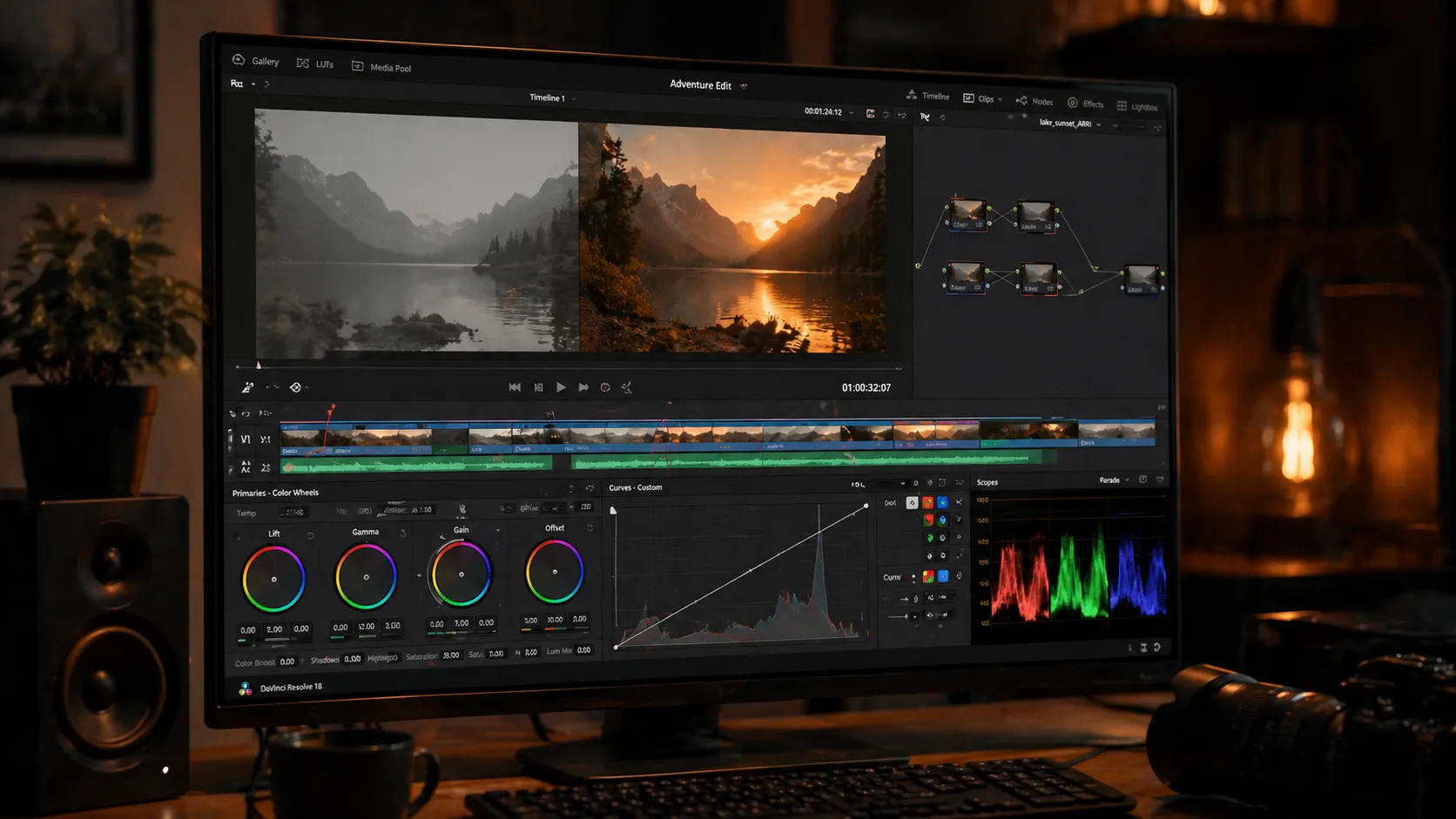
Yes, it’s absolutely possible to achieve great results without LUTs—especially if you’re experienced with professional editing tools. Software like Premiere Pro, DaVinci Resolve, and Final Cut Pro offer extensive features that allow you to build your color and lighting from scratch and achieve your desired style. Typically, the workflow looks like this:
- Adjusting brightness and exposure
- Correcting white balance
- Increasing or decreasing contrast
- Adjusting color saturation
- Using Curves for precise color control
This method gives you full control, allowing you to create exactly what you have in mind.
Challenges and Limitations
However, this approach isn’t always easy. It takes a lot of time and requires experience and a solid understanding of color. If you’re not very advanced yet, you might get inconsistent results or fail to achieve the quality you’re aiming for. Also, in projects with many shots, maintaining consistent color across all clips becomes a serious challenge. That’s why many people prefer a faster and more reliable solution.
🎥 Introducing a Professional Tool: Sony S-Log3 LUT Pack
This is where ready-made LUTs really come to the rescue 👀
A product like the Jacob Nordin Sony LUTs, designed by Jacob Nordin, is built exactly for this scenario—when you’re dealing with flat, lifeless footage and need to quickly turn it into a vibrant, cinematic result 🎬 without getting stuck in complex settings.
Jacob Nordin Sony LUTs pack includes 6 different LUTs, each offering a unique mood. The key point is that all of them are designed with natural colors in mind—especially skin tones 👤. After applying them, your footage won’t look overly saturated or artificial and will still retain its natural feel.
✨ Why Is This Pack Useful?
Jacob Nordin Sony S-Log3 LUTs essentially act as a “professional starting point.” They give you a solid color base from the beginning, so your work already looks clean, and you only need to make minor adjustments.
- Quickly converting flat S-Log3 footage into a natural look 🎨
- Adding a cinematic feel effortlessly 🎬
- Preserving natural skin tones (very important!) 👌
- Creating consistent color across the entire project 📹
This makes it much easier to manage projects with many shots.
🎯 What Difference Does It Make in a Real Project?
Imagine you’re editing a vlog or a commercial project. Without LUTs, you’d have to spend time adjusting colors for each individual shot. But with this pack, you can quickly achieve a consistent style and focus more on details and enhancing the final output ✨
🧰 Compatibility and Ease of Use
Even better, you can use it in almost any editing software:
- Premiere Pro
- DaVinci Resolve
- Final Cut Pro
You simply import the LUT, apply it to your footage, and you’re good to go 😄
Overall, Jacob Nordin Sony LUTs are more of a professional shortcut than something complicated. It’s not only great for beginners who want fast results, but also very useful for professionals because it speeds up the workflow and allows them to focus more on fine-tuning rather than basic adjustments 🚀
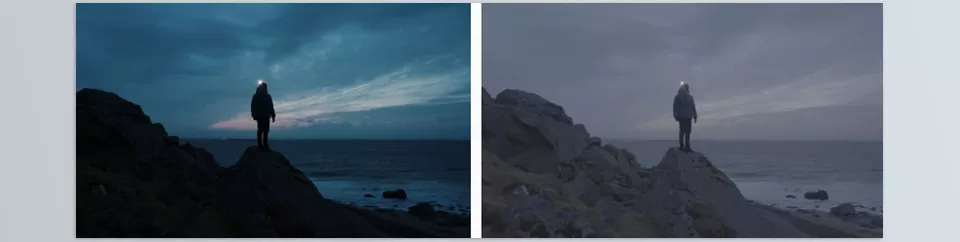

💡 Tips for Getting the Best Results with LUTs
To get the best results from Jacob Nordin Sony LUTs, there are a few simple tips that make a big difference. These will both speed up your workflow and improve your final output 👇
- Fix the exposure before applying the LUT ☀️
If your footage is too dark or too bright, the LUT won’t work properly. - Adjust white balance 🎯
Incorrect colors (too yellow or too blue) will make the result look unnatural. - Reduce LUT intensity 🎚
100% is usually too much; 50–80% looks more natural. - Treat LUT as a starting point 🚀
Always make additional manual adjustments, like contrast and color, afterward. - Review each shot individually 🎬
A single LUT won’t produce identical results on every clip. - Choose the right LUT 🧩
Pick based on the mood of your video (warm, cool, cinematic, etc.).
Overall, if you follow these tips, LUTs will work much better for you, and your output will look cleaner and more professional 😉
🚀 A Smart Shortcut to Achieving Professional Results
In the end, LUTs aren’t strictly necessary. If you have enough time and skill, you can achieve great results without them. But the reality is that in real-world editing, having a good LUT can multiply your speed and help you reach a clean, acceptable result much faster.
On the other hand, what makes LUTs even more appealing is how they help maintain consistency. Especially when working with multiple shots, they ensure everything looks more cohesive, and the final output appears more professional.
For many content creators and motion designers, LUTs are no longer just an extra tool—they’ve become part of their workflow. Not because they can’t edit manually, but because LUTs help them reach the result they have in mind faster and allow them to focus their time on more important details 😉
Understanding the basics of color grading will make Jacob Nordin Sony LUTs make a lot more sense — you can read everything about it in our comprehensive color grading guide.