✨ Why Do Some Videos Look More Professional?
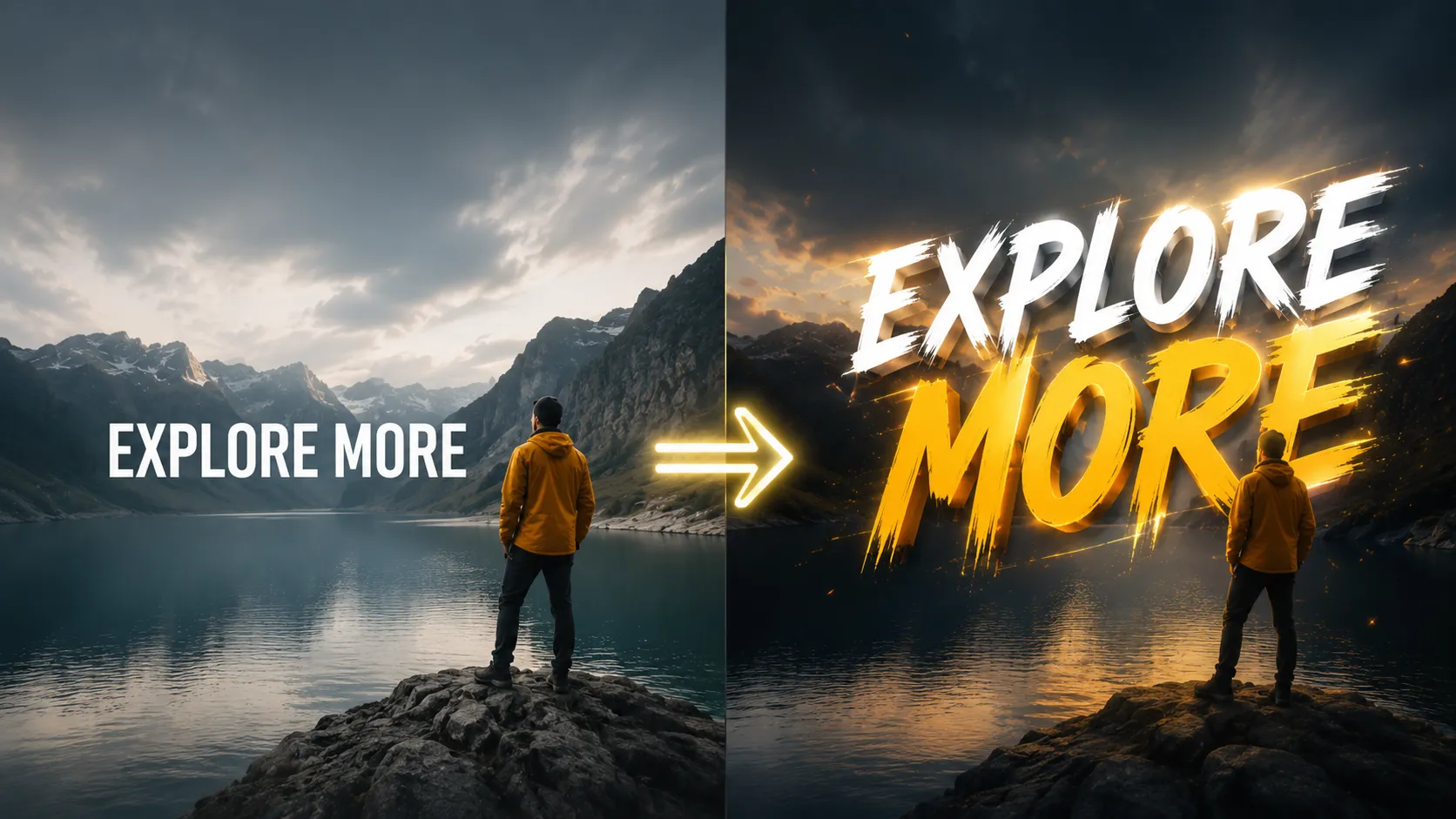
Are you familiar with what the Animated Text Pack can do? If you’ve ever watched a video where even the simplest text looked attractive and eye-catching, the reason is probably that those texts weren’t just static words — they had motion. These small movements naturally draw the viewer’s attention into the frame, making the video feel much more alive and professional.
Within the world of video creation, especially for short-form videos, it’s not just what you say within your video that matters, but how you present your text. Even a simple sentence can make more of an impact when presented within the frame in the right way.
That’s where text animation comes into play — the thing that takes text out of its plain and static form and turns it into part of the video’s visual experience, not just words sitting on the screen.

🎨 What Is Text Animation and Why Does It Matter?
Text animation means that the text in a video is not static; it enters the frame, changes, or is emphasized through various movements. This movement can be very simple, like a Fade In, or more complex, such as rotating letters or revealing text word by word.
Its use cases are extremely broad — from educational videos to advertisements and even professional subtitles. For example, imagine a simple phrase like “Let’s Begin” slowly entering the frame and then fading away instead of just sitting still on the screen. That small change alone makes viewers unconsciously pay more attention.
Overall, text animation helps deliver the message more effectively and prevents the video from feeling dry or plain.
🛠️ Before Ready-Made Tools, How Were These Effects Created?
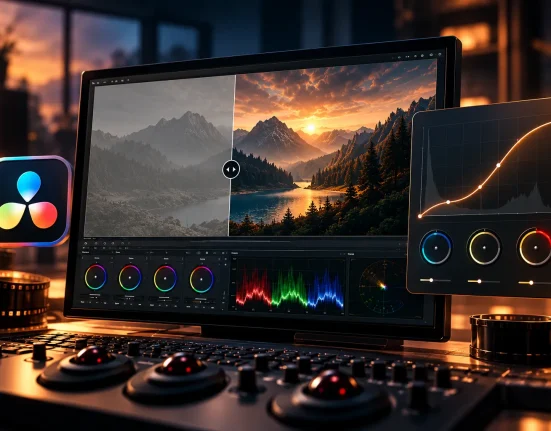
If you wanted to create these kinds of text animations without ready-made tools, you usually had to rely on the built-in features of editing software like DaVinci Resolve. Most of the work there is done using Keyframes, meaning you manually set the start and end times for every movement. On a more advanced level, some editors also use the Fusion section, which provides greater control over animations and effects but naturally comes with more complexity.
Common methods in this workflow usually include:
- Using Keyframes to animate text movement
- Creating simple animations like Fade, Zoom, or Slide
- Using Fusion for more advanced effects
- Manually adjusting the timing for text entrances and exits
In reality, everything is completely possible to create manually — you just have to build it step by step yourself, and nothing is prepared in advance.
⚠️ But What’s the Problem?
The main issue is that these methods are both time-consuming and experience-dependent. When you want to animate multiple pieces of text in a single video, you have to create separate Keyframes for each, which quickly consumes a lot of project time. On top of that, if you’re not fully comfortable with the software yet, it’s very easy for the final result to turn out different from what you originally imagined, making the work lose that professional feel.
Additionally, because everything is created manually, each new project often requires starting from scratch, and nothing is reusable unless you personally save and organize it. That’s exactly why many editors either stick to the simplest effects or completely avoid complex text animations altogether.
🚀 Animated Text Pack: A Faster Way to Create Professional Animated Text
Animated Text Pack is a complete collection of ready-made text animations for DaVinci Resolve, allowing you to create professional animated text in your videos without manually building effects from scratch. The main idea is simple: instead of dealing with Keyframes and Fusion, everything is already designed for you — you just choose and use it.
This package includes 101 ready-made text effects that work through a simple drag-and-drop workflow directly inside the timeline. All you need to do is place the preset onto your text, and the animation instantly becomes active. These effects span a wide range of styles, from smooth, minimal movements to more energetic, eye-catching animations.
🎬 Main Features and Capabilities
Animated Text Pack is not just a few simple effects — it’s a complete motion typography pack. Some of the included styles are:
- Text entrance and exit effects like Fade In, Blur In, and Reveal
- Motion animations like Bounce, Swipe, Pop In & Out, and Flicker
- Letter-by-letter typography effects such as Letter Spin, Letter Rotate In, and Letter Grow
- Word-based animations like Word By Word Grow and Word By Word Stretch
- More creative animations like Text Scramble, Wavey, Full Circle, and Inside Out Reveal
This variety makes the Animated Text Pack suitable for all kinds of projects, from educational content to advertisements and social media videos.
⚙️ Full Control and Customization
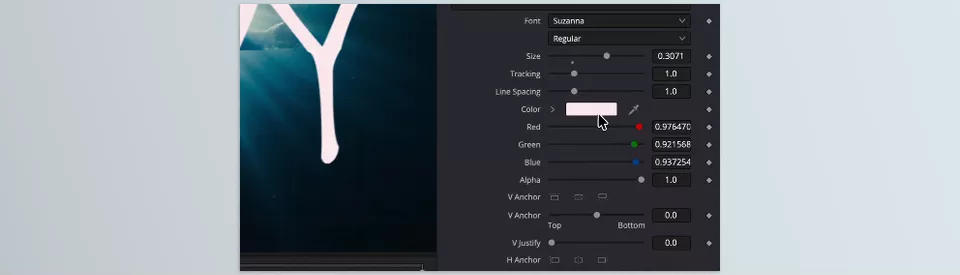
Even though these effects are pre-made, they are not locked or fixed. Every preset inside DaVinci Resolve can be customized through the Inspector, allowing you to:
- Change the text
- Adjust animation speed
- Control entrance and exit timing
- Customize the overall appearance and animation behavior
This means you get both faster workflow speed and full creative control at the same time.
📦 What’s Included in the Package
When you receive this product, you don’t just get the effects themselves. It also includes a dedicated DaVinci Resolve installation file that imports the entire collection into the software at once. In addition, there’s a step-by-step tutorial video showing exactly how to install and use everything, so even beginners can get started easily.
🎯 Compatibility and Use Cases
Animated Text Pack is compatible with both the DaVinci Resolve Free and Studio versions, so it isn’t limited to a specific edition. Its use cases are also incredibly broad, including:
- YouTube videos
- Instagram content
- Advertising videos
- Educational projects
- More advanced professional productions
🎯 Tips for Better Results
To make your animated text look cleaner and more professional, a few simple but important principles can dramatically improve the final quality of your videos. These may seem like small details, but they are exactly what separates professional work from average work.
- ⏱ Match the Rhythm of the Video: Adjust the animation speed so it aligns with the beat and overall mood of the video. This makes the text feel more natural on screen rather than artificial.
- 🎬 Use Effects in a Controlled Way: It’s better not to use too many different effects in a single video, because it can make the final result look messy and unorganized. Simplicity usually creates a more professional outcome.
- ✍️ Keep Text Short: The shorter the text, the stronger its impact, and the easier it is for the audience to absorb the message. Text animation is designed for emphasis, not for long explanations.
- 🔊 Do a Final Review with Sound: Always watch the video with audio before exporting. The synchronization between sound and text movement plays a huge role in making the final result feel professional.
In the end, these tips may seem simple, but following them can make your final output look much cleaner, more attractive, and much closer to professional-level work.
🌟 Speed Alongside Quality
In the end, text animation is one of those important elements that can easily define the difference between an ordinary video and a professional one. At first glance, it may seem like just a small detail, but those details are exactly what change the entire feeling of a video.
As soon as you enter the world of content creation, you will soon discover that time and energy are always limited. This is why ready-made tools are so valuable. They will allow you to save hours of work and to focus your energy on the ideas behind your video content.
In reality, tools like the Animated Text Pack help you speed up your workflow without sacrificing output quality. Instead of choosing between being “fast” or “professional,” you can finally have both at the same time.
Whether you are a beginner or an experienced DaVinci Resolve editor, learning how to use these tools will significantly improve your editing experience and save you time. Check out our complete guide to the most useful types of DaVinci Resolve tools for even more ways to improve your editing software and processes.