

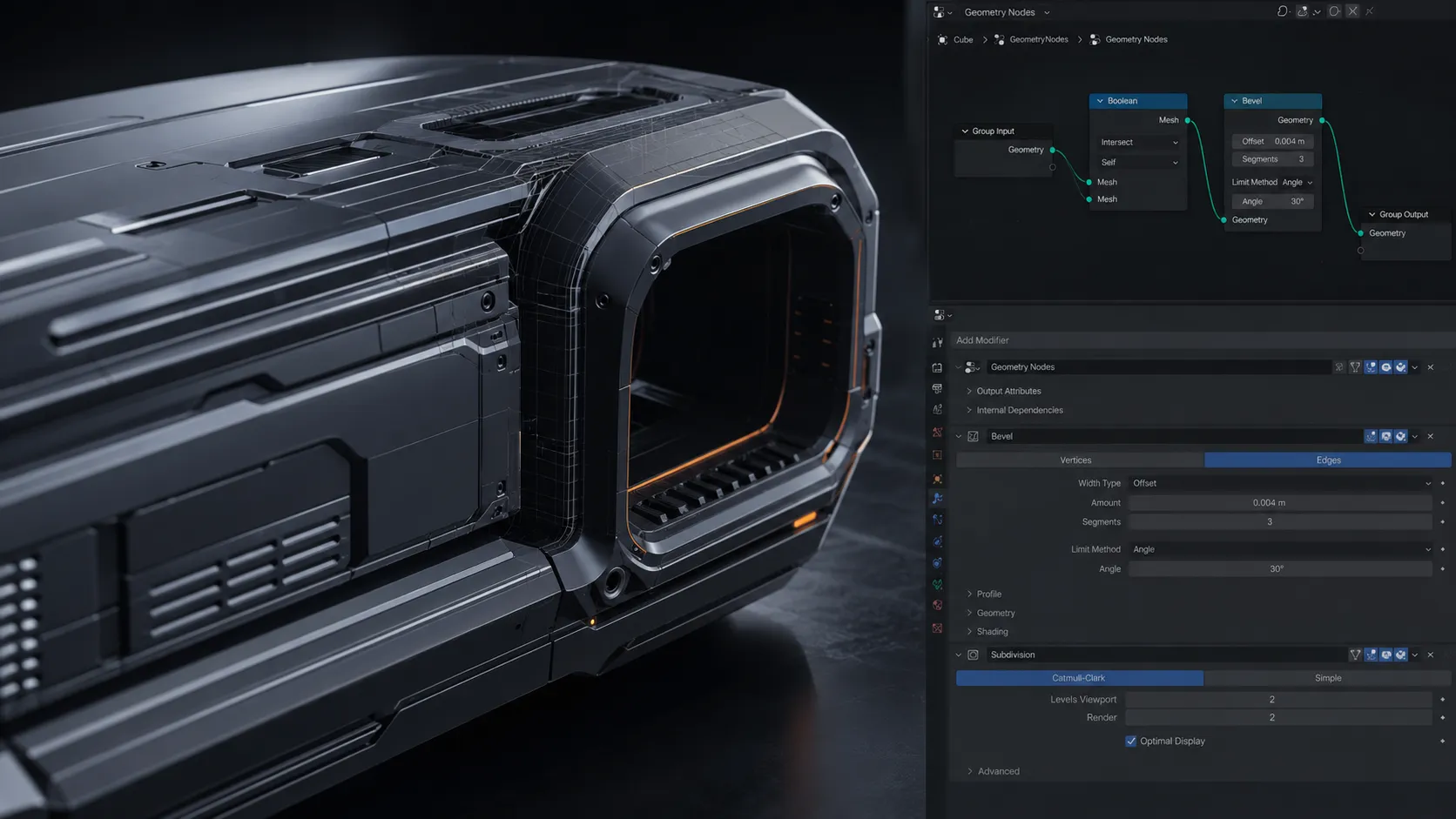
When Blender Starts Feeling Too Hard for Industrial Modeling 😅
If you’re familiar with the workflow of the awesome Surfacepsycho addon by superhivemarket, then you know how amazing Blender can be for building industrial models. The only downside is what happens when you want to make one small change to the model! 😵💫
Blender is great for artistic projects, but not for industrial design of mechanical parts and hard-surface models. Once you get into making professional industrial models, you’ll find that there’s a missing element to Blender that would make it ideal for such projects. Especially when you have to make changes to the models later on in the project.
That’s where parametric tools enter the game 👀

What Exactly Is Parametric Modeling? 🤔
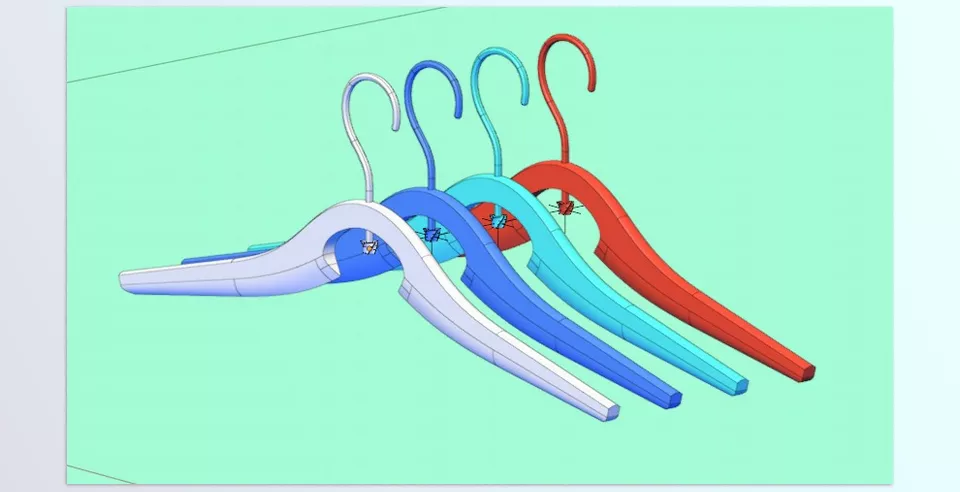
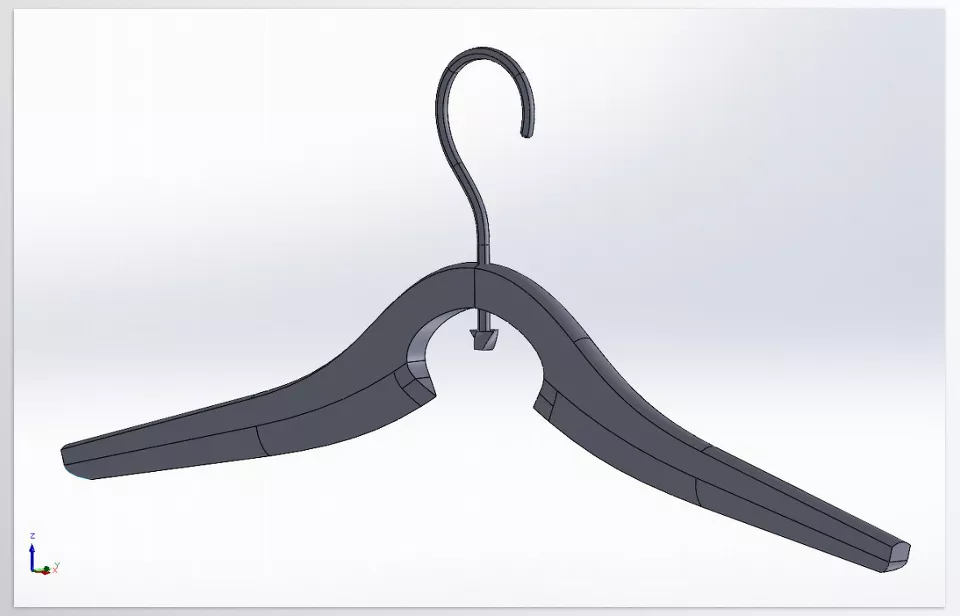
Parametric modeling means the model isn’t just a static shape but is controlled by dimensions and rules. So if later you decide a part should be thinner or the spacing between sections needs to change, you don’t have to rebuild half the model from scratch.
This workflow is extremely important in industrial design because projects typically undergo constant revisions. A client might want the product to become slightly slimmer, the corners softer, or the overall proportions adjusted. In Blender’s regular workflow, those changes can sometimes turn into a nightmare, but in parametric systems, managing revisions becomes much easier.
That’s why many product designers and Hard Surface artists look for tools that bring Blender a little closer to the CAD world ✨
Can You Work Without Any Add-ons? Absolutely 👍
Honestly, Blender by itself is already one of the most powerful modeling tools in the world, and many professional artists have spent years creating incredible projects using only its default tools. For industrial and Hard Surface modeling, artists usually combine several popular tools and techniques to create clean and professional forms.
The tools most commonly used in this workflow include:
- Boolean for cutting and combining forms
- Bevel for smoothing edges and making models feel more realistic
- Subdivision Surface for creating smooth and clean surfaces
- Geometry Nodes for building procedural and parametric systems
- Modifier Stack for non-destructive model control
With these tools, you can build almost anything, from futuristic gadgets and mechanical parts to Sci-Fi vehicles and complex industrial models 🚀
But the Problems Start Once the Project Becomes More Complex 😅
The more professional the project becomes and the more details you add, the more exhausting Blender’s traditional workflow can feel. For example, you might suddenly want to change the main dimensions of a model halfway through the project, only to realize you now have to manually fix multiple sections again. Or Booleans start to ruin the topology, and keeping the mesh clean becomes a real struggle.
Especially when your goal is to achieve the precise and polished feeling of CAD software, that’s when the limitations of Blender’s traditional workflow become much more noticeable. That’s why many industrial designers and Hard Surface artists eventually move toward tools that make the process faster, more flexible, and far less stressful ✨
SurfacePsycho — When Blender Slowly Starts Feeling Like CAD 🚀
SurfacePsycho is built exactly for people who love Blender’s power and want a more industrial, parametric workflow at the same time. This add-on doesn’t try to turn Blender into a full CAD software like Fusion 360 or SolidWorks, but it does try to reduce the gap between artistic modeling and industrial design ✨
What makes SurfacePsycho interesting is that everything is built around Geometry Nodes. That means models are no longer just static meshes; they become more flexible and easier to edit later. This is extremely important in real-world projects because almost no design stays final from the very first version 😅
The Most Important Features of SurfacePsycho ✨
This is the add-on’s biggest strength. SurfacePsycho helps models behave in a more procedural and parametric way. That means that if you later want to change dimensions, thicknesses, or the overall form, you won’t need to rebuild the entire project from scratch.
This feature is especially useful for:
- Product design
- Hard Surface modeling
- Mechanical models
- Industrial design
STEP File Support 📦
One of the most exciting features of the add-on is STEP support — the well-known format widely used in the CAD and engineering world.
SurfacePsycho supports both:
- STEP Import
- STEP Export
So if you move between Blender and software like:
- Fusion 360
- SolidWorks
- FreeCAD
The workflow becomes much smoother.
Non-Destructive Workflow
One of the common problems in industrial modeling is that after a few revisions, the entire project starts falling apart 😵💫
SurfacePsycho tries to keep model structures more flexible so future edits become easier to manage.
The philosophy behind the add-on is basically: “A model should remain editable, not collapse after a few changes.”
Storing Data Inside Geometry Nodes 🧠
One very interesting aspect of SurfacePsycho is that model information gets stored directly inside Geometry Nodes.
That means even if you uninstall the add-on or send the file to someone else, the models themselves won’t disappear.
This makes:
- files safer,
- project archiving easier,
- and dependency on the add-on is far less risky.
Honestly, that’s a very smart approach for a Blender add-on 👌
Great for Complex Surfaces and Hard Surface Design 🔩
If you enjoy creating:
- Tech gadgets
- Industrial parts
- Sci-Fi vehicles
- Product shells and casings
- Mechanical surfaces
- Industrial 3D advertisements
Then this add-on will probably become very useful for you.
Because SurfacePsycho mainly focuses on cleaner forms, better surface control, and a more industrial workflow.
Active Development and Open Source 🛠️
The project is still in active development, and its versions change frequently.
Some areas may still feel unstable, and you might occasionally encounter compatibility issues between versions. On the other hand, active development means new features are continuously being added.
The project is also available on GitHub, and its community is slowly growing.
What Does It Feel Like in Real Projects? 🎬
Imagine you’re designing the body of a tech product, a mechanical part, or even an industrial model for a 3D commercial. In Blender’s normal workflow, a huge portion of your time is usually spent cleaning topology, fixing Boolean issues, and managing surfaces. SurfacePsycho tries to reduce that frustrating part of the process so you can focus more on actual design.
Of course, it’s not magic 😅 If the project itself is messy and disorganized, no add-on can magically fix everything. But for people constantly working with Hard Surface and industrial design, SurfacePsycho can make the workflow much smoother, cleaner, and more enjoyable ✨
A Few Tips to Help You Use SurfacePsycho Better 😎
SurfacePsycho is one of those add-ons that reveals more of its power the more you work with it. But if you jump straight into heavy projects without a plan, it can feel a little overwhelming at first 😅
That’s why there are a few tips that can make the workflow much smoother and more professional.
- 😎 Start With the Overall Form, Then Move to Details ✨
In industrial modeling, it’s usually better to define the main shape and overall form first, then gradually add details.
This way, if you later decide to change the proportions or the general form, the project won’t fall apart as easily, and you’ll have much better control over the model. - 👀 Take Geometry Nodes Seriously
Since a large part of SurfacePsycho’s system is built around Geometry Nodes, having a basic understanding of nodes really helps.
You don’t need to be an expert, but if you understand the logic behind nodes, it becomes much easier to control and customize your models. - 🧹 Keep Your Project Organized
If your nodes, modifiers, and objects become messy, your project can quickly turn into a real nightmare 😵💫It’s better to:- Use proper naming conventions
- Organize your objects into categories
- Keep your node setup clean and tidy
- 🛠️ Don’t Expect a Full CAD Experience
SurfacePsycho is incredibly useful, but it’s not meant to completely turn Blender into SolidWorks or Fusion 360 😄 It’s better to see it as a powerful helper tool that makes industrial workflows in Blender smoother and more flexible.
Is It Worth Trying? 👀
If you only use Blender for regular work, simple modeling, or everyday projects, you probably don’t really need SurfacePsycho. Blender is already powerful enough, and many artists create amazing projects without any add-ons. But things become different once you step into the world of industrial design, hard surface modeling, and mechanical workflows — where controlling forms, handling constant changes, and maintaining clean topology become much more important 😅
One of the most interesting things about SurfacePsycho is that it doesn’t try to replace Blender or turn it into a complete CAD software. Instead, it works more like a bridge between Blender’s artistic workflow and the more precise workflows of industrial software. You still keep the freedom and feel of Blender, but many of the frustrating and time-consuming parts of industrial modeling become smoother and far more flexible ✨
SurfacePsycho may not be essential for everyone, but for those who love product design, gadget creation, 3D advertising, or hard-surface modeling, it can create a much more exciting experience. Especially if you’re the kind of person who enjoys having a little bit of that professional CAD feeling while still working inside Blender 🚀
Instead of struggling to figure things out on your own, you can follow our Blender Tools article, where we go through everything clearly and show you how to use each tool the right way.



