

Cool Animations Without the Hassle!
Are you up to date with the Bodymovin – Lottie Plugin? Have you ever wanted to create an engaging animation and drop it into a website or mobile app, only to get stuck halfway with large file sizes or format limitations? For example, an animated button or icon that moves smoothly when a user clicks it, or a lively logo and an eye-catching notification that make the user experience more fun.
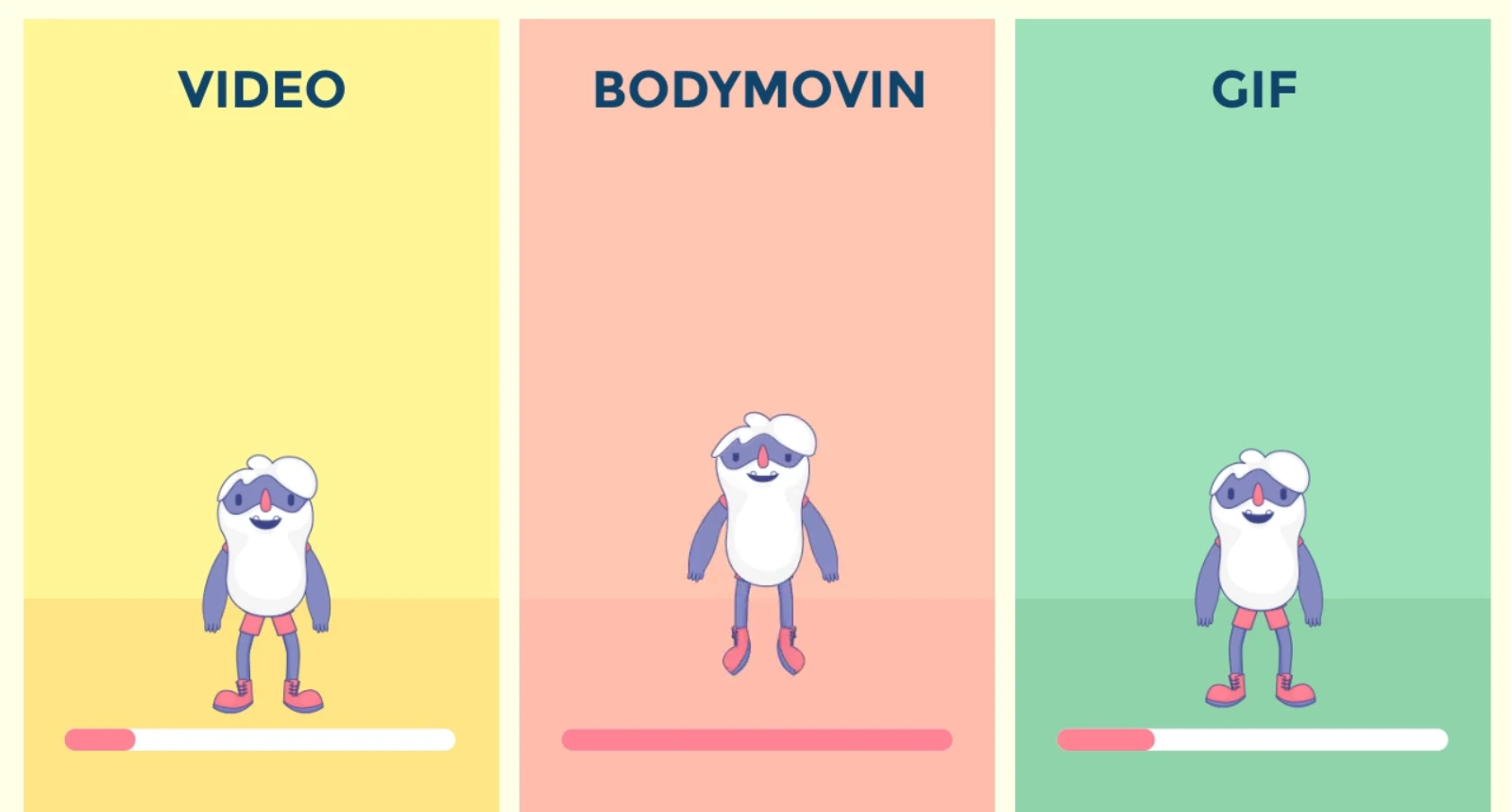
Now, if you try using a GIF, the file usually becomes very heavy, and the quality isn’t great. And if you make a video, not only is the file size large, but changing the colors or size of the animation without re-rendering is almost impossible.
But imagine a solution that solves all these problems: animations that are lightweight, smooth, and playable on any device, without losing quality or details. A button, a logo, a notification — all can move effortlessly and flexibly on the web and mobile.
This is exactly what designers and developers have been searching for: animations that are attractive, lightweight, and ready to use in any digital environment.

The Old Way: Video and GIF
Before tools like Bodymovin – Lottie Plugin came along, if you wanted to display your After Effects animations on the web or mobile apps, your options were limited and a bit troublesome.
GIF:
- File size was usually large, especially for long or complex animations.
- Image quality was limited, and sometimes colors didn’t display correctly.
- Any small change, like color or size, required creating the file all over again.
Video (MP4, MOV, etc.):
- File sizes were large and slowed down website or app loading.
- Changing the color or speed of the animation required re-rendering.
- Playback on browsers and mobile devices could be problematic, and some formats needed special players.
After Effects Without Plugins:
- The only option was to render the animation as a video.
- This method was heavy, had low flexibility, and offered almost no interaction or runtime changes.
In short: traditional methods limited you to heavy, unchangeable files and required extra time and effort for every small adjustment.
Bodymovin – Lottie Plugin: Lightweight and Professional Magic
Now imagine this… all the problems you used to face with GIFs or videos — large file sizes, low quality, and having to re-render for every tiny change — suddenly disappear. That’s where Bodymovin – Lottie Plugin comes in!
With Bodymovin – Lottie Plugin, you can convert your After Effects animations into lightweight, small JSON files that are playable on the web and mobile. This means files are tiny, details and quality are preserved, and, most importantly, animations can be changed at any moment without re-rendering!
Who Is It For?
- UI/UX designers who want a lively and engaging website or app.
- Developers are looking for a fast and lightweight way to add animations.
- Anyone who wants their projects to be professional, interactive, and flexible without increasing the file size of their website or app.
Key Features
- Layers and Effects: Shapes, paths, texts, images, masks, lines, fill, stroke, gradient, drop shadow, trim paths, and many more effects.
- Text and Fonts: Text appears as it does in After Effects or as Shapes. Fonts are supported, so nothing is lost on the web or app.
- Masks and Track Mattes: For creating professional, detailed animations.
- Audio: From After Effects 2019 onward, audio layers can play along with animations.
- Interactivity: Animations can respond to hover, click, or scroll for a more engaging UX.
A Real Example:
Imagine a loading icon made with Bodymovin – Lottie Plugin. Its file size is only a few kilobytes, yet it can move like a professional animation. You can change its color, resize it, even adjust its speed — all without slowing down your site or re-rendering.
With Bodymovin – Lottie Plugin, animations are no longer just moving images. They become real, live, professional experiences. Every movement, effect, and detail is fully flexible and controllable, taking your projects to the next level.
Pro Tips for Engaging Animations
Now that you know how Bodymovin – Lottie Plugin can make your work lightweight, professional, and attractive, here are a few small but extremely important tips to make your outputs smoother and more realistic. These are practices pros always follow to ensure animations run flawlessly on web and mobile.
- Organized Layering – The Key to Success
A golden rule: build your animations in After Effects with neat, organized layers. The cleaner your layers, the cleaner and more reliable your Bodymovin – Lottie Plugin output. Messy layers or improper naming may cause some effects or animations to display incorrectly. - Supported Masks and Effects
Always use masks and effects that Bodymovin – Lottie Plugin supports. Some very complex or new effects may cause issues on web or mobile. Check what’s supported first to ensure hassle-free playback. - Mind Your Text and Fonts
If your animation includes text, either convert it to Shapes or ensure the fonts are installed on the target browser or app. This avoids disappearing fonts or display issues. - Make Movements Natural
Use Transform and Trim Paths to make animations feel alive. Simple, smooth, lightweight movements make animations feel realistic without slowing down web or mobile performance. - Keep Projects Lightweight
Important: keep animations light. The more complex the file and animation, the higher the chance of lag on some browsers or devices. Always consider file size and lightness before exporting. - Add Interactivity
For more professional results, link animations to clicks, hovers, or scrolls. For example, a button can animate on hover, or an icon can move while scrolling. This creates a lively and engaging user experience.
Professional, Lightweight, and Universally Usable Animations
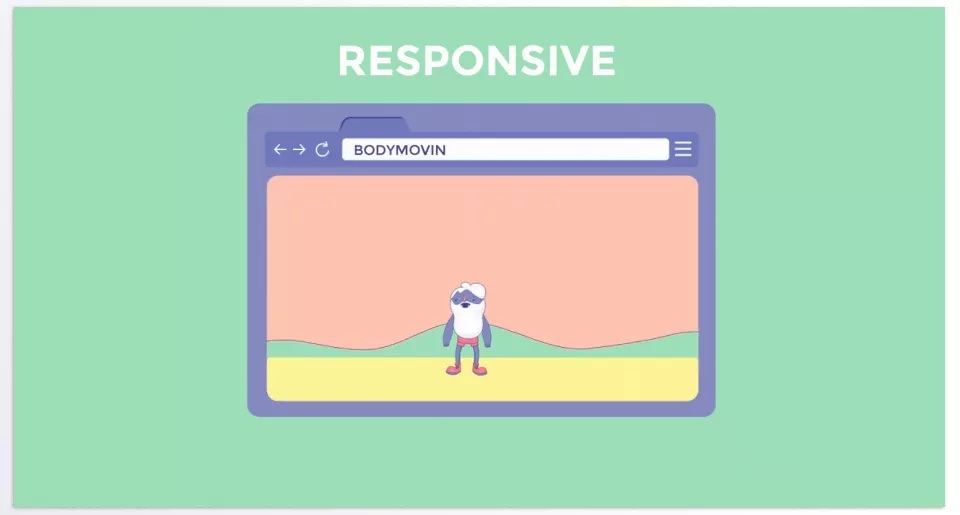
With Bodymovin – Lottie Plugin, you no longer have to worry about large files, format limitations, or platform restrictions. All the animations you’ve made can now be lightweight, smooth, and ready to run on any browser or mobile app. No more heavy GIFs, no more large videos slowing down your site or app.
The best part? Your projects become fully interactive and flexible. You can change color, size, speed, and even animation interactions without re-rendering. Every movement, effect, and detail is fully under your control, making the user experience more alive and engaging.
Ultimately, if you want your animations to feel real and professional, and you want to use them seamlessly on web, app, or mobile, Bodymovin – Lottie Plugin is an essential tool. It lets you take your projects to the next level — lightweight, versatile, and enjoyable for users everywhere.
If you want to explore every tool that can make After Effects more efficient, creative, and powerful, our detailed guide about After Effects Tools is packed with information, tutorials, and expert advice for motion designers of all levels.



