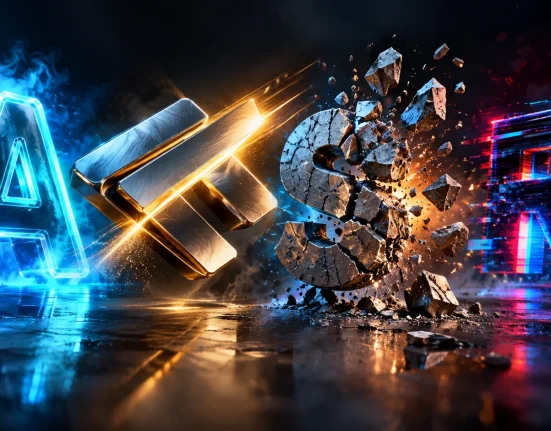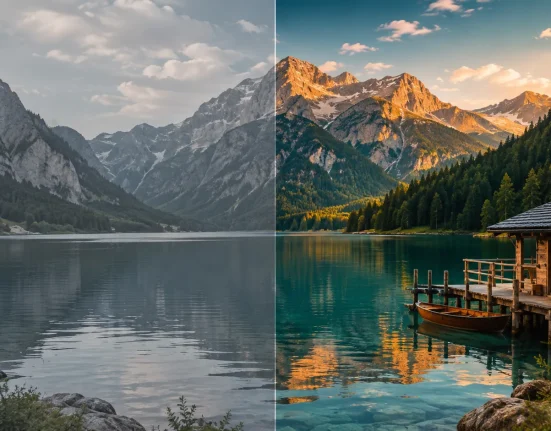

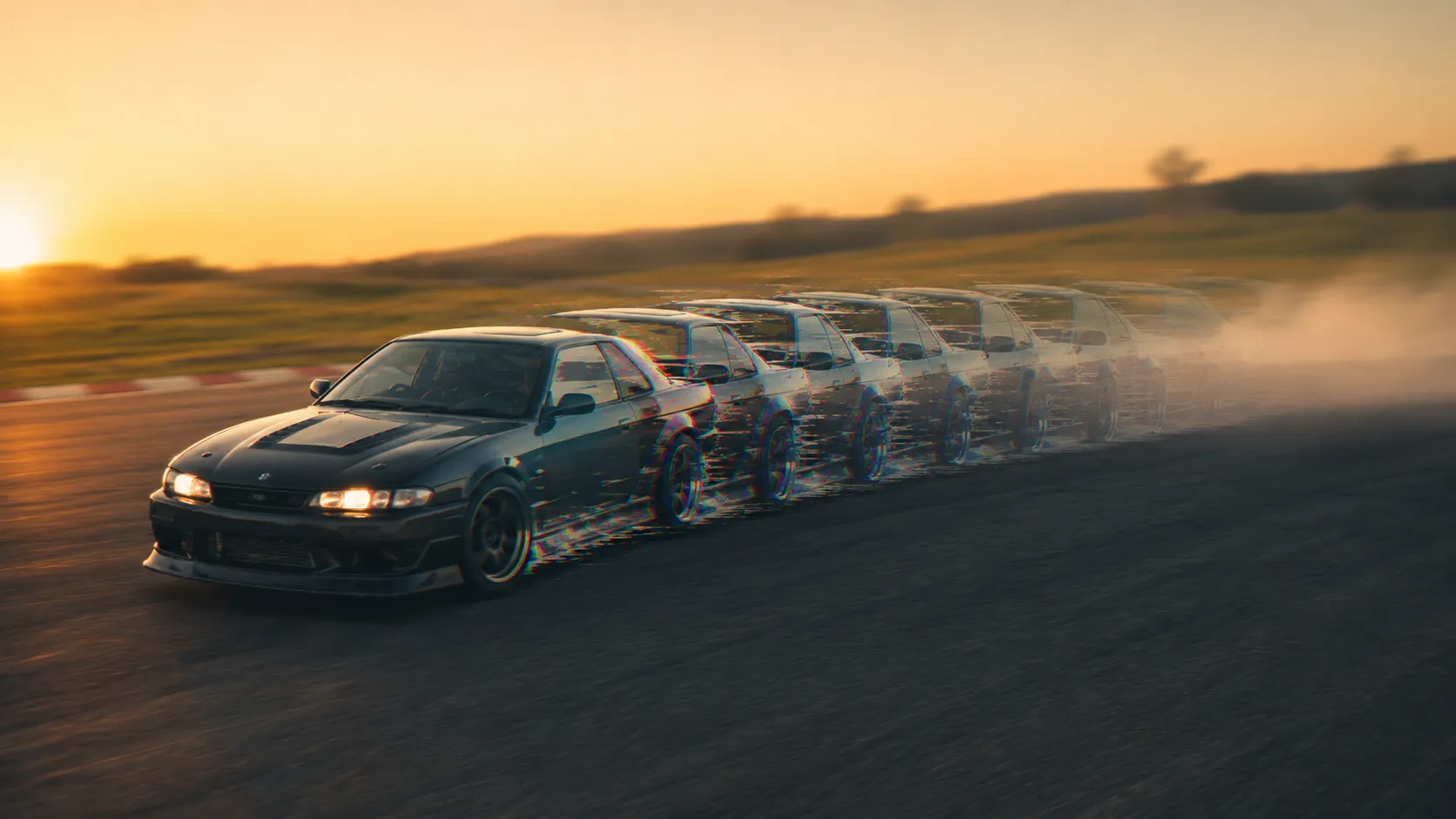
When Digital Chaos Becomes Art! ⚡🎬
Do you have experience with the Motion Mosh Plugin by aescripts? Have you ever wondered why so many modern music videos, technology teasers, and cyberpunk projects feel so energetic and exciting? ⚡ One reason is the use of Glitch and Datamosh effects—effects that push visuals beyond their normal state, causing pixels, motion, and even subjects to behave in completely unexpected ways. This controlled chaos can turn just a few seconds of a video into one of its most memorable moments.
The appeal of these effects lies precisely in their unpredictability. When an image starts to break apart, pixels stretch, and motion trails persist across frames, viewers instinctively pay more attention to the video. That is why this style of visual effects has secured its place for years in music videos, advertising teasers, artistic projects, and even social media content.
In the past, incorporating these visual errors into a video project was often a challenging task. It usually required designers to invest considerable time creating these effects, perhaps even using other editing software in addition to their design applications. However, various new tools have recently become available that allow designers to more quickly and easily create these effects in their projects, allowing for more creative possibilities without the challenges of previous editing software. 🚀

When Visual Errors Become Art 🎨💥
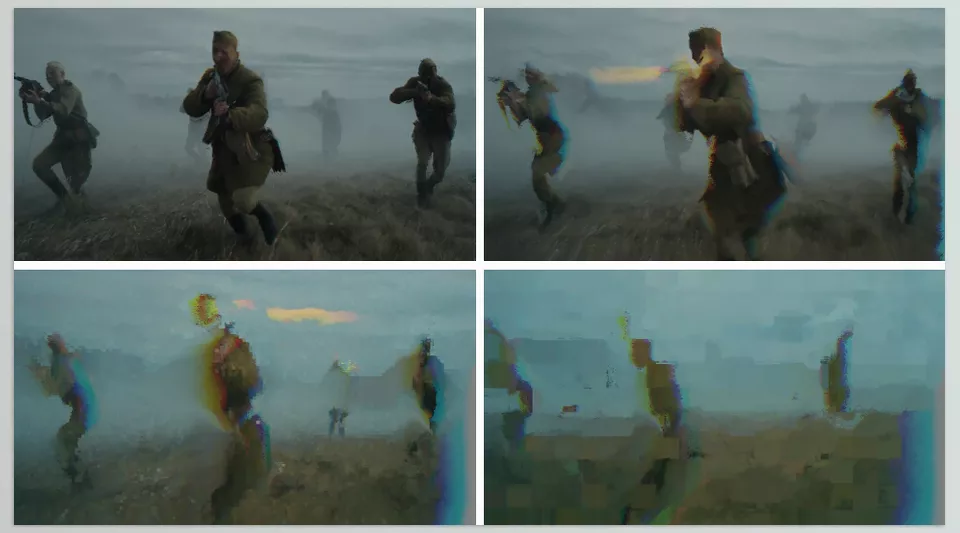
Datamoshing is one of the most fascinating and distinctive techniques in the world of video and motion graphics. At first glance, it may look like random visual corruption, but in reality, it is a deliberately artistic style. In this technique, motion information between video frames is deliberately manipulated so that the boundaries between frames disappear, causing the image to transform in unusual ways.
As a result of this manipulation, the image no longer moves smoothly. Instead, parts of the video stretch, subjects leave unexpected trails, and sometimes frames merge or shift abruptly. This unpredictable behavior gives the final output the appearance of “controlled digital corruption,” which feels both strange and highly eye-catching.
The result of this process usually looks something like this 👇
✨ Unnatural motion trails left behind by subjects
✨ Pixels stretching or smearing in the direction of movement
✨ Creative and artistic digital glitches
✨ A sense of collapse or controlled disruption within the image
You have probably seen this style before in modern music videos, technology-driven advertising teasers, cyberpunk projects, or even certain digital artworks—places where the goal is not merely to display an image, but to create a unique and distinctive viewing experience.
In fact, these effects are not used solely for visual appeal. They also help communicate feelings such as speed, excitement, digital disorder, or even futuristic energy much more directly to the audience, taking a video beyond the ordinary and predictable. 🚀
Before This Plugin, Things Were Much Harder! 😅
Before ready-made tools and specialized plugins entered the scene, creating Datamosh and Glitch effects felt more like a laboratory process than a quick creative task. Designers often had to go through multiple stages just to achieve an acceptable result, which is why this style was mostly reserved for specific and limited projects.
The workflow usually looked like this:
🔹 First, the video was rendered out
🔹 Then the video file was imported into external software for data manipulation
🔹 The modified file was brought back into the main project
🔹 Multiple rounds of trial and error were performed until the result came close to the designer’s vision
Even within software such as Adobe After Effects, it was possible to achieve a similar aesthetic by combining several different effects. Effects like Mosaic, Echo, Turbulent Displace, Displacement Map, and Pixel Motion Blur typically formed the foundation of this process, but using them effectively required considerable experience and time.
Why Were These Methods Difficult and Limiting? 😵
The main problem with these methods was the lack of real-time feedback. Designers could not truly know what the final result would look like until they rendered it. This made the entire process feel more like guesswork than a controlled creative workflow.
On top of that, the process was time-consuming and resource-intensive. Even a small adjustment required repeating the export-and-import cycle all over again. As a result, many designers either avoided these effects altogether or only used them in projects where they were truly worth the effort. 🚫
Motion Mosh: Professional Glitches Without the Hassle 🚀
This is where Motion Mosh comes into the picture, effectively simplifying the complex workflow we just discussed. Instead of dealing with endless renders, file manipulation, and moving back and forth between different applications, this plugin allows you to create and work with Datamosh and Glitch effects directly inside your workspace. Rather than seeing the result only at the end, you interact with the effect from the very beginning and shape the final look step by step.
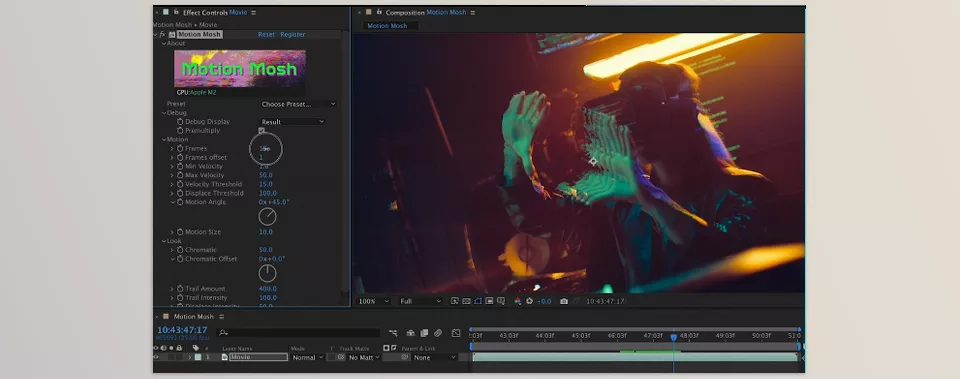
More importantly, this is no longer just about “seeing an effect”—it is about having complete control over how the image behaves. You can adjust glitch intensity, image degradation, pixel displacement, and even the overall sense of motion in real time, while instantly seeing the impact of every change. This immediate feedback makes the design process far more creative and much less risky, since there is no need to render repeatedly just to preview minor adjustments. 👌
Another thing that makes Motion Mosh even more appealing is that it isn’t tied to a single application. It works with Adobe After Effects, Premiere Pro, Media Encoder, DaVinci Resolve, and Nuke, so you can easily fit it into the workflow you’re already comfortable with. Whether you’re editing, creating motion graphics, compositing VFX shots, or finishing a project for delivery, Motion Mosh can be right there as part of your toolkit without forcing you to switch platforms.
Now that we’ve covered the basics, let’s dive into some of the features that make Motion Mosh such a powerful creative tool. 🚀
⚡ Real-Time Processing
One of Motion Mosh’s most important features is that everything runs in real time. Any change you make to the parameters is applied to the image almost instantly, allowing you to see the results immediately. This is particularly valuable in motion graphics, where it transforms the workflow from trial and error to a fully interactive creative process.
🎮 Smooth Performance Through GPU Acceleration
The plugin relies on GPU power for processing effects rather than placing the entire workload on the CPU. This means that even when working with heavier effects or multiple layers, the experience remains smooth and responsive without frustrating slowdowns. In professional projects with complex timelines, this can make a significant difference.
🔥 Creating Unique and Non-Repetitive Transitions
One of the most exciting uses of Motion Mosh is building transitions between shots. Instead of relying on overused preset transitions found in countless projects, you can create transitions that genuinely feel unique. Pixels stretch, images collapse and rebuild, and an entirely unpredictable transformation takes place between scenes.
🎬 Complete Keyframe Control
Nearly all major parameters of the effect are keyframeable, meaning you can control glitch intensity, image behavior, and degradation levels over time. This prevents the effect from feeling static or repetitive and allows it to evolve, diminish, or suddenly change throughout the video. As a result, the final output feels far more cinematic and professional.
🎨 Excellent Compatibility with Other Effects
Another strength of Motion Mosh is how well it works alongside built-in effects in applications such as Adobe After Effects. For example, applying Mosaic beforehand to reduce image detail or adjusting color and contrast afterward can help create a fully pixelated, digital, glitch-inspired aesthetic with much stronger visual impact. This flexibility makes Motion Mosh more than a simple effect—it becomes a complete design tool.
Ultimately, what makes Motion Mosh so appealing is not just the glitch effects themselves, but the way it transforms the entire creation process from a complicated, time-consuming workflow into a fast, interactive, and highly creative experience. Instead of struggling with technical limitations and repetitive back-and-forth processes, your focus remains entirely on design and the emotional impact of the final image. This simple shift in workflow is what allows the results to feel both more professional and more daring than before. 🚀
A Few Simple Tips for More Professional Results 😉✨
If you decide to use Motion Mosh, these tips can help make your work look cleaner, more creative, and more professional:
🎯 Mosaic First, Motion Mosh Second
This combination usually helps the image acquire a more pixelated texture from the start, making the Datamosh effect feel stronger and more natural once the glitch effect is applied.
🎯 Keep the Effect Animated (Don’t Forget Keyframes)
If the effect intensity remains constant, the result can quickly become repetitive. By animating the parameters, you can make the effect feel alive and continuously evolving over time.
🎯 Test It on High-Motion Scenes
The more movement there is in the footage, the more interesting the effect becomes. Shots with camera movement or moving subjects often produce especially striking results.
🎯 Don’t Underestimate Color
A simple adjustment to Saturation or Contrast can completely transform the feel of a glitch effect, making the final output appear much sharper and more impactful.
🎯 Use It Sparingly, but Use It Well
This effect has the greatest impact when used intentionally and with restraint. A few seconds of glitching at the right moment are often far more effective than applying it continuously throughout an entire video.
Ultimately, it is these small details that elevate the result beyond a simple effect, turning it into a truly cinematic and memorable visual experience. 🚀
A Tool for When You Want to Stand Out 😍
Beyond just being a tool that lets editors add one more visual effect to their projects, Motion Mosh is a tool that makes it easier to achieve a visual effect that was often challenging in the past. In other editing projects, editors have been limited to using more standard editing software templates and transitions between videos or editing elements. However, with Motion Mosh, editors can create visuals that are more easily recognized as using this specific datamoshing effect, which makes those videos visually distinct and memorable.
If you work on projects such as music videos, modern advertising teasers, technology content, or even creative motion graphics, you probably already know how important it is to develop a unique visual signature. Motion Mosh steps in precisely at this point, transforming the process of creating Glitch and Datamosh effects from a complex, time-consuming task into something fast, controllable, and even enjoyable. Instead of getting caught up in technical execution, your attention shifts toward ideas and creativity.
Ultimately, perhaps its greatest advantage is that it frees your time from repetitive technical work and allows you to focus more on being a designer rather than solving technical problems. And the reality is that in today’s world, those few seconds of digital chaos—when used thoughtfully and at the right moment—can be exactly what sets your video apart and makes it stick in the audience’s mind. 🚀🔥
If you’re into glitch effects and this particular style of visual aesthetics, be sure to check out our Datamosh article as well. The Datamosh tool offers many ways to create unique, creative effects. This tool is ideal for those seeking a digital look that stands out from typical design clichés. This could be a great tool to utilize in your next project. 🚀