

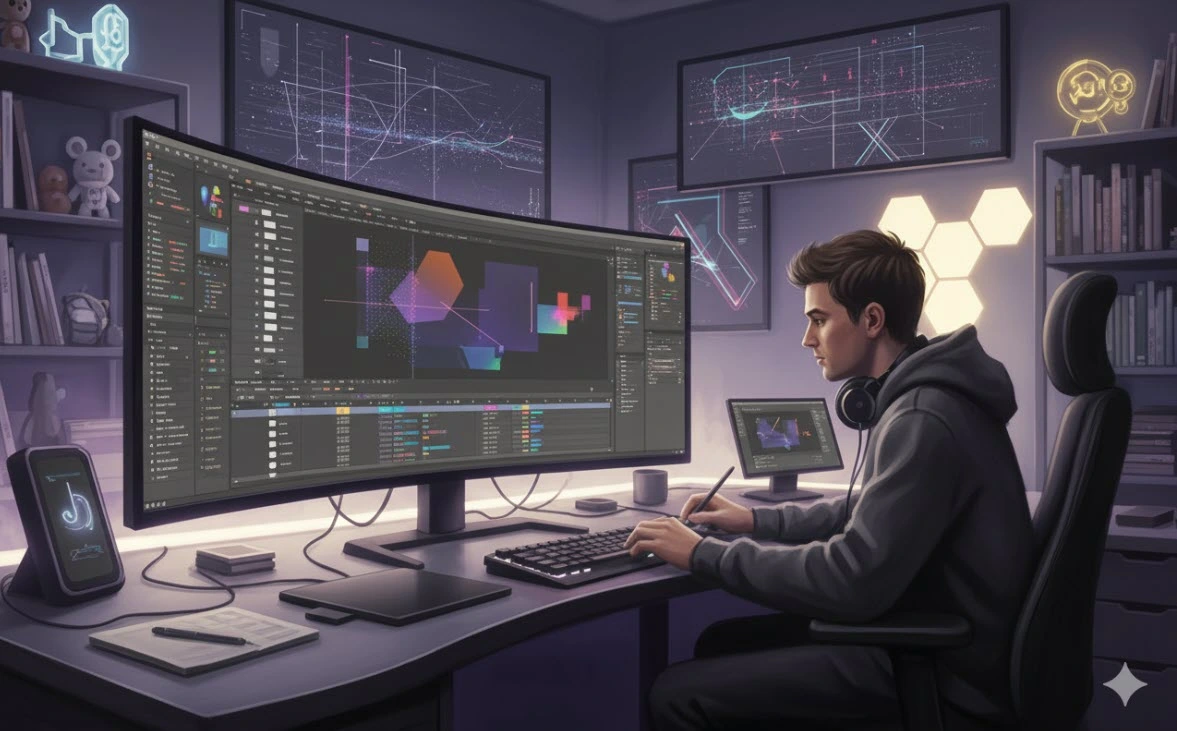
When AE Eats Your Time…
Have you checked out the Reach Plugin? We all love creating animation and motion graphics, but sometimes… it can really be frustrating. Hours pass by, and we’re still searching for the right effect, organizing layers, or adjusting keyframes. Especially when the project is big and cluttered, these small but important tasks can overwhelm us and consume a lot of time.
Many times, even changing the color of a few text layers, adding a simple bounce to some layers, or pre-composing a few compositions turns into a long and tiring task. In reality, most of our energy goes into repetitive tasks and finding tools, rather than actual creativity and design.
Now imagine if all these tools—keyframes and animation, layer management, expressions, and presets—were gathered in a single panel and everything was accessible with just a few clicks… projects would move so much faster and easier! Then you could focus your energy on creating cool stuff, instead of constantly searching for a missing button or tool.

Everything Is in Your Hands
In the world of motion graphics, speed and organization really matter. When everything is tidy and easily accessible, you can bring your ideas to life faster and move projects forward more smoothly. Tools that can:
- Manage layers and compositions
- Quickly control keyframes and animations
- Easily apply and save expressions and scripts
give you the freedom to spend your energy on creating awesome stuff, rather than constantly hunting for missing tools and effects.
For example, imagine you’re working on a project with dozens of layers: you want to add a simple bounce to a text, organize several layers, or pre-compose multiple compositions. With the right tools, all of this can be done in just a few clicks. You don’t even need to enter the Graph Editor or manually adjust keyframes!
Another example: you want to color-code all the text layers in a project and set up a complex alignment at the same time. Without professional tools, this could take minutes to hours; but when everything is at your fingertips, you can do it in seconds and keep your focus on creativity.
In essence, these tools act like a professional assistant, handling all the tedious and repetitive tasks while you focus purely on creativity.
Traditional Methods: Relying on After Effects
When no professional tools are around, you can only rely on After Effects itself. This means:
- Applying effects, presets, and expressions manually
- Pre-composing or trimming layers one by one
- Looping or mirroring keyframes by hand
Now imagine your project is full of text layers, shapes, and images. Every time you want to add a simple bounce to a few layers or color all text layers, you have to spend several minutes—or even half an hour—to get it right. And if you miss a layer or set keyframes incorrectly, you have to redo everything!
These methods are tiring and time-consuming, especially on large and complex projects. A task that should take a few clicks turns into a long, stressful process. Even a simple action like pre-composing multiple layers or adjusting proper alignment can take minutes to hours.
In reality, when using AE alone, most of your energy goes into managing tools and layers, not actual creative design. This is exactly where a professional tool can completely change everything and give your time back.
An All-in-One Assistant for AE
This is where Reach Plugin comes in—a professional panel that gathers all essential tools and makes your workflow faster, cleaner, and easier. With the Reach Plugin, you no longer have to hunt for missing effects, presets, or expressions, or spend hours managing layers.
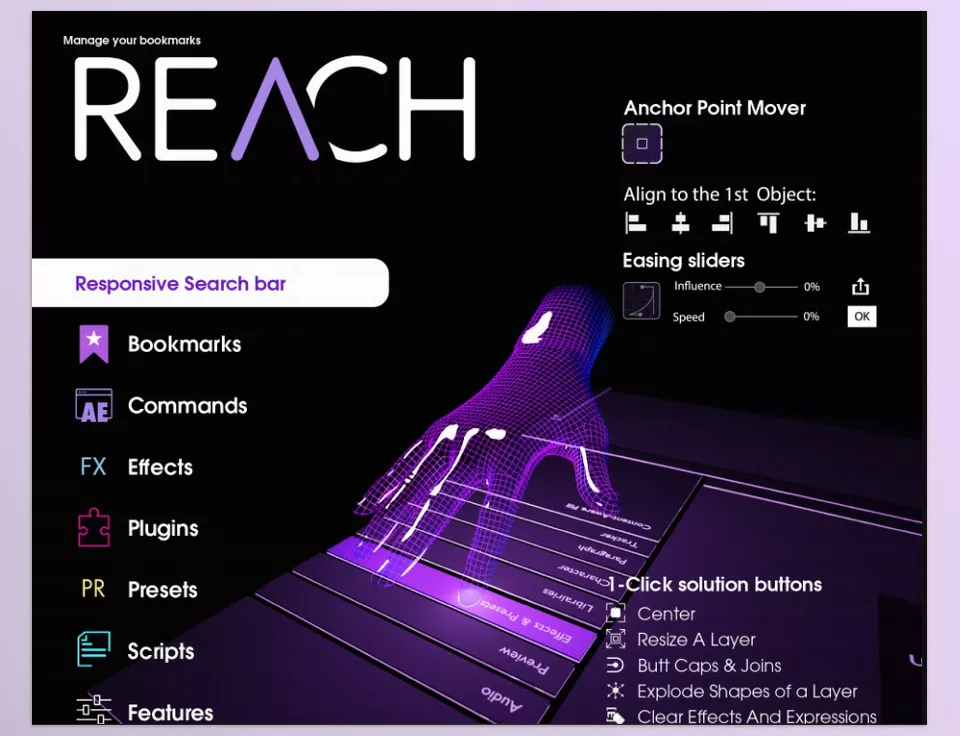
Key Features:
- Global Search: All effects, presets, scripts, and expressions are right at your fingertips. No more digging through menus and panels.
- Layer & Composition Management: Auto-renaming, sticky layers, smart pre-compose, and project organization without hassle.
- Keyframe & Animation Control: Apply bounce, loop, mirror, and easing without entering the Graph Editor.
- Expression Helper: Save, apply, bake/un-bake, and debug expressions quickly and easily.
- Project & Asset Organization: Auto-sort, purge cache, export comps in seconds without extra clicks.
- Flexible UI & Bookmark: Save frequently used tools and expressions for one-click access.
Real Example: Imagine a project with 50 layers, and you want to:
- Color all text layers
- Pre-compose layers
- Add a bounce animation
With pure AE, this might take several minutes and require manual adjustments for each layer. But with Reach? All of this is done in just a few clicks, freeing your time for more important things—like creativity and design.
In fact, Reach Plugin works like a ready-to-go assistant, handling tedious, repetitive tasks while you focus entirely on creating amazing animations.
Summary: Speed and Creativity in One Panel
With Reach Plugin, you no longer have to spend hours on repetitive and managerial tasks. Everything is at your fingertips: layers, keyframes, expressions, and projects can be managed in just a few clicks, letting you focus on what really matters—creativity and designing compelling animations.
With Reach Plugin, projects move faster, stay organized, and feel more professional, giving you more control over every detail. Even complex, layered projects no longer feel like a nightmare, because the tools simplify everything.
Ultimately, Reach Plugin acts like a professional assistant that gives you back your time and lets your ideas flow freely. If you’re looking for a way to simplify your AE workflow, save time, and speed up your creative process, Reach is a real, practical choice worth trying.
Don’t skip our complete guide if you want a precise understanding of After Effects and its Auxiliary tools.



