

Small Challenges, Long Times
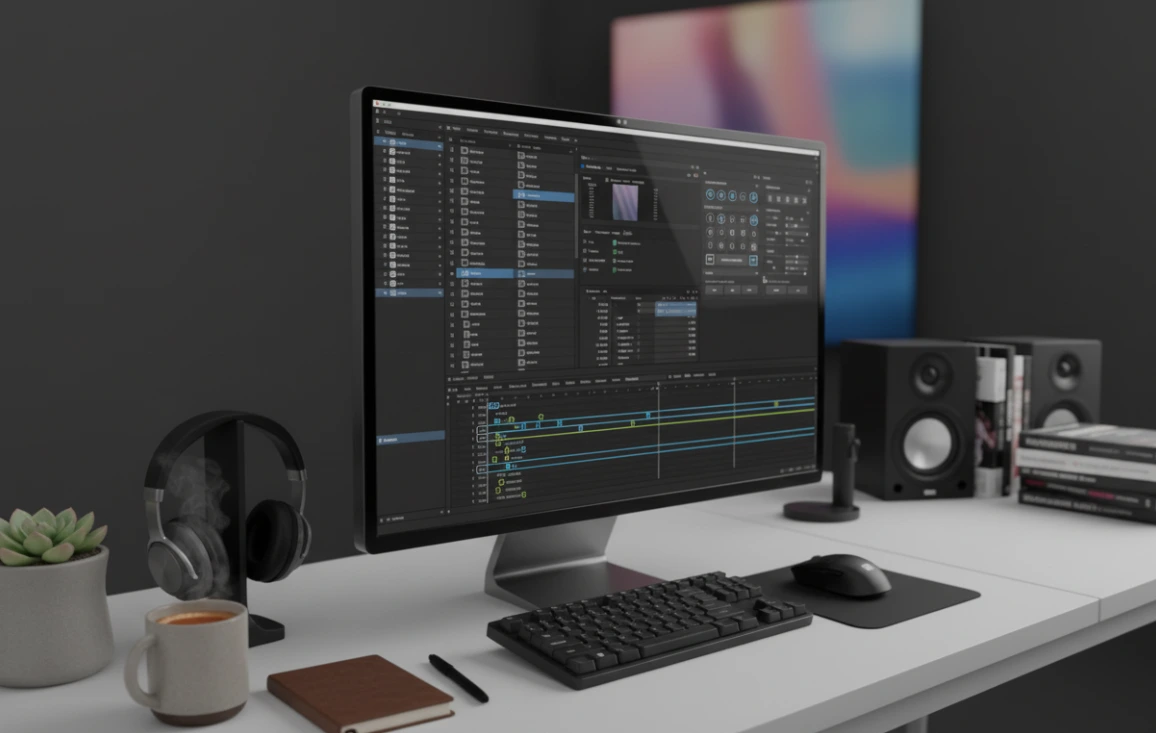
Have you ever worked with the MoBar Plugin? When you open a complex project in After Effects, everything can quickly become confusing and time-consuming. Dozens of layers, hundreds of keyframes, and texts that need to appear with natural and synchronized effects can make even a simple motion, like a bounce or text reveal, take hours.
Organizing layers, moving keyframes, and aligning all elements in AE’s default setup is tedious and exhausting. Even with experience, you have to spend a lot of time fine-tuning, and the smallest change can throw everything off.
Now imagine a tool that can handle all of this with just a few clicks. Texts are revealed professionally, keyframes are automatically organized and looped, layers move quickly, and motions look natural and smooth—without writing any complex expressions or scripts.
This is exactly what transforms your workflow, turning animations from time-consuming and complex into smooth, professional, and enjoyable experiences.

What Do We Do Without MoBar?
After Effects has basic tools for motion and animation. You can control Position, Scale, Rotation, and Opacity, animate text, parent layers, and use Null Objects for grouping.
But when you want to create more advanced animations, like a natural bounce of an object or elastic motion, everything becomes complicated. You need to write manual expressions or carefully adjust multiple keyframes to make the effect look smooth and natural.
These methods have several major problems:
- Time-consuming: Even the smallest change may require readjusting all keyframes.
- Experience-dependent: You need sufficient knowledge of expressions.
- Limited access: Even with knowledge, quick access to tools is lacking. Each small tool must be located, executed, and configured separately. There is no way to gather all commonly used tools in one panel.
As a result, complex projects in AE often become slow and exhausting, especially when dealing with many layers and animations.
How to Have All Tools in One Place
MoBar Plugin is an all-in-one panel for After Effects that includes over 150 ready-to-use tools and allows you to create custom panels. This means you no longer need to spend hours finding and executing each small tool. Everything is neatly organized in a single panel, making access fast and easy.
MoBar Plugin tools are divided into four main categories:
1. Animation Tools:
- Bounce Tool: Natural bounce for objects and text without complex calculations
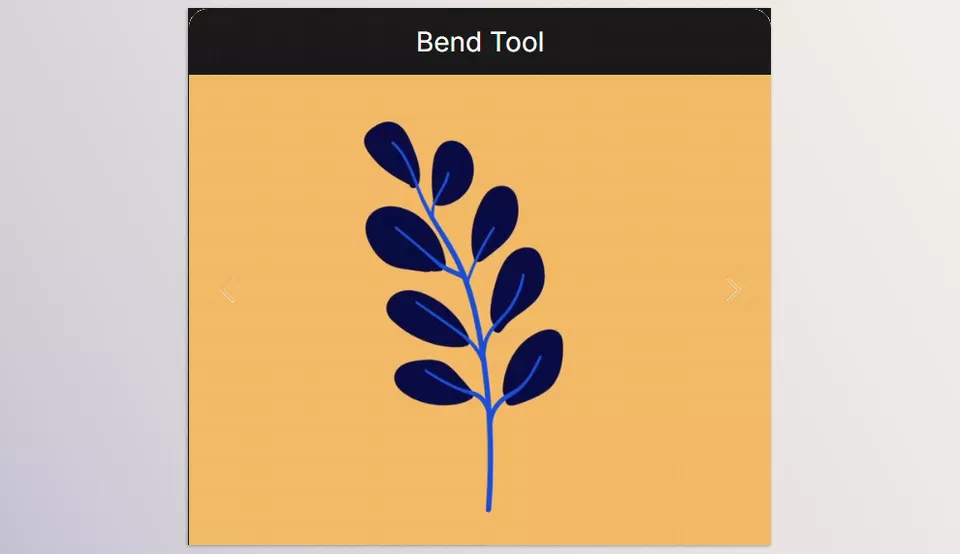
- Bend Tool: Dynamically bend layers
- Elastic Motion: Realistic elastic motion without complex keyframes
- Stop Motion Tool: Fast stop motion simulation
- Wiggle Property: Add automatic shake to Position, Rotation, or Scale
2. Text Tools:
- Typewriter: Make text appear as if typed
- Number Counter: Animate counters and dynamic numbers
- Text Reveal Animation: Professional text reveal effect with one click
- Text Box Generator: Quickly create text boxes with pre-configured settings
3. Layer Tools:
- Offset Layers & Shift Layers: Move layers in groups
- Parent to Null: Quickly group layers for synchronized animation
- Key Looper: Loop keyframes without breaking the rhythm
- Clone Keys & Offset Keys: Duplicate and move keyframes
4. Custom Panel:
- Gather frequently used tools, effects, and scripts in one organized panel
- Quickly search for any tool inside After Effects
These tools allow complex projects to be completed faster and more precisely, eliminating the need for manual expressions or scripts.
Concrete Example:
Imagine a project with 20 text and image layers. Normally, moving and revealing them would take about 30 minutes. With MoBar Plugin, everything is ready in under 5 minutes. Managing complex projects becomes not only faster but much smoother and more professional.

Quick Tricks for Professionals
For professionals, a few simple tricks can make workflows much smoother and projects more natural.
One key MoBar tool, Key Looper, allows motions and animations to repeat without breaking the rhythm. This replaces time-consuming manual keyframe adjustments and ensures perfectly smooth looped animations.
Other important tools and tips include:
- Combine Bounce and Elastic Motion: Makes object and text movements more natural and dynamic without adjusting each keyframe individually
- Custom Panel: Gather frequently used tools in one panel for quick access and easy management of complex projects
- Test Sample Project: Try effects and combinations on a sample project before applying changes to the main project
By following these tips, projects become faster, smoother, and more professional, leaving more time for creativity.
Why MoBar Transforms Projects
Using the MoBar Plugin makes projects not only faster but also more accurate and professional. You no longer need to spend hours adjusting keyframes, moving layers, or creating complex effects; the tools make everything simple and controllable.
The true value of the MoBar Plugin lies in saving time, increasing precision, and simplifying complex tasks. With over 150 tools gathered in one organized panel, there is no need to install and manage multiple scripts or write long expressions. All tools are accessible and ready to use, allowing you to focus on creativity and design rather than tedious technical adjustments.
Using the MoBar Plugin means your projects are completed smoothly, more professionally, and with higher quality. Even complex, multi-layered projects that once took hours are now manageable in minutes. This tool transforms your workflow and brings a professional touch to every project.
Discover how to make After Effects more powerful than ever — our comprehensive article breaks down the AE tools, plugins, and workflows professionals rely on.



