

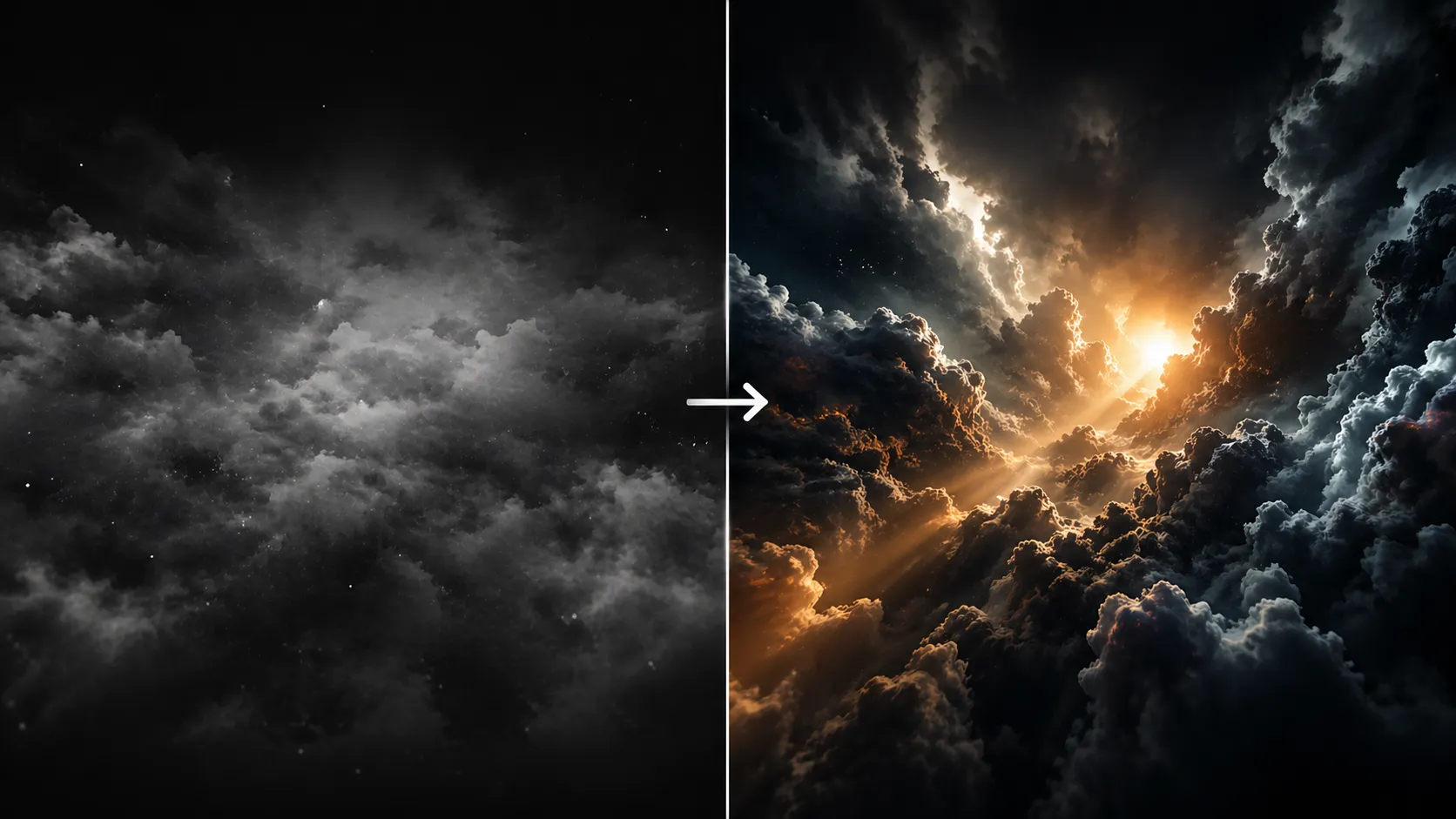
A Familiar Problem for All of Us
Are you experienced in using the Fractal Volume Plugin by aescripts? If you’ve ever tried to create a scene where, for example, the camera passes through clouds, or you wanted a galaxy background with real depth, you’ve probably run into this issue: you build a nice image using Fractal Noise or multiple layers, but when the camera moves, it feels like you’re just passing in front of a flat layer—not inside a space ☁️
The reason for this is that the software does not create a true volume; instead, it creates an image that is applied to depth. Consequently, there is no discovery of new content within the image as the camera moves forward into the screen. Instead, the focus may remain on the same areas of interest, and effects like fog or space movement do not appear immersive for the audience 🎥
Because of this, you usually end up stacking multiple layers, adding blur, adjusting opacity, and using various tricks to fake depth. But as soon as the camera makes a more noticeable move, it becomes obvious that the space isn’t real. That’s when you realize the issue isn’t your settings—it’s the method itself 🤔

What Does “Real 3D Volume” Actually Mean? 🌌
When we talk about a “true 3D volume,” we mean an actual space—not a flat layer placed in 3D. What you create isn’t just an image; it exists throughout depth and occupies space across different axes.
So what difference does that make? Simply put, the camera can actually enter it 🎥
As you move forward, you see new details instead of just getting closer to a surface.
This becomes incredibly useful in many types of projects. For example:
- Creating clouds that the camera can pass through ☁️
- Building a galaxy scene with a sense of infinity 🌠
- Designing soft smoke for a commercial teaser 💨
In all of these cases, having real depth elevates your work to a whole new level and makes it look far more natural 🎬
Traditional Methods for Creating the Illusion of Volume 🧰
If you try to achieve this without plugins, you usually combine several tools inside After Effects to simulate a pseudo-3D space. These methods rely more on visual tricks than actual volume, but they’re still widely used.
Typically, the workflow looks something like this:
- Using Fractal Noise to generate cloud, smoke, or space textures
- Stacking multiple layers and distributing them in depth using 3D Layers
- Using CC Particle World to create a sense of spatial distribution
- Adjusting Blur and Opacity to fake near and far distances
- Moving the camera to create parallax and depth 🎥
In reality, you’re manually arranging layers and controlling details to simulate a 3D space—not actually creating one.
What’s the Problem with These Methods? ❌
The issue starts where these techniques only look 3D, but don’t behave like 3D. They might look fine in a still frame, but as soon as the camera moves more dynamically, everything falls apart.
Light doesn’t interact with these layers naturally, shadows aren’t realistic, and most importantly, when you move into the scene, you don’t discover new details—you just get closer to a stretched image.
On top of that, building these scenes is usually time-consuming ⏳ and requires a lot of trial and error, since you constantly have to tweak layers and settings to get a decent result.
When Things Get Serious: Fractal Volume 🚀
This is where you start realizing that traditional methods hit a ceiling, and to achieve truly professional results, you need the right tool. Fractal Volume is designed exactly for this scenario—where simulation no longer works, and you need real volumetric space.
Unlike regular layers, here you’re dealing with a space, not an image. You have an environment where you can move the camera, pass through it, or even fly inside it 🎥
More importantly, this space reacts to After Effects lights. When you add a light, illumination, shadows, and even material-like qualities appear naturally 💡
Real Interaction with Camera and Light
This is one of the biggest differences.
In Fractal Volume, the camera doesn’t just pass in front of a layer—it actually enters the volume. The further you go, the more details you discover, creating a true immersive experience.
On the lighting side, it’s no longer just a surface effect. By changing the light angle, intensity, or distance, you can completely transform the mood of the scene.
For example:
- A backlight can create soft, cinematic fog
- A strong side light can make the volume feel more dramatic
High Variety in Texture and Form 🌫
This plugin doesn’t limit you to a single look. It includes multiple types of:
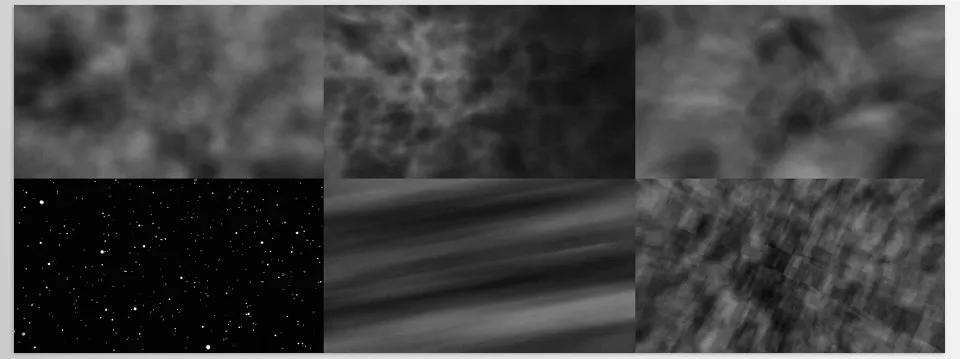
- Fractals (around 5 models)
- Noise (around 4 types)
By combining them, you can create a wide range of styles:
- Soft, fluffy clouds ☁️
- Light or dense smoke 💨
- Abstract or galaxy-like environments 🌌
You can even use Sub Noise to add more detail and create complex, natural-looking textures.
Full Control Over the Volume 🎛
One area where Fractal Volume really shines is control. Almost everything is in your hands:
- Controlling volume size across X, Y, and Z axes
- Cropping the volume from any direction
- Adjusting Depth to change spatial feel
- Controlling Density to make it lighter or heavier
- Setting Render Quality to balance speed and quality
This means you can build exactly what you imagine, instead of adapting yourself to the tool.
Control Over Color and Final Look 🎨
Visually, you have full flexibility. You can:
- Adjust Brightness and Contrast
- Change the overall color of the space
- Control light intensity and detail visibility
This part is crucial because it helps transform your work from a simple effect into a cinematic shot.
Animation and Looping 🔁
One very useful feature is the ability to animate the Phase.
This allows you to create motion in the volume (like flowing smoke or moving clouds) and even make it loop seamlessly.
This is especially useful for:
- Looping backgrounds
- Long-form videos
- Social media projects
High Speed with GPU ⚡
Despite being a volumetric system, the plugin is optimized. Since it uses GPU acceleration, it runs smoothly compared to heavy 3D software.
This means you can iterate faster, test more ideas, and reach results more quickly.
What Difference Does It Make in Practice? 🎬
The key difference is this: something that previously required multiple layers, complex setups, and lots of trial and error—while still not looking very realistic—now becomes a simpler, more controlled, and more natural process.
Instead of faking depth, you’re working with real volume. And that single change can elevate your output by several levels 🚀

A Few Tips to Instantly Improve Your Results 🎯
If you use Fractal Volume, a few simple tips can significantly improve your results. These often matter more than complex settings:
- 💡 Take lighting seriously
Light angle and intensity have a huge impact. Backlighting usually gives a softer, more cinematic result. - 🎥 Keep camera movement smooth
Controlled motion helps the depth feel more natural. Fast movement often makes the effect look fake. - 🌫 Balance the density
Overly dense volumes often look unnatural. Lighter, semi-transparent spaces feel more realistic. - 🎨 Play with color a bit
Simple adjustments to Brightness and Contrast can dramatically improve the mood and professionalism of your shot.
These aren’t complicated tips, but applying them is what turns an average result into a clean, polished output 👌
A Shift in Perspective, Not Just a Tool ✨
Often, the problem isn’t that we lack tools—it’s that we’re approaching a complex task with the wrong method. When we try to create a sense of space using flat layers, it’s natural to hit limitations, even if everything looks fine at first glance.
But the moment you switch to real volume, your entire perspective changes. You’re no longer simulating—you’re working with actual space. This gives your work depth, makes it more natural, and greatly improves the sense of movement and presence 🎬
Tools like Fractal Volume prove their value exactly here—not just because of speed, but because of the kind of output they produce. If you want your work to feel more professional and move beyond purely graphic visuals, this is exactly the direction worth exploring 🚀
If you’re ready to elevate your After Effects expertise beyond foundational skills, our comprehensive After Effects Tools guide provides the depth and structure you need.