

Environment Creation in Blender — From Basic Principles to the Need for Professional Tools
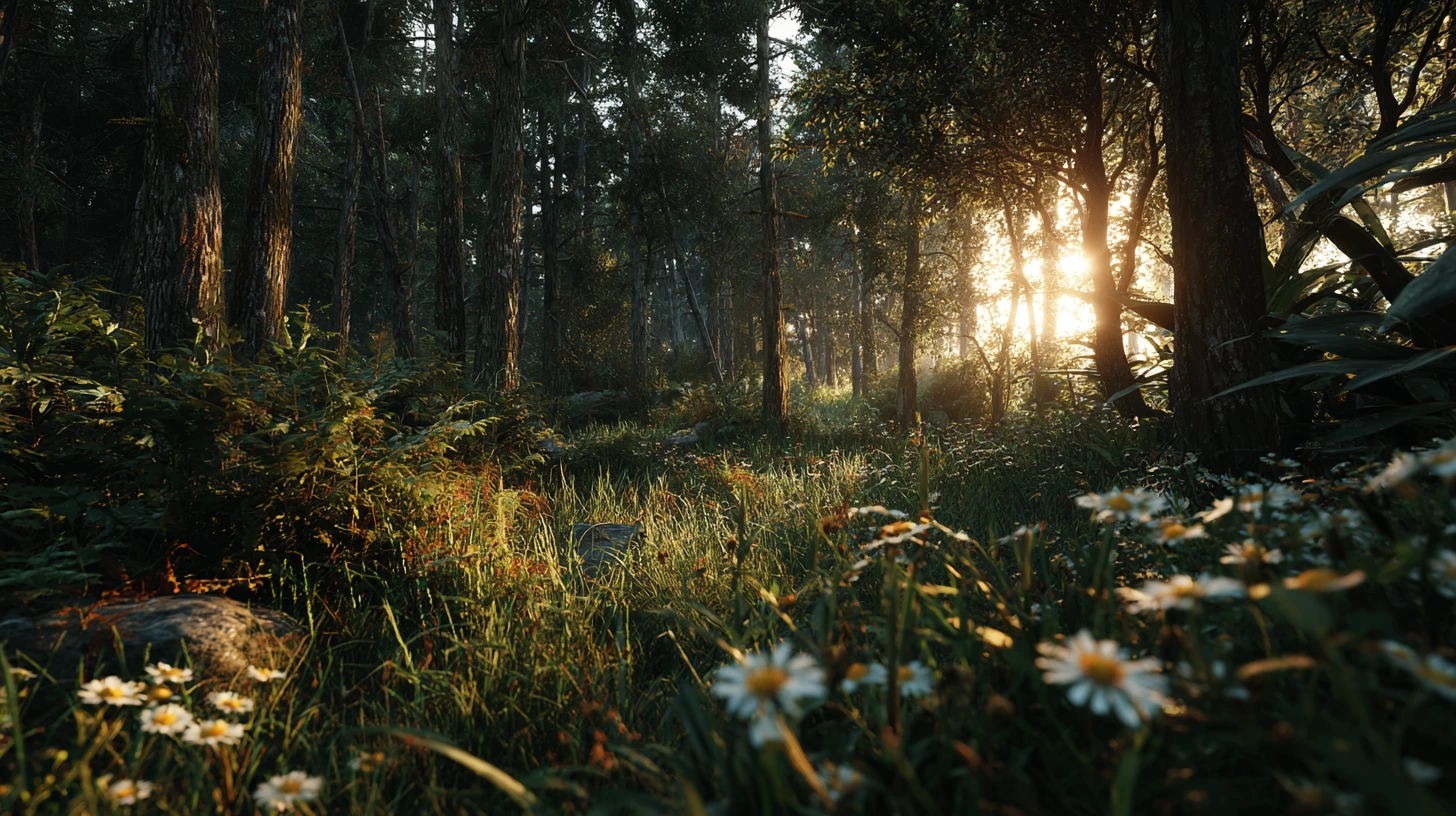
Blender environment creation is one of the most visually impactful aspects of 3D design. When you look at a 3D scene — whether it’s a forest view, a busy city, or even a fantasy landscape in a game world — what brings the space to life, makes it believable and engaging, isn’t just the character models or animations. Rather, what catches the eye more than anything is the “environment”:
The ground, plants, sky, signs, particles, paths, buildings, lighting, and everything placed in the background or around.
📌 What is Environment Creation?
Environment Creation in the 3D world means designing and building the spaces where the main elements are placed. In the context of Blender environment creation, these spaces are crafted using a wide range of tools and assets. This space might be:
- A forest or a desert for a game
- An interior room for a story animation
- An urban scene for an advertising video
- Or even a sci-fi world for fantasy projects
Without a strong environment, no 3D work looks complete or professional.
🎯 Why is Environment Creation Important?
Blender Environment Creation serves two vital roles:
- Creating a sense of space and reality: The audience must feel they are in a real or believable world. Environmental details like scattered grass, neon signs, or the gradual blooming of flowers make the scene more alive and tangible.
- Guiding the narrative: Sometimes environment creation itself is part of storytelling. For example, falling petals or a flock of birds in the sky can convey a message without any words.
🔧 How do we do environment creation in Blender? (Traditional way)
Blender environment creation using default tools is possible, but the process is often time-consuming and technically demanding.
- You can import tree, rock, or building models from various sources.
- With tools like Particle System or Geometry Nodes, you can scatter objects on the ground.
- Simple animations with wind simulators, growth, and movement are also possible.
But these methods: - Require deep knowledge of nodes, materials, and physics systems
- Manual settings are very time-consuming
- Final quality can vary greatly without high skill
- Creating large scenes (e.g., a real forest or a flock of birds) is very heavy and complex
🤔 So, what’s the problem? Why should we look for helper tools?
Many users find Blender environment creation difficult due to technical barriers and artistic challenges:
- Scenes look too artificial or empty
- Lots of time spent creating simple details like leaf scatter or signs
- Understanding and building advanced node systems (like plant growth or flock behavior) is complex and exhausting
- Environmental animation such as wind, growth, flying, or interaction between multiple elements is hard to execute
And ultimately, final scene quality remains low or project production time is too high.
Before diving in, note that we’ve prepared a thorough article covering every Blender tool and add-on—it can be very helpful. The link is at the end of this page.
✨ Professional tools: the solution for speed and quality
These tools redefine Blender environment creation by simplifying complex tasks into intuitive controls. In response to these challenges, tools have been created that use Geometry Nodes, optimized simulators, and smart controls to simplify many stages of environment creation and simulation. These plugins not only let you build faster, but also:
- Produce more natural details
- Create complex scenes with just a few clicks
- Build beautiful, natural, and professional animations
- And require no advanced node or simulation experience
Now that we understand what environment creation is, why it’s important, and what challenges it involves, it’s time to get familiar with 4 professional Blender tools that can dramatically improve the quality and speed of your environment creation.
Part 1: Scattering Tools in Blender
(e.g., Geo-Scatter and Geo-Swarm)
One of the most important pillars of environment creation is scattering. Scattering means distributing various elements like grass, trees, rocks, particles, or even groups of animals or birds across the scene surface. In Blender, this is usually done with Geometry Nodes or Particle System; however, executing them naturally and efficiently is very time-consuming and complex.
🌿 Geo-Scatter: The King of Scattering in Blender
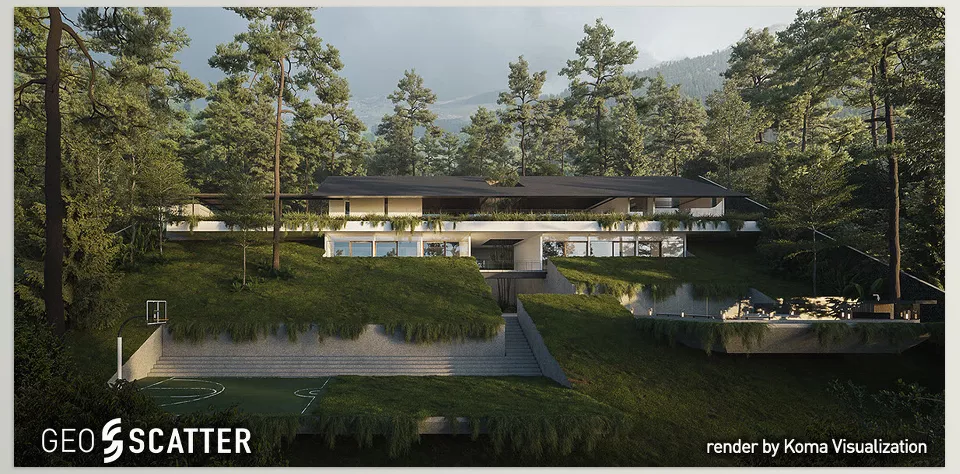
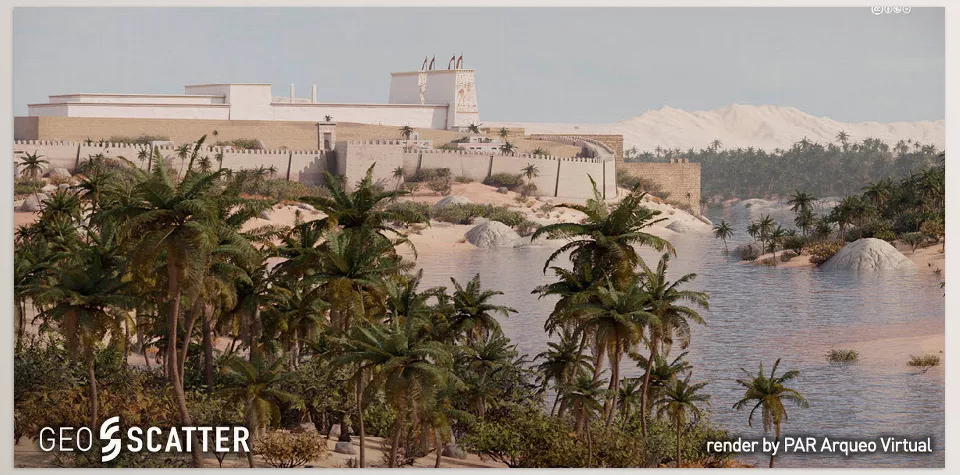
Geo-Scatter plays a key role in professional Blender environment creation thanks to its precision and power. This tool is one of the most famous environment creation plugins worldwide and is used for fast and professional creation of environments such as forests, meadows, deserts, urban scenes, and more.
Features:
- Intelligent scattering of plants, trees, rocks, and various models
- Precise control over density, scattering area, rotation, and scale
- Support for various masks (height, slope, weight, etc.)
- Automatic level of detail adjustment for render optimization
- Integration with Blender’s Asset Browser for faster workflow
📘 Example, if you want to scatter grass and trees on a hill, instead of building nodes and defining variables, Geo-Scatter does this with just a few clicks.
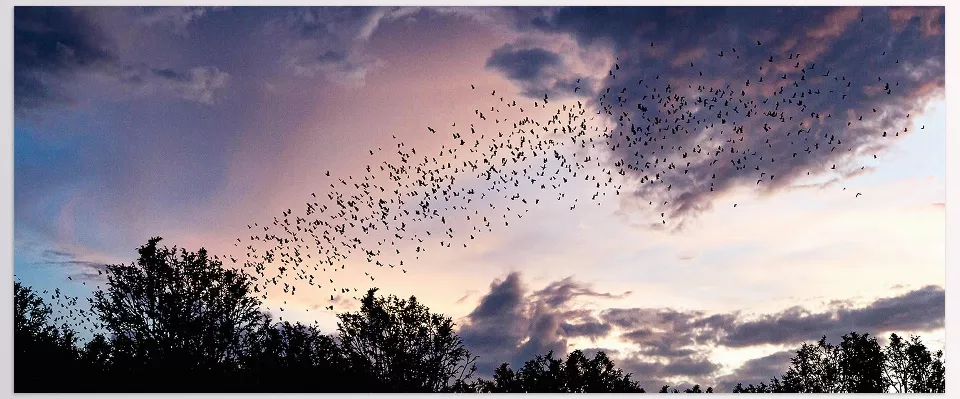
🐦 Geo-Swarm: Simulation of Flocking, Flying, and Group Movement
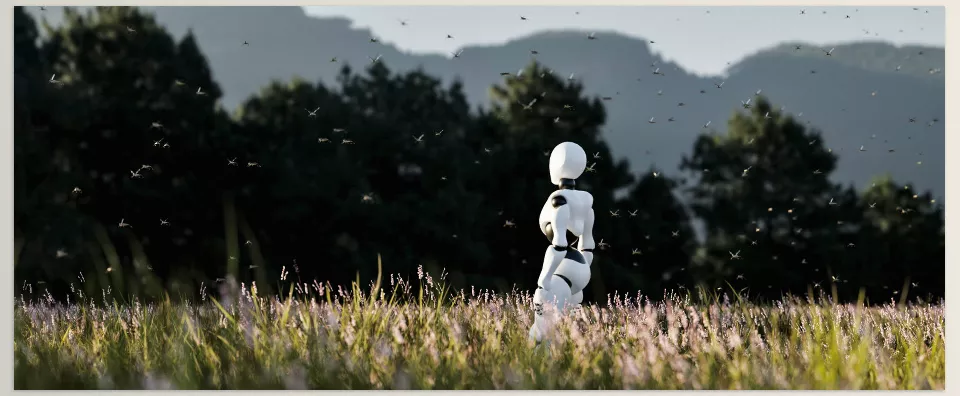
Geo-Swarm uses Geometry Nodes to create swarming behavior. Its use is mainly in scenes where many creatures move in coordination, for example:
- A flock of birds flying
- A school of fish or insects
- Group movement of glowing particles, robots, or floating objects in space
Key features:
- No need for complex physical simulation
- Control over speed, direction, and dynamics of the swarm
- Support for animation on dynamic paths
- Suitable for cinematic or conceptual scenes
📘 Example: Imagine in a farm view, a large number of crows approaching from afar. Geo-Swarm can easily create this collective, random but natural movement.
🟩 Part 2: Plant Generation and Animation Tools
(e.g., Blooming Flowers – Geo Nodes Curve Pack)
Plant animation is a crucial feature for realistic Blender environment creation. One of the most beautiful parts of the environment is plants and flowers. If you only want to build their appearance, importing models is enough. But if you want flowers to gradually bloom, sway with the wind, or grow over time, you need complex node systems.
🌸 Blooming Flowers: Animated Flower Pack
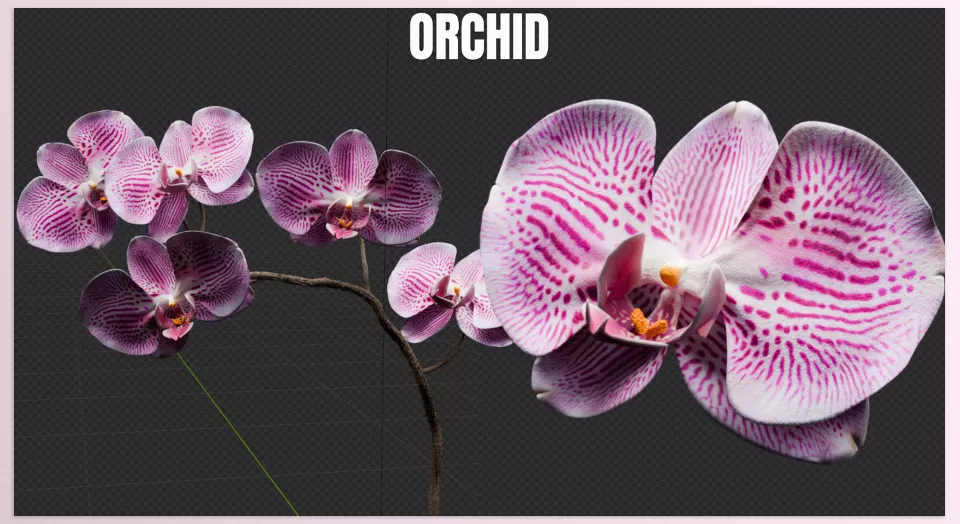
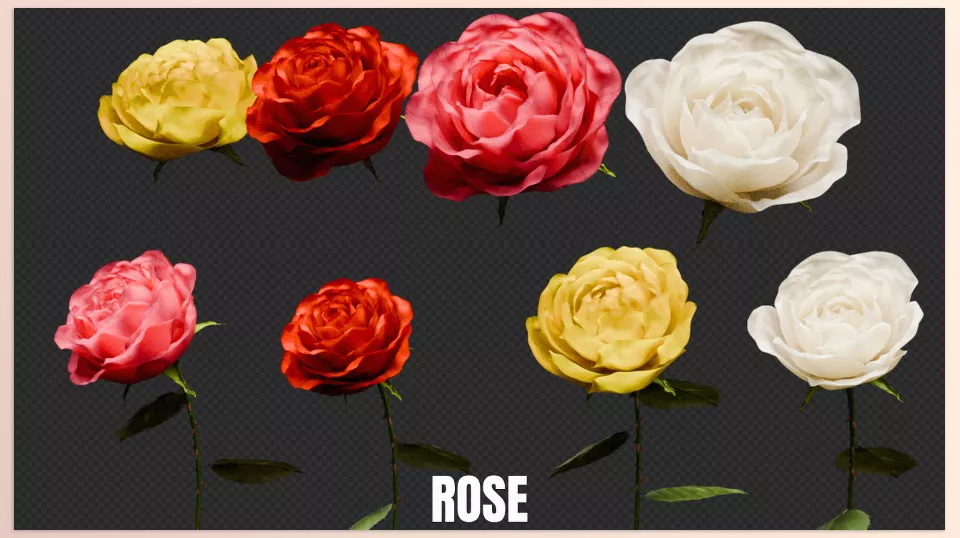
Blooming Flowers is a ready asset pack that lets you not only design various flowers but also control their growth, blooming, and movement.
Features:
- Includes dozens of flower types: rose, orchid, sunflower, lotus, cherry blossoms, etc.
- Gradual animation from bud to full bloom
- Growth control with a Bezier curve
- Customizable shape, orientation, growth speed, and randomness
- Procedural materials ready with color and detail adjustments
📘 Example: If you want cherry blossoms in a scene to slowly open and sway with the breeze, this tool handles all the heavy work for you.
🟩 Part 3: Special Shape Design and Production Tools
Sometimes the environment isn’t just trees and rocks but also human elements such as advertising signs, neon signs, moving texts, etc., which are very important in urban or fantasy worlds.
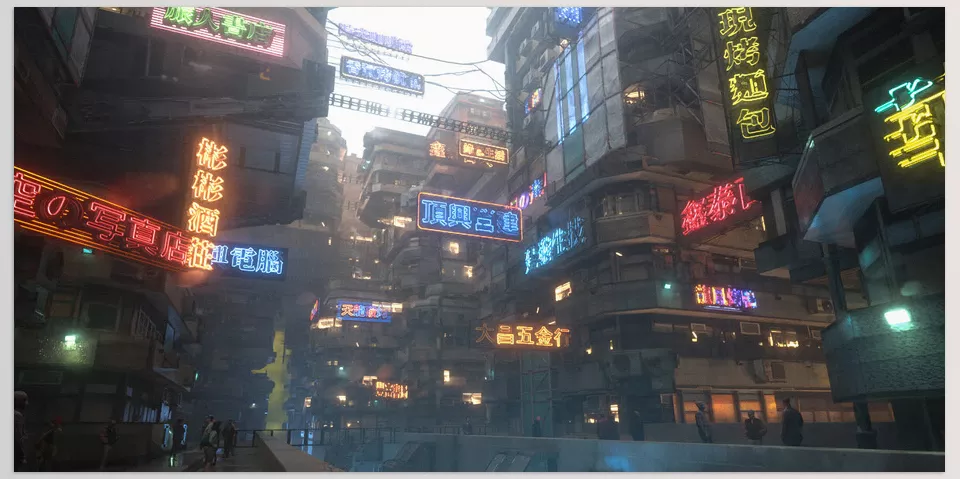
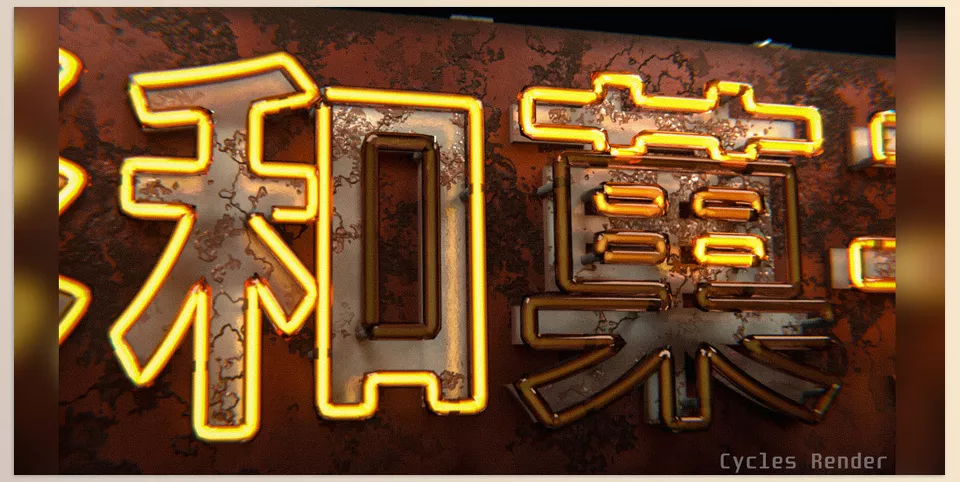
💡 Geo-Sign: Making Animated Signs and Neons
Geo-Sign lets you create professional, attractive, and even animated signs without manual modeling or material creation.
Features:
- Over 1,000 ready text and sign assets
- Support for animated neon materials
- Ability to create light, industrial, classic, and street signs
- Fast conversion of text or SVG into signs
- Compatible with Eevee and Cycles rendering (better quality in Cycles)
📘 Example: Imagine a nighttime city scene where you want a blinking neon “OPEN” sign. Geo-Sign creates this effect with a few clicks without needing complex material setups.
🟨 Summary: Why use these tools?
| Tool | Main Use | Advantage over Traditional Method |
|---|---|---|
| Geo-Scatter | Intelligent scattering | Speed, control, and high realism |
| Geo-Swarm | Group movement animation | Swarm animation without complex simulation |
| Blooming Flowers | Flower growth & bloom | Natural, controllable plant animation |
| Geo-Sign | Sign and neon creation | Fast design, ready materials, easy animation |
In today’s world, time and quality are two critical factors for every 3D artist or designer. Using smart tools in Blender like those introduced helps you create more stunning and professional scenes in less time. These tools are not replacements for skill but accelerators of your creativity.
Why do these tools transform your workflow?
Environment creation and simulation in Blender have always been among the most challenging parts of the work. Building a lively, natural, and believable scene with Blender’s default tools is possible but very time-consuming, and most of the time, the final result is not what you imagined.
Plugins like Geo-Scatter, Geo-Swarm, Blooming Flowers, and Geo-Sign are designed exactly to:
Take some of that burden off your shoulders and let you focus on creativity, not struggling with complex node graphs or repetitive tedious tasks.
With these tools, you can easily build your desired space, create lively animations, and even control the tiniest details like neon signs or blooming flowers.
In fact, these plugins are not just tools; they can make the difference between an ordinary work and a stunning project.
If you seriously want to progress in the 3D world, it’s time to use tools that give you speed, precision, and creativity all at once.
To better understand Blender’s different tools, we recommend reading our comprehensive article: Everything You Need to Know About Blender Tools in One Place



