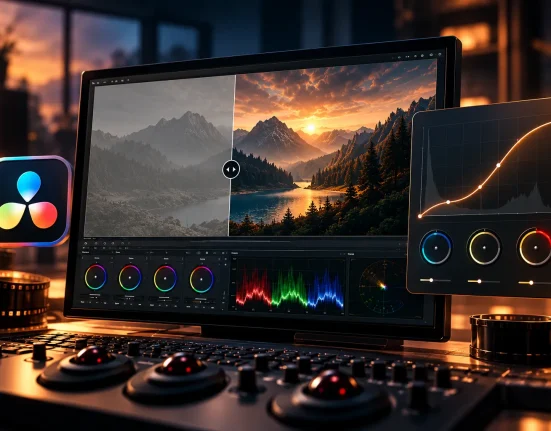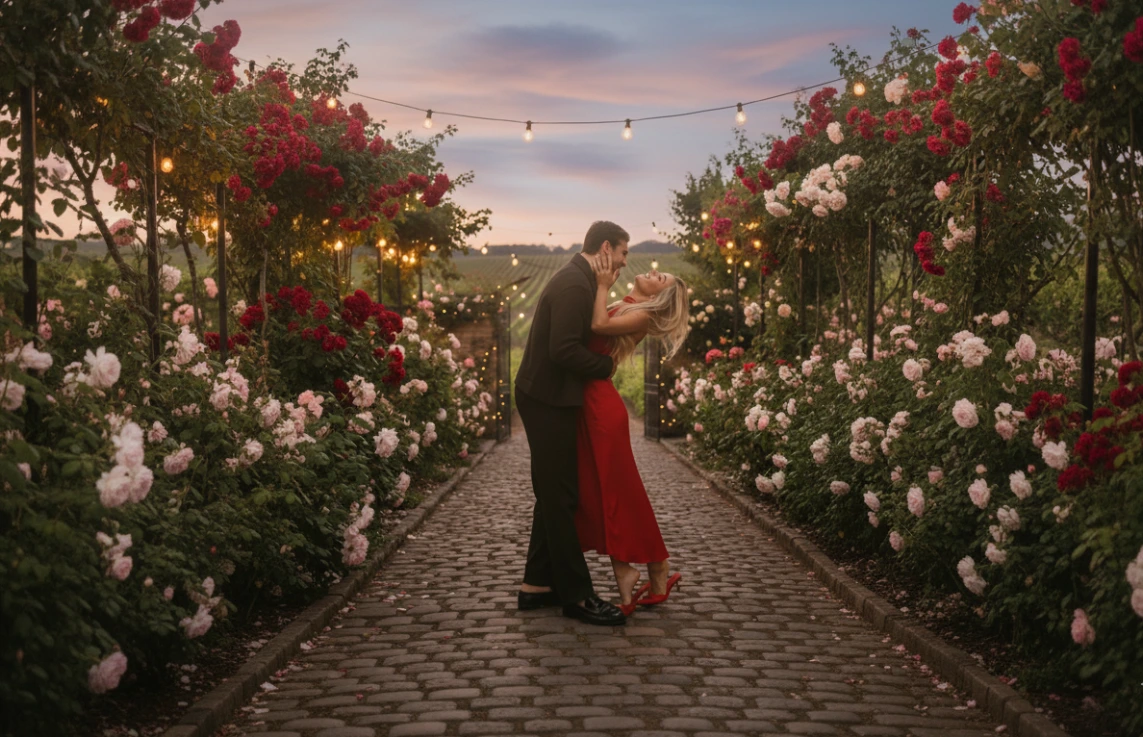
When Photo Editing Stops Being Exciting…
Are you experienced in using the Dirty Boots and Messy Hair Presets Pack II? Have you ever taken a great photo, eagerly started editing it, and then quickly felt that initial excitement fade?
Everything looks technically correct, but the image is missing something. The colors feel too clean and digital, the light is either too harsh or overly neutralized, and the photo looks more like a corrected file than a captured memory.
No matter how much you move the sliders up or down, the result either becomes exaggerated or so conservative that it conveys no feeling. It’s as if there’s a gap between what you saw and what you see on the screen.
It’s at this point that many photographers realize editing is much more than adjusting light and color. It’s about mood, emotion, and storytelling. It’s about making a photograph instead of just an image that exists in the state it was corrected. This is editing as art.

How to Achieve This Feeling Without Presets
If you want to reach a cinematic, nostalgic mood without presets, you need to roll up your sleeves and build everything yourself. That means sitting in Lightroom or Camera Raw and wrestling with sliders until the feeling in your mind slowly starts to appear.
You start with light and contrast, then move to the Tone Curve, tweak colors in HSL, add a bit of grain… in short, a full edit from zero to one hundred.
But Where Does the Problem Begin?
- It’s very time-consuming.
Editing one photo might be manageable, but when the number of photos increases, editing gradually becomes repetitive and exhausting. - Achieving a consistent style is really hard.
You might like a color today, but the same settings won’t work in different lighting tomorrow. - Recreating the same feeling is tricky.
Either it ends up too busy or too clean and digital. Something is always missing—the natural, memory-like feeling you were looking for.
This is when you realize that although the default tools are powerful, they aren’t always the best way to achieve a feel-good, inspiring edit. This is exactly when people start looking for a simpler, more creative approach.
Dirty Boots and Messy Hair Presets Pack II: When Editing Becomes Exciting Again
Dirty Boots and Messy Hair Presets Pack II was created for the exact moment when you feel editing is getting boring. This is not for clean edits or overly processed edits resembling Instagram filters. We are going for RAW, REAL, CINEMATIC. A nostalgic 90s mix and those cinematic spaces.
This is what makes your images feel like real life instead of a bunch of lifeless photos.
Key Features
- 8 Color Presets with over 10 Variations
From warm golden tones to cooler, bolder spaces, giving you flexibility for different lighting conditions. - 3 Black & White Presets
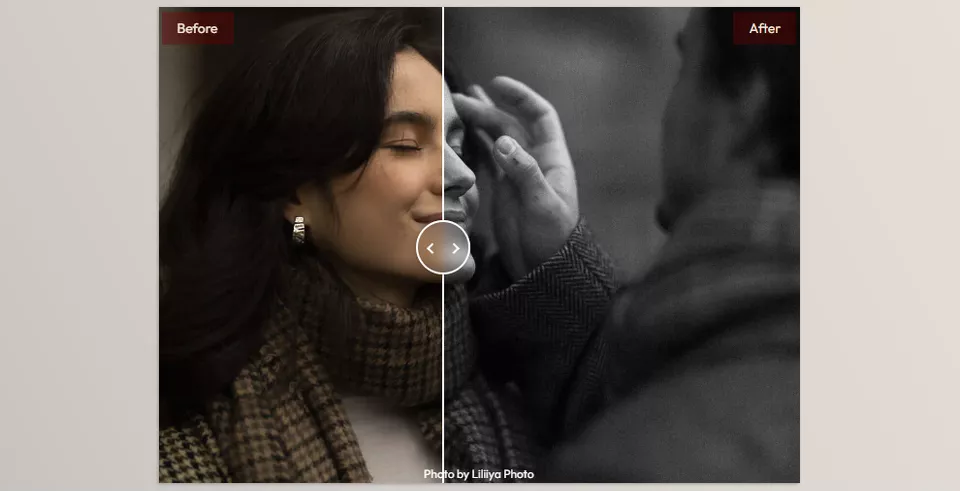
With controlled contrast and deep shadows, perfect for portraits where mood and emotion take the lead. - 7 Texture and Mask Tools
Including film grain, soft light, and effects to add depth without making the photo look artificial. - Compatible with Various Conditions
Whether you have natural light, indoor settings, or harsh light, these presets are designed to be flexible.
What You’ll See in Your Photos
After applying a preset, the first thing you’ll notice is smart light control.
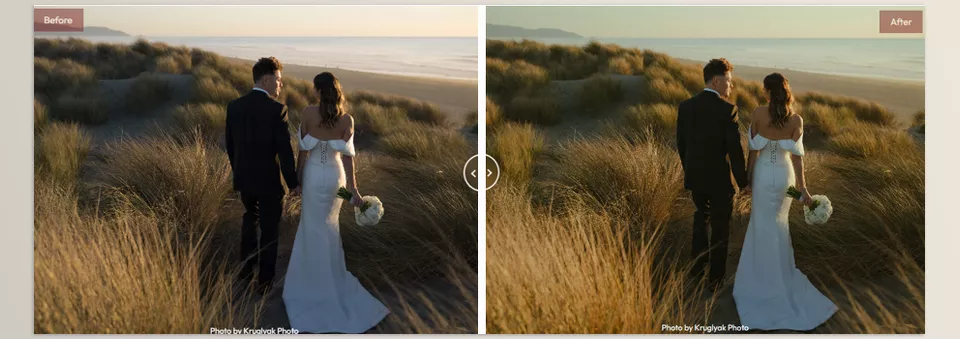
Highlights no longer blow out, shadows have depth, and colors remain warm, raw, and emotional. Most importantly, skin tones stay natural, and the atmosphere of the scene is preserved.
The key point is that Dirty Boots and Messy Hair Presets Pack II isn’t meant to make decisions for you. They act more like a strong starting point—a foundation that you can tweak with a few simple adjustments to build your personal style and truly make the edit your own.
How to Use the Presets More Professionally
To make sure the presets work for you and don’t make editing lazy, keep these tips in mind:
- Adjust Exposure and White Balance manually
Every photo has its own light. Even a small tweak after applying a preset can make the image feel much more natural. - Don’t stick to a single preset or variation
Use different variations for different lighting and spaces. Sometimes, just switching the preset version multiplies the effect. - Adjust Grain carefully
Grain should evoke film, not be distracting. Especially in high-resolution photos, choose the amount subtly and intelligently. - Customize contrast and shadow tones slightly
A few subtle changes to Blacks, Shadows, or Contrast can make the photo match your taste exactly. - Consider the present a starting point, not the end
The best results come when the preset is just a base, and your final edit carries your signature style.
By following these simple tips, your final output will look more professional, more natural, and much closer to your personal style.
Tools, Not Shortcuts
Dirty Boots and Messy Hair Presets Pack II doesn’t just speed up the game; it changes it. You’ll be taken out of the lifeless, mindless slider adjustment work and back into the world of mood, vibe, and story, where editing is a narrative art form instead of just a required task.
And what’s key here is that this isn’t the sort of work that’s done for you or a solution that just hands you all the answers. This serves as an empowering source of inspiration and starting point that offers structure but allows for your own personal adjustments as needed, so that everything is still yours.
For cinematic edits, genuine nostalgia, and an authoritative look, Dirty Boots and Messy Hair Presets Pack II can make editing enjoyable again, not because of shortcuts but because of the true joy in what you’re creating.
If color grading is something you’re serious about refining, we’ve prepared an in-depth article that walks you through everything in a clear, actionable format. You should definitely give that color grading article a read—it’s packed with valuable insights.