

Why Are Materials and Shaders Important to Us?
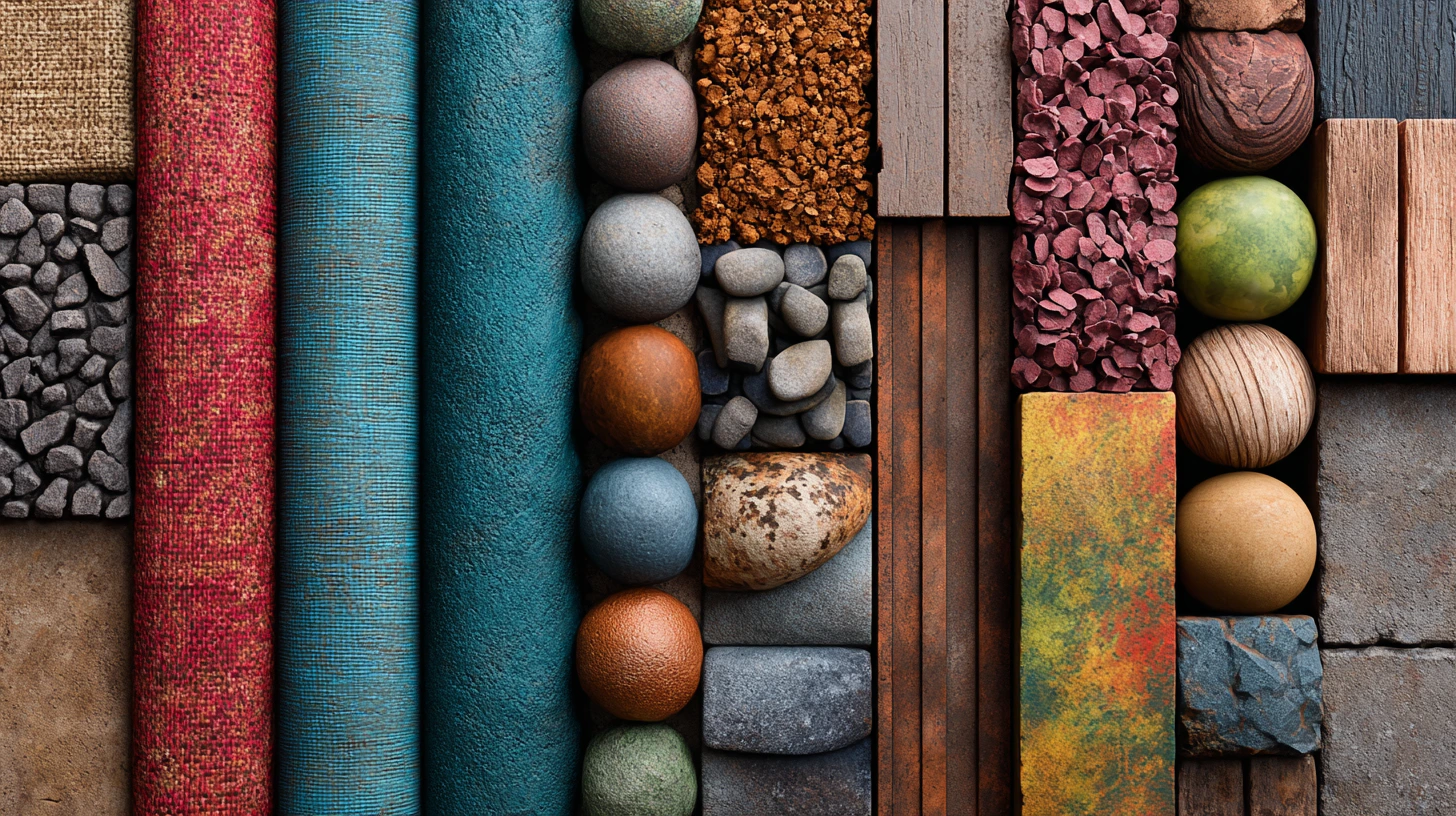
If you’ve ever worked with 3D software like Blender, you probably realized that having just a good model isn’t enough. What truly brings our models to life and makes them look realistic are the materials and shaders — meaning the things that give surfaces their color, texture, reflection, and unique appearance.
But I admit, creating good and customizable procedural materials and shaders in Blender can sometimes be difficult and confusing. Especially when you want to change your material or have to prepare a bunch of images and textures. This is where procedural materials come into play; materials created by formulas that let you easily adjust everything without losing quality or needing many images.
If you’re looking for an easier and more adaptable way to create materials that give you creative freedom and simplify your work, this article is written for you. Here, we explore the potential of procedural materials and shaders in Blender to improve your workflow.
Quick Guide to Procedural Material Packages in Blender
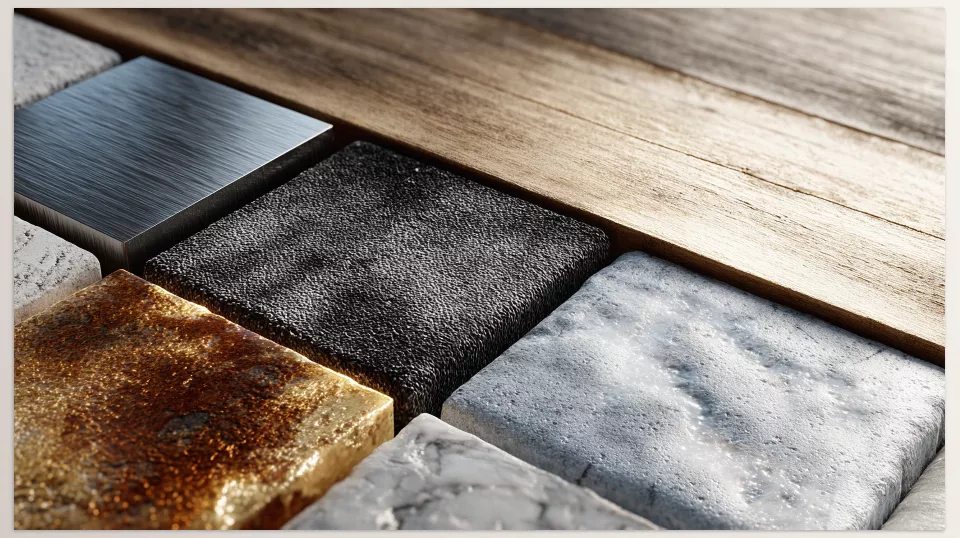
When working with procedural materials and shaders in Blender, it’s important to know your options.
1. Blender Procedural Shader Pack
- Number of Materials: 48 procedural materials
- Categories: Fabric, leather, metal, stone, food, car paint, plastic, paper, rubber, camouflage, and more
- Features:
- Fully procedural and scalable without using any images
- A collection of masks and color ramps for infinite appearance variations
- Suitable for architectural renders and any project needing customizable materials
- Uses: Architecture, interior design, gaming, animation
2. Sanctus Library – Procedural Materials
- Number of Materials: 323 procedural materials
- Categories: A wide range of materials and shader tools
- Features:
- Easily convert simple surfaces into complex ones
- Compatible with Blender’s Asset Browser
- Includes 32 shader tools and Geometry Nodes assets
- Uses: Architecture, gaming, large and professional projects
3. Realtime Materials
- Number of Materials: Over 300 procedural materials
- Categories: Metal, exterior glass, leather, wood, fabric, paint, surface defects, carbon fiber, terrazzo tiles, camouflage, abstract, and more
- Features:
- Apply materials with one click, no complex node setup needed
- Fully customizable materials by color, angles, texture, and details
- Suitable for fast render environments and real-world projects
- Uses: Gaming, architecture, animation, interactive projects
4. Fluent Materializer
- Number of Nodes: Over 130 procedural nodes for material creation and painting
- Categories: Fabric, liquid, wood, patterns, metal, grunge, and surface defects
- Features:
- Create materials with details like scratches, dirt, stains, and fingerprints without UV unwrap
- Advanced decal system independent of images and resolution limits
- Material baking with various resolution options
- Compatible with existing materials and useful for enhancing details
- Uses: Gaming, animation, environmental and architectural projects
Material Products Comparison and Analysis
Number and Variety of Materials
If you want the highest number and variety of procedural materials and shaders in Blender, Sanctus Library stands out. Next is Realtime Materials with about 300 diverse and practical materials. Fluent Materializer focuses more on customizable nodes and building materials from scratch rather than a large number of ready-made materials. Procedural Shader Pack offers good variety but less than the first two.
Ease of Use
Realtime Materials, with one-click application and a dedicated panel, is great for those who don’t want to work much with nodes.
Fluent Materializer is more professional and excellent for those who want precise control but may require learning nodes.
Sanctus Library and Procedural Shader Pack suit intermediate to advanced users because of their advanced features and settings.
Flexibility and Customizability
Fluent Materializer excels here with over 130 nodes allowing detailed control and unlimited changes.
Sanctus Library also has many shader tools that enable high customization.
Realtime Materials offers good settings but is more focused on speed and ease of use.
Procedural Shader Pack is flexible but not as complex as Fluent.
Special Features
- Fluent Materializer: Advanced decal system without image dependency, professional baking, no UV needed, very detailed like scratches and fingerprints.
- Sanctus Library: Easy baking, Unreal Engine compatibility, Geometry Nodes tools.
- Realtime Materials: Quick one-click application, unique categories like carbon fiber, terrazzo, camouflage.
- Procedural Shader Pack: Fully procedural with many masks and color ramps.
Speed and Optimization
Realtime Materials is fast thanks to its simple system and quick application, suitable for projects with limited time. This speed benefits users focused on procedural materials and shaders in Blender efficiency. Fluent Materializer might be heavier due to many nodes and details but is optimized.
Sanctus Library and Procedural Shader Pack are moderately optimized given their feature sets
Compatibility with Software and Render Engines
Sanctus Library is especially compatible with Unreal Engine and other software, with easy baking.
Fluent Materializer and Realtime Materials work well with Blender render engines (Cycles and Eevee) and are good for gaming and animation.
Procedural Shader Pack focuses mainly on Blender.
Visual Quality
All products offer very good quality, but:
- Fluent Materializer provides extraordinary realistic details like scratches, stains, and fingerprints.
- Sanctus Library creates professional materials with variety and baking tools for large projects.
- Realtime Materials offers high visual quality quickly for everyday use and practical projects.
- Procedural Shader Pack delivers high-quality, beautiful materials in various styles.
Which Material Pack Is Right for You?
Each of these material and shader packages is designed for a specific type of use, and choosing the best one depends entirely on your work style and project. For example, if you want high variety and professional materials that are easy to bake and compatible with game engines, Sanctus Library is an excellent choice. But if you don’t have time or patience to deal with complex nodes and want a good material with just one click, Realtime Materials is exactly what you need. On the other hand, Fluent Materializer is for those who want to build fine details like scratches, stains, and decals themselves and have full control. Procedural Shader Pack is a great choice for those who love fully customizable and procedural materials.
In the end, all these products have really high quality and can transform your 3D work. Mastering procedural materials and shaders in Blender is the key to unlocking this transformation. You just need to know your priorities: variety, speed, or creative freedom? Based on that, pick the best one and enjoy. If you have any questions or doubts along the way, I’m here to help and make the journey easier together.
For complete information about every Blender tool and add-on, visiting our main article is your best option: Everything You Need to Know About Blender Tools in One Place



