


Why Do Our Videos Need Effects and Style?
When we make a video, simply putting clips together isn’t enough. Using professional video effects in Final Cut Pro can make even ordinary scenes feel dynamic and polished. Sometimes even the best scenes, without proper lighting, the right effects, and appealing visual elements, don’t have that lively and pleasant feel.
It’s these small details that make a video look more realistic and impactful. A little light, a subtle effect, or a small change in color and composition using professional video effects in Final Cut Pro can completely change the overall mood of a video and convey its story more beautifully.
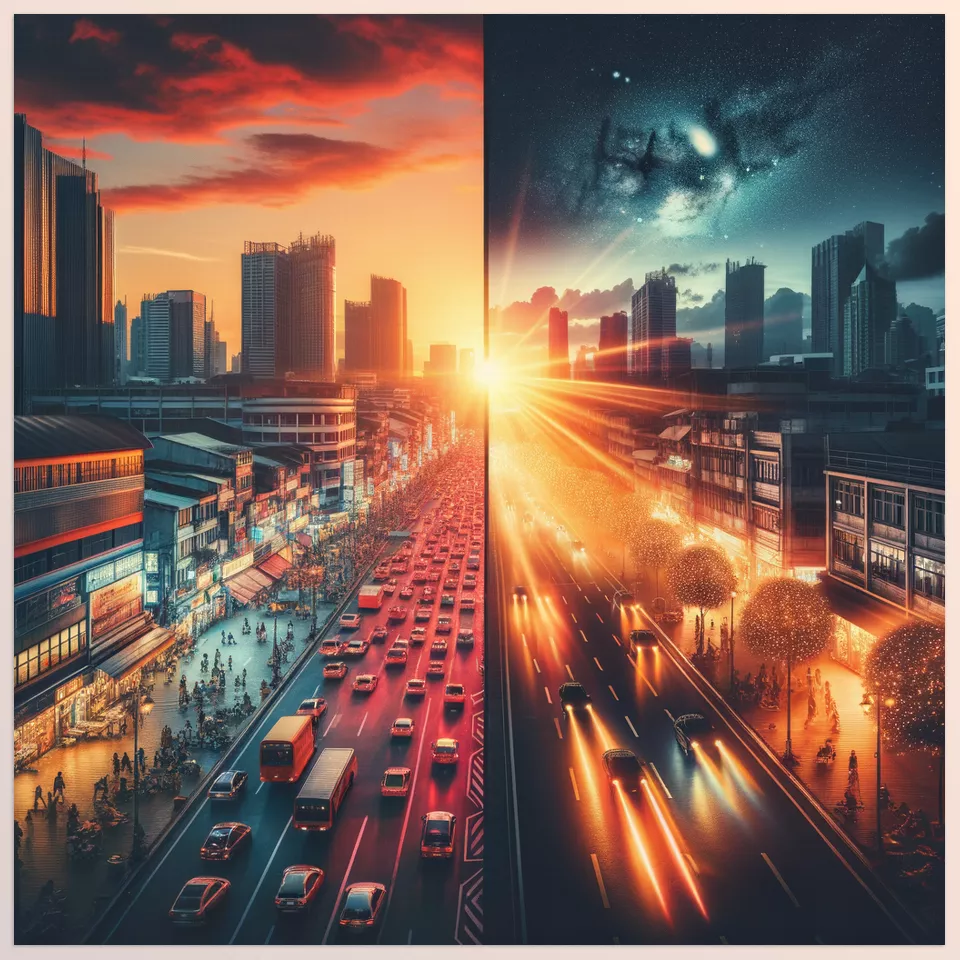
When Color and Effects Tell the Story of the Video
With Final Cut Pro, you can manipulate many things yourself. For example, to adjust a video’s color and lighting, you open the Color Board or Color Wheels and tweak brightness, contrast, saturation, and color tones. For effects, you can use the built-in effects library and drag them onto clips. Transitions are also easily added by dragging and dropping between two clips, and you can adjust their duration and intensity. You can even add simple text and graphics, layer them, and change Blend Mode and Opacity to create more appealing visual compositions.
However… the drawback of Final Cut Pro is that its ready-made effects and styles are limited, and some things take a long time and are complex to achieve professionally. For instance, cinematic effects, particular styles, or complex text and graphic animations are either not available or involve several lengthy steps. This frequently causes us to depend on outside tools or specialized plugins to speed up the process, simplify it, and enhance its visual appeal.
Magical Tools for Eye-Catching Videos
🌟 MotionVFX Plugins to Enhance Your Videos
When making videos, sometimes a simple effect can change the entire mood or better convey the story. MotionVFX plugins are tools that make this easy and fast in Final Cut Pro. Each one has a specific purpose and helps you take your videos from ordinary to professional.
Light and Lens Effects – mLeaks
mLeaks adds realistic light leaks and flares that give your clips a warm, cinematic glow.
- What it does: A set of 50 organic light leak effects recorded with a RED camera and of very high quality.
- Advantage: Makes simple, ordinary scenes more appealing with colored lights, flares, and light play, using professional video effects in Final Cut Pro to give a polished, cinematic feel
- How to use: Drag the ProRes file onto your video, select a blend mode like “Screen,” and adjust opacity, contrast, or colors slightly.
- When useful: When you want your video to have a cinematic, warm, or dreamy feel.
Change Video Style and Mood – mRestyle
mRestyle offers a variety of preset looks, from retro to glitch, letting you instantly change your video’s mood.
- What it does: 50 ready-made effects like dreamy, glitch, retro, or CCTV that can quickly change the mood of your video.
- Advantage: You can create a unique, distinctive style without dealing with complicated manual coloring or lighting.
- How to use: Apply the effects to your video, blend them, and adjust the intensity of each to achieve the desired mood.
- When useful: For music videos, ads, or any video where you want a special atmosphere.
Storytelling and Narrative Tools – mStorytelling
mStorytelling provides ready-made titles, transitions, and text animations to help your story flow smoothly.
- What it does: Includes 59 presets, 5 LUTs, 50 titles, 8 transitions, and 2 special effects to enhance the story and narrative of a video.
- Advantage: Helps you coordinate text, images, and scenes so your story is clearly and effectively conveyed.
- Extra features: Text animation, camera movement, and infographic creation that further professionalize your video.
- When useful: For documentaries, educational videos, or any project where story and narrative matter.
Futuristic and Cyberpunk Style – Cyberpunk Model Pack
Cyberpunk Model Pack includes 3D models and animated elements to give your videos a futuristic, sci-fi vibe
- What it does: 37 ready-made models with adjustable light, color, shadow, and animation to give videos a cyberpunk look.
- Advantage: Enables creation of sci-fi openers and animated titles, making videos stand out from the ordinary.
- Extra features: Models designed for mO2 and mTracker 3D, compatible with 3D title integration.
- When useful: For tech videos, futuristic themes, video games, or anything that needs a modern, edgy feel.
Adventure and Nature Videos – mSurvival
mSurvival comes with maps, LUTs, and dynamic transitions to make travel and adventure videos more engaging.
- What it does: A complete toolkit for outdoor and survival videos, including maps, packing lists, route visualization, LUTs, transitions, and typography.
- Advantage: Reduces editing time and makes travel and adventure videos look professional and appealing.
- Extra features: Ready-made effects, movements, and backgrounds that convey the real sense of adventure to viewers.
- When useful: For travel vloggers, nature documentary filmmakers, or anyone creating action or outdoor videos.
With these plugins, you no longer need to spend hours making your video professional and eye-catching; just add a bit of creativity and let these ready-made tools, which include professional video effects in Final Cut Pro, do the rest.
Professional Video with a Touch of Creativity
Ultimately, creating an engaging and professional video goes beyond putting clips together. Proper lighting, striking effects, diverse styles, and suitable visual elements all help convey your video’s story more effectively and keep viewers engaged. While Final Cut Pro offers basic editing tools, when you want your video to be truly professional and creative, external tools and plugins, including professional video effects in Final Cut Pro, give you more freedom and speed up your workflow significantly. Combining your skills with these plugins ensures that every project you work on is both captivating and professional.
If you’re eager to explore even more tools, effects, and hidden features in Final Cut Pro, don’t miss our in-depth guide for Final Cut Pro Tools that walks you through everything step by step.




