

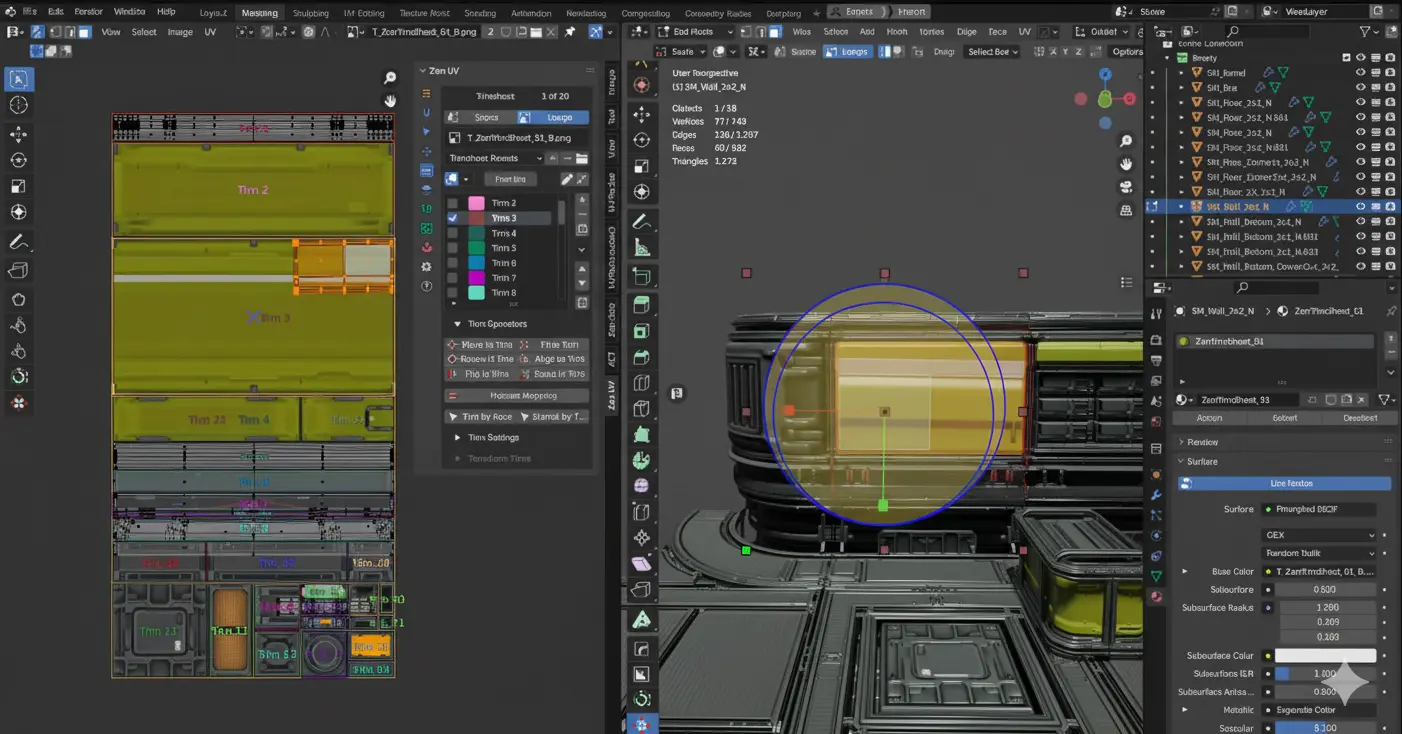
When UVs Get Messy…
Have you ever worked with the Zen Uv? If you’re a 3D artist, you’ve definitely experienced that weird moment: everything goes smoothly in modeling, but as soon as you move on to UVs, it feels like entering a whole new world. Islands are scattered, some stretch out, some spin for no reason, and suddenly you realize you’ve lost control.
It gets worse when working on organic models. You unwrap three times, try new seams, relax, but the result? The same annoying stretches and wrinkles. What should be simple suddenly becomes a bizarre puzzle where you can’t figure out what went wrong.
This is usually the moment you ask yourself: “Does it really have to be this hard? Isn’t there an easier way?” That simple question is where many 3D artists arrive—a point where you realize it might be time to find a tool that actually works with you and makes your workflow lighter, rather than slowing you down.

What Exactly Is UV and Why Is It Important?
Simply put, a UV is the 2D version of your 3D model’s surface—a flattened map that tells the software exactly where and how textures should sit on the model. It’s like unfolding the model’s skin to make texturing and painting easier. Without this step, no matter how good your textures are, they won’t align properly on the model.
In-game projects, animation, motion graphics, and even visual effects, clean UVs mean less hassle and better results. When UVs are correctly unwrapped, there’s no stretching in textures, no important areas getting dark, and patterns don’t go wonky. The result?
- Smooth and accurate textures
- Clear and controllable details
- Easier color and material management
- Less time spent on texturing and post-production
A simple example: imagine creating a patterned fabric for a character’s outfit. If the UVs aren’t correct, the patterns stretch, twist, lines break, and the whole work looks unprofessional. But with clean UVs, textures sit exactly as designed—no surprises, no frustration.
Blender Is Great, But…
Blender comes with basic UV tools that are fine for starting or light tasks. Things like regular unwrap, Smart UV, Mark Seam, or Pack UV—tools we’ve all used. There’s even UDIM support, and Checker textures help you spot stretching quickly. So far, so good. But as projects get more serious, you start realizing these tools have limitations.
Where It Gets Tough
First of all, a lot of UV work in Blender is completely manual. For example, arranging UVs often becomes a puzzle game where you have to rotate and organize islands one by one to get an acceptable result. This process is both time-consuming and frustrating.
On the other hand, Blender’s Relax tool isn’t strong for organic models. When working with faces, bodies, or any soft irregular shapes, you usually can’t achieve clean UVs with one click. You keep testing, going back, adding seams, unwrapping again…
Common Problems
- Finding overlapping or stretched UVs is not easy
- Stacking similar UVs usually has to be done manually
- Controlling Texel Density exists, but not very precise or fast
- Working on multiple models at once quickly leads to clutter and mistakes
Blender can get the job done, but usually with more time, a lot of manual work, and higher chances of mistakes. For professional work and large projects, this is where you start looking for an easier, more reliable solution.
Zen UV: Speed and Order in One Package
This is where Zen UV enters the scene—a professional Blender add-on that makes UVing fast, precise, and controllable. No more wasting hours with basic tools, hunting for stretches, or managing multiple models at once. Zen UV handles all of this with smart, customizable tools.
🎯 Key Features and Uses of Zen UV
1. Smart UV Tools
- Zen Gizmo: Move, rotate, scale, fit, and align UV islands directly in 3D View and UV Editor
- Zen Relax: Unique algorithm for unwrapping organic models without stretching
- Zen Unwrap: Context-sensitive unwrap with precise control over seams and sharp edges
2. Professional UV Island Management
- Stack / Unstack: Place similar or dissimilar islands on top of each other to save space
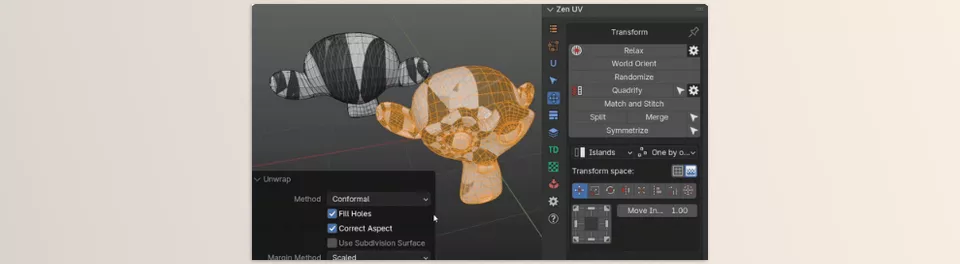
- Quadrify: Straighten and square islands and quad faces
- Match & Stitch: Automatically match islands and connect vertices when possible
- Reshape Island: Straighten edge loops and relax connected vertices
3. Trimsheet and Hotspot Mapping
- Trimsheet System: Create and display trimsheets and map UV islands on them with transform operators
- Hotspot Mapping: Align UVs to trimsheets based on area, aspect, world size, and tags
4. Full Texel Density
- Measure and display Texel Density in scene and world sizes
- Standardize for islands and models with multiple UV maps
- Instant feedback on Texel Density changes
5. Smart Selection Tools
- Quick selection of overlapped, flipped, border, quaded, or similar UVs
- Select seams, sharps, open edges, and UV borders with one click
6. Seam Groups and Multi-UV Map Management
- Create and manage seam groups for models with multiple UV maps
- Synchronize and manage UVs across different maps without issues
7. Transform and Quick Editing
- Move, rotate, scale, flip, fit, align, sort, and orient UVs and vertices
- Randomize positions, rotation, and scale
- Symmetrize for mirrored models and mirror seams
8. Helper Tools and Display
- Display overlapped, stacked, flipped, stretched, and excluded UVs
- Show margin (padding) in 3D View and UV Editor
- Sticky UV Editor for quick access from side panel
- Favorites Panel for fast access to operators, scripts, and frequently used tools
9. Copy / Paste UV
- Transfer UVs and parameters (structure, TD, position, size) between UV islands and maps
Why These Features Matter
- Work speed increases dramatically
- Get clean, precise, industry-standard UVs
- Working on complex or multiple models becomes simple
- Common errors like overlaps, flips, or stretching are nearly eliminated
- Manage game, motion graphics, and organic projects more professionally
Zen UV is truly an all-in-one tool for professional UVs; it multiplies your speed and ensures the final result is clean, precise, and reliable. Simply put: no more spending hours thinking about each island or face—everything is ready and organized.
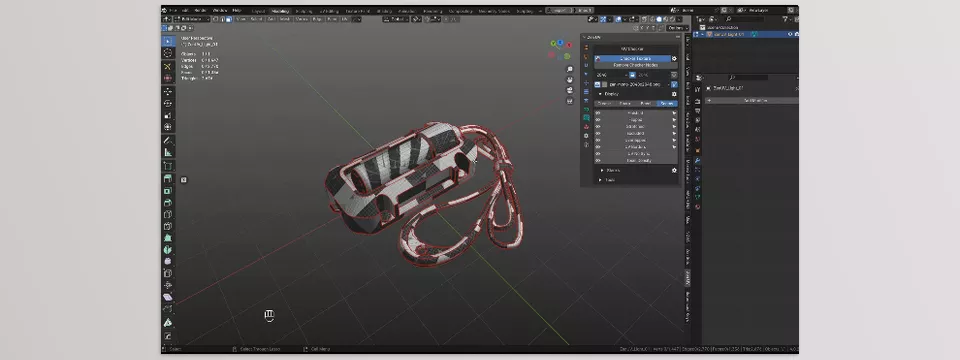
Getting the Best Results with Zen UV
Zen UV is packed with powerful tools, but smart usage can make your workflow even faster and your results more professional. Some tips:
1. Organic Models
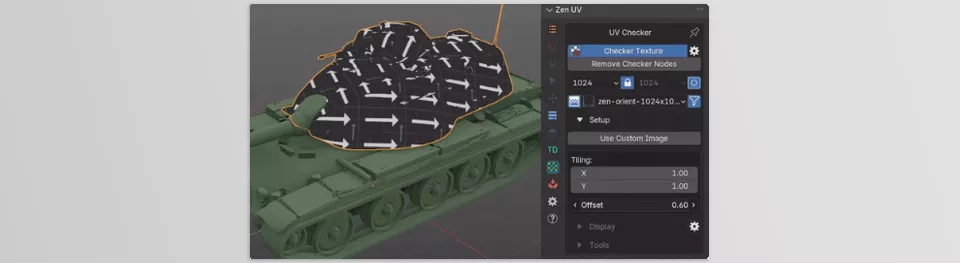
- Combine Zen Relax + Checker Texture to ensure smooth, stretch-free UVs
- After relaxing, check with Checker to make sure there’s no unnatural stretching
2. Repeated Parts and Stack System
- If the model has repeated parts like buttons, screws, or hard surface pieces, use Stack/Unstack
- This reduces UV space and optimizes texture usage
3. Texel Density
- Before texturing or exporting, standardize Texel Density for all islands
- Ensures consistent texture detail across the model
4. Large Projects and Seam Groups
- Use Seam Groups when working on large environments or models with multiple UV maps
- Keeps UVs organized and tidy for editing or exporting
5. Symmetrical Models
- For mirrored or symmetrical models, always use Symmetrize first
- Ensures UVs are aligned on both sides and speeds up subsequent steps
6. Smart Selection and Final Cleanup
- Use smart selection tools to find overlapped, flipped, or border UVs
- Quickly fix issues before exporting or texturing
These techniques are usable by both pros and regular users, keeping UVs clean, organized, and ready for professional texturing. Following these tips saves time and significantly improves final project quality.
Why Zen UV Matters
When it comes to UVs, every minute spent manually arranging or fixing stretches is wasted. Zen UV speeds up this process and saves your sanity. No more struggling with messy islands or worrying about overlaps and stretches.
With Zen UV, UVs are clean, organized, and professional. Smart tools like Stack, Match & Stitch, and Seam Groups keep everything in order and give full control over complex models or multiple UV maps. This means higher project quality and time saved.
In short, if you want precise textures, clean projects, and a smoother UV experience, Zen UV is a necessity, not just an extra tool. Once you try it, you’ll wonder how you ever worked without it and see how much it simplifies and professionalizes your workflow.
If you ever feel like UVs turn into a puzzle and you don’t know where to start, check out our article on UVPackmaster. There, we share tips and tricks to organize islands and make UV work way easier. From personal experience, combining Zen UV and UVPackmaster can seriously take the frustration out of UVs!



