

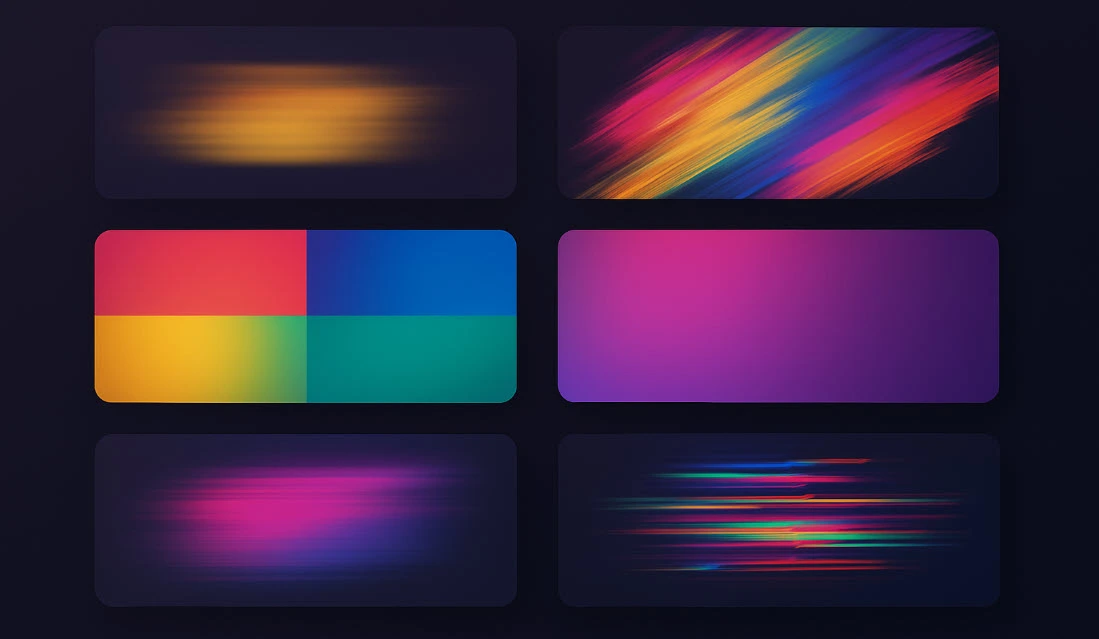
Why Are Transitions So Important in Videos?
Have you ever been watching something and never even know that you’ve switched scenes or cuts so seamlessly? This is the power of a Final Cut Pro transitions in action, smoothing the way for movement from image to cut. Without a transition, however, one may cut to the next scene abruptly and lose viewer attention or, worse, keep them distracted or disoriented.
A transition means “passing” or “moving between two videos or scenes.” Without transitions, sudden changes between shots can confuse or distract the audience. But with the right and creative transitions, not only do the shifts become smoother, but we can also give the video a specific feeling and rhythm.
Nowadays, as video production for social media, advertising, and creative projects grows daily, having a variety of high-quality transitions can help your work get noticed more and appear more professional.
Can Transitions Only Be Made with Final Cut Pro?
Final Cut Pro has basic and simple transitions like Fade or Cross Dissolve, which work perfectly for regular changes. However, Final Cut Pro transitions built-in presets might not cover all creative needs.
Ready-made transitions like the ones we introduced are designed to quickly and easily add beautiful and diverse effects to your video. In these templates, you can change colors, speed, and transition details with a few clicks—no need to build from scratch or have complex technical knowledge.
So, if your projects are simple and you only want a basic transition, Final Cut Pro will suffice. But if you want your videos to be different and more professional, and to get more visibility on social media or ads, these ready transitions are a good investment that also saves you a lot of time.
If you’d like to explore a broader range of Final Cut Pro tools, check out the additional resource we’ve linked at the end of this article.
Introducing 5 Attractive Transition Packs for Final Cut Pro
Now that we understand how much Final Cut Pro transitions affect the appeal of videos and why sometimes we should use ready-made templates, it’s time to introduce some of the best and most practical transition packs for Final Cut Pro. These products can easily give new life and spirit to your video projects and make editing simpler and more professional.
1. Reels & Stories Transitions for Final Cut Pro
Reels & Stories Transitions for Final Cut Pro pack includes 18 dynamic and energetic transitions specially designed for short and vertical videos, such as Instagram Reels, Stories, TikTok, and other social media platforms. The standout feature of these transitions is their high speed and sleek modern design that quickly grabs the viewer’s attention and conveys a sense of energy and excitement to the video.
The standard resolution of 1080×1920 ensures image quality is preserved on mobile screens and fully compatible with social media video formats. Additionally, using this pack is very simple and requires no plugins or external software; just load the files into Final Cut Pro and easily drag them onto the timeline.
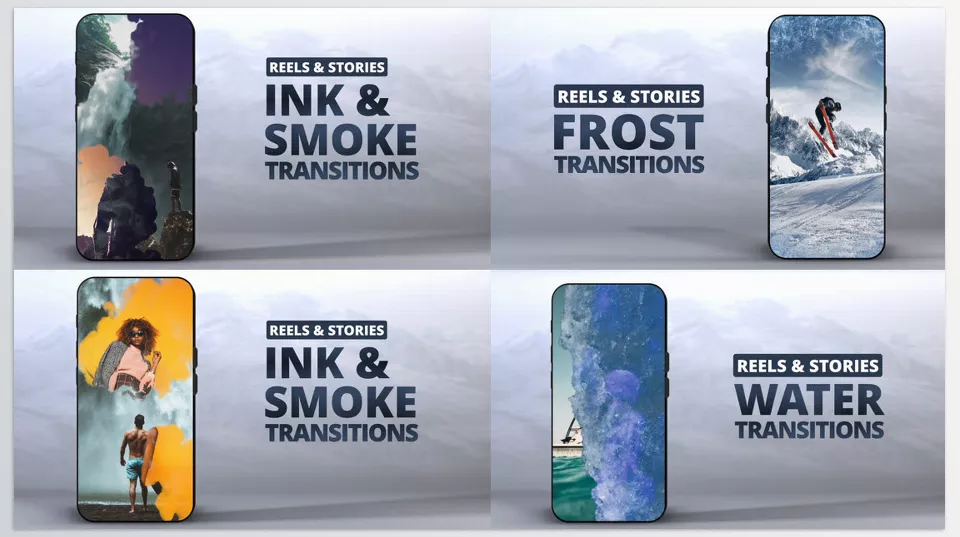
This collection is ideal for content creators, video marketers, and those who want to quickly update their videos with high quality—especially when aiming to make an engaging, dynamic video that meets social media standards.
2. Colorful Brush Transitions | FCPX
Colorful Brush transition pack is a unique and artistic choice for those who want to decorate their videos with a creative and colorful look. The collection contains 16 hand-designed brush effect transitions, each made with multiple colorful strokes to bring a sense of painting and handcrafted art to your video project.
A notable feature of this pack is its high 4K quality, which ensures that color details and brush lines are displayed very clearly and vividly on screen. Users can also change the colors of each transition to perfectly match the style and theme of their video. This feature lets you personalize the transitions and coordinate them exactly with your brand colors or project atmosphere.
This pack is ideal for projects that value visual beauty, such as artistic tutorials, children’s programs, creative social media content, and even advertising projects seeking a distinct and artistic look. Additionally, the included video guide makes using and customizing the pack very easy.
Technically, these Final Cut Pro transitions fully support Final Cut Pro version 10.4 and above and are easy to use in various projects. Separate background music tracks are also offered that you can add to transitions to make the video atmosphere even livelier and more appealing.
3. Multiscreen Transitions
Multiscreen Transitions is a professional pack containing 20 diverse transitions that allow you to creatively and modernly display your videos by splitting the screen into several parts. These Final Cut Pro transitions are very useful for those who want to build multi-narratives using simultaneous display of multiple videos or images.
This set is especially suitable for projects that need to show several angles or different content simultaneously, such as promotional teasers, multi-part educational videos, or media projects that want to keep the viewer’s attention with more complex visual effects.
Technically, this pack supports Final Cut Pro versions 10.6 and above and is designed to be very simple to use for both professional and beginner users. These transitions do not require any additional plugin installation and quickly load into your projects, ready to use.
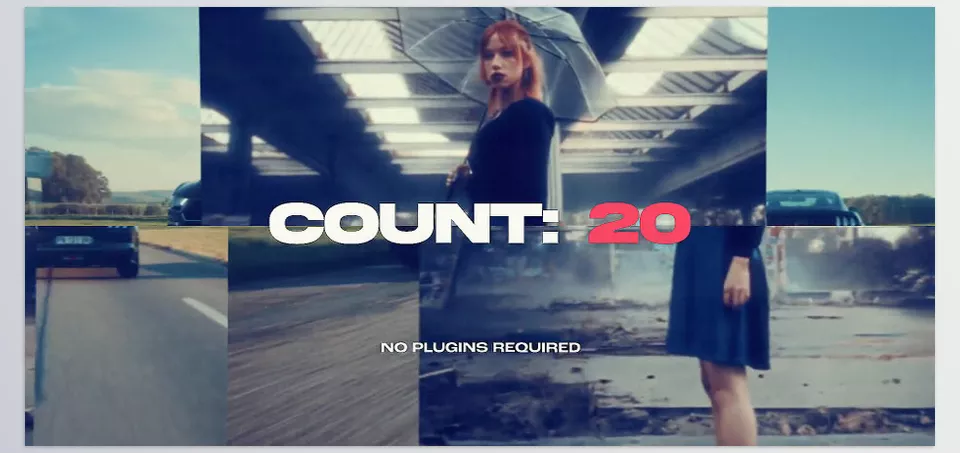
Another important feature of this set is the ability to customize colors and visual settings of each transition, allowing you to match them perfectly with your video’s theme and style. Also, fast rendering and exporting speeds help optimize your editing time and deliver projects faster.
4. FinalcutPlugs – Ryan Nangle – Shake Transitions
4. FinalcutPlugs – Ryan Nangle – Shake Transitions collection includes 24 preset transitions designed to add shaking motions to your videos. Shake Transitions is a simple yet powerful tool that can quickly bring a feeling of excitement, anxiety, or high energy to your video projects.
A standout feature of this pack is its ease of use. With drag-and-drop capability, you can add these transitions to your project timeline in just a few clicks and quickly give your video professional and varied shaking effects. This makes the editing process smooth and fast, especially for those who want to create attractive visual effects without complicated steps.
Besides ease of use, Shake transitions are customizable. You can adjust the shake intensity, speed, and other motion parameters to fit the needs of your project precisely, making the transitions useful and appealing for different projects, from action films to advertising teasers and music videos.
5. Motionarray – Film Markers Transitions
Film Markers Transitions is a set of 12 adjustable transitions designed to add dynamic and professional visual effects at different points in your video, such as the beginning, middle, or end. These Final Cut Pro transitions are based on iconic filmmaking elements and, with high customization capability, allow users to create unique effects tailored to their content.
One of the key features of this pack is the presence of editable media placeholders in each transition, letting you easily replace content and images to fully customize the transition to your project’s needs.
The pack also includes a tutorial video explaining the steps for use and customization step-by-step, enabling even beginners to quickly benefit from this tool.
The Magic Key to Making Your Videos Look Professional!
Transitions may seem like simple tools, but in reality, they play a key and decisive role in the final quality of your videos. Smart and proper use of transitions makes your video projects not only look more professional but also creates a sense of unity and natural flow in storytelling that attracts and holds the viewer’s attention until the end.
The Final Cut Pro transitions we introduced each have their unique features and uses, enabling the creation of diverse and creative visual effects—from vivid colors and artistic designs to shaking motions and eye-catching split screens. Choosing the right transition based on your content type and goal will make a noticeable difference in your video’s quality and impact.
Ultimately, using these ready-made options allows you to shortcut time and energy while massively enhancing your finished product. You can accomplish the most with the least from an audience engagement perspective and render your live or pre-recorded endeavors another step closer to sounding and looking professionally made. So don’t be afraid to play around and use Final Cut Pro transitions in whatever unique fashion you deem necessary; this user-friendly choice will guarantee success for your videos.
For a deeper dive into 10 game-changing categories of Final Cut Pro tools that can transform your workflow, read our full guide: 10 Game-Changing Categories Of Final Cut Pro Tools For Better Workflow




