

🏙 When Cities Come Alive
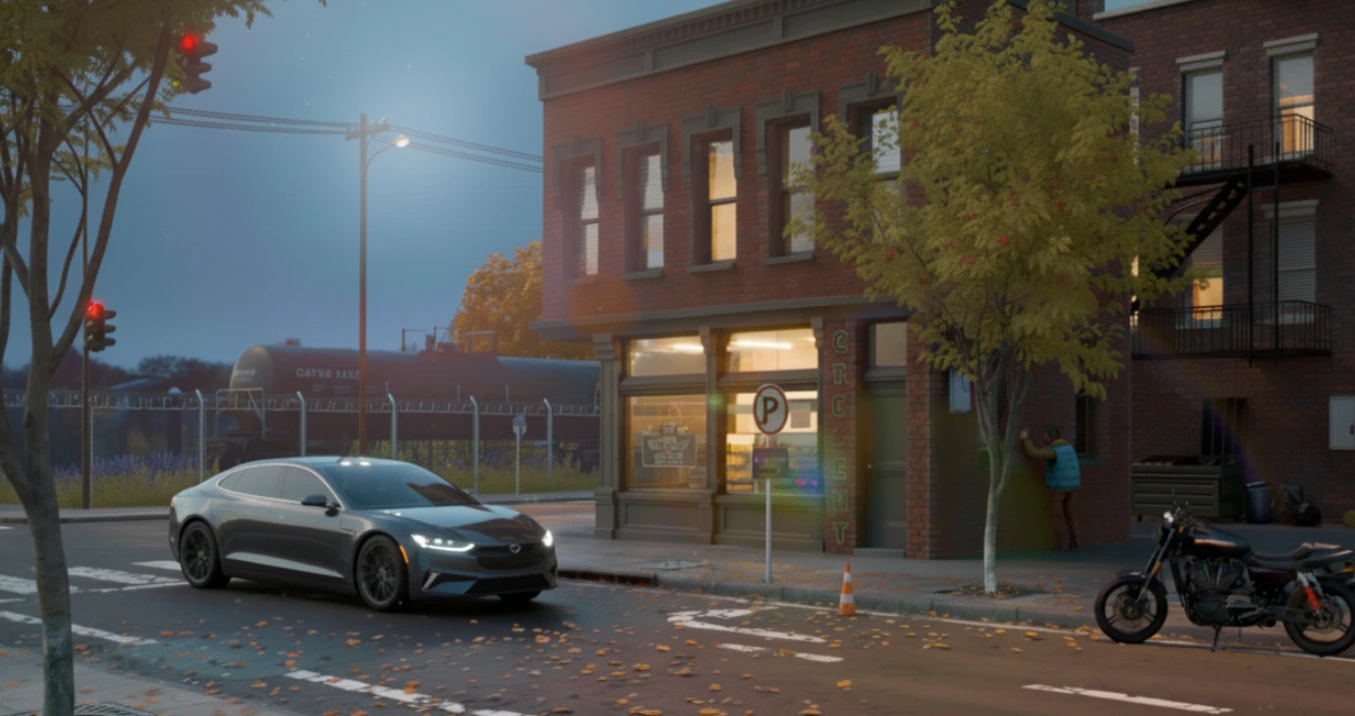
Have you used the Urbaniac City Asset Pack? There are times when nothing more is needed to create an urban atmosphere than the glow of streetlights bouncing off of dirty, wet pavement, neon colors lighting up the air, or the shimmering of buildings in glass and in small ponds. Soundscapes of moving vehicles, honking horns, traffic lights, and softened light thanks to a haze create a realistic, cinematic quality.
In other corners of the city, sidewalks and streets, wet from rain, with lights reflecting off windows and advertising boards, and buildings with illuminated glass, appear like a dynamic, living frame. When these elements come together, they create not just an urban image but a visual story of a city in motion, capturing day and night, and various moods.
All these details—from coordinated lighting to reflections and textures—fit easily into a scene with the right models and tools, creating a space that feels like the city itself is breathing and moving, without draining mental energy from the core creative flow.

🌆 Urban Assets and Their Role in Design
Urban Assets are collections of ready-made models, materials, and city components that allow designers and animators to quickly create realistic, highly detailed urban environments without spending excessive time on repetitive modeling and material setup.
From the tallest towers and residential buildings to streetlights, neon signs, traffic signs, sidewalks, curbs, and even asphalt, concrete, and glass textures—they are all pre-designed to give scenes a tangible, real-world feel. Each element is carefully crafted in scale and detail so that, when combined, they form a living, dynamic city.
In animation, motion graphics, and environmental design, urban assets enable the creation of cinematic backgrounds, urban storytelling environments, or conceptual designs for ads, short films, and games. These tools not only speed up the workflow but also allow designers to focus on composition, lighting, and visual storytelling, maximizing creativity instead of getting lost in details.
Urbaniac City Asset Pack is one of the best Urban Assets for Blender. If you’re unfamiliar with the concept of Assets in Blender and how they differ from add-ons or other tools, our Blender Tools Introduction article explains these concepts in detail, helping you understand what resources are available and how to use them.
🔧 Traditional Method: Building Everything from Scratch
Blender has powerful tools capable of creating almost anything—you can model buildings, streets, lights, and even textures and weather effects. However, building everything from scratch can make the process of creating an urban scene exhausting.
Even constructing a simple street or a medium-sized building can take hours or days. Each light, material, and texture must be meticulously adjusted to achieve realism. Coordinating styles, model scales, and small details like signs, curbs, and streetlights is often difficult and time-consuming.
Even changing a scene from day to night or adding effects like rain, wet surfaces, or reflections usually requires manual work. The result? Projects that take too long, generate heavy files, and consume mental energy before reaching the exciting part: creating a lively, cinematic urban environment.
🚀 Urbaniac City Asset Pack — A Drag & Drop City Asset Library
The Urbaniac City Asset Pack is a comprehensive collection of ready-made urban assets, offering over 180 different models and tools for designers and animators. This package goes beyond a simple model collection, turning the process of building a lively, dynamic, realistic city into a fast and enjoyable experience.
Key Features
🏗 Ready-Made Models with Real-World Scale
Includes various buildings (residential, commercial, office), towers, bridges, advertising boards, streetlights and traffic lights, and urban equipment like trash cans and railings. Each model is designed with precision and real-world scale to ensure urban scenes feel realistic and cinematic.
🧩 Modular Street and Sidewalk System
This system works like puzzle pieces; modules can easily snap together, and the length, width, curvature, slope, and height of each section can be adjusted. This allows complex street layouts and detailed paths to be built effortlessly and in perfect harmony.
💡 Centralized Smart Lighting Control
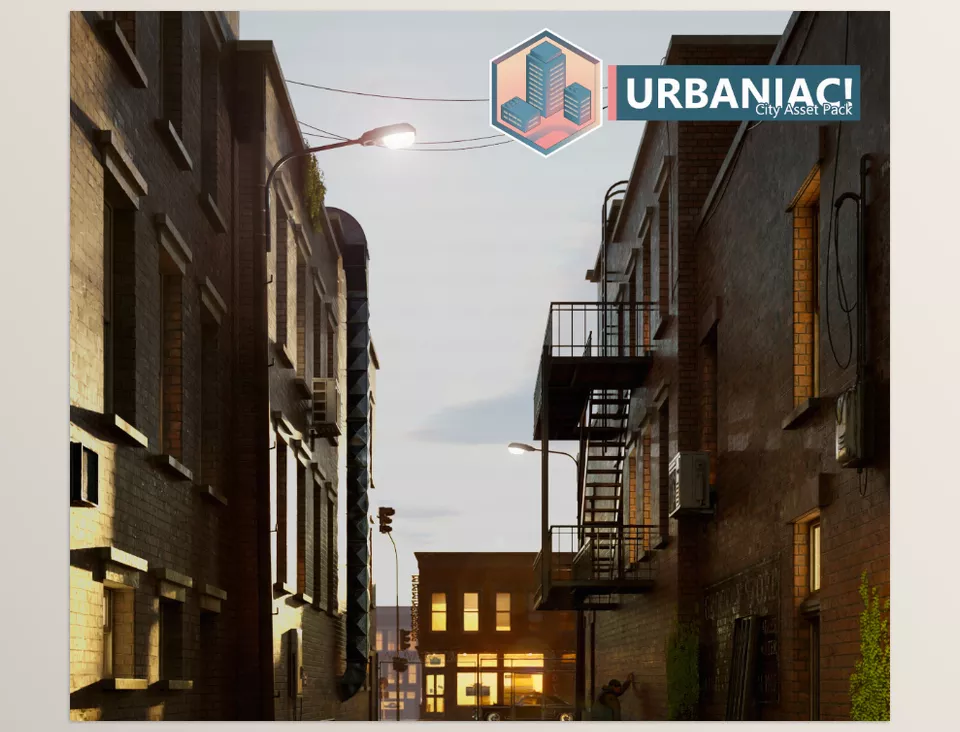
All streetlights, windows, and building lighting can be controlled from a single panel. With a simple slider, you can switch between day and night, adjust light intensity, modify colors, and even animate special lighting effects. This feature greatly aids in creating cinematic, dynamic scenes.
🌧 Simultaneous VFX Effects
With one click, rain, snow, wet surfaces, and reflections can be applied to all models. These effects work in both Cycles and Eevee render engines, making the city feel realistic and alive under various weather conditions.
🎨 Smart, Semi-Procedural Shaders and Materials
Includes LED, smart metal, high-resolution asphalt, reflectors, concrete, and wood with realistic textures. These materials interact with light and the environment, making scenes appear natural and professional.
🔌 Full Compatibility with Blender Asset Browser
Models and materials can be added via drag & drop without manually importing files or complex settings. This integration makes the design workflow fast, seamless, and enjoyable.
🎯 Customizable and Combinable Models
All models and materials can be modified and combined; building heights, sign colors, number of lights, and VFX effects can be adjusted for each scene. This allows designers to create urban environments tailored to their project, giving each scene a unique, living feel.
With these features, Urbaniac City Asset Pack not only speeds up the creation of realistic, cinematic cities but also allows designers to focus entirely on creativity, composition, and storytelling. From ready-made models and modular systems to dynamic lighting and effects, everything is designed to make city building a professional, enjoyable, and time-efficient experience.
🎨 Pro Techniques for Working with Urbaniac!
Light Control for Scene Rhythm
Using the central lighting panel, you can change intensity and color over time. In animations or motion graphics, gradual lighting changes can convey the passage of time, morning to night, or weather changes, creating a visually engaging rhythm.
Playing with Rain and Wet Surfaces
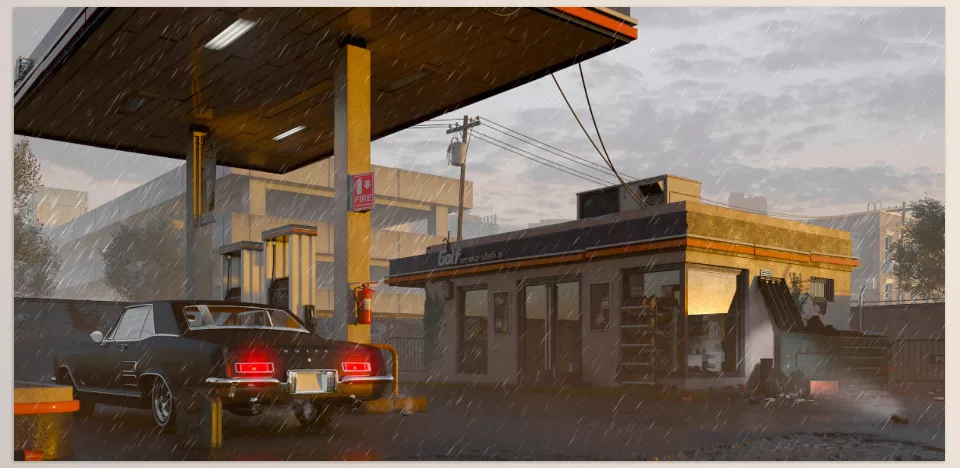
Reflections on wet streets or neon signs at night can add depth, glow, and realism. Rain or snow can be activated simultaneously across all models to make the city appear lively and dynamic.
Using the Modular Street System for Camera Movement
Clean lines and precise curves of sidewalks and streets allow the camera to move smoothly along paths, creating cinematic shots. This is useful for tracking animations or simulating vehicle and pedestrian movement.
Combining Materials for Special Effects
By mixing different materials, like LED with smart metal or asphalt with reflectors, eye-catching, dynamic urban elements can be created. This adds life and energy to the scene and highlights more details.
Using Ready Modules for Faster Design
Pre-built blocks of buildings, bridges, and urban equipment can be arranged in a few clicks, allowing focus on composition and storytelling instead of small details. This is particularly useful for fast projects like commercials or short cinematic scenes.
Coordinating Light and Effects for Scene Unity
By controlling lighting and VFX simultaneously, all scene elements can be synchronized to create a consistent, realistic urban environment. This ensures scenes are not only beautiful but professional and believable.
🌇 Conclusion: When Tools Liberate Your Creativity
There are times when Blender becomes tedious because the little details suck the life out of your creativity. Urbaniac City Asset Pack is the ultimate companion – everything you need is at your disposal for immediate use.
It lets you be truly creative and design a scene without getting caught up with extraneous details and time wasting. Each click counts, each scene comes together quicker, and you can focus on what matters most – the story and visual narrative.
In short, Urbaniac City Asset Pack lets you build less and create more; a genuine sense of freedom that makes every scene you design an enjoyable and creative experience, as if your hands are free and all tools are at your service.



