

The Secret to Creating Modern, Eye-Catching Backgrounds in After Effects
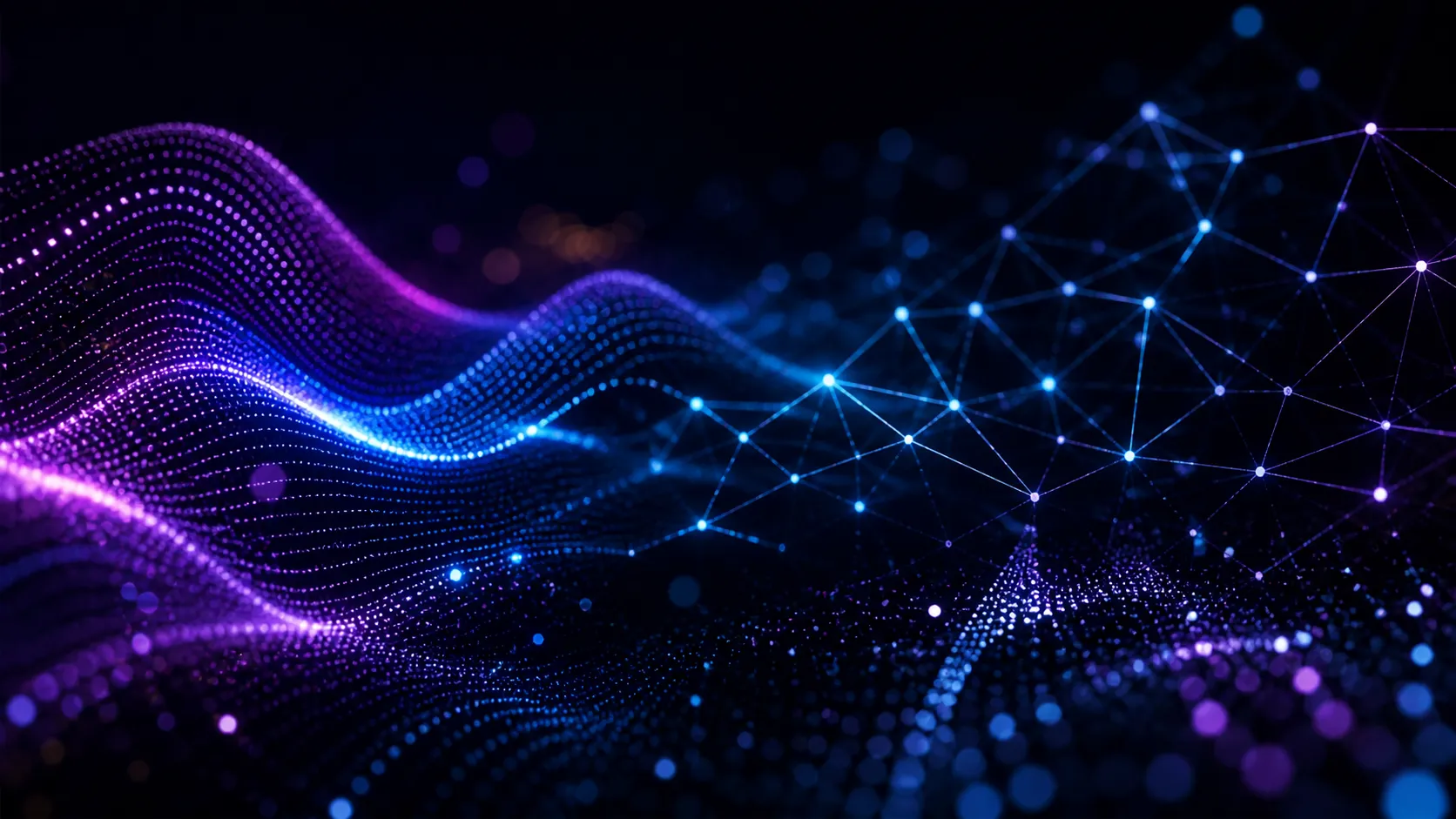
Are you familiar with any of the Rowbyte Plugins for After Effects at all? If you’ve ever watched modern videos or high-end motion graphics, you’ve definitely noticed those smooth waves, digital networks, or eye-catching dot effects. The kind of elements that can easily turn a simple piece into a professional and visually striking video.
These visual elements are perfect for creating engaging backgrounds for your projects. They can be used for creating unique intros for your videos or even for enhancing music visuals for your projects. Not only do they make your projects look cooler, but they also help make the visuals for your projects feel more alive.
The truth is, creating these kinds of effects from scratch can be time-consuming—and sometimes complicated. That’s why tools that make this process faster and easier become extremely useful, even essential, for anyone working with After Effects.

✨ From a Simple Image to a Professional Visual; Get to Know These Effects
If you pay attention, many engaging videos feature soft waves that gently move through space. These aren’t just simple shapes—they add a sense of flow and energy to the image. They’re widely used in modern backgrounds and music visuals, making the work feel less static and more alive.
🎯 Turning Images into Dots; A Unique Style
Another style you see a lot these days is transforming an image into tiny dots. It’s like the image is being reconstructed point by point, while still preserving its original form. When these dots are animated, the result becomes very unique and intriguing, quickly grabbing attention.
🔗 Digital Networks; A Sense of Technology and the Future
You’ve probably seen visuals where dots connect to each other and form a network. These are commonly used in projects related to data, AI, and technology. They bring a sense of order and modern structure to the image, making it look much more professional—even if the rest of the elements are simple.
📺 Distortion; When the Image Is Intentionally Broken
Sometimes the beauty lies in the “breakdown” of the image. Effects like noise, jitter, glitch, or old TV aesthetics give a unique style to the video. They’re very useful for creating nostalgic atmospheres or even harsh and unconventional visuals, and they can completely change the mood of a video.
🎥 Bokeh; Cinematic Blur
There’s a type of blur you’ve likely seen in films—where the subject is sharp, but the background is blurred, and lights appear soft and beautiful. This kind of blur makes the image feel more natural and cinematic, directing the viewer’s attention exactly where it should be.
In the end, all these styles together create a fascinating world of visuals. They might seem complex at first, but once you understand how they’re made, you can easily use them in your own projects and achieve completely different results 👌
🛠️ How Can You Create These Effects?
To create animated waves, you can use Shape Layers, built-in wave effects in After Effects, or even Expressions. These methods allow you to build soft, repeating forms, define motion paths, and use them for abstract backgrounds, music visuals, or high-energy scenes.
To convert images or videos into dots, you can use pixel-based effects, circular patterns, or techniques like Halftone. These approaches help transform the image into something more artistic—like it’s being reconstructed using countless particles or points.
To create digital networks, you can work with particles, points, and connections between them. These visuals are commonly used in tech, data, AI, or modern intros, and they can quickly give your image a sense of structure and futurism.
For TV distortion and glitch effects, you can combine multiple effects to achieve the result. But here’s the thing: when you want everything to be clean, controllable, and professional, it gets a bit more challenging. Some methods are time-consuming, some lack control, some slow down rendering, and sometimes the result isn’t exactly what you had in mind. That’s why having a simpler, more organized approach can be extremely helpful.
🚀 Rowbyte Plugins: A Complete Toolkit for Creating These Visuals
So far, we’ve seen how much these types of effects can transform the look and feel of a video. From smooth waves to digital networks and cinematic effects, all of them can turn a simple piece into a professional output.
Now the main question is: How can you create them easily and with more control? This is where specialized tools come into play—tools designed specifically for these purposes, helping you achieve your vision much more easily.
One of these options is a well-known bundle called Rowbyte. In fact, you’re dealing with a collection of multiple tools brought together, each covering a part of the visuals we discussed above. Instead of searching for separate methods or complex solutions for each effect, everything here is unified and works together seamlessly.
What’s interesting is that Rowbyte Plugins don’t just give you ready-made effects—they give you control. You can shape styles, customize them, and achieve exactly what you have in mind, depending on your project. Let’s Take a Look at Some of the Most Popular Plugins in the Rowbyte Plugins Bundle:
✨ Aura: Creating Dynamic and Abstract Waves
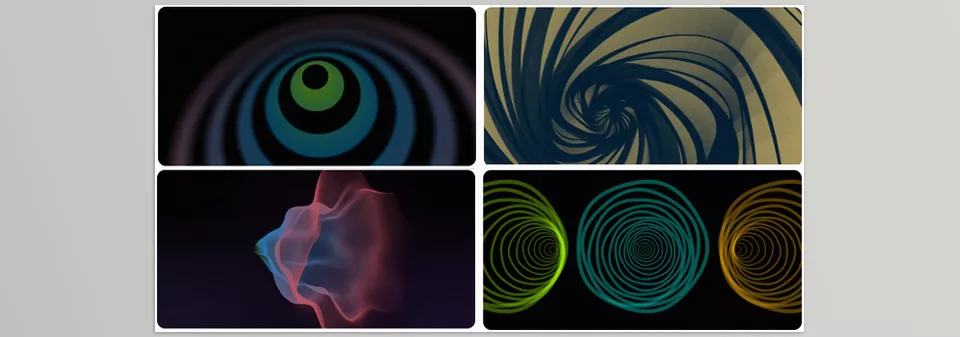
To create those smooth, flowing waves that convey energy and motion, you’re working with a highly flexible tool. Unlike traditional methods, where you need to combine multiple effects, Aura is designed specifically for this purpose from the ground up.
Instead of standard particles, you work with wave-like geometric forms moving in 3D space. You can create a simple wave—or turn it into a complex, evolving structure that’s constantly changing and moving.
In terms of control, you have full freedom:
- Define where the wave starts
- Control how it grows
- Decide where it ends
- Fine-tune motion behavior using graphs
If you want more natural movement, you can add noise to give the waves a more organic feel.
Another great feature of the Aura of Rowbyte Plugins is the ability to animate waves along a path—for example, around a shape, a logo, or any custom path you define. You can even use masks or text so the waves are generated from those forms, which is very useful for typography.
Styling is also very flexible. You can display waves as:
- Simple lines
- Graphic bands
- Smooth 3D surfaces
- Or even dots
Depending on the look and feel you want.
On top of that, since it runs on a GPU, performance remains strong even with a high number of waves, allowing you to work smoothly on detailed scenes.
In the end, what you get isn’t just a “wave effect”— it’s a complete system for creating abstract and modern visuals, from simple backgrounds to complex animations 👌
🎯 Stipple: Turning Images into Living Dots
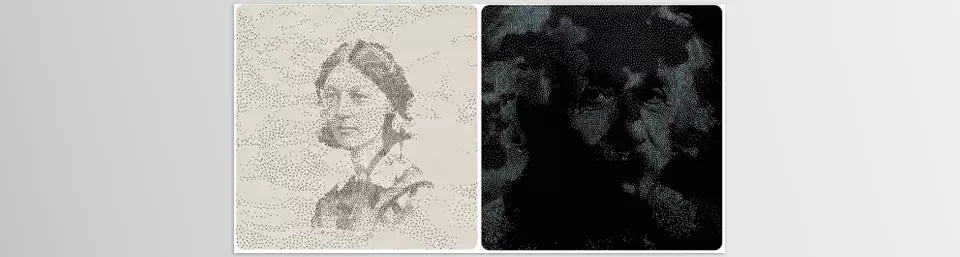
For that dotted effect that transforms an image into moving particles, you’re dealing with a very unique tool called Stipple. Unlike traditional methods that simply pixelate an image, this approach is much more dynamic.
Your image is reconstructed using a large number of points— but not in a random or rigid way. These points are connected through a simulation system, which allows them to move smoothly and naturally along with the motion in the video. This is important because it keeps the result consistent and professional—not noisy or chaotic.
You also have strong control over:
- The size of the dots
- Their distribution (dense or scattered)
- Even color and size changes based on motion
Another interesting feature of this product of Rowbyte Plugins is that the dots don’t have to be simple circles. You can change their shape or even stretch them to create motion trails, which looks amazing in dynamic visuals.
Most importantly, this system works directly with your image. The movement and structure of the dots are driven by the source image or video, making the result feel much more natural and cohesive.
In the end, what you get isn’t just a simple “dot effect”— it’s a living, artistic style that adds personality and makes your work stand out 👌
🔗 Plexus: Creating Professional Digital Networks
To create those network visuals that convey technology and data, you’re working with Plexus, which is a highly flexible system that lets you build the structure yourself rather than relying on presets.
It all starts with a set of points—but the real magic happens when these points begin to connect. These connections can turn into lines, surfaces, or complex structures that continuously evolve. What makes these visuals so unique is the relationship between elements, not just the points themselves.
Unlike traditional methods that are either limited or hard to control, everything here is adjustable. You can precisely define when connections appear, how visible they are, and how they change over time.
Another key point of the Plexus tool of the Rowbyte bundle is that these structures are fully dynamic. They can react to motion, sound, or other forms, preventing the result from feeling repetitive or static.
In the end, what you get is more than just a simple network— it’s a dynamic, controllable visual that easily gives your work a modern, digital, and professional feel 👌

🎥 Bokeh and Cinematic Depth of Field
To achieve that true cinematic look, you’re working with a tool named Fast Bokeh far more precise than standard blur effects.
Instead of simply blurring the image, this approach works with real depth. You define what’s near, what’s far—and the blur is applied accordingly.
The result is significantly better:
- Cleaner edges
- Better subject separation
- Less artificial appearance
Especially when there are light sources in the image, they transform into those soft, beautiful shapes you see in films.
Styling is also flexible:
- Circular bokeh
- Polygonal shapes
- Or even custom designs
This allows you to match the mood of your project instead of settling for a generic blur.
Another important advantage is precise control over different parts of the image. You can adjust blur intensity for separate areas and keep exactly what you want in focus.
In the end, what you get isn’t just a blur— it’s a clean, professional depth-of-field effect that elevates your work to a more realistic and cinematic level 👌
Here, You’re Not Just Applying Effects—You’re Designing
So far, we’ve explored only a few applications of Rowbyte Plugins—from abstract waves to living dots, digital networks, and cinematic effects. But the reality is, it goes far beyond these examples.
Rowbyte Plugins collection is designed to fully unlock your creativity. You can combine tools, create new styles, and even achieve results you haven’t seen before. From a simple background to a complex and unique visual, it all depends on how you use it and how much you experiment.
In the end, what you have here isn’t just a set of effects—it’s a more efficient and professional path to creating the kind of visuals you always see in high-end work. Without dealing with unnecessary complexity, you can achieve results faster, gain more control, and gradually move from using effects to actually designing visuals 👌
💡 Pro Tips for Better Results
Having the right tools, like Rowbyte Plugins, gets you halfway there. The more important part is how you use them to achieve truly professional results.
- Use fewer effects, but use them purposefully
Instead of stacking multiple effects, focus on executing one or two properly. Too much clutter weakens the result. - Control motion, don’t just add it
Fast or random animations make work look amateur. Smooth and intentional motion always feels more professional. - Create depth
Combine foreground/background elements (e.g., waves + bokeh or networks + camera). Flat visuals = average results. - Use color as a tool, not decoration
Colors should be cohesive and convey a specific mood. Controlled gradients work better than random colors. - Add detail only where it’s visible
Not everything needs to be detailed. Focus on the main focal point. - Match rhythm with content
If you have music, sync motion with the beat. If not, maintain a logical rhythm for changes. - Don’t sacrifice render quality (for final output)
You can work in low quality, but always export in high quality. - Use effects to guide the viewer’s eye
Blur, brightness, and motion should help direct attention to the right place.
In the end, it’s these small details that elevate your work from ordinary to professional 👌
The Choice That Changes Everything
We’ve seen how seemingly simple visuals like Rowbyte Plugins can completely transform the feel of a video—from dynamic waves and abstract forms to digital networks, glitch effects, and cinematic bokeh. These are the details that turn an ordinary project into something memorable.
The reality is, creating all of this without the right tools is possible—but when you want clean, fast, and controlled results, you realize how difficult and time-consuming the process can become. This is where having the right toolkit turns trial and error into a smooth, professional workflow.
If your goal is not just to be “good,” but to be seen and make an impact, you need to take it one step further. That’s where choosing the right tools can change everything—because in the end, what matters is how easily and quickly you can turn your ideas into a professional result 👌
If you feel like you’re ready to move past the basics and try something more advanced, our After Effects Tools guide can help you level up step by step while keeping everything clear and approachable.



