

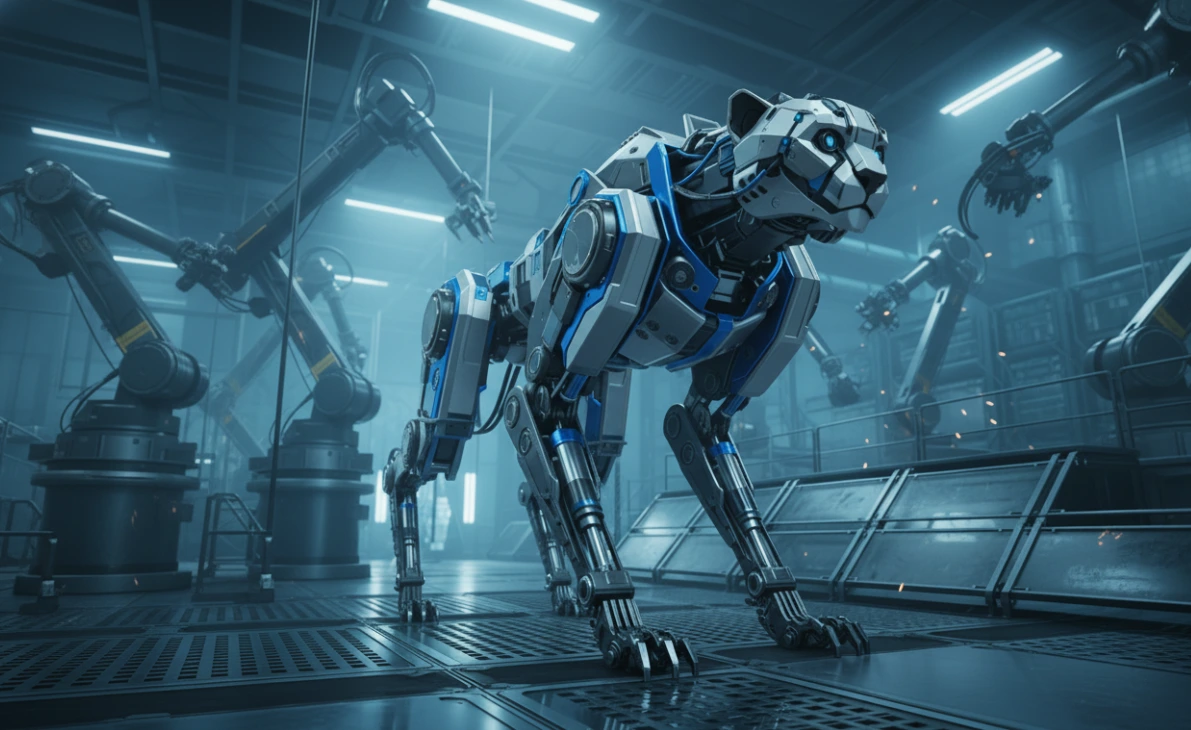
When Speed and Precision Matter
Are you experienced with the Hard Ops and Boxcutter? Have you ever wanted to create an industrial model, like a car, robot, or weapon, only to spend hours on every single step? Or when using Booleans and cuts to make complex shapes, has your Blender viewport ever felt cluttered and confusing, making you feel like everything could collapse at any moment?
Hard surface modeling has always been a challenge: you need high precision, speed, and the ability to make changes later without breaking the entire model. Now imagine when the project is large, with multiple modifier layers, cuts, and bevels, all of which need to be perfectly aligned.
This is where most artists face the main problem: how can you work quickly, precisely, and flexibly? Without the right tools, even a small change can take hours and add a lot of stress.

What Are Non-Destructive Modeling and Smart Cutting?
Imagine designing a robot or a car. The edges need to be precise, cuts need to be clean, and even a small change to one wheel shouldn’t break the entire model. With standard Blender, every small change means opening and closing multiple panels, readjusting modifiers, and a lot of hassle just to get the right result.
This is where non-destructive modeling becomes important. It allows you to change, add, or remove anything without breaking the model or having to start from scratch. Now imagine having a tool that manages all this behind the scenes and lets you focus solely on design.
And smart cutting? It means you no longer need to spend hours figuring out Booleans and complex shapes. The tool provides fast, precise cuts that apply instantly to your model, even for intricate and unusual shapes.
This is where Hard Ops and Boxcutter come in:
- HardOps acts like your personal assistant for modifiers and bevels; everything stays organized and editable, so you don’t have to constantly open and close panels.
- Boxcutter is an interactive, fast cutting tool; you can draw cubes, circles, or even custom shapes on your model and cut immediately, without the headache of complex Booleans.
With these two tools, industrial and mechanical modeling is no longer a tedious experience. Everything becomes fast, precise, and editable, letting you focus on creativity and details rather than Blender’s panels and settings.
Traditional Methods in Blender
Blender can model without these tools, using its basic features:
- Booleans for cutting and joining parts
- Modifiers like Bevel, Mirror, and Array for shaping and repeating details
- Sculpt and Edit Mode for adding details and reshaping
But the reality? For complex projects, these methods become slow and exhausting:
- Every small change requires opening multiple panels and modifiers and ensuring the order is correct. A minor mistake can ruin the overall shape.
- Complex cuts make Booleans confusing and require precise adjustments. Even a simple cut might take several minutes.
- Workflow slows down and every step is prone to errors, especially for large, multi-layered models where organizing and controlling everything is a task in itself.
In other words, Blender has all the tools, but for precise industrial projects, working with basic tools is like walking through a maze without a map. Every small decision can slow or break your modeling workflow.
Hard Ops and Boxcutter: The Professional Solution
With traditional Blender methods, every small change can take hours and risk breaking the model. Hard Ops and Boxcutter make hard surface modeling fast, precise, and hassle-free.
🔹 HardOps: Professional Modifier and Design Assistant
HardOps is a comprehensive toolset for professional, non-destructive modeling:
- Modifier management without viewport clutter: No more constantly opening and closing panels. Everything stays organized, accessible, and editable with one click.
- Non-destructive or destructive workflow: Build models that are easy to change later, or apply everything at once if needed.
- Smart Mirror and Array tools: Repeat parts, create symmetrical models, and manage modifiers without errors or hassle.
- Bevel and edge control: Keep edges and bevels precise and editable, even after multiple changes.
- Supports Object, Edit, Sculpt, and Sketch modes: Work on all aspects of your model, and the tools always stay in sync with the active mode.
🔹 Boxcutter: Fast and Precise Cutting
Boxcutter is an interactive cutting tool focused on complex industrial, robotic, and weapon models:
- Cut with various shapes: Cubes, circles, freehand lines, and custom shapes are applied instantly.
- Boolean with drag-and-drop: No complex Boolean setups—just draw and cut.
- Extremely fast and responsive: Performs excellently even on large, complex models, minimizing wait time.
- Ideal for industrial and mechanical projects: From robots and cars to weapons, design becomes fast and editable.
Why is this combo unbeatable?
- HardOps gives complete control over modifiers and model details while keeping everything organized and editable.
- Boxcutter performs cuts and shaping quickly and precisely.
Result: You can create complex industrial, mechanical, and robotic models in a fraction of the usual time, with high precision and no setup headaches. No more worrying about viewport clutter, modifier order, or confusing Booleans; everything becomes simple, fast, and enjoyable with this bundle.
Pro Tips for Better Usage
Using Hard Ops and Boxcutter professionally multiplies your speed and quality. These simple tips help you get the most out of the tools:
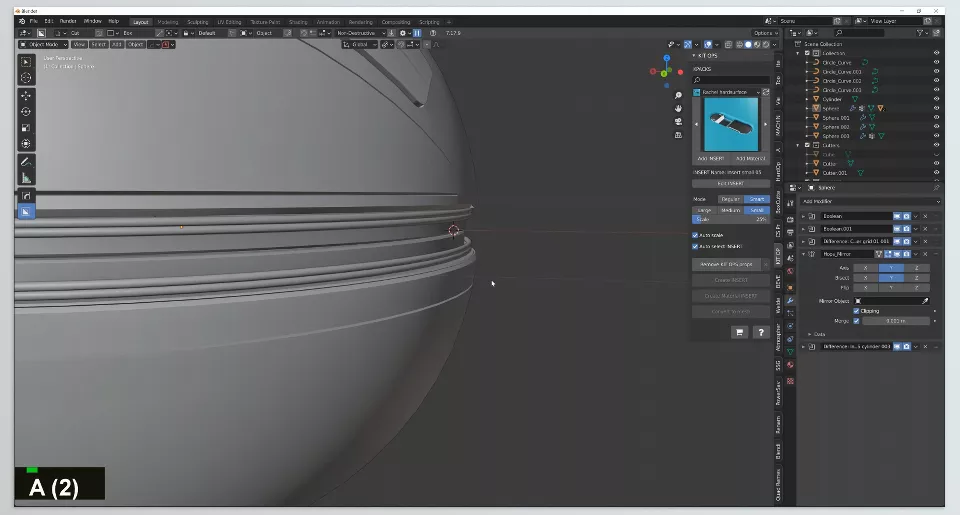
- Quick access with Q Menu: All main tools and settings are gathered in the Q Menu. With one click, manage modifiers, bevels, mirrors, and arrays without searching menus. Keep your focus on design, not finding tools.
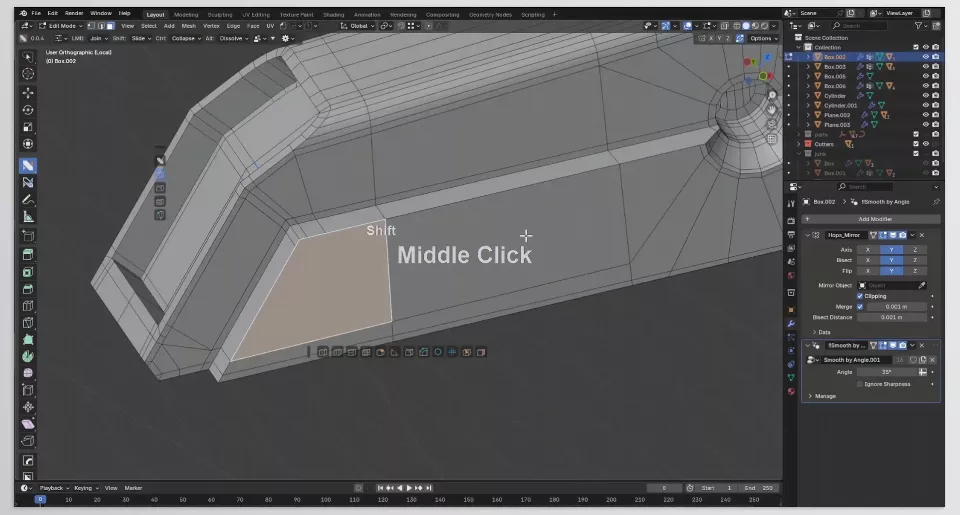
- Non-destructive mode is your friend: Build models in non-destructive mode, and you can always make changes without breaking the model. Even with complex details, HardOps keeps everything organized and editable.
- Step-by-step approach for industrial and robotic projects: Start by building the main shape and ensuring foundations are correct. Then use Boxcutter to add cuts and complex details. This keeps your model clean, precise, and flexible for future edits or additional details.
- Use tools in combination smartly: For example, cut the main shapes with Boxcutter before applying bevels with HardOps. This ensures precision while saving time.
- Practice and streamline your workflow: The more you use Q Menu and combine tools, the faster your workflow becomes. For even complex models, the entire process that used to take hours can now be done in minutes.
Speed, Precision, and Enjoyment with Hard Ops and Boxcutter
With Hard Ops and Boxcutter, hard surface modeling is no longer a long and tedious task. These tools let you increase speed, maintain full control over details, and achieve professional, clean results.
Even beginners can enjoy Blender with this bundle: no more worrying about complex menus, messy modifiers, or confusing cuts. Everything is simple, fast, and editable, keeping your focus on design and creativity.
In the end, using Hard Ops and Boxcutter is like having a professional personal assistant by your side, making every step easier and more precise, taking your modeling experience from basic to a professional level.
Want to become truly proficient in Blender? Our complete Blender Tools guide walks you through every tool step by step and helps you understand how to use them in real projects.



