

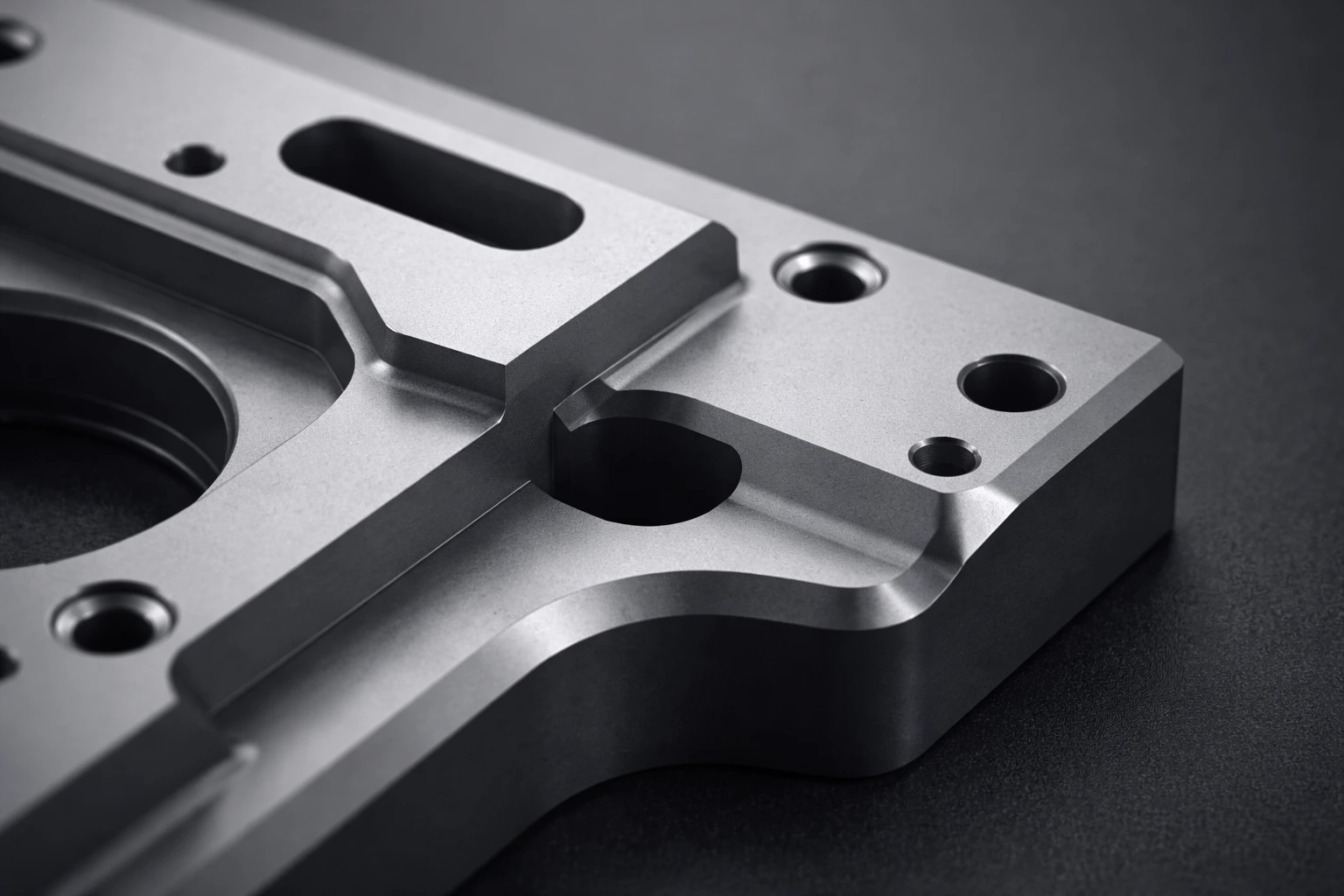
When Edges Get on Your Nerves…
Are you familiar with using the MESHmachine Addon? If you’ve ever worked with hard-surface modeling, you’ve probably felt this before: the model looks completely right in terms of form and proportions, but when you zoom in on the details, the edges don’t have the quality you expect. What should be clean, precise, and professional turns into visible breaks, unwanted shading, and inconsistencies.
The problem usually starts when bevels and Booleans come into play. Edges that worked fine at first fall apart after a few simple changes, and Booleans that were supposed to speed things up suddenly introduce messy shading and complex geometry. In these situations, even a small tweak can affect the entire mesh.
This is the moment when focus shifts away from design, and energy is spent fighting the mesh. Project timelines stretch longer than expected, and instead of making creative decisions, the modeler gets stuck solving technical issues. That’s when the question naturally comes up: Is there really no more precise, controllable, and less painful way to handle hard-surface details?

What Does “Precise Hard Surface” Mean?
Hard-surface modeling refers to creating objects with rigid, engineered structures—where edge quality, surface connections, and light behavior are critical. Unlike organic models, in hard surface, even a single incorrect bevel or normal can make the entire model look unprofessional.
This type of modeling is widely used in industrial product design (such as gadgets and tools), mechanical and robotic models, and game and cinematic assets—situations where the model must look clean and reliable both from a distance and up close.
Proper control over chamfers, fillets, and normals allows lighting to behave more naturally, produces cleaner shading, and gives the final model the feel of a real, engineered object rather than a random 3D shape.
Common Hard-Surface Modeling Methods Without Add-ons
In its standard state, Blender provides the necessary tools to build and edit hard-surface models, and many users rely entirely on these native tools. These approaches are usually a mix of manual editing and modifiers, and they can work well for simple or practice projects.
Tools commonly used in this workflow include:
- Bevel Modifier for softening edges
- Boolean Modifier for cutting and combining meshes
- Edit Mode and Loop Cut for manual geometry adjustments
- Shade Auto Smooth and normal settings to improve shading
By combining these tools, it’s possible to achieve acceptable results—especially when the geometry is simple, and the project doesn’t require many changes.
The main issues with these methods appear when a project becomes more complex or requires frequent revisions. Bevels easily break where they intersect or on dense geometry, Booleans often dirty the mesh, and manual cleanup takes a lot of time. On top of that, every new change can affect the entire structure of the model, and going back to earlier stages or making small fixes without damaging the geometry is rarely easy. Ultimately, this workflow increases project time, reduces focus on design, and lowers control over the final result.
This Is Where a Professional Tool Comes In
In situations like this, using a specialized tool can completely change the hard-surface modeling process. MESHmachine is a professional add-on for Blender focused on precise, clean, and rebuildable hard-surface modeling. It doesn’t replace Blender’s core tools; instead, it offers the same capabilities in a smarter, faster way with far more control.
MESHmachine is specifically designed for working with edges, surface connections, and problematic geometry. Instead of rebuilding or manually cleaning up after every change, it allows targeted edits without destroying the entire mesh—something that matters a lot in real production workflows.
Key features, grouped by category:
Edge Control
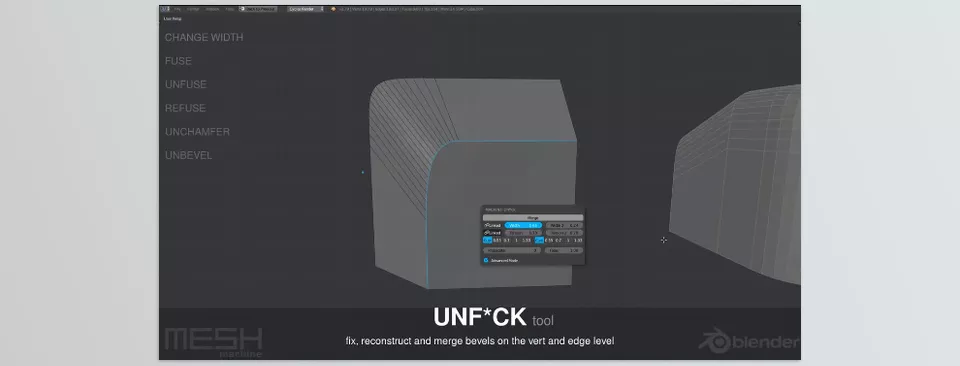
- Converting chamfers to fillets and vice versa
- Adjusting bevel thickness without destroying geometry
- Using unbevel and unchamfer to return to sharp edges
Hassle-Free Boolean Work
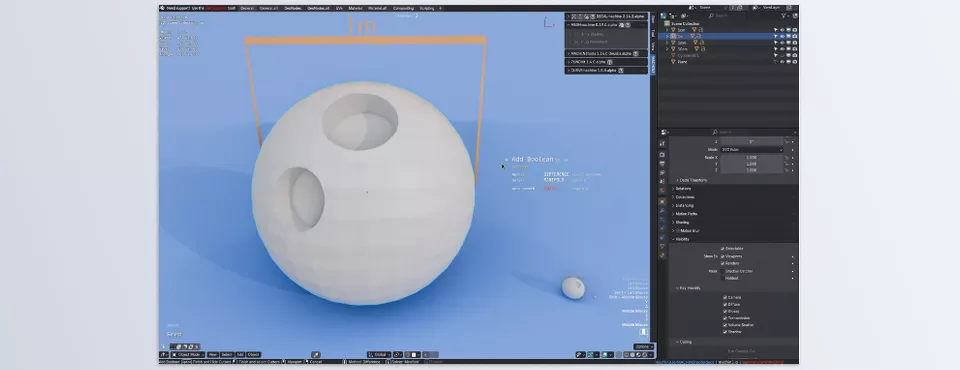
- Cleaning up Boolean intersection areas
- Automatically creating perimeter loops at intersections
- Reducing broken geometry, intersections, and overlaps
Normal and Shading Management
- Flattening and aligning normals
- Transferring normals between meshes
- Using mirror and symmetry, even with custom normals
Details and Professional Workflow
- Using Stash to keep previous mesh versions without cluttering the scene
- Adding ready-made details with Plugs
- Creating a semi–non-destructive, reversible workflow
In the end, the result of using MESHmachine is a model that looks clean and professional visually, while remaining technically editable and controllable—without every small change breaking the entire structure.
Practical Tips for Better Use
Using MESHmachine effectively is less about memorizing tools and more about understanding its workflow. Following a few simple principles can significantly increase both speed and final quality.
- Always create a Stash before applying Booleans; this keeps a safe version of the mesh and allows changes or rollbacks without rebuilding the entire model.
- Leave final bevels to MESHmachine tools instead of the Bevel Modifier; this provides more precise edge control and allows later changes without damaging the geometry.
- Use Plugs for repetitive details; by creating a detail once, you can reuse it cleanly and consistently, greatly speeding up your workflow.
- Pay close attention to normal quality; clean normals result in more natural lighting and break-free shading, and their impact is often underestimated.
- Use MESHmachine more for cleanup and refinement than rushed construction; its real strength lies in detail control and final quality improvement.
- You don’t need to be a Blender expert; MESHmachine’s workflow is designed so that even intermediate users can get results quickly.
Ultimately, these simple habits help turn MESHmachine from a complex tool into a natural part of your everyday workflow.
More Control, Better Results
MESHmachine is designed to make hard-surface modeling simpler and more controllable—an approach that shifts focus away from technical problems and back onto design. The usual results are faster workflows, fewer errors, and higher-quality final output.
With clear, practical features, this add-on gives you more precise control over edges, Booleans, and normals, ensuring that the final model looks clean and professional in both lighting and close-up views.
If you work with hard surfaces and want your models to look as organized and reliable in the final output as they do in the design stage, MESHmachine is a tool worth exploring and using.
For anyone who wants to get comfortable with Blender tools and see them in action, our Blender Tools article walks through all the features clearly and thoroughly.



