

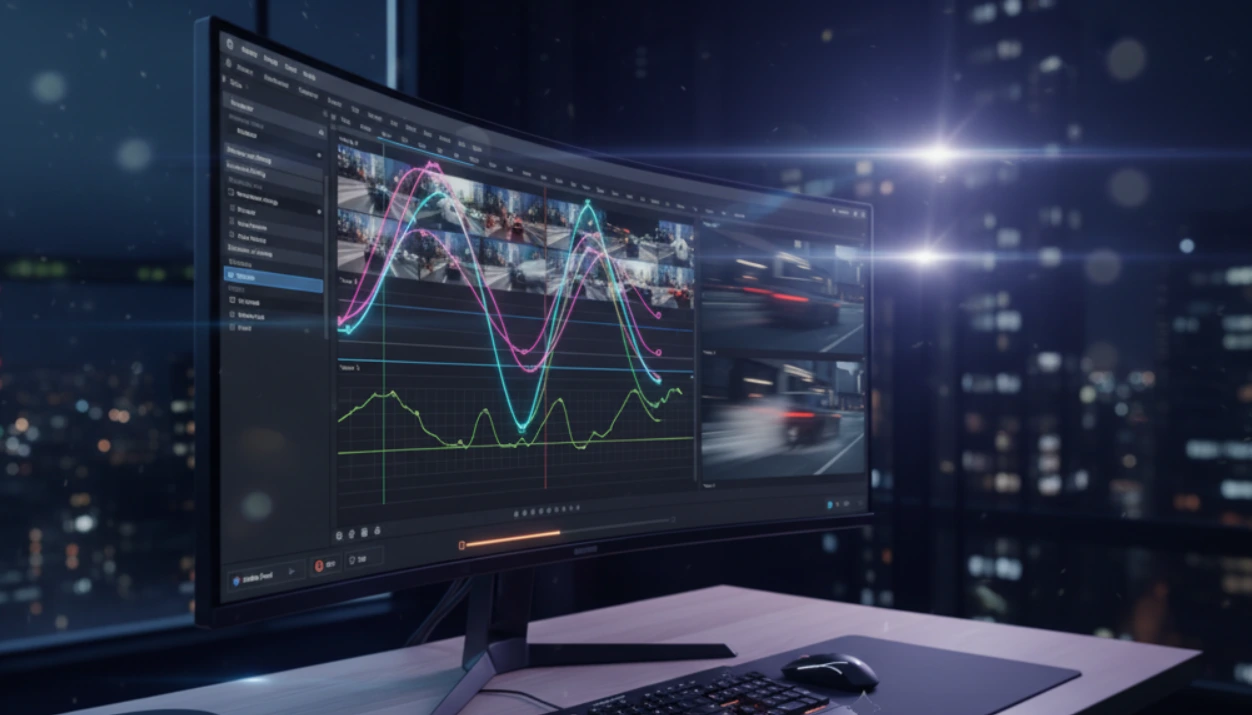
🎬 When Speed Tells the Story
Have you ever worked with the Speedramp Plugin for Davinci Resolve? Sometimes in editing, a few frames forward or backward can completely change the feeling of a scene. That golden moment when the camera slowly glides over the subject, time stretches, and the viewer sinks into the rhythm of the image for a few seconds. Or the opposite — suddenly everything speeds up, the rhythm rises, and a burst of excitement is added to the frame.
These changes might seem like just playing with speed, but in reality, they tell the story through the rhythm of the image. That’s why professional editors always use this technique to control the viewer’s emotion — ensuring every frame conveys exactly the intended feeling.
This magic is called Speed Ramping; it means gradually or suddenly changing the speed of a video to create visual and emotional impact. A technique that makes the image feel more alive, music feel more synchronized, and the story feel deeper.
Yet this magic is not always that simple to create. After all, anyone who has attempted to make speed ramps in DaVinci Resolve (or any other software) knows how much it takes to get that “cinematic, smooth motion”—keyframing, building curves, adjusting speeds and praying that the timeline doesn’t shift on you! 😅 It’s merely a speed adjustment at face value, but in reality, it’s a time suck for hours of an editor’s creative flow.

⚡ What is Speed Ramping and Why Does it Matter?
Simply put, Speed Ramping is playing with time. This technique allows an editor to change the playback speed of a clip — for example, going from slow motion to fast motion, or vice versa, from high speed to a stretched-out, calm scene.
But the truth is, speed ramping is not just a technical adjustment; it’s a visual language. It’s a tool for expressing emotion, controlling rhythm, and guiding the viewer’s eye.
📸 For example:
- In a sports video, right when the player shoots the ball toward the goal, the image slows down — the viewer hangs in that golden moment, heart racing, and then, with a speed burst, the ball hits the net.
- In a travel clip, when moving from a calm landscape to an energetic scene, a speed change helps visually convey the passage of time.
🎵 In music videos, speed ramps act like a hidden instrument:
They synchronize with the rhythm, emphasize beats, and make the visuals “dance.”
In advertising, it’s the same — the moment a product pops out of a box, or a drop of water slides across a surface, a precise speed ramp can multiply visual emphasis and appeal.
Overall, speed ramping is more than a speed effect; it’s a storytelling tool with time — as if you’re the director of time, deciding which moments stretch and which flash by. But as any director knows, executing this temporal control precisely is never easy…
🌀 Traditional Method in DaVinci Resolve: Battling Keyframes
Anyone who has tried creating a speed ramp in DaVinci Resolve even once knows this process is somewhat like solving an equation — with patience and a bit of frustration! 😅
To create even a simple speed change, you have to:
- Right-click the clip and open Retime Controls or Retime Curve.
- Set keyframes for the start and end of the new speed.
- Open the speed curve and try to create a smooth motion by dragging the curves.
- Then see the timeline get messy because the clip has shortened or lengthened!
And that’s just the beginning…
🎢 When the timeline gets messy
DaVinci changes the clip length as soon as you adjust its speed. Meaning if you’re mid-project, other clips shift, transitions jump, and audio goes out of sync. In fact, with just a simple speed change, your entire edit rhythm could break.
⏳ Keyframes, the creativity killers
Now imagine doing this not for one clip, but dozens or hundreds — each time starting from scratch: setting keyframes, adjusting curves, testing frame by frame to make motion natural.
Result?
Instead of focusing on feeling, rhythm, and story, all your energy goes into repetitive adjustments. That initial creative spark gradually fades, replaced by fatigue and frustration.
🎬 Limitations of Default Tools
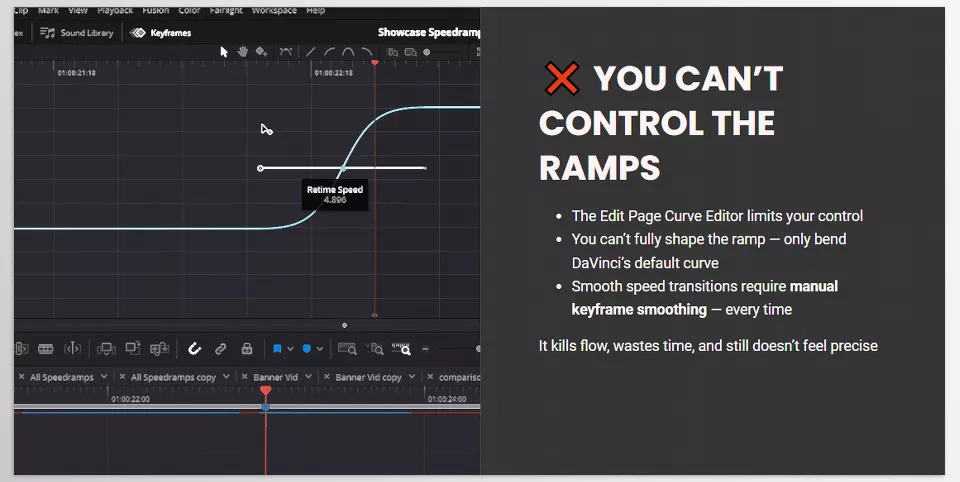
Even when using the Curve Editor, you don’t have much freedom. You can’t perfectly shape the curve as you want. Movements either become too sharp or too slow, and if you want more precision, it can take hours.
And if you mess up the speed mid-process, everything has to be reset. That’s why many editors either skip speed ramps or use them only in specific projects — because they are time-consuming, sensitive, and risky.
But the good news is, it doesn’t have to stay that way… A new tool has arrived, designed to solve this exact problem — fast, clean, and smart.
⚙️ Introducing the New Hero: SpeedRamp Plugin
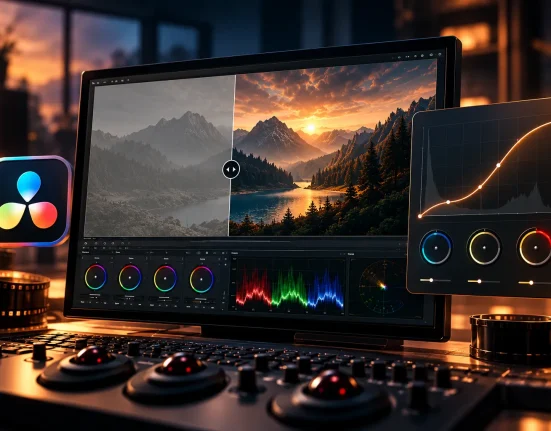
After years of wrestling with stubborn keyframes and curves, a tool has finally arrived that can change the game. A plugin that, instead of hundreds of clicks and trial-and-error, delivers cinematic results with a single click. It’s called SpeedRamp Plugin by CarVinci Resolve — a smart solution for creating clean, fast, and creative speed ramps in DaVinci.
🎯 The main idea is simple:
“Why start from scratch every time for a repetitive effect?” This question was the foundation of the plugin. SpeedRamp Plugin is designed to eliminate repetitive, time-consuming tasks so you can focus on the emotion and story of your video instead of struggling with tools.
✨ Key Features and Benefits
⚡ 12 Ready-Made Cinematic Presets
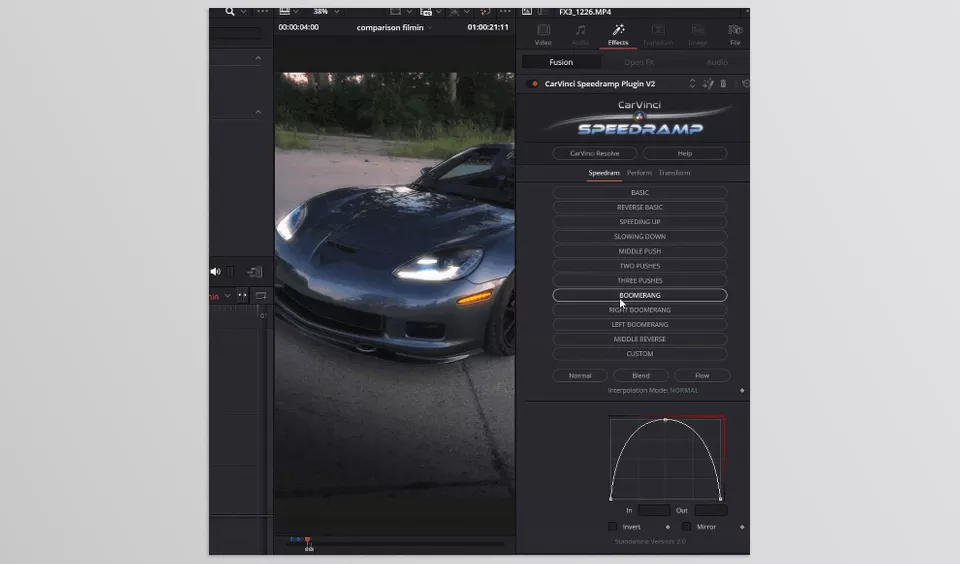
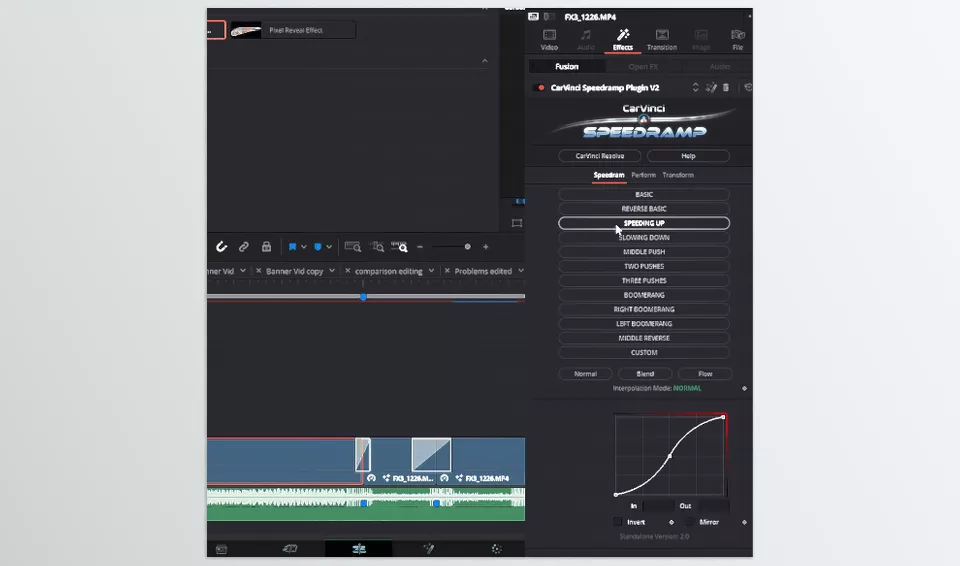
The plugin comes with twelve pre-designed speed curves — from smooth, gentle motions to fast, action-packed ramps. Just pick one, drop it on your clip, and the effect is instantly applied.
🧩 No Keyframes, No Fusion Needed
No need to open the Curve Editor or set endless points. Just drag & drop — done. The effect applies in seconds.
🔒 Timeline-Friendly
Unlike manual methods, the clip length stays intact. Nothing shifts or shortens, transitions and audio remain in place. The plugin changes speed without altering the overall project structure.
🎛 Fully Customizable
Each preset is a starting point, not the final form. You can open curves, edit points, and adjust motion precisely to your taste. High flexibility means you can create unique ramps for any project.
💻 Compatible with All Versions
Works on both free and Studio versions of DaVinci Resolve without issues.
♾ Lifetime Updates
All updates are free — always stay up-to-date with the latest curves and improvements.
💥 In One Sentence:
SpeedRamp Plugin is like a “time machine” for editors. Instead of spending hours adjusting speed and curves, you can create a fully professional cinematic effect in seconds — without messing up your timeline or focus.
🧠 Tips for More Professional Speed Ramps
Now that you know the power of SpeedRamp Plugin, it’s time to learn a few tips to make your edits shine like a cinematic editor. 🎬
🎵 1. Dance with the Beat
The first golden rule of speed ramping: sync with the music. Before ramping, listen to the track several times and find the main beats. Then adjust the effect so the speed changes exactly on the beat. This way, visuals and audio “dance” together, multiplying the energy of the video.
✏️ Tip: If using the plugin, enable Sync with Beat for automatic adjustment.
⏱️ 2. Always Define the Focus Point
Speed ramps are impactful when viewers know why the speed changed. Before applying, ask yourself: “Where do I want to draw the viewer’s eye?” Maybe it’s the moment a foot hits the ground or a water droplet falls — place the ramp to highlight those moments.
🎬 3. Combine Speed Ramps with Zoom or Camera Movement
For more natural effects, coordinate zoom or virtual camera movement with speed changes. For example, when speeding up, add a short forward zoom to enhance the sense of acceleration. This combo works especially well in action or advertising videos.
🌈 4. Use Ease, Not Jumps
A common editing mistake is sudden speed changes without smooth frame transitions. Speedramp Plugin has Transition Curves, but ensure your ramp flows. Use Ease In and Ease Out curves for softer, more natural motion.
🎥 5. Always Preview
Even the best settings might not work perfectly in the next project. Every time you add a ramp, preview it briefly and compare it with music and final rhythm.
Over time, your eye learns where speed changes best convey the intended feeling.
💡 Golden Tip
Speed ramping is not just an effect — it’s a personal signature. When used carefully and skillfully, even the simplest video can gain cinematic, story-driven impact.
🌟 Conclusion: When Tools Free Your Creativity
Ultimately, tools aren’t just about speed — they’re about freedom. Freedom from repetitive tasks, endless keyframe adjustments, and tiny timeline shifts… When you delegate part of the process to a smart tool like SpeedRamp Plugin, your mind is free for what matters most: the story itself.
In a matter of seconds, that cinematic ideal you’ve always yearned for is at your fingertips—no more fighting over curves and frames per second mistakes. This is where the process of editing is no longer an editing process, but a dance of time, sentiment, and action.
🎬 And more importantly, with the high-speed workflow that the SpeedRamp Plugin provides, you can experiment with more ideas. Previously, you might have created a ramp a few times and gotten tired after several attempts. Now, you can create dozens of versions, test the curves, and choose the best combination of speed and motion — all without wasting time, without stress, and without interrupting your creative flow.
If you enjoyed this article and wish to gain a deeper understanding of Davinci Resolve and its tools, be sure not to miss our comprehensive article covering this topic.





1 Comment