


Creating Nature in Blender: From Nightmare to Reality
Have you worked with Botaniq – Tree And Grass Library before for Blender? Digital forests and other natural spaces have always been a significant issue when it comes to design and animation. For example, if you want to create a massive natural space—big forests, extensive fields, tons of different trees, and lots of low-growing plants—you’ll find yourself spending hours placing, positioning, and scattering these assets for them to render correctly. Yet, amidst all this, your system will get bogged down trying to process everything and GPU renders might suffer too.
Now imagine if every leaf, branch, and small blade of grass could automatically react to wind, change color with the seasons, and scatter naturally—without hours of manual adjustments. This is exactly what many environmental designers and architects are looking for: a fast, optimized, and smart way to create natural environments that look realistic while keeping the system lightweight.
In today’s world, as projects become larger and more complex, the need for smart, ready-to-use tools is stronger than ever—tools that let you create diverse, living forests and natural environments with just a few clicks, without feeling exhausted or overwhelmed.

When You Have to Build Everything Manually…
When you want to create a natural scene, the first option for most users is Blender’s default tools. Usually, the process involves:
- Manual Importing of Models: Each tree, plant, or blade of grass must be imported into the scene individually.
- Using Particle System or Geometry Nodes for Scattering: These tools allow you to distribute objects over the ground or specific surfaces.
- Manual Adjustment of Variations, Scale, and Rotation: To make the scene look natural, you need to rotate or scale each model slightly.
But these methods have several major drawbacks:
- Time-Consuming and Detailed: Importing and scattering each object, especially in large scenes, can take hours.
- Difficult Optimization: Heavy and scattered models can slow down the scene, putting a strain on your hardware.
- Limited Professional Features: Advanced settings like wind, seasonal changes, or ready-made biomes are not available, and achieving these effects requires creating complex systems with Geometry Nodes.
In short, with default tools, you can build a scene—but it requires a lot of effort, time, and skill, and the result may not always be optimized or natural.
What is Botaniq and Why is it Different?
Botaniq is a massive collection of optimized natural assets for Blender, designed specifically for environment designers, architects, and game creators. This product not only provides ready-made models but also offers professional tools for managing, scattering, and customizing assets through the free Engon Addon.
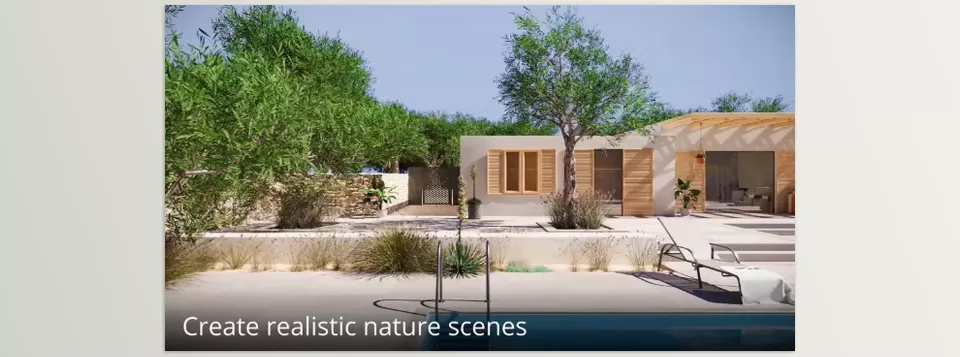
Simply put, with Botaniq, you no longer need to spend hours importing, scattering, and optimizing trees and plants manually. Everything is ready and optimized, allowing you to create realistic and dynamic natural scenes with just a few clicks.
Key Features and Practical Uses:
Massive Object Library
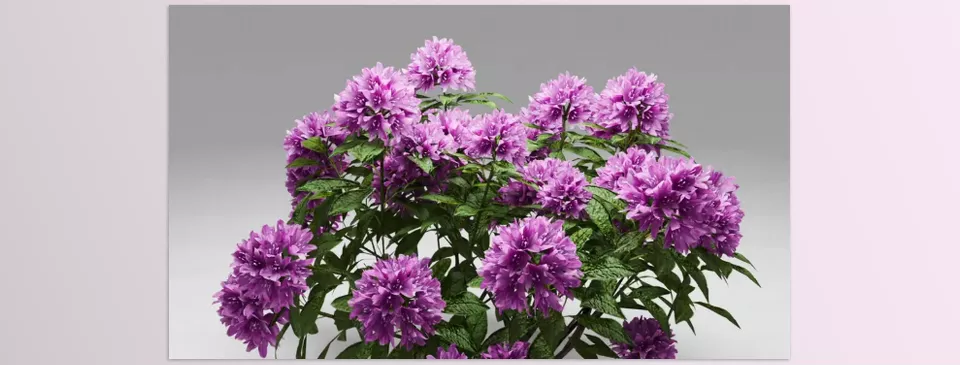
- Over 1,300 models, including diverse trees, small plants, grass, biomes, and scattering curves.
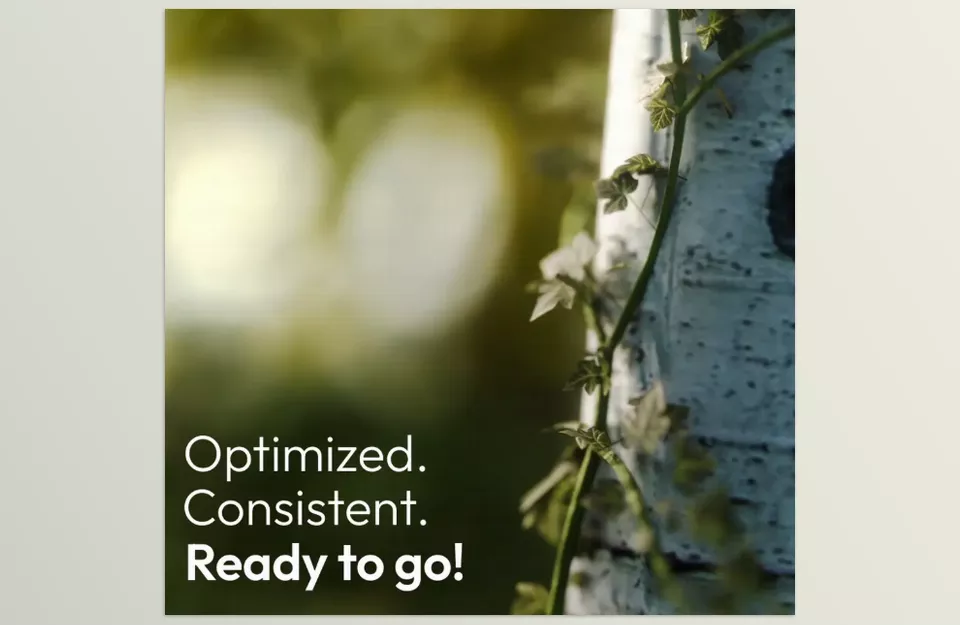
- Each model is optimized and ready to use, ensuring even the largest scenes run smoothly.
Scatter and Random Transform
- Quickly distribute objects over surfaces with a completely natural appearance.
- Random variations in size, rotation, and orientation without manual effort.
- Result: realistic natural scenes without spending too much time.
Wind Animation
- Add wind motion to leaves and plants with a single click.
- Make your scenes more lively and dynamic, especially for animations and architectural videos.
Seasonal and Color Changes
- Easily change the color, brightness, and tone of leaves and plants.
- Simulate summer, autumn, or winter in a scene without changing models or textures.
Biomes and Geolocation
- Quickly cover large areas with ready-made biomes.
- Filter objects based on geographic location to simulate real-world environments accurately.
Full Compatibility with GeoNodes and GeoScatter
- Professional control over scattering and object management.
- Suitable for large, professional projects without losing quality or speed.
Real Advantages of Using Botaniq
- Time-Saving: A few clicks instead of hours of manual importing and scattering.
- Scene Optimization: Lightweight and optimized models ensure smooth performance, even in very large scenes.
- Natural and Realistic: Random scattering and wind animation make environments feel alive.
- High Flexibility: Easily modify scenes with seasonal changes, geolocation, and scatter settings.
In short, Botaniq simplifies creating large, complex natural environments while taking project quality and realism to a professional level. If you want to build large scenes, add realistic details, and dynamic animations, Botaniq becomes an essential companion for any Blender designer or animator.
Professional Techniques and Tips
Using Botaniq makes work easier, but with a few professional tricks, you can achieve even more natural and realistic results while speeding up your workflow:
Use Scatter Curves for Precise Distribution
- When the terrain or slopes are complex, Scatter Curves let you distribute objects exactly along a path or curve.
- This is especially useful for rivers, roads, or slope edges, enhancing the scene’s natural look.
Adjust Random Transform Seeds
- Try different seeds for each object or object group to create natural variation in size, rotation, and orientation.
- Makes plants and trees appear realistic and non-repetitive.
Use Season Settings
- Change season, color, and brightness of leaves and plants with a few clicks.
- Easily create a lush summer, golden autumn, or snowy winter, without changing models or textures.
- Highly valuable for architectural projects and animations needing seasonal diversity.
Use Ready-Made Biomes for Large Scenes
- For covering large areas, use pre-made biomes instead of scattering objects individually.
- Speeds up scene creation and gives the environment a cohesive, unified look.
Combine with Particle System and Geometry Nodes (Optional)
- For more control over scattering and environmental interaction, Botaniq can be combined with advanced Geometry Nodes features.
- Result: natural, dynamic, and fully customizable scenes.
Scene Optimization
- Even in large scenes, optimized Botaniq objects ensure smooth system performance.
- For very heavy projects, divide objects into separate collections for easier management and rendering.
These tips make Botaniq not only fast and simple but also ensure the final result is professional, natural, and realistic.
Why Botaniq is Worth Trying
We all know how exhausting creating natural environments in Blender can be. Those moments when you import and scatter trees and plants one by one can take hours—and even then, the scene often doesn’t feel realistic or alive. Everyone wants an easier workflow to focus on creative aspects, not repetitive details.
Also, to make a scene feel natural, control over scattering and plant variety is crucial. Everything shouldn’t look identical; subtle movement and variation make it believable. Adding wind to leaves, changing seasonal colors, or scattering plants naturally with a few clicks brings life to the scene—without hours of complicated setup.
Ultimately, the most important factor is freedom and control. Being able to create diverse, dynamic environments without stress or tedious repetition makes working in Blender enjoyable. The goal is to make digital nature creation neither difficult nor confusing, so you can focus on your creativity with energy and peace of mind.
If you want to expand your Blender knowledge and understand how to use all Blender tools effectively, our complete guide is packed with explanations, tips, and practical examples.



