

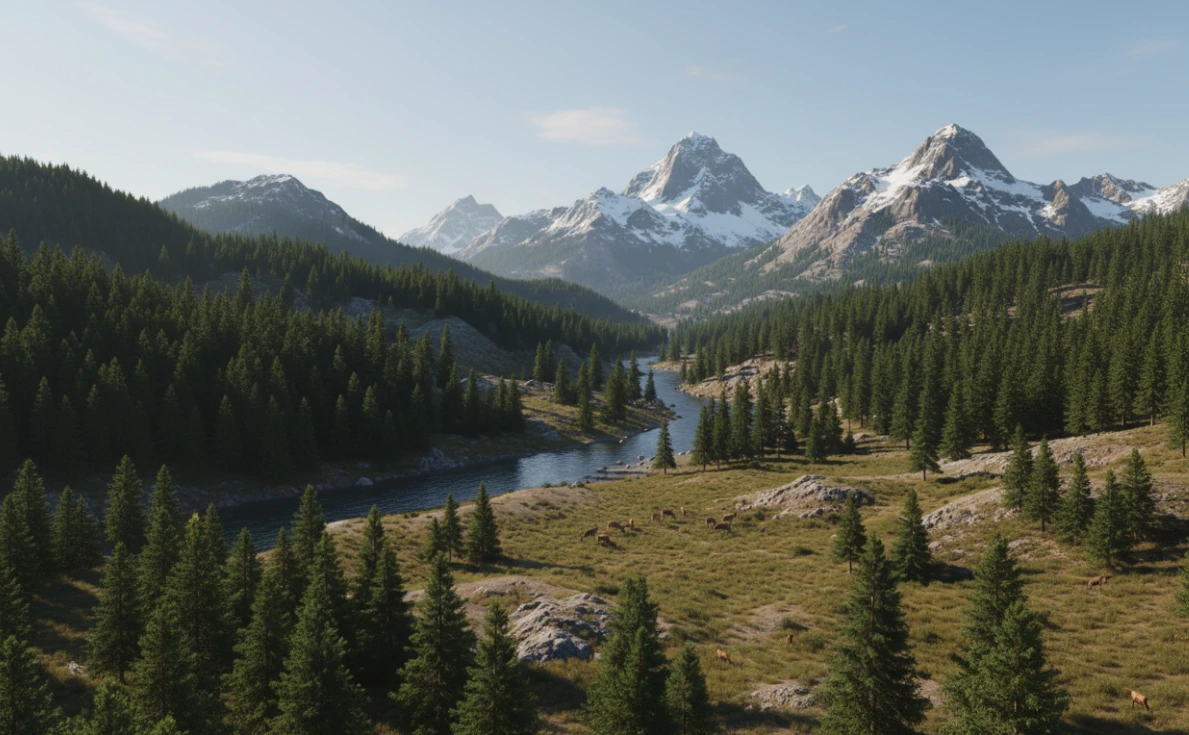
🌍 When Nature is Created with a Single Click
Do you happen to know what the True Terrain is? Have you ever wanted to create a natural landscape in Blender, but after hours of effort, all you ended up with was a weird-looking hill? 😅 Creating a realistic terrain with details like valleys, rivers, and proper mountains has always been one of the toughest parts of 3D work because it needs to look alive and natural—not like a noisy, lifeless surface.
Blender has basic tools for this, but creating a truly natural scene means hours of node setups, material adjustments, and coordinating different elements. The result usually looks more artificial than natural. This is where your creativity gets buried under a pile of settings.
Now imagine if, with just a few clicks, your terrain is generated, water shapes itself, and trees grow exactly where they should. No hassle, no complex nodes, and no hours of trial and error. This is exactly where tools like True Terrain turn you into a world-builder, not just a Blender user. 🌿

🧱 The Traditional Way with Blender
Blender itself has tools for creating terrain and can generate a simple base, but if you want a truly natural landscape, you should know it’s a bit tricky and time-consuming. Each part—terrain, water, grass, rocks, and trees—needs to be created separately, and coordinating them feels more like an adventure with modifiers and nodes than a fun creative process.
Main Tools
- Displace Modifier: To create terrain bumps and dips
- Sculpt Mode: To manually shape the terrain
- Texture Nodes: To add fine details and surface effects
Challenges of the Traditional Method
The truth is, none of these tools interacts automatically. Rivers don’t find their own path, trees don’t know where to grow, and any small change means dealing with nodes and masks all over again. Blender might even crash mid-way 😅. Ultimately, creating a natural landscape the traditional way is more of a test of patience than a creative experience.
⚡ When Professional Tools Enter the Scene
Now imagine leaving all those troubles behind and creating a realistic landscape with just a few clicks. True Terrain is exactly the tool that makes this possible. No more hours battling with modifiers and nodes or worrying about coordinating water, terrain, and trees.
What It Does
- One-Click Terrain Creation: Press a button, and the terrain is ready and editable.
- Natural Water Tools: Rivers, lakes, oceans—they all adapt automatically to the terrain.
- Ready Presets and Assets: Over 150 presets and 220 high-quality models of trees, rocks, flowers, and grass, ready to use and scatter.
- Natural Erosion: Water and wind shape the terrain for a more realistic look.
- Masks and Scatter Control: You can define exactly where plants and trees grow—on slopes, heights, or along custom paths.
Why It’s So Exciting
Instead of spending your time on coordination and complex settings, you can focus on creativity and scene design. Landscapes look alive, rivers find their own paths, and plants grow naturally on the terrain. In short, True Terrain transforms from a terrain creation tool into a professional creative assistant. 🌿
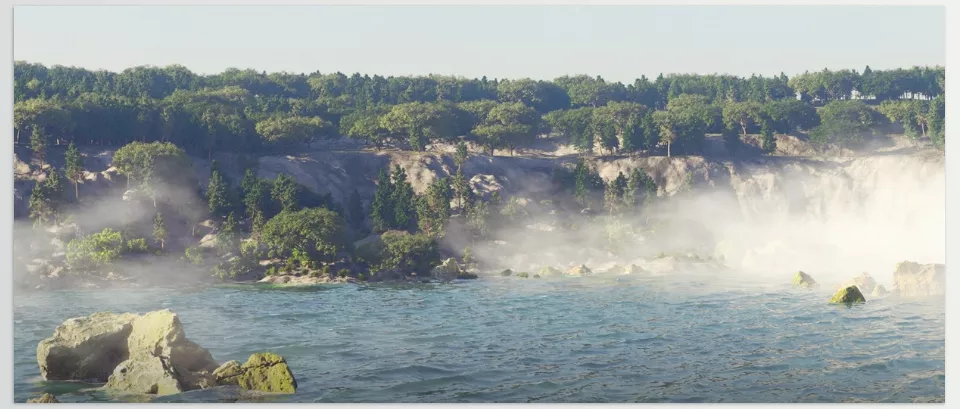
🛠 Pro Tips for Creating Natural Scenes
Even with professional tools, a few simple tips can elevate your results and make landscapes look even more realistic.
Practical Tips
- Height Mask: Determines exactly where trees and plants grow; at the bottom of valleys, on slopes, or on mountain tops.
- Wind Modifier: Adds gentle movement to plants and trees, giving life to the scene without complex simulation.
- Camera Mask: Limits scatter to the camera’s view, speeding up scene creation and easing system load.
- Combining Erosion and Water: Using Hydro or Wind Erosion alongside the water system makes the landscape look even more natural and realistic.
Friendly Advice
Experiment, rotate, adjust settings. Most features are drag-and-drop or just a few buttons, so you can focus on creativity instead of technical complexity.
🌟 Why TrueTERRAIN is Worth Trying
True Terrain isn’t just a terrain creation tool—it’s a real shortcut for creating natural, vibrant landscapes. Instead of spending hours with modifiers and nodes, you can coordinate terrain, water, trees, and plants in minutes, keeping your focus entirely on creativity and scene design. This saves time and delivers an enjoyable, inspiring experience for building believable environments.
With over 150 ready-made presets, 220 high-quality assets, and professional tools like Hydro and Wind Erosion, landscapes look natural and realistic. Rivers find their own paths, plants grow correctly on slopes, and smart masks and scatter systems ensure your scene is always organized and fast. Features like Wind Modifier and Camera Mask make scenes dynamic and alive without burdening your system.
Ultimately, if you’re looking for an easy, engaging, and entertaining way to create everything nature-related in Blender, True Terrain is the trusty companion you’ve always wanted. The terrain you create with this application won’t just be functional—it will come to life. You can create stunning landscapes and elevate your projects to a professional level, all stress-free and with genuine creative satisfaction. 🌿
If this article sparked your interest and you’re ready to improve your Blender skills, be sure to check out our full guide about Blender Tools, where we cover all the essential tools, tips, and tricks for better workflows.



