
🌌 How to Create a Professional Space Nebula Without the Hassle?
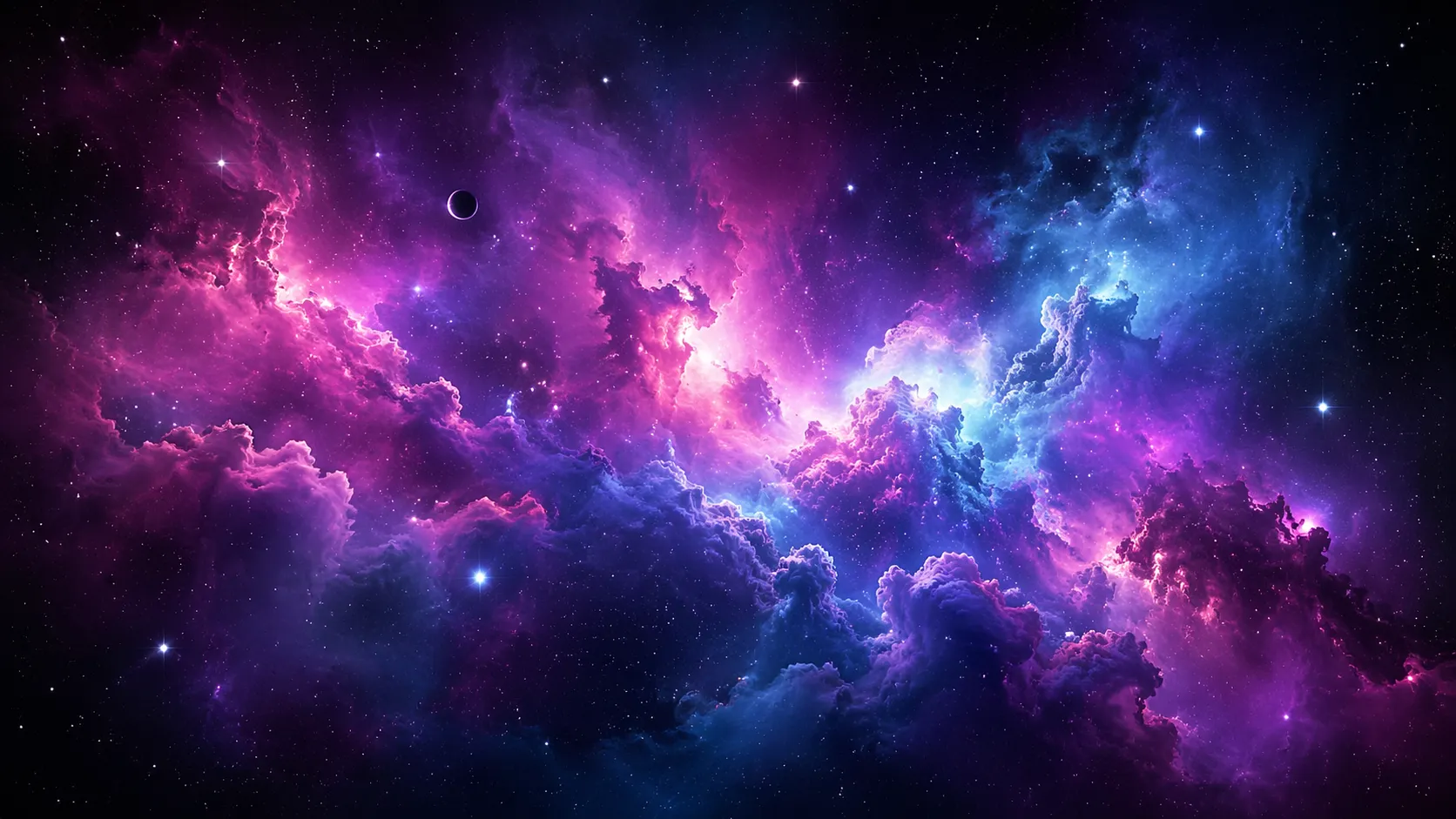
Are you aware of the Nebula Generator Addon for Blender? If you’ve ever tried to create a nebula inside Blender, you’ve probably realized it’s not just about a few colors and some simple clouds. Those soft effects, that blend of light and color, and that deep, floating feeling you see in real space images don’t come easily.
Nebulae are actually a combination of volume, light, and random patterns that need to be carefully balanced to look natural. That’s exactly what makes creating them feel more like a trial-and-error process rather than a clear path—especially if you’re aiming for a professional result.
The main challenge is that achieving that realistic look requires dealing with a lot of settings—from shaders and noise textures to lighting. The outcome isn’t always predictable, and often it either looks artificial or takes a lot of time before you reach something satisfying.

🛠 Building a Nebula from Scratch
Now the big question: can you create these effects without any special tools? The short answer is yes, absolutely. Blender itself has powerful tools that allow you to build a nebula—you just need a bit more technical effort, patience, and precision.
To achieve this, you usually need to combine several techniques, such as:
- Using Volume Shader to create a cloudy, volumetric effect
- Combining noise textures like Noise and Musgrave to shape the nebula
- Carefully adjusting lighting to create a glow and depth
- Adding stars manually or using Geometry Nodes
😵💫 Why Can This Method Be Frustrating?
Although this approach works, in practice it can be time-consuming and sometimes exhausting. The large number of settings and the strong dependency of the result on fine details mean that even small changes can affect the entire output. On top of that, achieving a natural look requires experience, and for many users—especially beginners—the result may appear artificial or hard to control.
That’s why this path is more suitable for those who are patient with trial and error or want full control over every detail.
🚀 Introducing Nebula Generator; When Everything Gets Easier
This is where tools like Nebula Generator come in and significantly simplify the difficult parts. This tool is a pre-built system inside Blender that allows you to quickly create a professional nebula without getting involved in complex node setups and technical adjustments. Instead of starting from scratch, you have a ready-made base that you can simply tweak and shape to your liking.
🎛 Full Control from a Single Panel
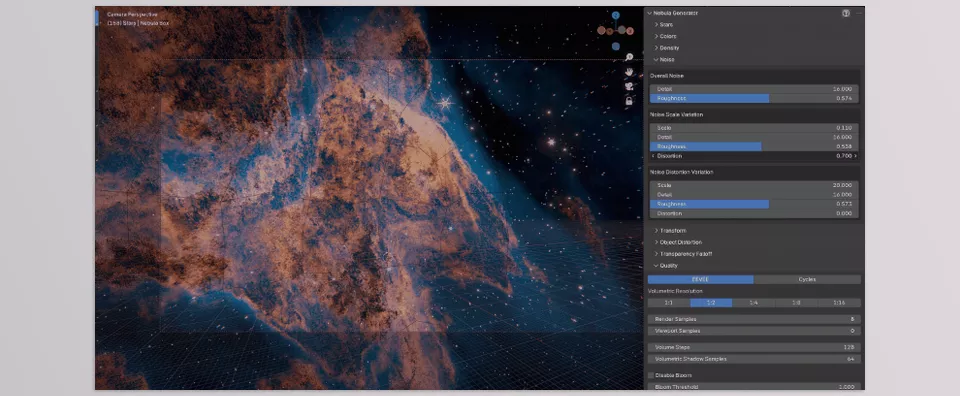
One of the most appealing features of this tool is its unified control panel. Instead of jumping between different parts of Blender, all the essential settings are in one place, allowing you to make changes quickly.
With this panel, you can:
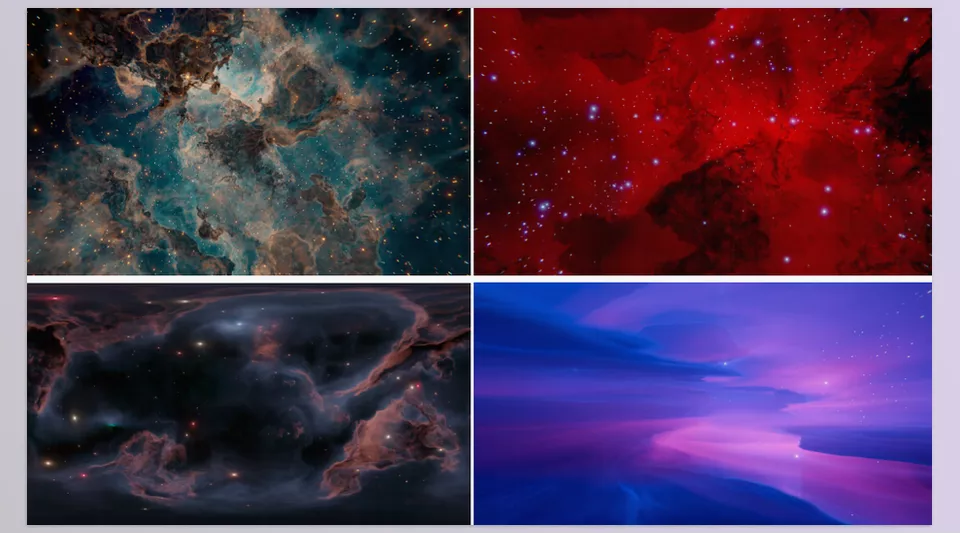
- Change the overall color of the nebula
- Modify the shape and distribution of the clouds
- Adjust the intensity and type of lighting
- Control the overall look of the scene using simple sliders
This means tasks that previously required complex node setups and extensive trial and error can now be done in just seconds.
⭐ Easy Star and Light Management
One of the time-consuming parts of the traditional method is creating and adjusting stars. Here, everything is simplified, and you can control scene details without hassle.
For example, you can:
- Increase or decrease the number of stars
- Adjust their positions
- Change their color and light intensity
All without needing to build separate systems for each one.
🎬 Creating Space Animations
Nebula Generator isn’t limited to still images. You can animate parameters and bring a dynamic, living feel to your nebula.
Some key uses:
- Smooth and natural movement of space clouds
- Gradual changes in light and color
- Creating animated backgrounds for motion graphics
This feature truly transforms your work from a simple image into a professional scene.
🌌 Suitable for Both 2D and 3D
One of the major advantages of this tool is its flexibility. Whether your project is lightweight or complex, you can use it.
- For fast and lightweight 2D backgrounds
- For deep and cinematic 3D scenes
It is also compatible with both Cycles and Eevee render engines.
🎯 Why Is This Tool Important?
Ultimately, the real value of Nebula Generator isn’t just its speed—it’s that it removes the technical burden. Instead of spending time tweaking nodes, you can focus on the mood of the scene, color composition, and your creativity.
And that’s exactly where the difference between an ordinary result and a striking output is made.
🎯 Tips to Make Your Work More Professional
If you want your final result to look truly appealing and professional, these small tips can make a big difference:
🎨 Smart Color Selection
Use harmonious and complementary color combinations, and avoid overusing highly saturated colors to achieve a more natural and visually pleasing result.
💡 Soft and Intentional Lighting
Soft lighting usually creates a better feel. If you use strong lights, apply them only to highlight specific areas so the scene doesn’t become overly cluttered.
🎬 Slow and Natural Motion
In animation, very fast movements often look unnatural. Smooth and gradual motion creates a more realistic sense of space.
🌌 Layered Workflow for More Depth
Use multiple nebula layers with varying intensities and details to add depth and make your scene look more professional.
✨ Don’t Underestimate Details
Small adjustments in lighting, color, or density can significantly impact the final output, so make sure to fine-tune them carefully.
In the end, it’s these small details that separate an ordinary result from a more professional and polished one. The more you experiment with these tips, the closer you’ll get to your desired style.
🔥 When Time Matters, Good Tools Become Essential
While it is possible to create a nebula without any tools, it is not always the most practical route. Tools like the Nebula Generator can help save you hours of work and replace them with minutes of work, all whilst maintaining the same high quality of the generated nebulae.
You can essentially leave behind any struggles with the software and instead focus on the important aspects of creating a nebula: the design, the atmosphere, and the inherent creativity of the process.
For those who are even slightly serious about the design, motion, and creation of space scenes, such a tool is more than just a helpful program for creating nebulae – it is a professional shortcut that can increase your speed in creating them and still maintain their quality. Thus, you will save yourself time, energy, and even your sanity 😄
If you want a friendly, easy-to-understand walkthrough of Blender tools and how to use them in your projects, our Blender Tools article covers it all in detail from start to finish.