When a Scene Needs an Explosion…
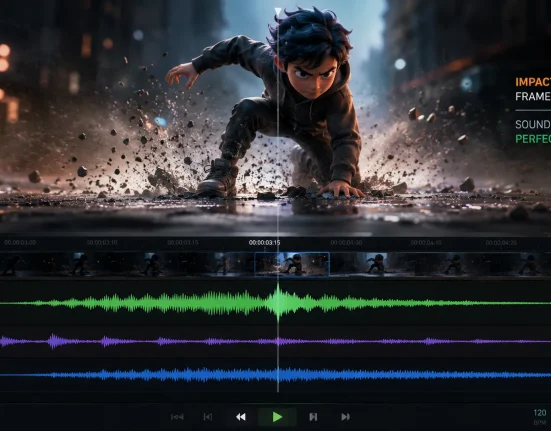
Are you familiar with how the RBDLab works? In every project, there’s a moment when everything is going smoothly… until something needs to explode or break. That very moment, which was supposed to multiply the excitement, usually turns into the most challenging part of the project. Creating a realistic crack on a wall or breaking an object seems simple on paper—but when you actually tackle it, you realize it’s far more complex than it looks.
Cracks need depth, pieces need to feel their weight, dust must emerge from the breaks… These are not things that can be solved in a few tidy animation frames. Each has its own physical behavior that must be simulated correctly, and that’s why destruction scenes are always a headache for artists.
That’s why, when we reach this stage, we often look for a tool that reduces these hassles—a solution that gives more control, produces more natural results, and speeds up the process. Because in some cases, standard tools just don’t cut it, and you need a more professional approach.

Traditional Methods – Blender Can… But Not That Easily
Blender comes with a set of basic simulation tools that usually work well for getting started. These tools include:
- Rigid Body → for simulating rigid object movement and collisions
- Cloth and Soft Body → for simulating fabric, ropes, or flexible objects
- Smoke and Dust → for creating smoke, dust, and subtle environmental effects
- Boolean Modifier → for cutting, fragmenting, and preparing objects for breaking
For simple tasks and small simulations, these tools are sufficient and generally produce acceptable results. But when we move into complex, realistic scenes, the limitations become apparent, and you realize that many things cannot be achieved with just the default tools.
Real Limitations and Challenges
When you try to create controlled collapses, precise breaking, or simultaneous interactions of rigid and soft objects, you face many challenges:
- Precise and controllable fracturing → practically non-existent. Cracks and breaks are either too simple or unpredictable, making it impossible to match your vision.
- Cloth and Rigid Body don’t work together → A realistic shot where fabric interacts naturally with a rigid object is nearly impossible in Blender.
- Creating debris and dust → time-consuming and tedious. Each particle must be generated, simulated, and coordinated with the rest of the scene.
- Deforming metal → results often look artificial, even with extensive effort.
- Synchronizing multiple systems → combining several simulations often causes one to fail and ruins the entire scene.
All of these make serious projects time-consuming, complex, and stressful. Even with all efforts, achieving a fully realistic result can feel out of reach.
That’s why many artists feel that once their project goes beyond simple setups, Blender alone isn’t enough. A professional tool can simplify the process, provide more control, reduce simulation time, and ultimately deliver natural and reliable results. This is exactly where the difference between default methods and professional tools becomes evident, often deciding whether a high-level project succeeds or not.
Introducing RBDLab – When a Tool Does the Hard Work for You
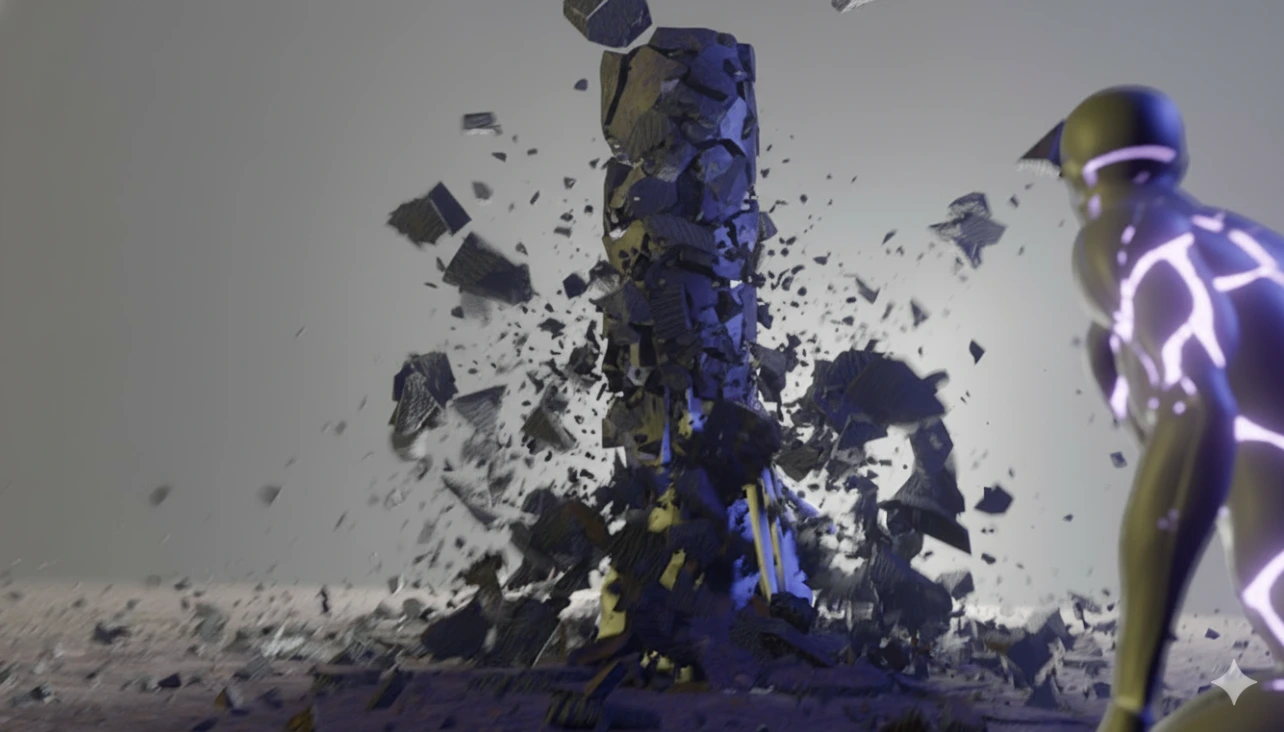
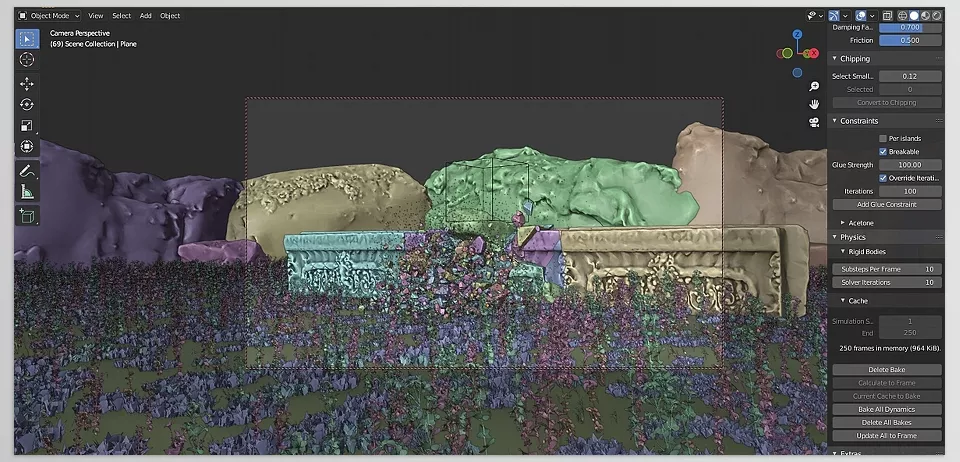
Imagine you are creating a destruction shot: a stone column shatters, particles scatter through the air, dust fills the environment, and metal crumples under impact. Doing this with Blender’s default tools takes hours, but the RBDLab makes it fast, controllable, and natural.
RBDLab is a professional Blender add-on that essentially brings a full simulation engine inside Blender. Version 1.6, with new features, has made the simulation experience simpler, faster, and more precise, adding capabilities that were previously hard to even imagine.
🔶 1. Advanced Fracturing System (RBDLab Fracture)
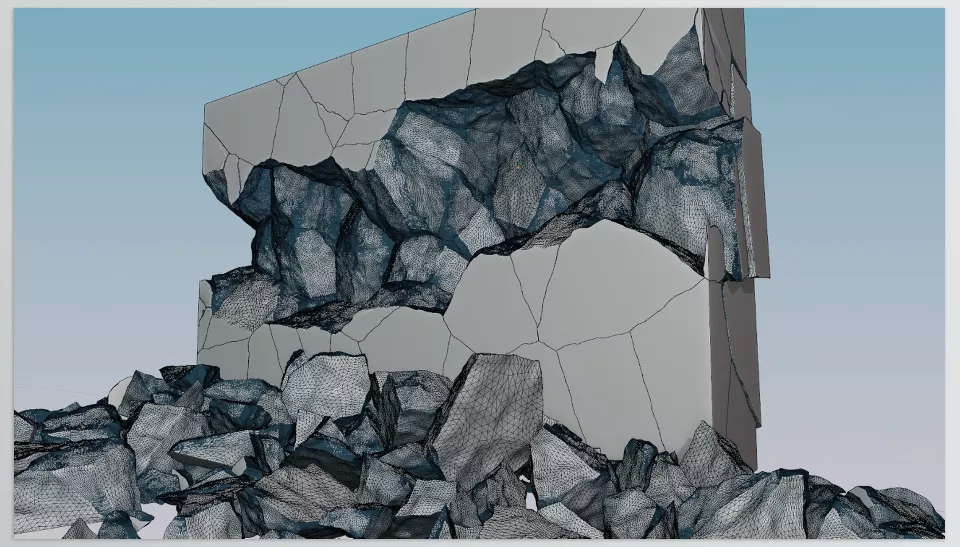
- Precise and fast fracturing → Shatter any object exactly as you envisioned.
- Built-in detailing tools → Make cracks and breaks look natural and cinematic.
- Special fracture shapes → Such as spherical fractures that produce seamless and realistic cracks.
Practical Applications:
- Creating collapsing walls in action scenes
- Breaking stones, glass, or building materials
- Small explosions with detailed cracks and fragments
🔶 2. Realistic RBD Simulation
- Debris, dust, and smoke → Automatically added and synced with the main simulation.
- Natural object behavior → Collisions, falls, and breaking follow real physical rules.
- Support for large scenes → Create extensive collapses and cinematic explosions.
Practical Applications:
- Simulating rubble collapse in films or industrial ads
- Creating motion graphics explosions with detailed dust
- Building urban destruction scenes or natural environments for games and cinema
🔶 3. MetalSoft – Metal Deformation and Breaking
- Crumpling car bodies → Realistic bending and impact simulation of metal.
- Tearing or breaking metal sheets → For industrial or cinematic effects.
- Cinematic realism → All metal movements appear natural and believable.
Practical Applications:
- Depicting car crashes in animation or ads
- Creating industrial destruction effects, such as breaking steel plates
- Simulating the bending and crumpling of metal in action or cinematic scenes
🔶 4. Cloth and Soft Body with Rigid Bodies
- Real fabric interaction with rigid objects → Now possible in Blender.
- Simulation of ropes, soft objects, and crushed fabrics → Fully combinable with destruction scenes.
Practical Applications:
- Clothing or flags reacting naturally to explosions and wind
- Ropes or cables colliding with rigid objects
- Destruction scenes involving fabrics, curtains, or soft covers
🔶 5. Professional Export Tools
- One-click Alembic and USD export → For professional and studio-level projects.
- Easy management of simulations and elements → For editing later or transferring to other software.
Practical Applications:
- Quickly transferring simulations to other software for professional rendering
- Studio pipeline integration for combining scenes
- Sharing simulations with large teams
🔶 6. Demo Scenes
- Pre-made scenes for learning and testing
- Perfect for a quick start or analyzing advanced projects
Practical Applications:
- Learn new features quickly without starting from scratch
- Reference for complex shots or cinematic effects
- Test ideas and techniques before applying to real projects
A stone column shatters, particles fly through the air, and a cloud of dust rises—all achievable in minutes with the RBDLab. No more manually adjusting every particle, coordinating fabric with metal, or struggling to make simulations look natural.
Professional Techniques to Get the Best Results with the RBDLab
RBDLab simplifies many tasks, but a few professional tips can make results even faster and more realistic:
- Use proxies for heavy scenes → Lighter versions of objects speed up simulations, then details are applied to the main model.
- Take advantage of the new Geometry Nodes → Fracture and debris calculations become more precise and instantaneous.
- Create debris in multiple size layers → Large, medium, and small for a natural, cinematic look.
- Normal data transfer for spherical fractures → Cracks become seamless and uniform.
- Add smoke and dust after the main simulation → More control and realistic results.
Following these tips reduces simulation time, improves realism, and gives full control over details—turning RBDLab into a professional companion for cinematic destruction scenes.
Conclusion – One Small Tool, One Big Upgrade
RBDLab is one of those tools that, once used, makes it hard to go back to conventional methods. Everything—from shattering objects, deforming metal, to fabric interactions with rigid bodies—is now easy, controlled, and natural. No more spending hours manually aligning details or syncing elements.
This add-on truly removes the complexity of building destruction scenes and advanced simulations while delivering results that are fast, reliable, and realistic. Whether creating cinematic explosions, collapsing buildings, or breaking small objects, the RBDLab gives you complete control over every detail and produces professional output.
For any VFX artist, animator, or motion designer, having a tool like this opens new doors for creativity and speed. Now you can build scenes that previously existed only in your imagination—without the hassle of default tools—and execute projects at the quality you’ve always dreamed of.
For anyone eager to become proficient in Blender, our guide about Blender Tools offers a thorough breakdown of all tools, practical tips, and real project examples to ensure that you not only learn but can confidently apply your skills.