

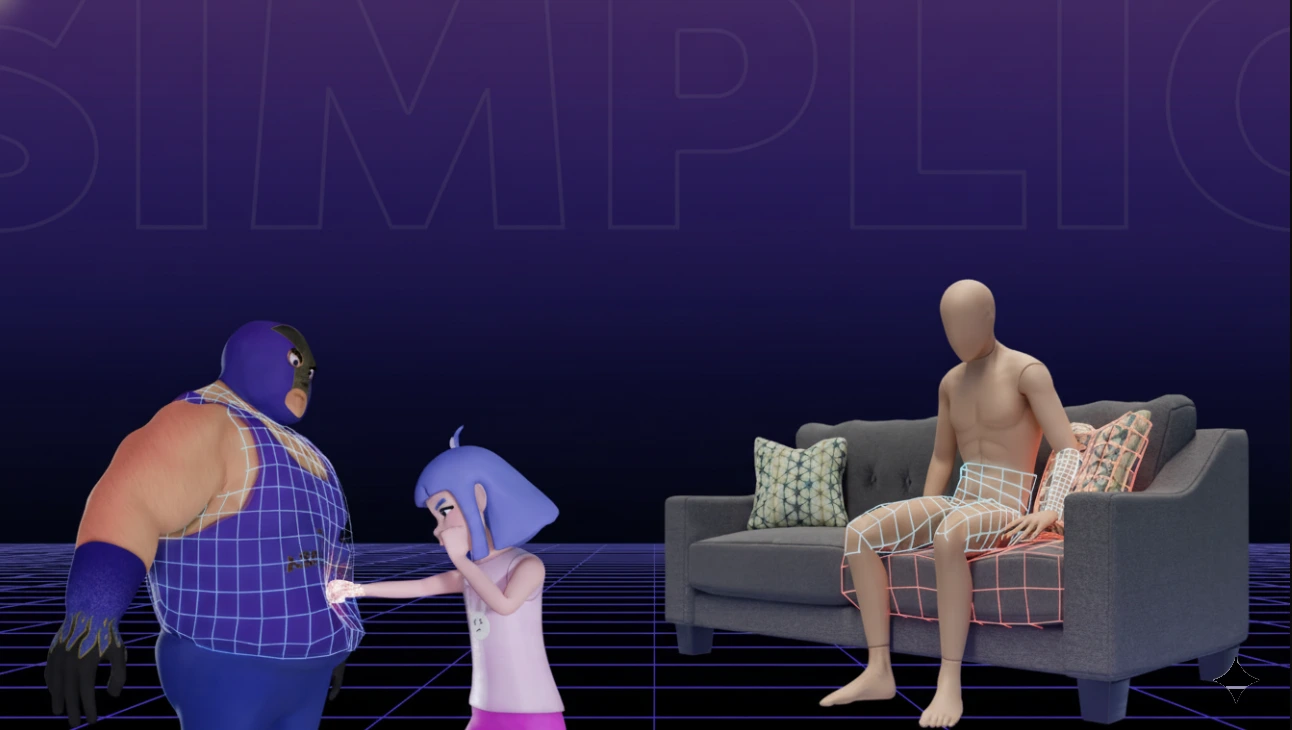
When Fabrics Rebel Against Physics…
Have you tried the Simplicage at any point? If you’ve ever worked with cloth simulation, you’ve probably noticed garments behaving unstably, or having to test and tweak everything multiple times. Sometimes the cloth stretches, or it reacts strangely when it collides with other objects.
These issues usually stem from the complexity and heaviness of the main mesh. When the mesh is dense, the simulation becomes slow and unstable, and even minor adjustments in settings can ruin everything.
The result? Cloth simulation for character clothing or props becomes a time-consuming and stressful task. Especially in serious projects, you need a fast, reliable solution that’s both natural and controllable, so you’re not forced to rebuild everything from scratch constantly.

Why Cloth Simulation Needs a “Physics Cage”
When it comes to cloth simulation, it doesn’t matter how detailed or beautiful your model is. What truly matters is having a simulation that’s smooth and controllable. A heavy, high-detail mesh can often be the physics system’s biggest enemy, causing unnatural cloth movement and long, error-prone calculations.
What Is a Physics Cage?
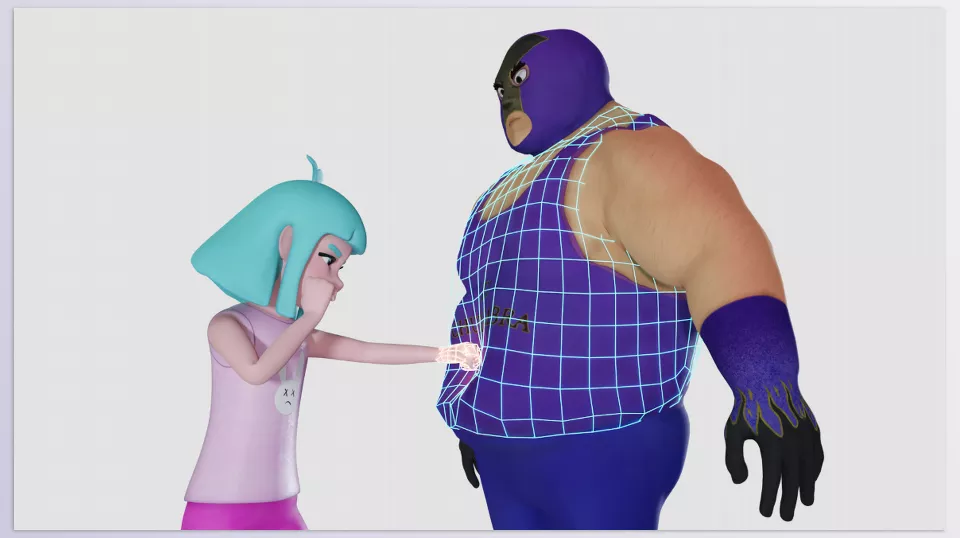
A Physics Cage is a simplified, lightweight version of the main mesh, used solely for physics calculations. Once the simulation is run on the cage, the main mesh follows its movements.
In simple terms, the main mesh represents the final visual result, while the cage manages and calculates the physics.
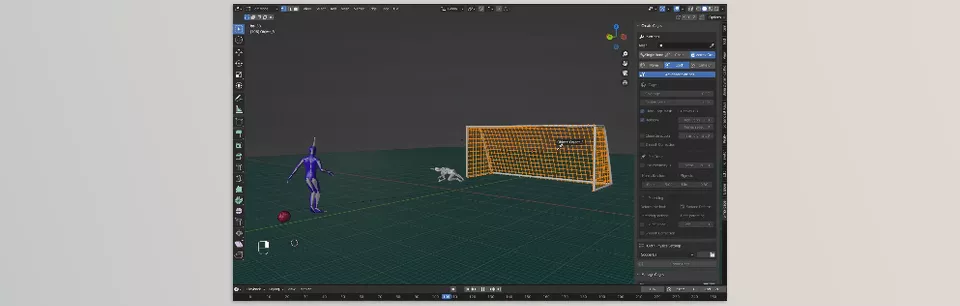
Real-World Applications
- Character Clothing: Jackets, capes, pants, or any clothing that moves with the body
- Straps, Belts, Flags: Anything that needs to move naturally with the character
- Decorative Fabrics: Cloth or drapery in cinematics and environmental animations
Why It Matters
Using a Physics Cage stabilizes the simulation: garments no longer behave unpredictably, sticking or bouncing unnaturally. Calculations are faster, collisions are more accurate, and interactions with other objects look natural—all without constant manual adjustments.
Ultimately, the result is a reliable, natural animation that saves time and ensures your character’s clothing and props move realistically.
Doing It Without an Add-On
Blender provides all the tools needed for cloth simulation, but the workflow is entirely manual and time-consuming. For a precise simulation, you generally have to go through these steps:
Common Steps
- Duplicate the Mesh: Create a copy of the main mesh for simulation
- Decimate or Retopo: Simplify the mesh for faster, more stable physics
- Create Vertex Groups: Control weights and Cloth Modifier influence
- Set Up the Cloth Modifier: Adjust physics parameters, stretch, and cloth resistance
- Create Separate Collisions: Define objects and surfaces the cloth interacts with
- Test and Bake Repeatedly: Correct results and repeat until the simulation behaves naturally
Limitations & Pain Points
- Time-consuming and tedious: Each step requires precision and patience
- High risk of human error: A single wrong setting can break the simulation
- Hard for recurring projects: Steps must be repeated every time
- Minor changes = full rework: Even small changes in the mesh or physics require a complete review
This method works for simple or experimental projects, but for complex character clothing, it quickly becomes unpredictable. This is where a professional solution makes a real difference—faster, more reliable, and less stressful.
Simplicage: When the Physics Cage Builds Itself
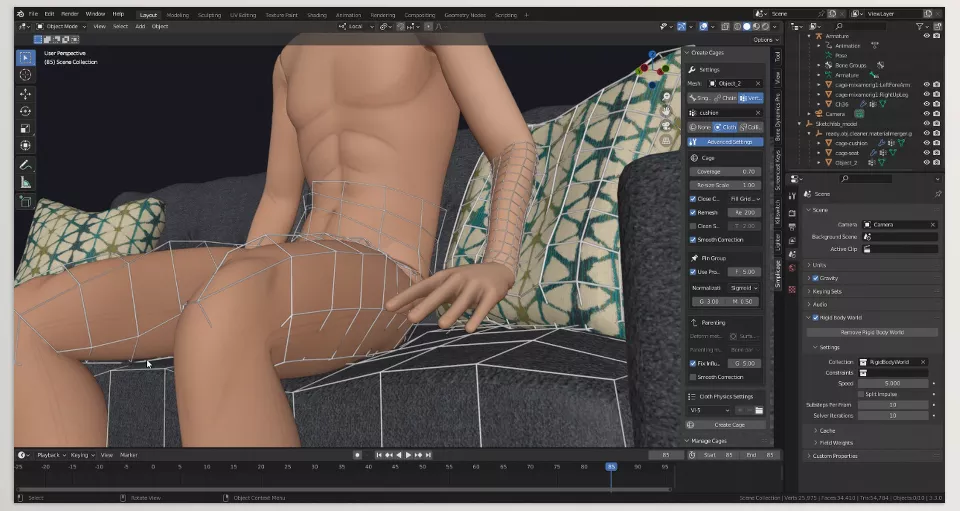
This is where Simplicage shines. This professional Blender add-on automatically creates a ready-to-use Physics Cage for cloth simulation, without hours of manual work or complex setup.
In simple terms, Simplicage automates all the hard, manual steps of building a Physics Cage. No more simplifying meshes, creating Vertex Groups, manually defining collisions, or repeatedly baking simulations. Everything is done smartly and quickly, leaving you with a final result you can apply to the main mesh.
Key Features & Applications
Simplicage offers multiple tools to make cloth simulation faster, reliable, and simple:
- Physics Cage from Mesh, Bones, or Vertex Groups: Use the character’s main mesh, bones, or vertex groups to automatically generate the appropriate cage
- Intelligent Collision Creation: Collisions are generated automatically for natural interaction, preventing garments from sticking to themselves or other objects
- Ready-Made Presets: Includes presets for common scenarios like capes, jackets, pants, or straps
- Multi-Cage Management & Fast Baking: Handle multiple simulations or garments and bake them with a single click
Real-World Impact: Why It’s Worth It
Suppose you want to simulate a cape on a character. Without Simplicage, you’d have to:
- Duplicate and simplify the main mesh
- Set up collisions
- Create Vertex Groups
- Adjust the Cloth Modifier
- Bake and tweak multiple times
With Simplicage, all these steps happen automatically. You only get the main mesh with natural, stable cloth movement.
Result:
- Faster, more stable simulations: Capes, clothing, or straps move without instability
- Less manual tweaking: Almost everything works the first time correctly
- Realistic, reliable animation: Characters move naturally with their garments and equipment
In short, Simplicage saves time, reduces human error, and lets you focus on the creative aspects of your project, not the physics headaches.
Pro Tips for Better Results
Even with Simplicage, a few simple tips can enhance simulation quality and make your workflow smoother:
- Don’t oversimplify the Physics Cage: If the cage is too basic, the simulation looks unrealistic, and garments may move unnaturally. Aim for a balance between simplicity and detail
- Prefer Collisions from Bones: Bone-based collisions produce more stable and natural movement, better syncing clothing with the character
- Use Presets as a starting point: Default settings accelerate your workflow, but always review details before baking
- Test briefly before baking: A short simulation helps spot minor issues early, saving time
- Good Cage = Hassle-Free Cloth: A properly built cage ensures smooth, natural, and reliable simulation without constant manual corrections
These tips are easy to apply, even for beginners, allowing professional and natural results with minimal experience.
Summary: Lightweight Physics, Professional Results
Simplicage isn’t magic—it’s not going to solve all your cloth simulation woes—but it transforms a lengthy, intricate process into one that’s quick, reproducible, and secure. Gone are the days of heavyweight meshes and fancy collisions; gone are the days when small tweaks break everything.
When working with clothing, capes, straps, or any type of cloth in character and animation projects, Simplicage is more than an add-on: it’s a professional tool for managing physics and simulating cloth with ease. It ensures natural, stable movement for garments and equipment without constant fiddling with complex settings.
Ultimately, using Simplicage saves real time and energy. You can focus on creativity and design, rather than physics hassles, delivering projects that look realistic and professional.
Take a systematic approach to mastering Blender with our step-by-step Blender Tools guide, designed to introduce each tool clearly and show you how to integrate them effectively into your projects from start to finish.



